C# (pronounced “C Sharp”) is a modern, object-oriented programming language developed by Microsoft. It’s widely used for building desktop apps, web apps, mobile apps, and games (especially with Unity).
1.Your First C# Program
A simple C# program looks like this:
using System;

class Program
{
    static void Main(string[] args)
    {
        Console.WriteLine("Hello, World!");
    }
}
Explanation:
using System;→ imports basic functionality (likeConsolefor input/output).class Program→ defines a class (the building block of C# programs).static void Main(string[] args)→ the entry point of every C# application.Console.WriteLine()→ prints text to the screen.
2.Variables & Data Types
C# is strongly typed, meaning each variable has a specific data type.
int age = 25;             // Integer
double price = 19.99;     // Decimal numbers
char grade = 'A';         // Single character
string name = "Alice";    // Text
bool isStudent = true;    // True/False
3.Operators
int a = 10, b = 5;

Console.WriteLine(a + b); // 15 (addition)
Console.WriteLine(a - b); // 5  (subtraction)
Console.WriteLine(a * b); // 50 (multiplication)
Console.WriteLine(a / b); // 2  (division)
Console.WriteLine(a % b); // 0  (remainder)
4.Control Flow
If-Else
int age = 18;

if (age >= 18)
    Console.WriteLine("You are an adult.");
else
    Console.WriteLine("You are a minor.");
Switch
string day = "Monday";

switch (day)
{
    case "Monday":
        Console.WriteLine("Start of the week!");
        break;
    case "Friday":
        Console.WriteLine("Weekend is near!");
        break;
    default:
        Console.WriteLine("Another day.");
        break;
}
5.Loops
For Loop
for (int i = 1; i <= 5; i++)
{
    Console.WriteLine("Number: " + i);
}
While Loop
int count = 1;
while (count <= 5)
{
    Console.WriteLine("Count: " + count);
    count++;
}
6.Arrays
string[] fruits = { "Apple", "Banana", "Cherry" };

foreach (string fruit in fruits)
{
    Console.WriteLine(fruit);
}
7.Methods (Functions)
static int AddNumbers(int x, int y)
{
    return x + y;
}

Console.WriteLine(AddNumbers(5, 10)); // Output: 15
8.Classes & Objects
class Car
{
    public string Brand;
    public int Year;

    public void Start()
    {
        Console.WriteLine(Brand + " is starting!");
    }
}

// Using the class
Car myCar = new Car();
myCar.Brand = "Toyota";
myCar.Year = 2020;
myCar.Start(); // Toyota is starting!
Summary:
- C# is object oriented and strongly typed.
- Key concepts: variables, operators, control flow, loops, arrays, methods, and classes.
- It’s powerful for games, apps, and enterprise software.

Razer
Razer Basilisk V3 Pro 35K Wireless Gaming Mouse: HyperScroll Tilt Wheel – 35K DPI Optical Sensor Gen 2-13 Customizable Controls – Chroma RGB – Optical Switches Gen 3 – Up to 140 Hr Battery – Black

Ultimate Mobile Controls – Plug & Play
Take your mobile game to the next level with this ready-to-use Mobile Controls Pack. customizable mobile controls without wasting days on UI and input setup. Perfect for 2D, 3D, FPS, RPG, Platformer, Shooter, and Casual mobile games.

Beats-Studio Pro Cancelling Headphones
Beats Studio Pro – Wireless Bluetooth Noise Cancelling Headphones with USB-C Charging Cable (20 cm) – Jet Black

KOORUI
KOORUI 24.5 Inch Gaming Monitor 200Hz, 1ms, FHD(1920 * 1080p) IPS Display, HDR400, 90% DCI-P3 Color Gamut with Adaptive Sync, HDMI & DP Port, Black, G2511P
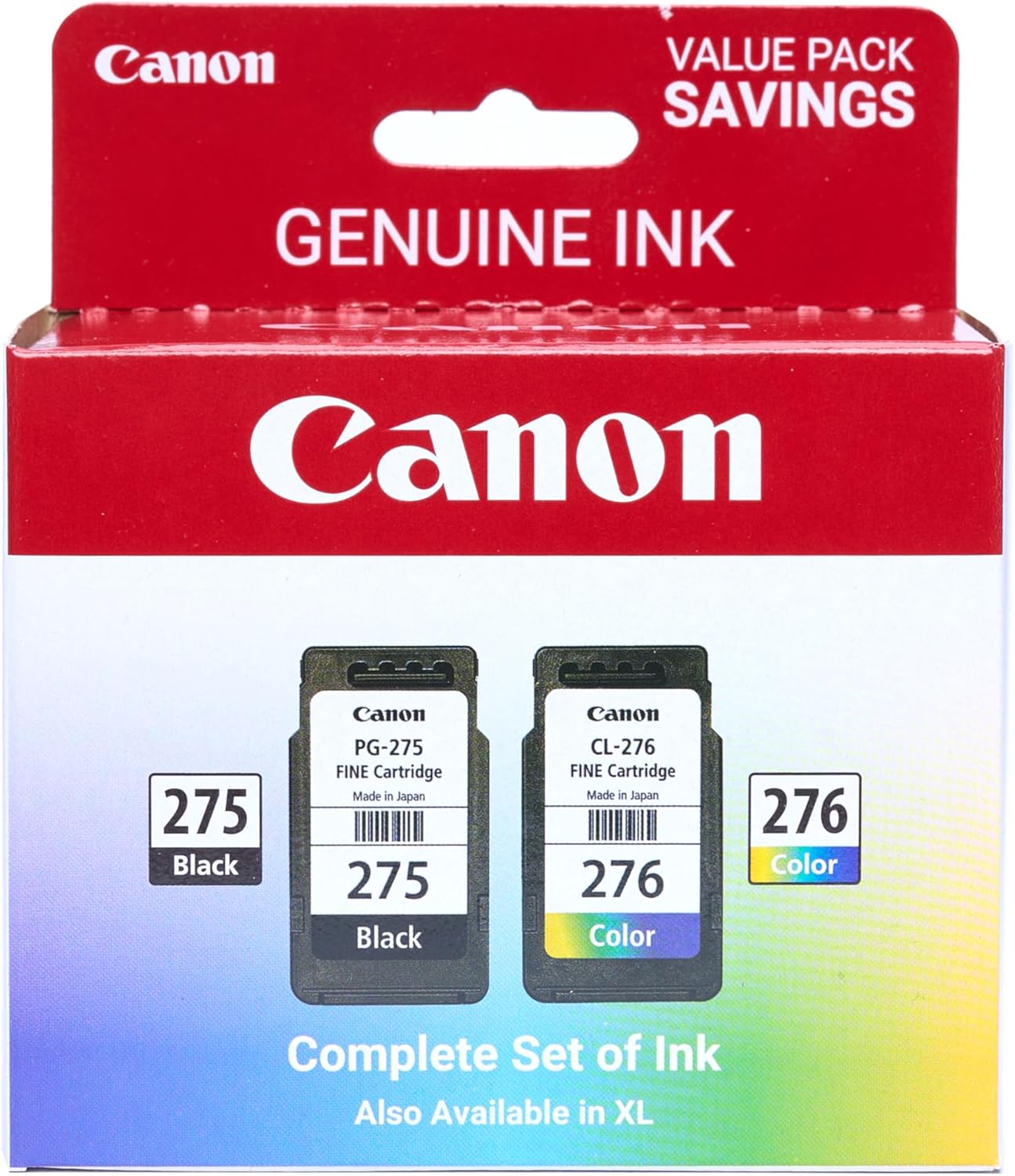
Canon PG-275
Canon PG-275 / CL-276 Genuine Ink Value Pack (2 Cartridges), Compatible with TS3520/3522/4722/3720/3722, TR4720
Leave a Reply