
Introduction
Unity VR is a powerful tool for developing immersive virtual reality experiences. As VR technology becomes more accessible, developers are turning to Unity VR to create interactive games, simulations, and applications. Unity provides the flexibility, performance, and ease of use required to design compelling VR environments across multiple devices, from Oculus and HTC Vive to PlayStation VR and AR/VR headsets. Whether you are a beginner or an experienced developer, Unity VR allows you to push the boundaries of immersive storytelling.
Why Unity VR is a Leading VR Development Platform
Cross Platform VR Support
Unity VR supports a wide range of VR hardware, including Oculus, HTC Vive, Valve Index, PlayStation VR, and Windows Mixed Reality. This allows developers to create content that reaches the largest audience possible.
Beginner-Friendly Interface
Unity VR combines an intuitive editor with powerful tools for VR development. Visual scripting, prefabs, and pre-built VR templates simplify the learning curve.
Extensive Asset Store
Unity’s Asset Store offers VR specific assets such as 3D models, locomotion systems, interactive tools, and environment packs, speeding up development.
Strong Community and Resources
Unity VR has a large community with tutorials, forums, and Unity Learn courses. www.polycode.tech also provides structured guides and best practices for VR developers.
Getting Started with Unity VR
1. Setting Up Your Development Environment
- Download Unity and Unity Hub from the official site.
- Install the LTS (Long-Term Support) version for stability.
- Add VR platform modules, such as Oculus or OpenVR, in Unity Hub.
2. Creating a VR Project
- Start a new 3D project with VR template.
- Import VR packages and SDKs such as XR Interaction Toolkit.
3. Designing VR Environments
- Use 3D models and prefabs from Asset Store or create your own.
- Add lighting, textures, and audio for a fully immersive experience.
4. Implementing VR Interactions
- Add locomotion systems for player movement.
- Implement hand tracking and interactive objects.
5. Testing and Optimization
- Test frequently on your target VR device.
- Optimize assets, scripts, and lighting to maintain smooth frame rates for VR comfort.
Advanced Unity VR Features
XR Interaction Toolkit
Unity’s XR Interaction Toolkit simplifies VR interactions like grabbing, throwing, teleporting, and menu interactions without complex coding.
Physics and Animation in VR
Realistic physics and character animations enhance immersion. Unity VR allows for accurate object collisions, gravity, and interactive elements.
Audio and Spatial Sound
Spatial audio is crucial in VR. Unity supports 3D audio to create realistic soundscapes that match player movement and interactions.
Networking and Multiplayer VR
Unity allows multiplayer VR experiences through built in networking solutions. Players can interact in real time in shared virtual environments.
Analytics and Cloud Build
Use Unity Analytics to track user behavior and improve VR experiences. Cloud Build automates deployment to multiple VR devices.
Popular VR Projects Developed with Unity
Unity VR has been used to create some of the most engaging VR content:
- Beat Saber – Rhythm based VR game.
- The Climb – Immersive VR rock climbing experience.
- VRChat – Social VR platform for interaction and creativity.
- Moss – Story driven adventure game with VR interaction.
These projects highlight Unity VR’s ability to deliver high quality experiences across gaming, social, and educational applications.
Career Opportunities with Unity VR Skills
- VR Game Developer
- Interactive Simulation Designer
- VR Training Application Developer
- XR Interaction Designer
- VR Indie Studio Founder
Certification in Unity VR enhances credibility and provides competitive advantages in the growing VR market.
Frequently Asked Questions (FAQs)
Do I need special hardware for Unity VR development?
Yes, a VR headset such as Oculus, HTC Vive, or PlayStation VR is required for testing and deployment.
Can beginners start with Unity VR?
Yes, Unity VR provides templates, visual scripting, and tutorials to make it accessible for beginners.
Is Unity VR suitable for mobile VR?
Absolutely. Unity VR supports mobile VR platforms like Oculus Quest and Google Cardboard.
How long does it take to create a basic VR project?
Beginners can create simple VR projects within weeks. More complex experiences may take months.
Take your VR development to the next level with a VR headset like Oculus Quest 2 from Amazon. Testing your Unity VR projects on real devices ensures the best immersive experience for your users.
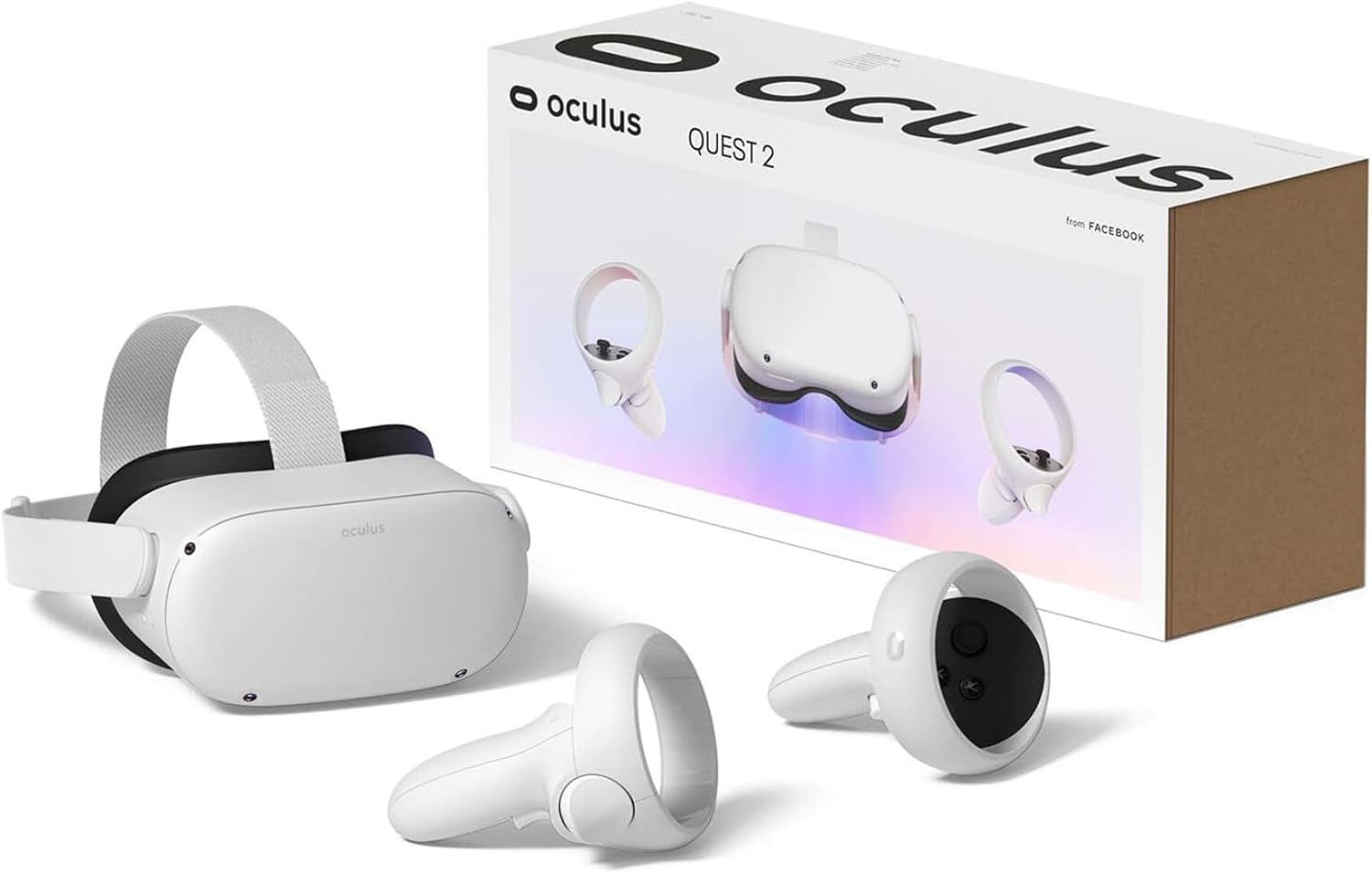
Oculus Quest 2 VR Headset 128GB Set, White – Advanced All-in-One Virtual Reality Headset Cover Set
🛒 Buy Now
Conclusion
Unity VR empowers developers to build immersive, interactive experiences that go beyond traditional gaming. Its cross-platform support, extensive assets, and intuitive tools make VR development accessible for all skill levels. Start exploring Unity VR today with tutorials, guides, and assets at Polycode Tech to bring your virtual reality ideas to life.
Make Your First 2D Game in Unity
Want to build your first game but don’t know where to start? This beginner-friendly guide shows you how to create SampleGame2D — a fun Flappy Bird–style project — step by step in Unity. Inside you’ll learn:
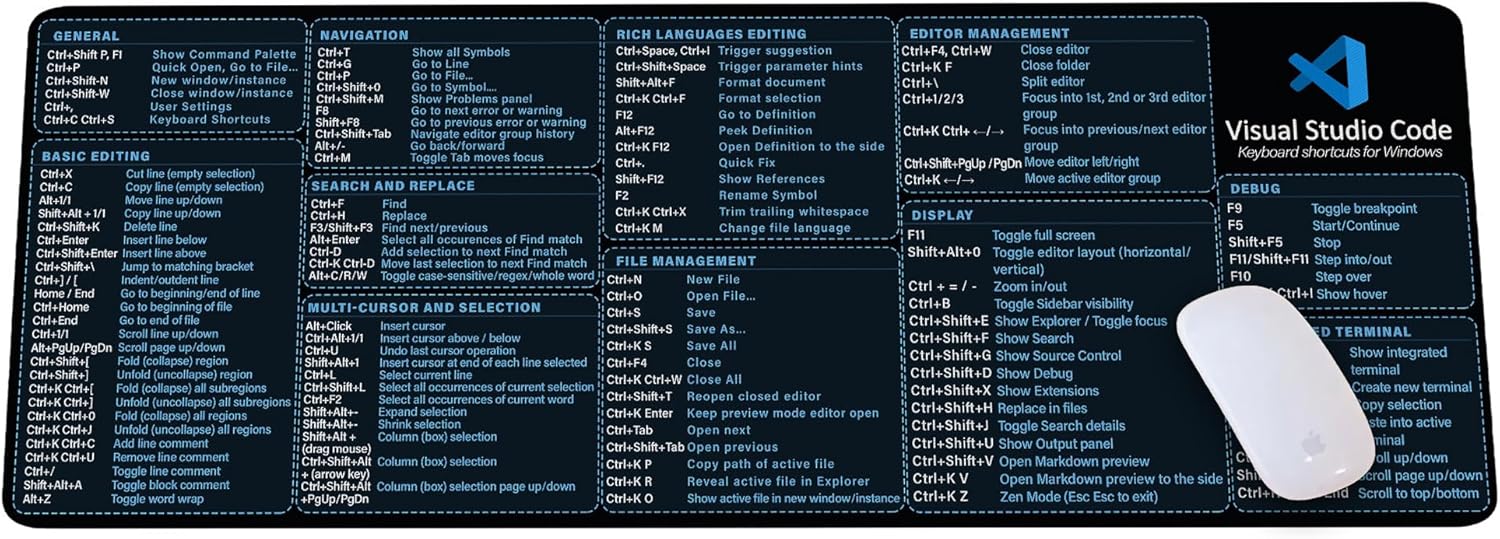
Visual Studio Code Shortcuts Mouse Pad
Visual Studio Code Shortcuts Mouse Pad – Desk Mat for Programmers, Coders & Beginners, Great Office Gift for Developers & Tech Enthusiasts, Computer Accessory for Study, Work, and Learning KMH
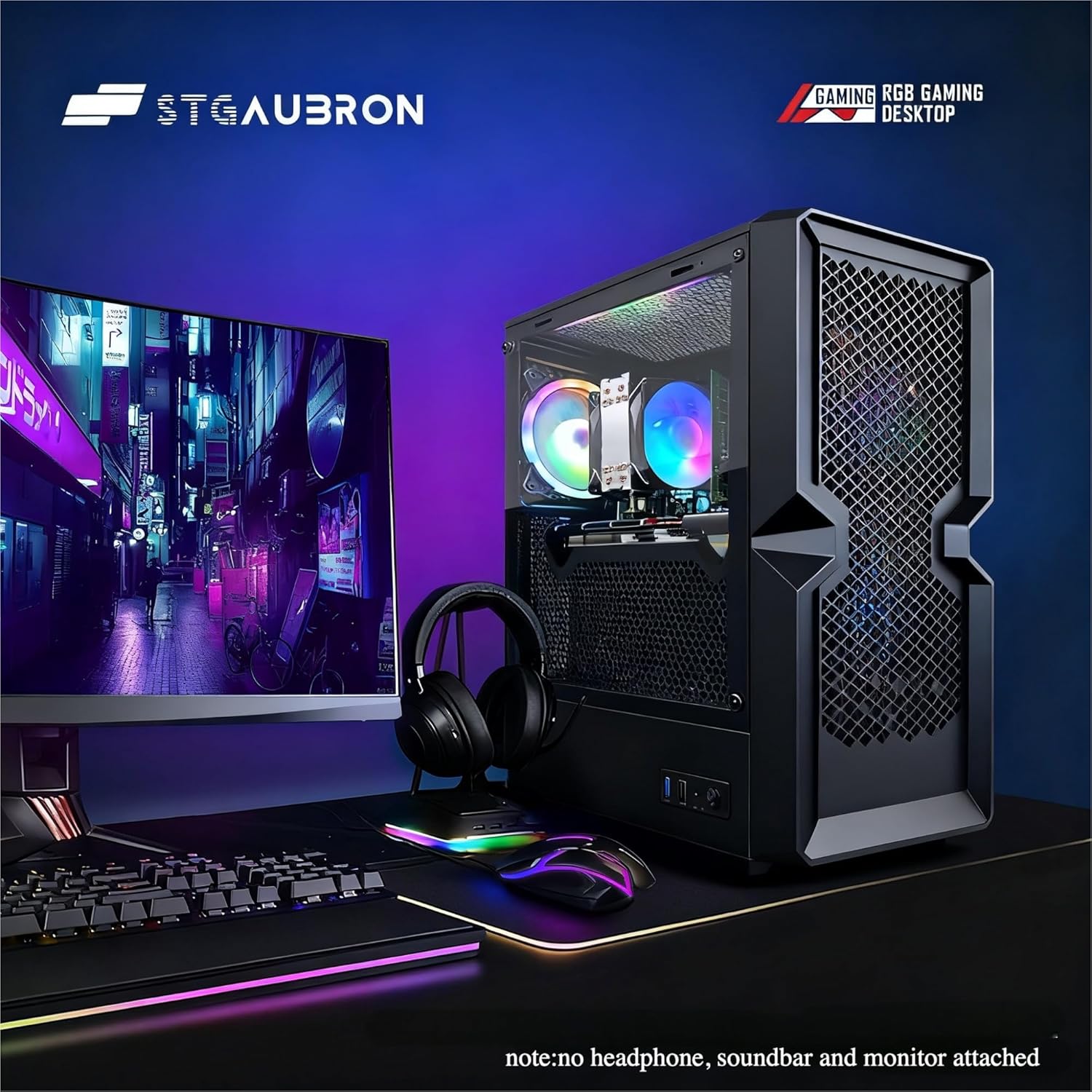
STGAubron Gaming PC Desktop
STGAubron Gaming PC Desktop Computer, Intel Core i5 up to 3.6G, Radeon RX 590 8G, 16GB RAM, 1TB SSD, 600M WiFi, BT 5.0, RGB Fan x3, Windows 11 Home

Sound Healing 432 Hz
song transports the listener to a relaxed state of mindfulness and inner peace.
iFIT Pro
iFIT Pro - Monthly Membership - 1 month free trial included [Subscription]

MMO Mug
MMO Mug - Legendary Coffee Mug Level 110 - Large Ceramic Black15oz - Gaming, Gamer Cup
Howdy! I could have sworn I’ve been to this website before but after browsing through some of the post I realized it’s new to me. Anyways, I’m definitely delighted I found it and I’ll be bookmarking and checking back often!
I’ll right away clutch your rss feed as I can’t to find your email subscription hyperlink or e-newsletter service. Do you’ve any? Please permit me understand so that I may subscribe. Thanks.
Some genuinely nice and useful info on this website , as well I believe the pattern holds fantastic features.
I’ve been surfing online more than 3 hours today, yet I never found any interesting article like yours. It’s pretty worth enough for me. Personally, if all webmasters and bloggers made good content as you did, the net will be a lot more useful than ever before.
I’m now not sure where you’re getting your information, however great topic. I needs to spend some time finding out more or working out more. Thank you for fantastic information I was in search of this information for my mission.
Its superb as your other blog posts : D, thanks for posting.
Really enjoyed this article, can you make it so I receive an alert email every time you make a new article?
Wow that was unusual. I just wrote an really long comment but after I clicked submit my comment didn’t appear. Grrrr… well I’m not writing all that over again. Anyways, just wanted to say wonderful blog!
This is the right blog for anyone who wants to find out about this topic. You realize so much its almost hard to argue with you (not that I actually would want…HaHa). You definitely put a new spin on a topic thats been written about for years. Great stuff, just great!
We’re a group of volunteers and starting a new scheme in our community. Your site provided us with valuable information to work on. You have done a formidable job and our whole community will be thankful to you.
I like this web blog very much so much wonderful information.
I have read several excellent stuff here. Certainly price bookmarking for revisiting. I surprise how so much effort you put to create one of these wonderful informative site.
I genuinely prize your work, Great post.
I like this website very much, Its a rattling nice spot to read and get information.
Magnificent web site. Plenty of useful information here. I am sending it to several buddies ans also sharing in delicious. And obviously, thank you on your sweat!
Sugaring effektive und moderne Haarentfernung in Berlin Die Epilation mit Zuckerpaste wird von unseren speziell dafür ausgebildeten Kosmetikerinnen / Depiladoras an allen Körperregionen durchgeführt. Wir bieten diese effektive und moderne Behandlung sehr erfolgreich und schonend mit einem Maximum in der Hygiene der Anwendung an. Sugaring wird immer beliebter.
I like this post, enjoyed this one appreciate it for posting. “The basis of optimism is sheer terror.” by Oscar Wilde.
Its such as you read my thoughts! You appear to grasp so much approximately this, like you wrote the e book in it or something. I believe that you simply could do with some p.c. to pressure the message home a bit, but other than that, this is fantastic blog. A great read. I’ll definitely be back.