Introduction
Unity Game Maker is a versatile platform that allows anyone to design and develop games efficiently. With its combination of powerful tools, intuitive interface, and a massive library of assets, Unity Game Maker is ideal for both beginners and experienced developers. From 2D mobile games to 3D immersive worlds and VR experiences, Unity Game Maker provides everything needed to turn creative ideas into playable games.
Why Unity Game Maker is Popular
Beginner Friendly Interface
Unity Game Maker offers a user friendly interface, making it easy for newcomers to start creating games. Pre built templates, drag-and-drop functionality, and visual scripting help simplify the development process.
Powerful Tools for Professionals
While accessible to beginners, Unity Game Maker also provides advanced tools for professional developers, including physics engines, animation systems, AI scripting, and shader editors.
Extensive Asset Store
The Asset Store provides a wealth of 2D and 3D models, animations, sounds, and scripts to accelerate game development. Developers can focus on creativity instead of starting every project from scratch.
Community and Learning Resources
Unity Game Maker has a strong community of developers and numerous learning resources. Unity Learn and www.polycode.tech provide tutorials, courses, and project examples for efficient learning.
Getting Started with Unity Game Maker
1. Download and Install Unity
Start by downloading Unity Hub and installing the latest LTS version. Add required modules depending on your target platform, such as Android, iOS, or VR.
2. Start a New Game Project
Choose a 2D, 3D, or VR template. Organize your project folders for assets, scripts, and scenes.
3. Design Game Assets
Import models, sprites, animations, and audio files. Use the Asset Store for ready made resources.
4. Scripting and Mechanics
Use C# or visual scripting to define game behavior, player interactions, physics, and AI.
5. Test and Optimize
Test regularly to identify bugs and optimize assets, scripts, and lighting for smooth performance.
6. Deploy and Publish
Deploy your game on multiple platforms using Unity’s build tools. Unity supports publishing to PC, mobile, consoles, and VR platforms.
Advanced Features of Unity Game Maker
Physics and Animation
Unity Game Maker allows realistic physics and animation, enabling natural movement, collisions, and interactions.
Lighting and Visual Effects
Use Unity’s lighting system, shaders, and post-processing effects to enhance the visual quality of your game.
VR and AR Development
Unity Game Maker supports VR and AR platforms, including Oculus, HTC Vive, ARKit, and ARCore.
Multiplayer Networking
Unity provides built in networking solutions for creating multiplayer games with real-time interactions.
Analytics and Cloud Build
Unity Analytics tracks player behavior, while Cloud Build automates compilation and deployment across platforms.
Popular Games Developed Using Unity Game Maker
- Cuphead – Highly acclaimed 2D action platformer.
- Among Us – Multiplayer social deduction game.
- Hollow Knight – Engaging 2D/3D hybrid adventure.
- Pokémon Go – Global AR mobile phenomenon.
These titles show Unity Game Maker’s flexibility across genres, platforms, and gameplay styles.
Career Opportunities with Unity Game Maker Skills
- Indie Game Developer
- VR/AR Game Designer
- Simulation and Training Developer
- Mobile Game Developer
- Unity Game Maker Instructor
Certifications in Unity Game Maker can help boost credibility and career opportunities in the gaming industry.
Frequently Asked Questions (FAQs)
Is Unity Game Maker free?
Yes, the Personal edition is free for individuals and small studios below a specific revenue threshold.
Can beginners create games without coding?
Yes, Unity Game Maker offers visual scripting and templates for non-programmers.
Does Unity Game Maker support VR and AR games?
Absolutely, Unity Game Maker supports multiple VR and AR platforms.
How long does it take to develop a basic game?
Beginners can create simple games within weeks. Complex projects may take months depending on scope and features.
To streamline your Unity Game Maker projects, consider a USB game controller from Amazon. It’s perfect for testing gameplay mechanics directly during development, especially for console style games.

EasySMX D10 Wireless Game Controller – TMR Anti-Drift Joysticks, Dual-Mode Triggers, 1000Hz Polling, Mechanical Buttons, RGB – Bluetooth Gamepad for PC/Switch/Switch2/iOS/Android with Charging Dock
🛒 Buy Now
Conclusion
Unity Game Maker provides the perfect balance of accessibility and professional-grade tools, making it ideal for both beginners and experienced developers. By leveraging Unity’s features, templates, and community resources, you can design, build, and publish engaging games efficiently. Start your Unity Game Maker journey today by exploring tutorials and resources at Polycode Tech and bring your game ideas to life.

Logitech G
Logitech G PRO X SUPERLIGHT 2 Wireless Gaming Mouse
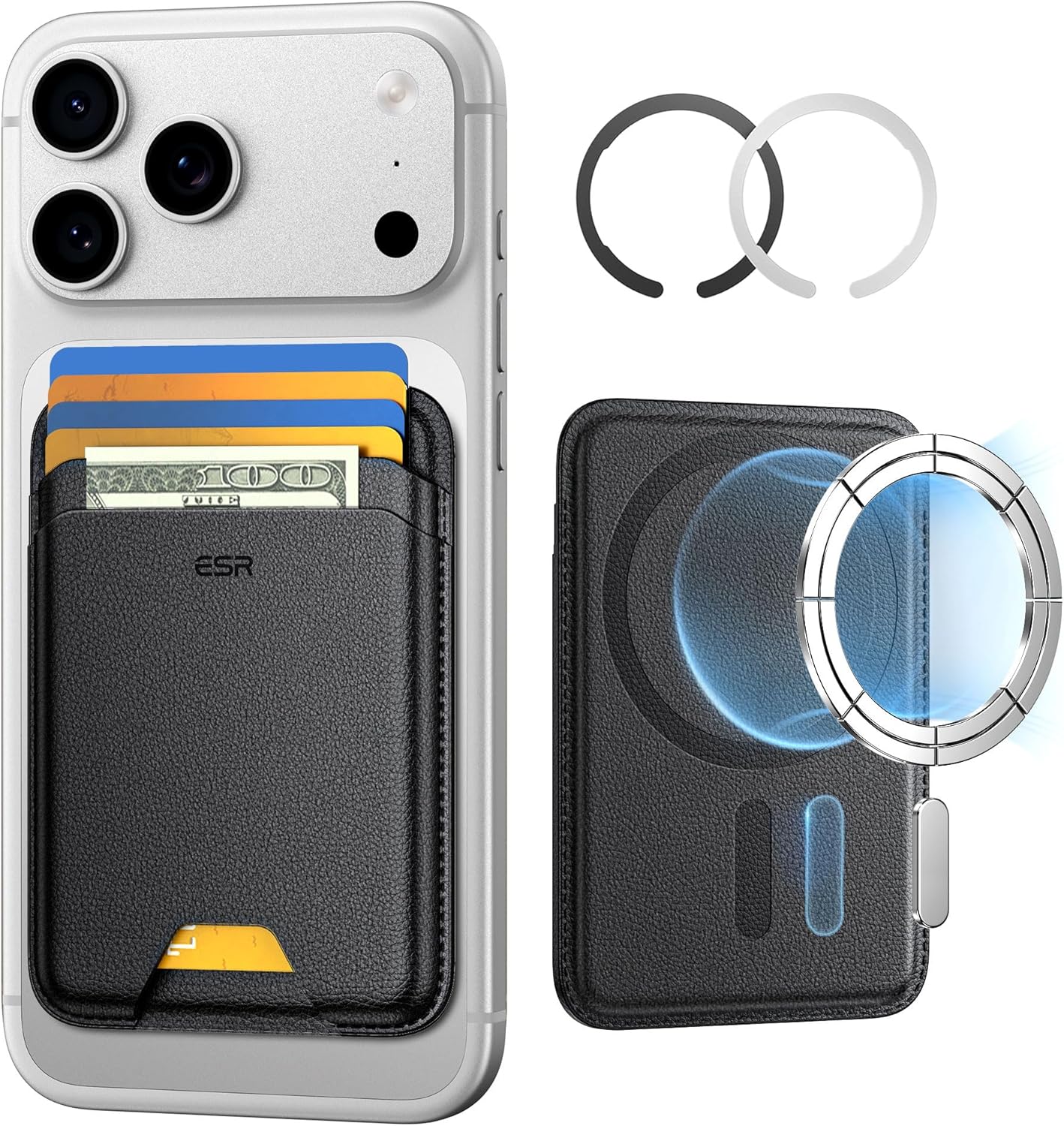
ESR for MagSafe Wallet
ESR for MagSafe Wallet, 5-Card Holder With RFID Blocking, MagSafe Sticker Included, Slim Magnetic Wallet for iPhone 17/16/15/14/13/12 Series and Selected Samsung Devices, Not for 13/12 Mini, Black
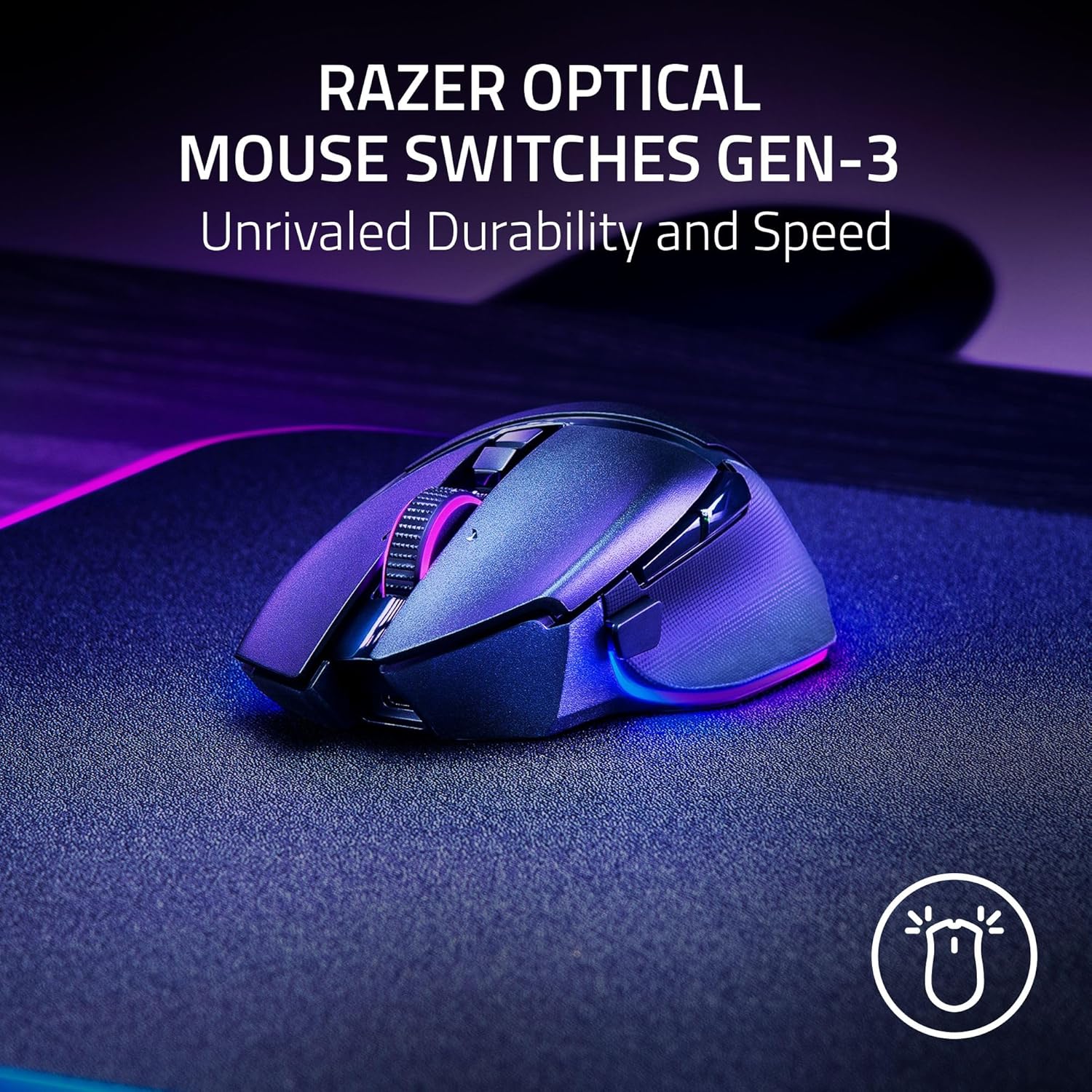
Razer
Razer Basilisk V3 Pro 35K Wireless Gaming Mouse: HyperScroll Tilt Wheel – 35K DPI Optical Sensor Gen 2-13 Customizable Controls – Chroma RGB – Optical Switches Gen 3 – Up to 140 Hr Battery – Black
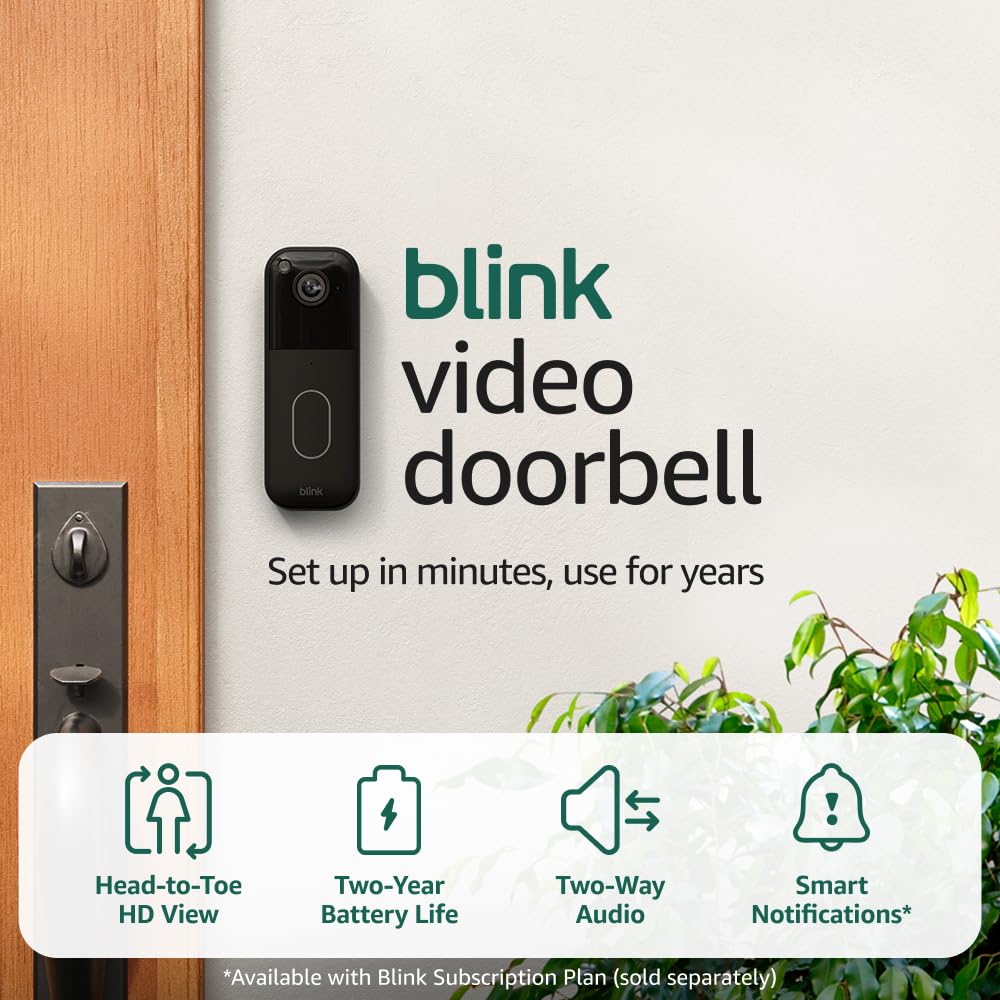
Blink Video Doorbell
Blink Video Doorbell (newest model) – Head-to-toe HD view, two-year battery life, and simple setup. Required Sync Module not included – Add-On (Black)
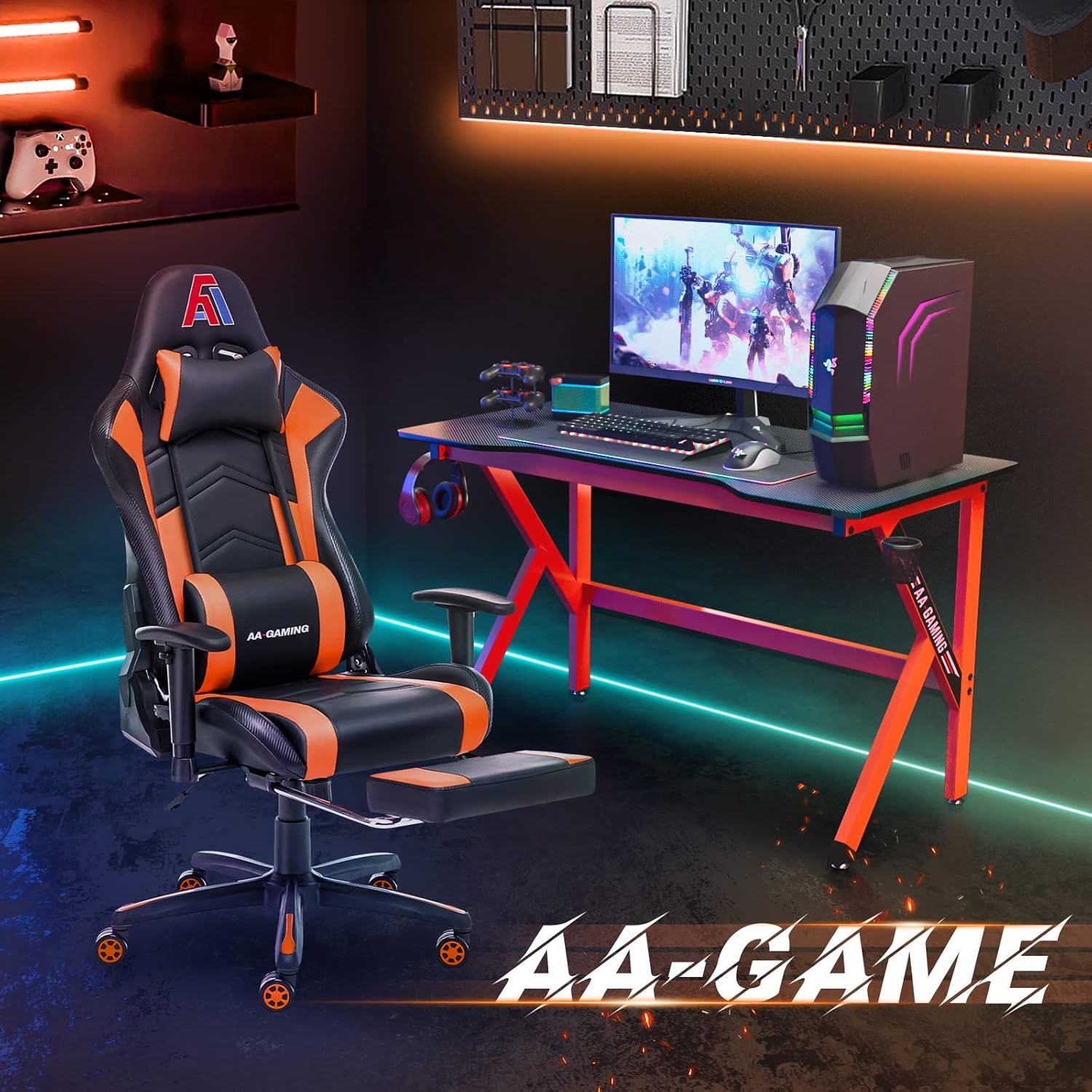
AA Products High Back Ergonomic Gaming Chair
AA Products Gaming Chair Ergonomic High Back Computer Racing Chair Adjustable Office Chair with Footrest, Lumbar Support Swivel Chair – BlackOrange
Results
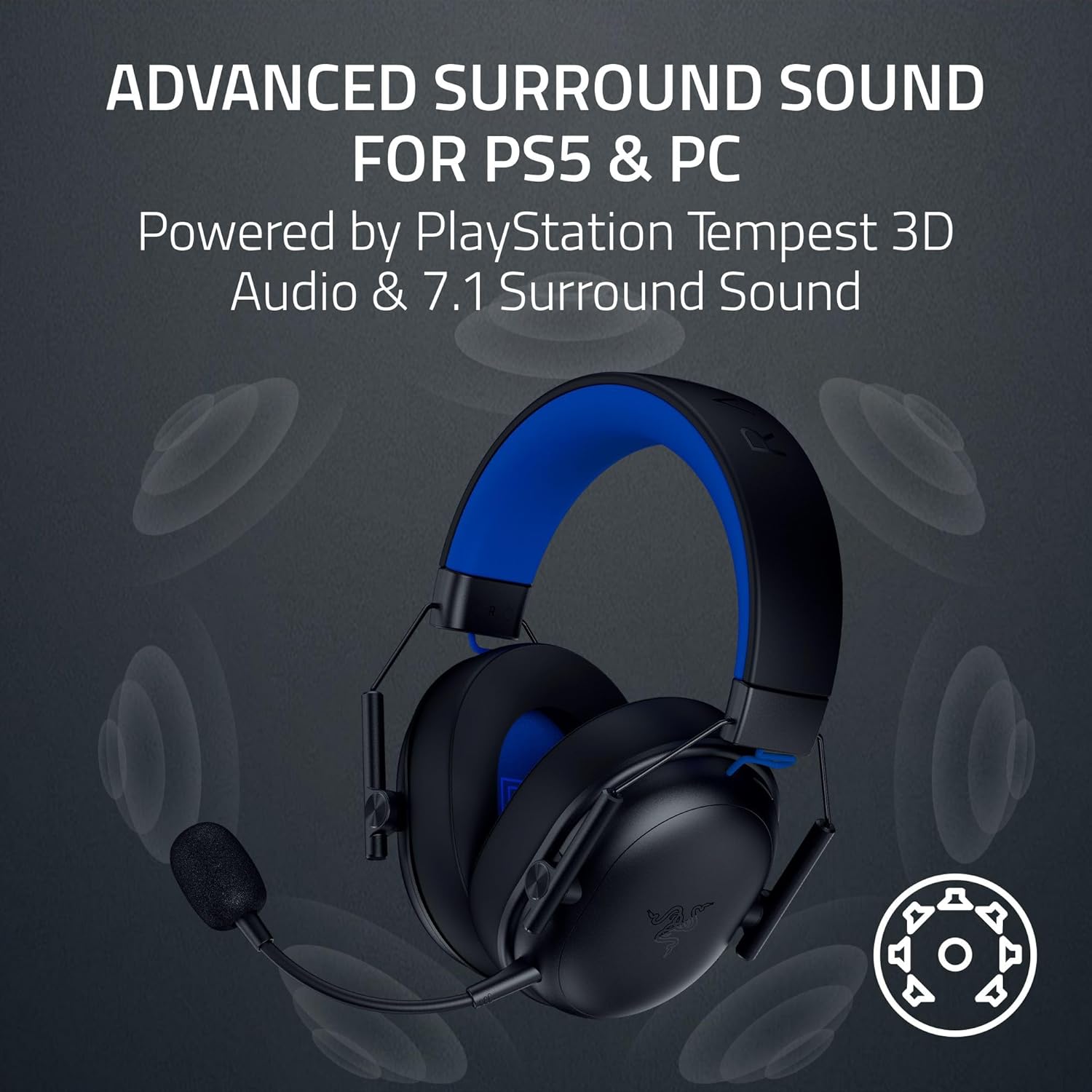
Razer BlackShark V3 X HyperSpeed Wireless Gaming Headset for PS5: 50mm Drivers – Cardioid Mic – 2.4 GHz, Bluetooth – Works with PC, Mac, Nintendo Switch, Smartphone – Long Battery Life – Black
Leave a Reply