Construct 3 has become a popular choice for indie developers, educators, and beginners who want to create 2D games without extensive programming knowledge. One of its most attractive features is that it offers a free version, allowing anyone to explore the platform and start building games without immediate financial commitment.
Understanding the Free Version
The free version of Construct 3 runs entirely in the browser. There is no need to install software or manage complex configurations. Users can access the full editor interface, experiment with the event system, and create simple prototypes. This makes it an excellent starting point for learning the basics of game design and understanding how events and actions work together to create gameplay.
Despite being functional, the free version is designed primarily for learning and experimentation. It provides enough tools to create small projects and practice game development, but it comes with some notable limitations that affect larger or commercial projects.
Key Limits of the Free Version
- Event Restrictions
Each project in the free version is limited to 50 events. This may be sufficient for small prototypes, but more complex games with multiple mechanics quickly reach this limit. Developers looking to create richer gameplay experiences will need the paid version to remove this restriction. - Export Options
The free version does not allow exports to platforms like Android, iOS, Windows, or Steam. Users can only run their games in the browser, which limits opportunities for distribution or monetization. For those planning to release a game commercially, the full subscription is necessary to unlock all export options. - Advanced Features and Plugins
Some plugins and behaviors are not available in the free plan. Features such as custom plugins, external JavaScript integration, or advanced physics behaviors are restricted. This can limit the creative flexibility for developers who want to implement unique gameplay mechanics. - Cloud and Collaboration
Free users have limited access to cloud storage and collaborative tools. Projects can be saved locally, but sharing and working with a team in real time is restricted. For students or teams working together, upgrading may be essential.
Benefits of Starting with the Free Version
Even with these limitations, the free version has several advantages:
- Quick Start: No installation required, perfect for trying Construct 3 on any device.
- Learning Platform: Ideal for beginners to understand the event-driven approach and basic game logic.
- Safe Testing Environment: Developers can experiment without the pressure of committing to a subscription.
Many developers use the free version as a sandbox to practice, prototype ideas, and get familiar with the editor. It provides a solid foundation before investing in a full subscription.
When to Consider Upgrading
If your goal is to publish a game commercially, expand the complexity of your projects, or take advantage of advanced features, the free version will quickly feel limiting. Upgrading unlocks:
- Full export capabilities across platforms
- Unlimited events and behaviors
- Access to advanced plugins and scripts
- Enhanced cloud and collaboration features
For a detailed breakdown of what the free version can and cannot do compared to paid plans, check the resource on Construct 3 Free vs Paid which explains the differences in depth.
Conclusion
Construct 3’s free version is an excellent tool for beginners, educators, and hobbyists to start game development without financial risk. It allows users to learn the basics, create prototypes, and experiment with gameplay mechanics. However, limitations in events, exports, and advanced features mean that developers aiming for full production or commercial release will eventually need to upgrade.
For those looking to understand exactly how the free version compares to paid plans and what features are unlocked with a subscription, the guide on Construct 3 Free vs Paid provides valuable insights and practical advice for planning your game projects.
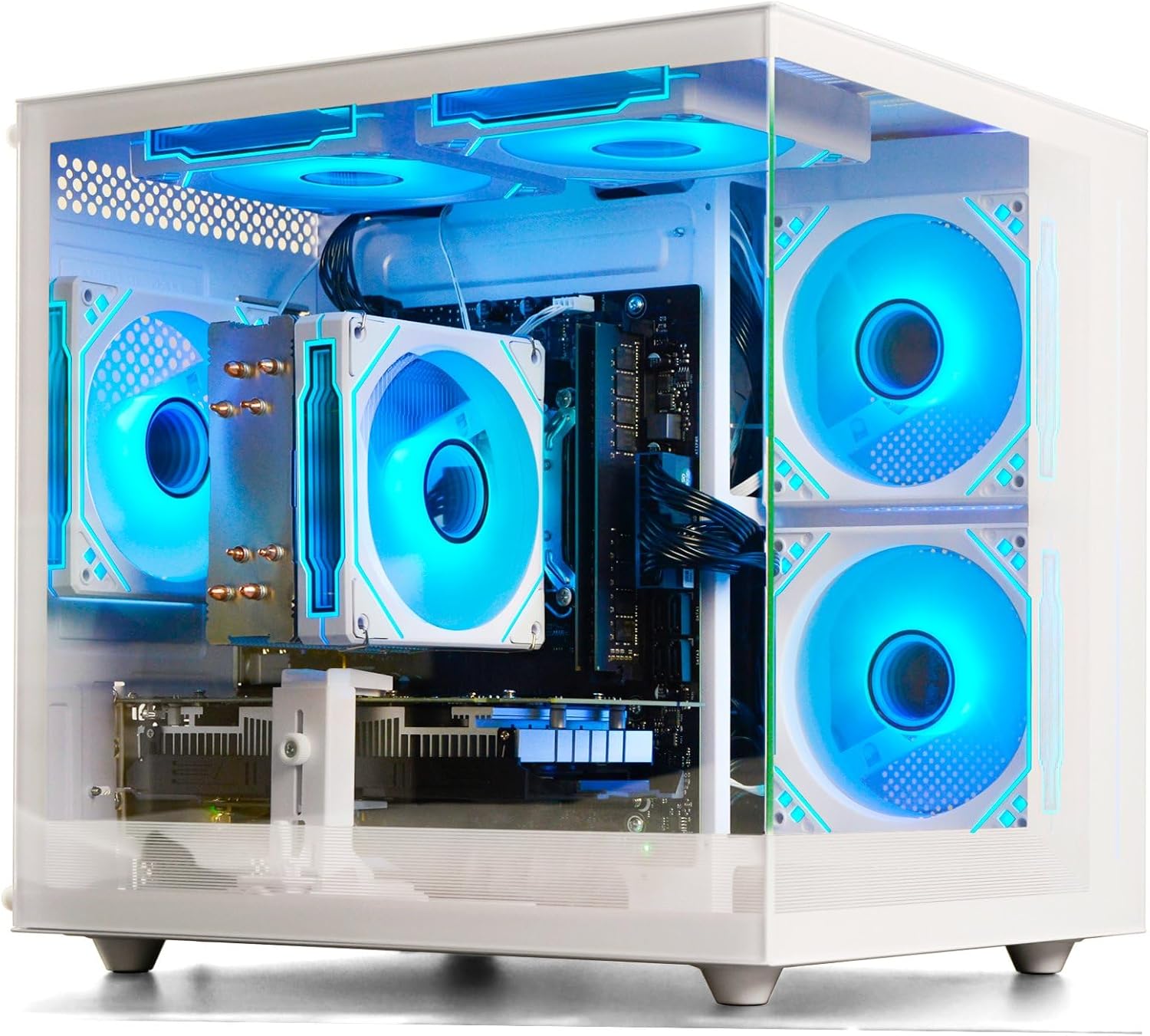
Prebuilt Gaming Desktop Computer
Prebuilt Gaming Desktop Computer | 16G Memory | 512G SSD | AMD Ryzen5 6Cores 3.6G Up to 4.1G | RX 560 4G Graphics Card | Wi-Fi 6 | Gamer PC White

Panvola
Panvola Debugging Definition Computer Programmer Gifts Student Teacher Coder Boyfriend Girlfriend IT Vacuum Insulated Tumbler Tech Support Travel Mug Stainless Steel With Straw Removable Lid (30 oz)
iFIT Pro
iFIT Pro – Monthly Membership – 1 month free trial included [Subscription]

ESR for MagSafe Wallet
ESR for MagSafe Wallet, 5-Card Holder With RFID Blocking, MagSafe Sticker Included, Slim Magnetic Wallet for iPhone 17/16/15/14/13/12 Series and Selected Samsung Devices, Not for 13/12 Mini, Black

Brain Song 2025 Gamma
Cognitive Enhancement or Just Hype? Reviews The Brain Song (Killer NEW Memory Offer)
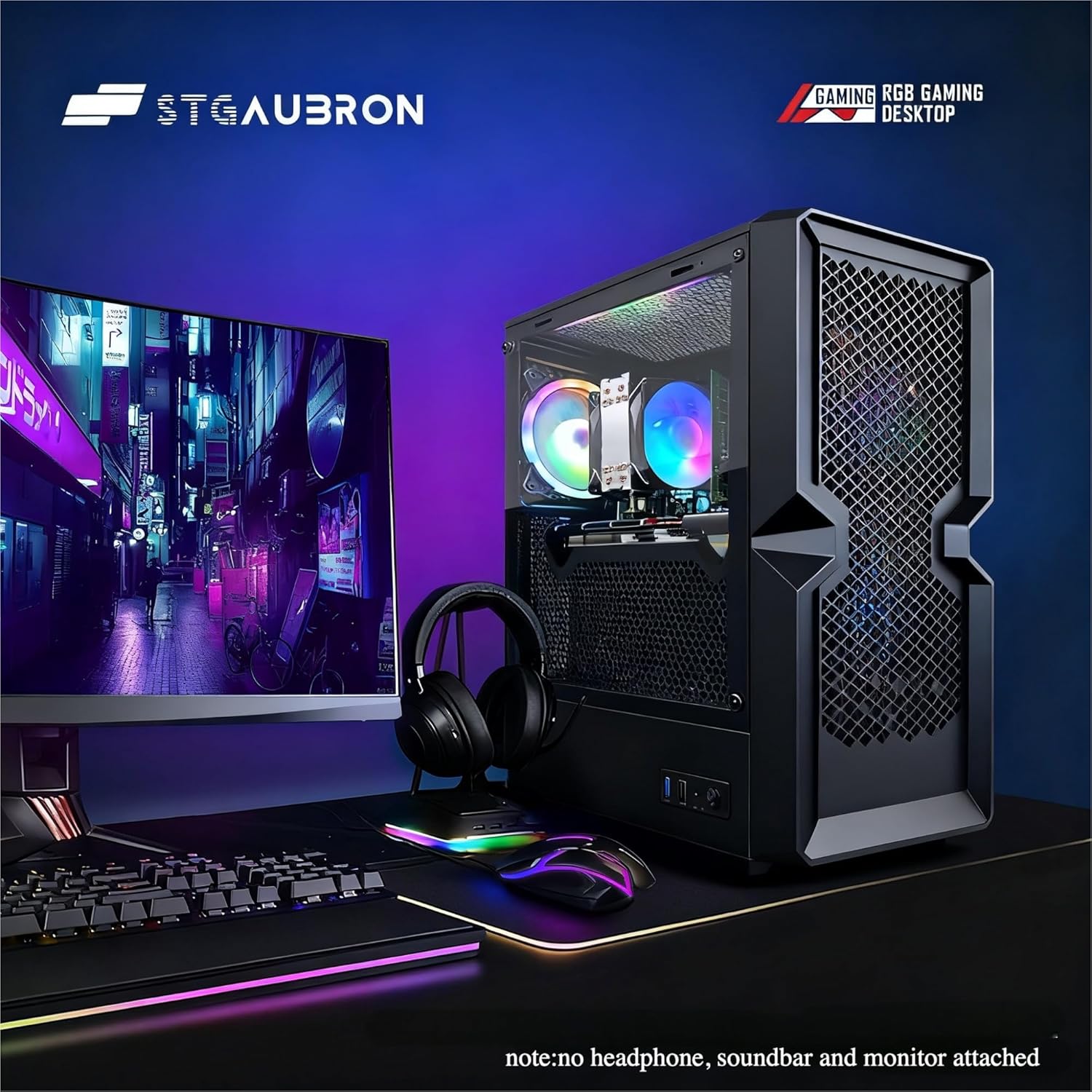
STGAubron Gaming PC Desktop
STGAubron Gaming PC Desktop Computer, Intel Core i5 up to 3.6G, Radeon RX 590 8G, 16GB RAM, 1TB SSD, 600M WiFi, BT 5.0, RGB Fan x3, Windows 11 Home
Leave a Reply