Are you fascinated by the immersive worlds of video games and dream of bringing your own digital creations to life? The journey into game development can be incredibly rewarding, offering a unique blend of technical challenge and creative expression. For many aspiring creators, especially those delving into game development for beginners, understanding every facet of game creation is key. While stunning visuals and compelling gameplay are often highlighted, there’s a vital, often understated element that truly makes a game unforgettable: its sound. High quality game sound effects are the heartbeat of any interactive experience, adding depth, emotion, and crucial feedback to player actions. Fortunately, you don’t need a massive budget to access excellent audio. This post will guide you through harnessing the power of free HD audio to elevate your game projects, making them resonate with players on a deeper level.
Materials & Supplies
To embark on your game creation journey, including the crucial aspect of sound design, you’ll need a core set of materials and tools.
- Computer: A modern PC or Mac with sufficient processing power and RAM is essential for running game engines and audio software.
- Game Engine: Platforms like Unity (free for personal use) or Godot (completely free and open-source) provide integrated environments for development, including audio implementation.
- Code Editor: Visual Studio Code or Sublime Text are popular, free choices for writing scripts, though many game engines have built-in editors.
- Graphics Software (Optional): GIMP (free) or Krita (free) for 2D art, or Blender (free) for 3D modeling, if you’re creating your own visual assets.
- Audio Tools: This is where the magic happens for your game sound effects.
- DAW (Digital Audio Workstation): Audacity (free and open-source) is excellent for basic editing, trimming, and effects. For more advanced sound design, consider free trials of professional DAWs or entry level versions.
- Microphone (Optional but Recommended): Even a basic USB mic can capture unique sounds for Foley or voiceovers.
- Headphones: Good quality, neutral-sounding headphones are crucial for accurate mixing and monitoring your audio.
- Sound Libraries: The internet is a treasure trove of free HD game sound effects. Websites like Freesound.org, OpenGameArt.org, and specific royalty-free libraries offer vast collections. For unique ambiance, you might even consider creating your own recordings, perhaps even a distinct keyboard sound effect for in-game interactions.
- MIDI Controller (Optional): For those looking to compose original music or trigger custom samples, a device like the Synido MIDI Pad Beat Maker Machine with 64 Velocity Sensitive RGB Pads can be invaluable.
Timing / Development Schedule
Creating a game, even a simple one, follows a general timeline. While implementing game sound effects might seem like a later stage, it’s beneficial to think about audio from the start.
- Concept & Planning (10-20%): Define your game’s core idea, mechanics, and art style. Crucially, consider the desired audio atmosphere and specific sound events.
- Asset Creation & Acquisition (20-30%): Develop or source your visual assets (sprites, models) and your sound assets (music, ambient sounds, and specific game sound effects). For a simple game, this might involve browsing free libraries.
- Coding & Core Gameplay (30-40%): Implement game logic, character movement, and interaction. Integrate placeholder audio early to test timing and responsiveness.
- Refinement & Audio Integration (15-20%): Polish gameplay, integrate final high quality game sound effects and music, ensuring they loop correctly and blend seamlessly. Adjust volumes and spatial audio.
- Testing & Debugging (10-15%): Thoroughly test your game, paying close attention to audio glitches, missing sounds, or timing issues.
- Publishing (Ongoing): Prepare your game for release.
For a small, polished project, this entire process could take anywhere from a few weeks to a few months.
Step-by-Step Instructions
Let’s outline a simplified path to developing a game, keeping sound at the forefront:
- Define Your Core Idea: Start with a very small, achievable concept. Think “Flappy Bird” simple.
- Choose Your Engine: Select Unity or Godot. There are tons of beginner-friendly tutorials for both.
- Basic Prototype: Get your main character moving and interacting with a single object. Don’t worry about visuals yet.
- Integrate Placeholder Audio: As soon as you have a functional event (e.g., character jumps, item collected), assign a simple, free game sound effect to it. This helps gauge impact.
- Design & Source Assets: Create or find your visual assets. Simultaneously, explore free HD sound libraries for appropriate game sound effects that match your game’s theme. Categorize them (e.g., UI, combat, environment).
- Refine Gameplay & Audio: Polish your mechanics. Replace placeholder sounds with your chosen HD audio. Pay attention to how the sounds enhance player feedback – does a sword swing feel impactful? Does a pick-up sound satisfying?
- Implement Music & Ambiance: Add background music and environmental sounds to set the mood. Ensure they loop seamlessly and don’t overpower crucial game sound effects.
- Test, Test, Test: Play your game extensively. Ask friends to play. Listen for audio issues, missing cues, or sounds that are too loud/quiet.
- Iterate: Based on feedback, refine both gameplay and audio. A subtle keyboard sound effect for menu navigation can make a huge difference in polish.
Advantages of Learning Game Development
Beyond creating digital worlds, learning game development offers a wealth of personal and professional benefits. It’s a fantastic way to boost your creativity, forcing you to think innovatively about solutions and experiences. Problem-solving becomes second nature as you debug code and optimize performance. Logical thinking is honed through scripting and system design. Teamwork skills can be developed through online collaboration, even on small projects. Furthermore, the burgeoning game industry offers diverse career opportunities, from programming to art, and critically, to sound design. Building games at home, even if they’re simple prototypes, significantly improves both your technical prowess and your artistic sensibility, especially when you delve into crafting immersive audio experiences with game sound effects.
Tips, Alternative Methods, or Development Advice
- Start Small, Scale Up: Begin with 2D games. They are generally simpler to grasp than 3D and allow you to focus on core mechanics and sound integration without getting overwhelmed by complex visuals.
- Visual Scripting: Tools like Unity’s Bolt or Godot’s VisualScript offer drag-and-drop programming, reducing the initial coding barrier. This lets you focus on design and immediate audio feedback.
- Collaborate: Join online communities or find fellow beginners to team up with. Shared projects are excellent for motivation and learning.
- Optimize for Limited Hardware: If you have an older computer, focus on pixel art games and optimize your game sound effects to be efficient (e.g., smaller file sizes, fewer simultaneous sounds).
- Leverage Tutorials & Communities: YouTube, Udemy, and dedicated game dev forums are invaluable resources. Don’t be afraid to ask questions.
- Sound Design Tutorials: Beyond general game dev, seek out tutorials specifically for integrating and mixing game sound effects within your chosen engine. Learning about compression, EQ, and reverb can drastically improve your audio.
Common Mistakes to Avoid
- Overcomplicating Your First Project: The most common pitfall. Aim for a “Pong” or “Asteroids” clone initially. A small, finished game is infinitely more valuable than a grand, unfinished one. This includes over-ambitious sound design; start with simple, effective game sound effects.
- Neglecting Testing: Playtest constantly. Don’t assume everything works perfectly. This applies doubly to audio – are sounds playing when they should? Are they cutting out?
- Ignoring Player Feedback: Listen to constructive criticism. If players find your sound effects jarring or missing, address it.
- Poor Asset Organization: Keep your project files, including all your downloaded or created game sound effects, meticulously organized. Use clear naming conventions.
- Forgetting Version Control: Use Git or a similar system. It’s a lifesaver for tracking changes and reverting mistakes.
- Burning Out: Game development is a marathon. Take breaks, celebrate small victories, and remember to have fun with creating new experiences and discovering the perfect game sound effects for them.
Maintenance / Update Tips
Releasing your game is just the beginning. Maintaining and updating it is crucial for long-term success and player satisfaction.
- Version Control is Key: Continue using Git or a similar system for every update.
- Bug Fixes: Address any reported bugs promptly. This often includes fixing audio glitches or missing game sound effects.
- Add New Content: Keep players engaged by adding new levels, characters, or features. This is also an opportunity to introduce fresh game sound effects and music.
- Collect Player Feedback: Use forums, social media, or in-game surveys to gather insights. Players can be incredibly helpful in identifying areas for improvement, including the effectiveness of your audio design.
- Backup Regularly: Always have multiple backups of your project. Cloud storage and external drives are your friends.
- Optimize Audio: As your game grows, revisit your audio assets. Can any game sound effects be optimized for smaller file sizes without losing quality? Are there ways to improve performance?
Conclusion
Embarking on the journey of game development at home is an incredibly rewarding experience, offering endless opportunities for creativity and learning. While the visual and interactive elements often grab the spotlight, never underestimate the profound impact of high-quality audio. Utilizing free HD game sound effects can transform a good game into a truly great one, immersing players and enhancing every action. Start small, be persistent in your practice, and don’t be afraid to experiment with different sounds. The world of game development for beginners is vast and welcoming. Now, armed with the knowledge of how to integrate compelling audio, take that first step, craft your project, and most importantly, share your unique creations with the world. Dive deeper into sound design and development by exploring more tutorials and connecting with the vibrant developer community!
FAQs
- What programming language should I start with?
For Unity, C# is standard. For Godot, GDScript (similar to Python) is common, or C#. Python is also excellent for general programming logic. - Which game engine is best for beginners?
Unity and Godot are both fantastic choices. Unity has a massive community and extensive tutorials, while Godot is fully open-source and very lightweight. Both offer visual scripting options. - How long does it take to make a small game?
A very simple game (like Pong or a basic platformer) could take a dedicated beginner a few weeks to a couple of months. Larger, more complex projects can take years. - Do I need to know coding to start?
Not necessarily! Many engines offer visual scripting tools that allow you to create game logic without writing traditional code. However, learning basic coding will significantly expand your capabilities. - Where can I publish my first game?
For free games, itch.io is a popular platform. For commercial releases, Steam is dominant, but it has submission fees. Mobile app stores (Google Play, Apple App Store) are options for mobile-focused games.
interface sounds OGG
interface sounds, UI sound effects, UX sound effects, game UI sounds, mobile UI audio, notification sound effects, button click SFX, menu sounds, toggle switch sounds, error alert sounds
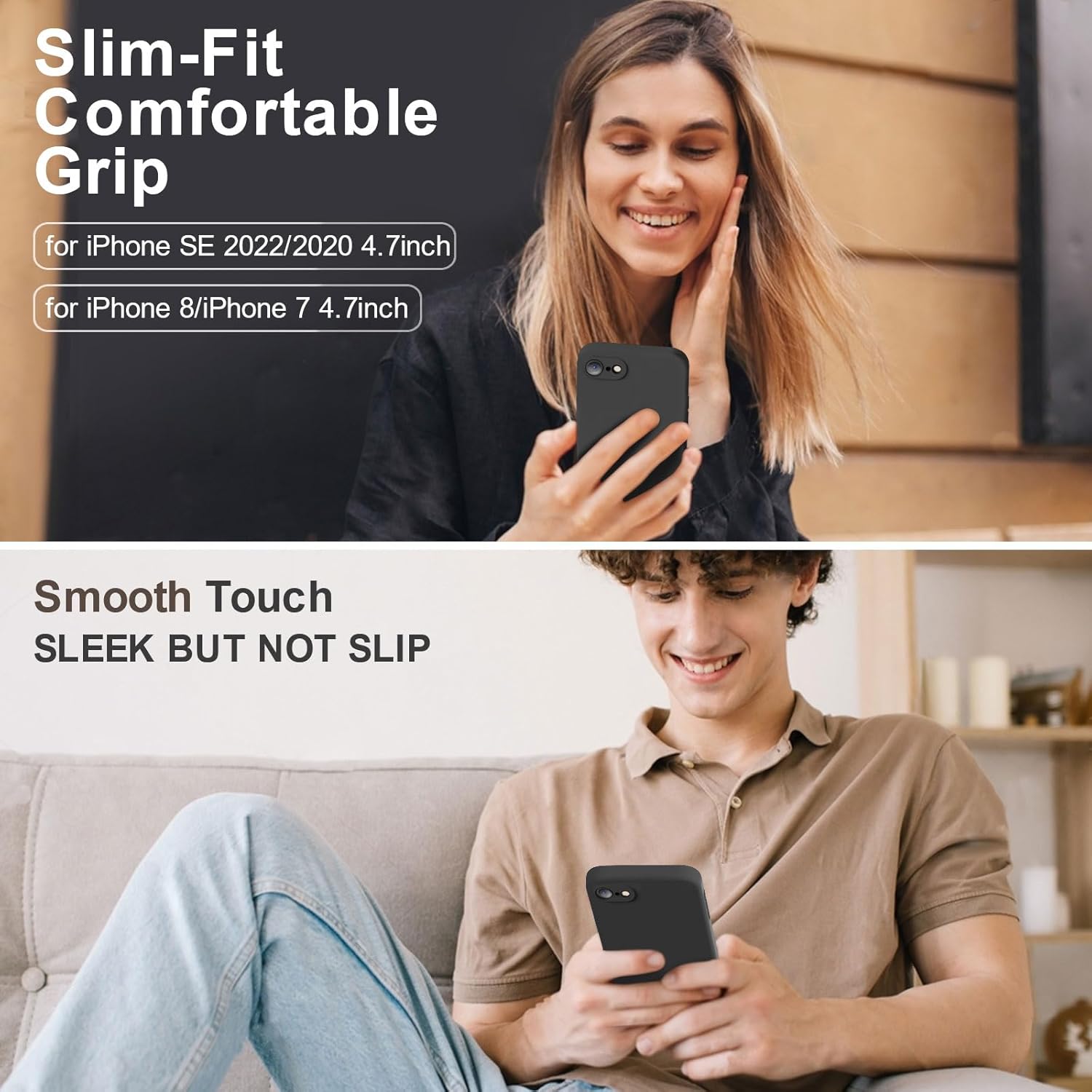
Vooii for iPhone SE
Vooii for iPhone SE Case 2022/3rd/2020,iPhone 8/7 Case, Upgraded Liquid Silicone with [Flat Edges] [Camera Protection] [Soft Anti-Scratch Microfiber Lining] Phone Case for iPhone SE – Black

Scotch Thermal Laminating Pouches
Scotch Thermal Laminating Pouches, for Use with Thermal Laminators, 8.9 x 11.4 Inches, Letter Size Sheets, 100-Pack
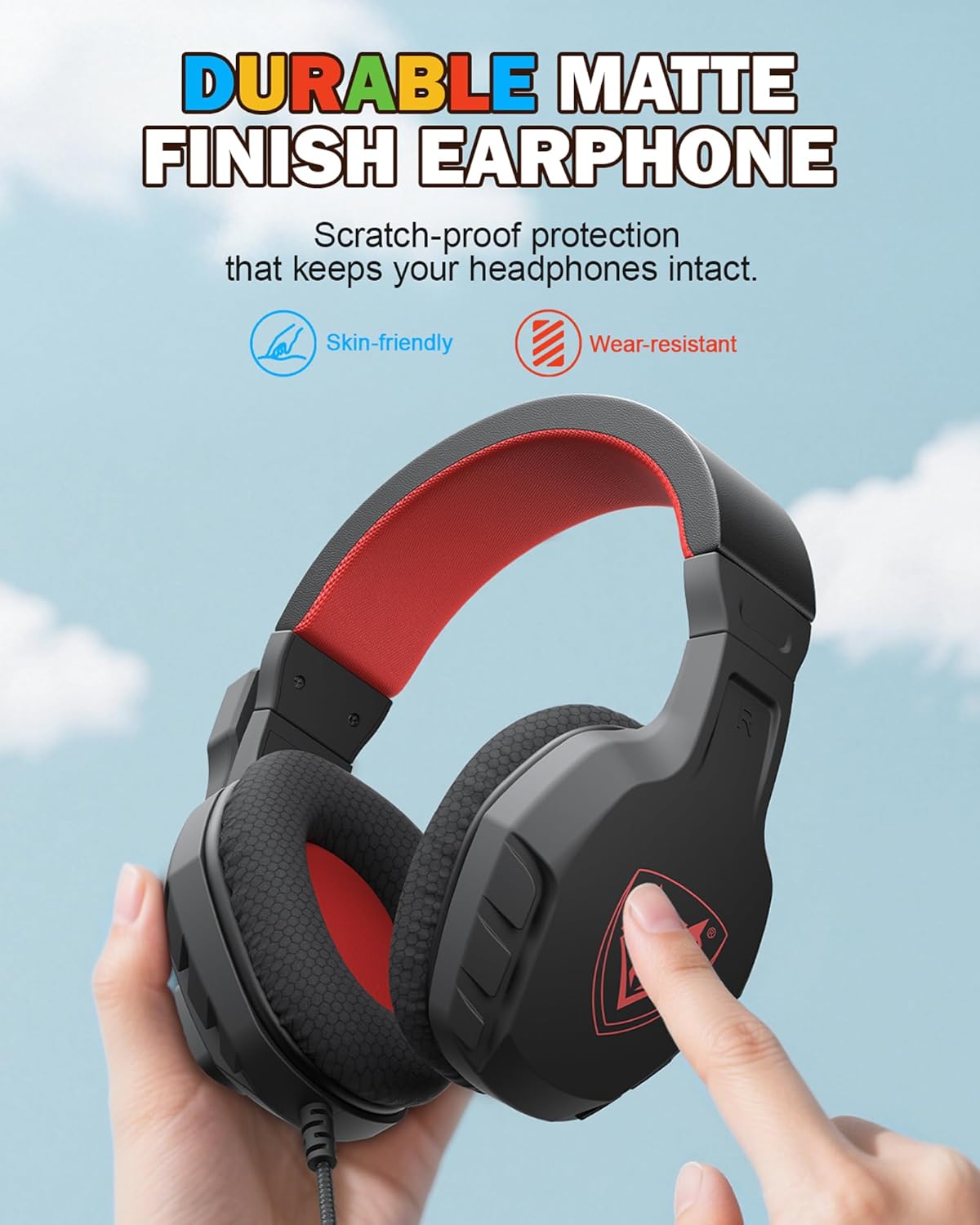
NUBWO U3 Gaming Headset
NUBWO U3 Gaming Headset with Microphone, Safe Volume Limited, Kids Headphones for Switch, Super Lightweight, Rich Sound, 3.5mm Jack for NS, PS4, PS5, Xbox, Tablet, iPad Computer, Red
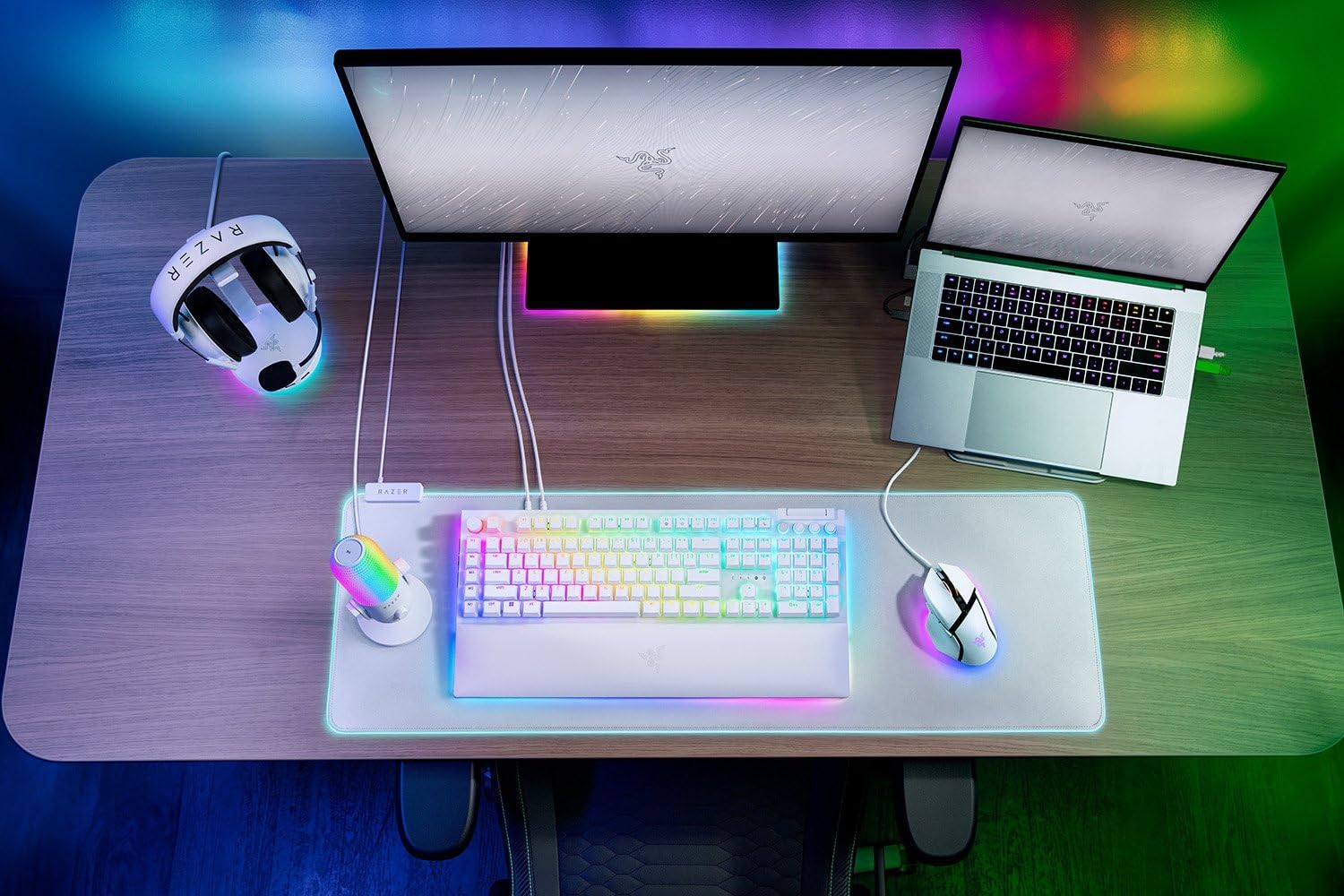
Razer
RAZER BlackWidow V4 Pro Wired RGB Keyboard White Refurbished
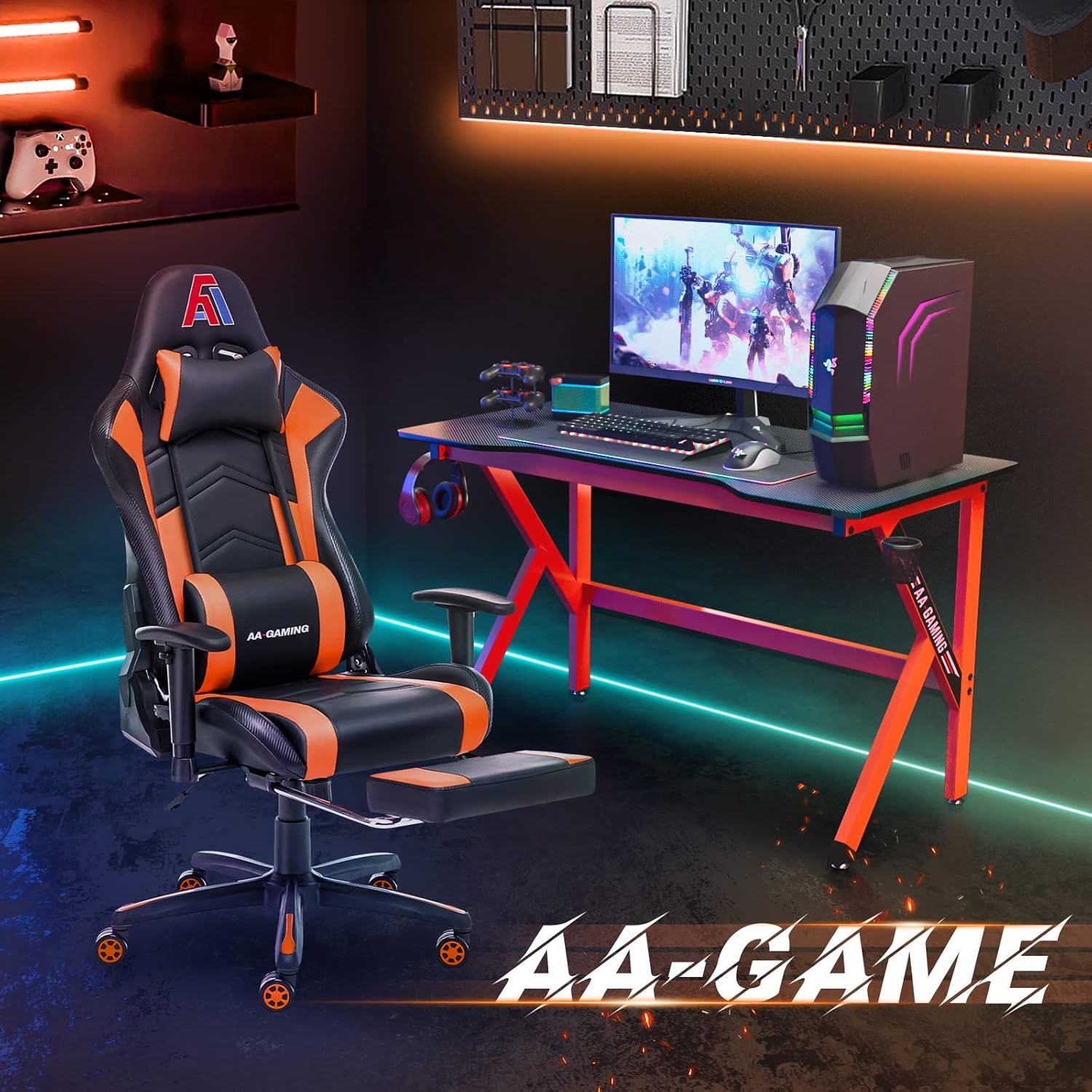
AA Products High Back Ergonomic Gaming Chair
AA Products Gaming Chair Ergonomic High Back Computer Racing Chair Adjustable Office Chair with Footrest, Lumbar Support Swivel Chair – BlackOrange