Have you ever dreamt of bringing your imaginative worlds to life, where characters respond to your every command? The journey into game development begins with fundamental building blocks, and for many aspiring creators diving into game development for beginners, understanding how to make objects move is paramount. Whether you envision a nimble hero traversing treacherous landscapes or a spaceship soaring through the cosmos, mastering a Unity 3D Movement Script is your essential first step. It’s not just about coding; it’s about unlocking creative potential and building interactive experiences right from your home.
Materials & Supplies for Your Game Development Journey
Embarking on game development requires a few key tools, many of which are readily accessible. Think of them as your craftsman’s kit for digital worlds:
- Powerful Computer: A modern PC or Mac capable of running a game engine and handling graphical demands. A fast processor, ample RAM (16GB+ recommended), and a dedicated graphics card will significantly smooth your workflow. For precision control and responsiveness, a high quality Mechanical Gaming Keyboard can make a noticeable difference in your coding and testing experience.
- Game Engine: Unity and Unreal Engine are industry standards. Unity is often recommended for beginners due to its extensive documentation and vast community.
- Code Editor: Visual Studio Code (free) or Visual Studio Community (free) are excellent choices, offering robust features for C# scripting within Unity.
- Graphics Software (Optional): GIMP (free), Krita (free), Blender (free for 3D modeling), or commercial options like Photoshop and Maya if you plan to create custom assets.
- Audio Tools (Optional): Audacity (free) for sound editing, or access to free sound libraries to enhance your game’s atmosphere.
Timing / Development Schedule: Pacing Your Progress
Creating a game, even a simple one, involves several stages. Understanding a general timeline helps set realistic expectations:
- Concept & Planning (1-3 days): Brainstorm your game idea. What’s the core mechanic? For a movement script, this means deciding on player input (keyboard, gamepad), movement style (walking, flying, teleporting), and physics interactions.
- Setup & Basic Systems (2-5 days): Install your engine, create a new project, and implement foundational scripts like your initial Unity 3D Movement Script.
- Asset Creation/Integration (Varies): This can be ongoing. Use placeholder assets initially, then refine or replace them with custom art and sound.
- Coding & Core Gameplay (1-4 weeks): Flesh out game mechanics, levels, UI, and interactions. This is where your movement script evolves with jump mechanics, acceleration, etc.
- Testing & Debugging (Ongoing, especially 1 week prior to “release”): Relentlessly test your game, fix bugs, and refine gameplay. Get others to test!
- Polishing & Publishing (3-7 days): Add final touches, optimize performance, and prepare for sharing. A small game might take anywhere from a few weeks to a couple of months for a beginner.
Step-by-Step Instructions to Start Your Game Development
Here’s a simplified path to begin crafting your interactive experience, focusing on the essence of a Unity 3D Movement Script:
- Idea Generation: Start small! A single character moving in a simple environment is a perfect first project. What kind of movement? First-person, third-person, top-down?
- Unity Project Setup: Create a new 3D project in Unity.
- Basic Scene Creation: Add a Plane (for ground) and a Cube or Capsule (for your player character).
- C# Scripting: Create a new C# script (e.g., “PlayerMovement”) and attach it to your player object. Inside, you’ll write the logic to capture input (e.g.,
Input.GetAxis("Horizontal")for left/right) and apply it to your player’s position or velocity usingtransform.Translate()orRigidbody.velocity. - Test & Iterate: Play your game frequently. Does the movement feel good? Is it too fast, too slow? Adjust your script’s values until it feels right.
- Basic Interactions: Once movement is solid, consider adding a simple interaction, like collecting an item or triggering a sound.
Advantages of Learning Game Development
Diving into game creation offers a plethora of benefits beyond just making games:
- Unleashed Creativity: Translate your wildest ideas into playable realities.
- Problem-Solving Skills: Every bug is a puzzle; every feature requires a solution.
- Logical Thinking: Structuring code and game mechanics hones your ability to think systematically.
- Teamwork (Optional but Recommended): Collaborating with artists or other coders teaches vital communication skills.
- Career Opportunities: The skills learned are highly transferable to software development, simulation, and interactive media. Mastering topics like a Game Development with Unity equips you for a burgeoning industry.
Tips, Alternative Methods, or Development Advice
- Start with 2D: While this post focuses on 3D movement, many beginners find 2D easier to grasp due to fewer dimensions to manage.
- Visual Scripting: Tools like Unity’s Bolt (now Unity Visual Scripting) or Godot’s visual scripting allow you to build logic without writing lines of code, great for understanding concepts.
- Collaborate: Join online communities or local meetups. Shared learning and projects accelerate growth.
- Utilize Tutorials: YouTube, Udemy, and Unity Learn provide endless resources. Follow a tutorial exactly, then try to modify it.
- Optimize for Your Hardware: If you have limited hardware, stick to simpler projects, optimize your assets, and frequently test performance.
Common Mistakes to Avoid
- Overcomplicating Your First Project: The “MMO RPG” dream is admirable, but start with a simple platformer or puzzle game. A single, polished mechanic (like a great Unity 3D Movement Script) is better than a dozen half finished ones.
- Neglecting Testing: Test frequently, test early, test often. Don’t wait until everything is “finished.”
- Ignoring Player Feedback: Once you have a playable demo, share it and listen to constructive criticism.
- Poor Version Control: Learn to use Git and GitHub from day one to manage your project files and avoid losing work.
Maintenance / Update Tips
Once your game is out in the wild, the journey isn’t over.
- Version Control is Key: Tools like Git allow you to track changes, revert to previous versions, and collaborate without conflict.
- Bug Fixes: Be prepared to release patches for issues discovered post-launch.
- New Content: Keep players engaged with updates, new levels, characters, or features.
- Player Feedback Loop: Maintain channels for feedback (forums, social media) to inform future updates and improvements.
- Backup Regularly: Always have multiple backups of your project, both locally and in the cloud.
Conclusion
Learning game development at home is an incredibly rewarding endeavor, transforming abstract ideas into tangible, interactive experiences. Starting with core concepts like crafting a robust Unity 3D Movement Script lays a solid foundation. Remember to start small, embrace iteration, and never stop learning. Your journey as a game developer has just begun! Dive into more tutorials, experiment with new ideas, and connect with fellow creators. The next great game could be born from your passion.
FAQs
What programming language should I start with?
For Unity, C# is the primary language and an excellent choice for beginners due to its clear syntax and extensive documentation.
Which game engine is best for beginners?
Unity is widely recommended for beginners due to its user-friendly interface, vast community support, and extensive learning resources.
How long does it take to make a small game?
A very small, simple game (like a “Pong” clone or a basic platformer) can take anywhere from a few days to a few weeks for a beginner.
Do I need to know coding to start?
While some coding knowledge is beneficial, many engines (including Unity) offer visual scripting alternatives, allowing you to build game logic without writing traditional code initially. However, learning to code will significantly expand your capabilities.
Where can I publish my first game?
For your first game, consider platforms like Itch.io for indie developers, or share it directly with friends and family. This provides valuable feedback and experience without the pressure of major storefronts.

UGREEN USB-C Bluetooth Adapter for PS5
UGREEN USB-C Bluetooth Adapter for PS5, Bluetooth 5.3 Audio Adapter with APTX Low Latency & aptX-Adaptive, Wireless Audio Transmitter to Connect Wireless Headphones & Earbuds

Beats-Studio Pro Cancelling Headphones
Beats Studio Pro – Wireless Bluetooth Noise Cancelling Headphones with USB-C Charging Cable (20 cm) – Jet Black

Scotch Thermal Laminating Pouches
Scotch Thermal Laminating Pouches, for Use with Thermal Laminators, 8.9 x 11.4 Inches, Letter Size Sheets, 100-Pack
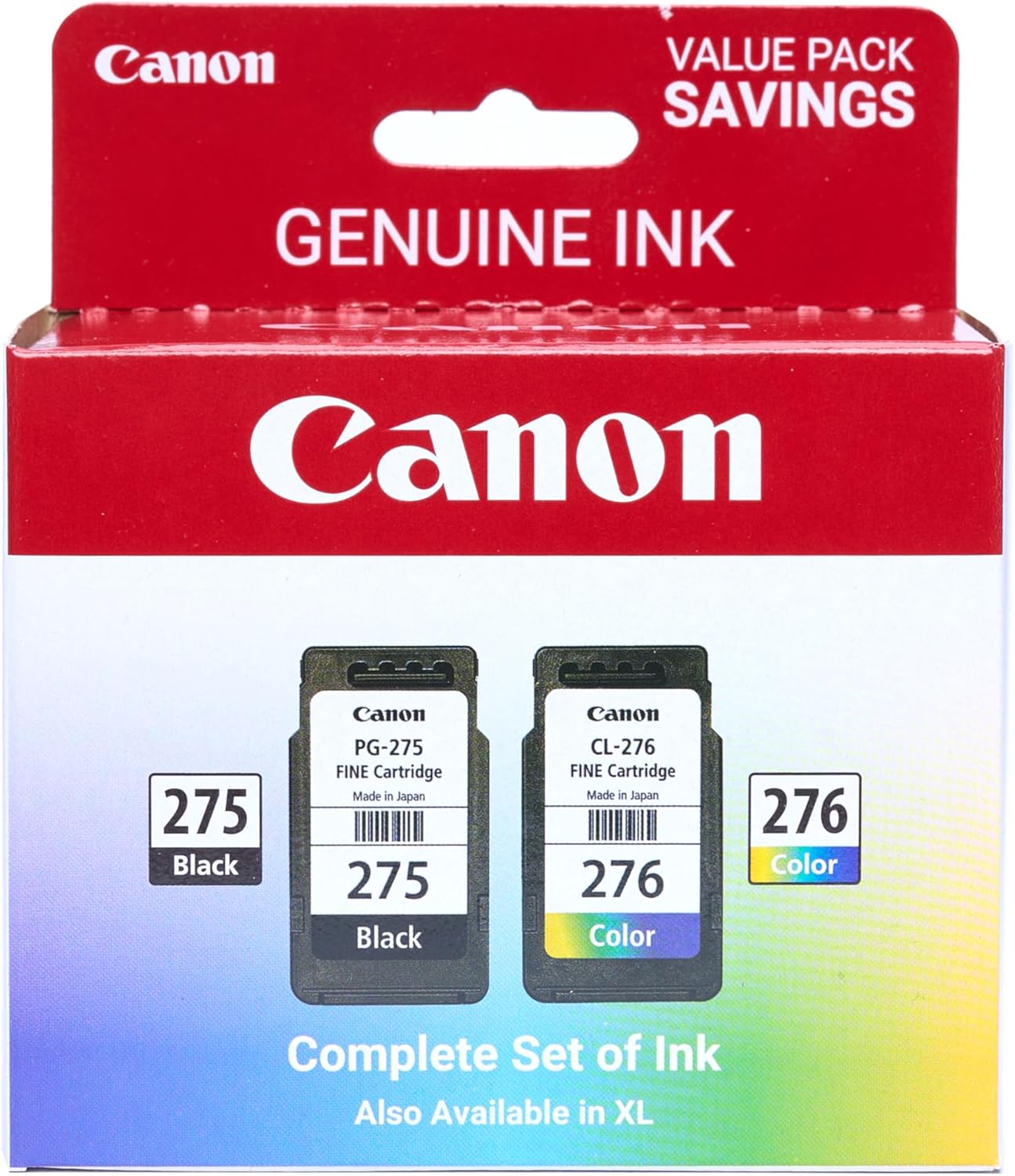
Canon PG-275
Canon PG-275 / CL-276 Genuine Ink Value Pack (2 Cartridges), Compatible with TS3520/3522/4722/3720/3722, TR4720

beyerdynamic DT 770 PRO 80 Ohm Over-Ear Studio Headphones in Gray
beyerdynamic DT 770 PRO 80 Ohm Over-Ear Studio Headphones in Gray. Enclosed Design, Wired for Professional Recording and Monitoring

KOORUI
KOORUI 24.5 Inch Gaming Monitor 200Hz, 1ms, FHD(1920 * 1080p) IPS Display, HDR400, 90% DCI-P3 Color Gamut with Adaptive Sync, HDMI & DP Port, Black, G2511P