Ever dreamed of building your own video game, but found yourself hitting a wall when it comes to creating stunning visuals, immersive soundscapes, or intricate character models? You’re not alone! The world of game development, especially for beginners, can seem daunting, particularly when faced with the cost and time commitment of generating all your own resources from scratch. This is where the magic of Free Game Assets comes into play, democratizing game creation and allowing aspiring developers to bring their visions to life without breaking the bank or spending years on art school. Learning or practicing game creation at home is not just a hobby; it’s a valuable journey that fosters creativity, problem-solving, and technical prowess, and with a wealth of free resources, it’s more accessible than ever before.
Materials & Supplies for Your First Game
Before diving into the world of free assets, let’s cover the foundational tools you’ll need. At its core, game development requires a powerful computer capable of running game engines and editing software. For software, a robust game engine like Unity or Unreal Engine is essential – both offer free tiers for personal use. You’ll also need a code editor (Visual Studio Code is a popular, free choice), and optionally, graphics software like GIMP or Krita (free alternatives to Photoshop), and audio tools such as Audacity for sound design. While a comfortable setup is crucial for long coding sessions, many developers find that a responsive Mechanical Gaming Keyboard significantly enhances their coding experience, providing tactile feedback and reducing fatigue. The great news? The internet is brimming with repositories for Free Game Assets from 3D models and textures to sound effects and music – eliminating the need to be an artist and coder simultaneously.
Timing / Development Schedule
Creating a game, even a simple one, involves several distinct phases. A realistic timeline helps manage expectations. Expect a “prep time” of 1-2 weeks for concept design, storyboarding, and gathering initial Free Game Assets. The core “coding phase” for a small project might span 4-8 weeks, depending on complexity. Testing and debugging often take 2-4 weeks, as you’ll discover countless unforeseen issues. Finally, publishing and promotion could add another 1-2 weeks. For a beginner’s first project, focus on a “mini-game” concept that can be completed in under three months, much like a short story versus a novel. This approach helps you learn the full development cycle without getting overwhelmed.
Step-by-Step Instructions to Start Developing
- Concept & Design: Start with a simple, achievable idea. What’s the core mechanic? What’s the player’s goal?
- Engine Setup: Install your chosen engine (e.g., Unity). Explore introductory tutorials. Many online courses, including those focused on Game Development with Unity, are excellent starting points.
- Prototype: Build the absolute bare bones of your game using placeholder assets. Focus on getting core mechanics working.
- Asset Integration: Now, it’s time to leverage Free Game Assets! Replace placeholders with suitable art, sound, and music from sites like OpenGameArt, Itch.io (asset section), or Kenney.nl.
- Refine & Code: Add features incrementally. Don’t try to implement everything at once. Small, manageable chunks of code are easier to debug.
- Test Relentlessly: Play your game, and have others play it. Identify bugs, glitches, and areas for improvement.
- Iterate & Polish: Based on feedback, refine gameplay, optimize performance, and add final polish.
Advantages of Learning Game Development
Learning game development at home unlocks a treasure trove of benefits. It’s a profound creative outlet, allowing you to build worlds from your imagination. You’ll sharpen critical problem solving skills, enhance logical thinking, and even learn the basics of project management. For those interested in future careers, game development skills are highly transferable, opening doors in software engineering, UI/UX design, and digital art. Building games fundamentally improves both your technical coding ability and artistic vision, making you a more versatile and capable creator.
Tips, Alternative Methods, or Development Advice
For beginners, start with 2D games they are significantly simpler to manage than 3D environments. Consider visual scripting tools within engines like Unity’s Bolt or Godot’s built in system if coding feels intimidating initially. If hardware is limited, focus on minimalist 2D games or retro-style projects. Join online communities (like Reddit’s r/gamedev or Discord servers) to connect with peers, get feedback, and find collaborators. There are countless free tutorials on YouTube and through engine documentation; consistency in learning is key.
Common Mistakes to Avoid
One of the biggest pitfalls is overscoping – trying to create an epic RPG as your first project. Start small, finish it, and then expand. Neglecting testing is another common error; regular playtesting helps catch bugs early. Ignoring player feedback can lead to a game that isn’t fun for anyone but you. Avoid “tutorial hell” by actively applying what you learn. Lastly, don’t be afraid to scrap ideas that aren’t working it’s part of the iterative process.
Maintenance / Update Tips
Once your game is released, the journey isn’t over. Implement version control from day one (Git is your friend!) to track changes and collaborate effectively. Be prepared for bug fixes; no game is perfect. Plan for content updates to keep players engaged, whether it’s new levels, characters, or features. Actively collect player feedback through forums or social media, and use it to inform future updates. Always keep multiple backups of your project files – unforeseen data loss can be devastating.
Conclusion
Embarking on the journey of game development at home is an incredibly rewarding experience, made vastly more accessible by the abundance of Free Game Assets. Remember to start small, embrace the learning process, and never stop practicing. Your first game might not be perfect, but it will be entirely yours. Now, go forth, explore the incredible resources available, and start building! We encourage you to explore more tutorials and connect with the vibrant developer community to accelerate your growth.
FAQs
What programming language should I start with?
For Unity, C# is standard. For Unreal Engine, C++ or its visual scripting tool, Blueprints, are common. Python is also great for general programming logic and can be used with some engines.
Which game engine is best for beginners?
Unity and Godot are excellent choices. Unity has a vast community and numerous tutorials, while Godot is open-source, lightweight, and very user-friendly for 2D games.
How long does it take to make a small game?
A very small, simple game (like a “Flappy Bird” clone) can be made in a few weeks. A more polished beginner project might take 2-3 months.
Do I need to know coding to start?
Not necessarily! Engines like Unreal Engine (with Blueprints) and Godot (with visual scripting) allow you to build games without writing traditional code. However, learning some coding will significantly expand your capabilities.
Where can I publish my first game?
Itch.io is a popular platform for indie developers to publish and showcase their games for free. Steam Greenlight (now Steam Direct) is an option for more ambitious projects, though it has a fee.

beyerdynamic DT 770 PRO 80 Ohm Over-Ear Studio Headphones in Gray
beyerdynamic DT 770 PRO 80 Ohm Over-Ear Studio Headphones in Gray. Enclosed Design, Wired for Professional Recording and Monitoring

Panvola
Panvola Debugging Definition Computer Programmer Gifts Student Teacher Coder Boyfriend Girlfriend IT Vacuum Insulated Tumbler Tech Support Travel Mug Stainless Steel With Straw Removable Lid (30 oz)

Panvola
Panvola Debugging Definition Computer Programmer Student Teacher Geek Coder Tech Support Programming IT Insulated Coffee Mug with Handle and Lid Camping Travel Thermal Mugs 14 oz Black
iFIT Pro
iFIT Pro – Monthly Membership – 1 month free trial included [Subscription]
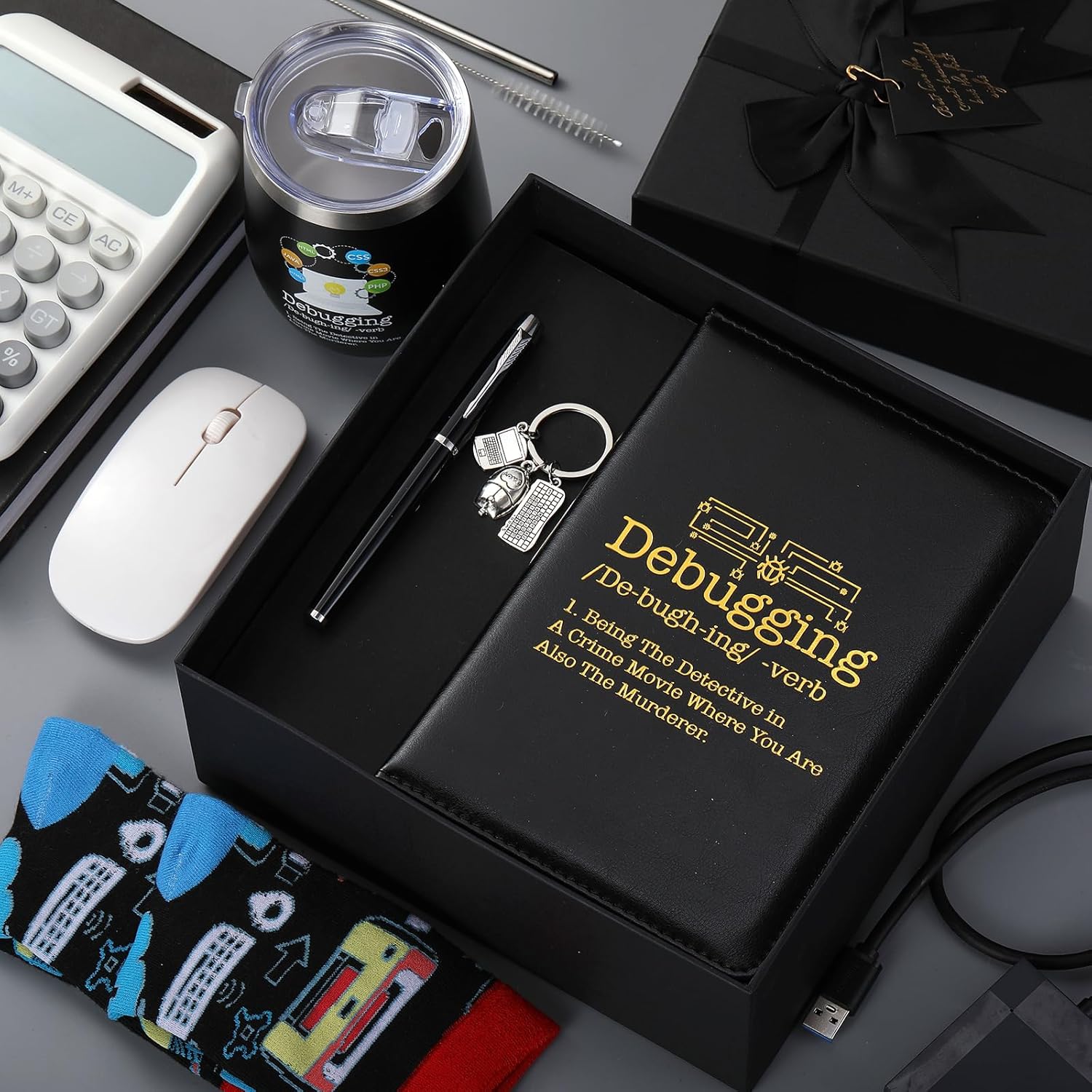
6 Pcs Computer Programmer Gifts for Men
6 Pcs Computer Programmer Gifts for Men Debugging Definition Programmer Gifts 12oz Stainless Steel Cup Socks Keychain Pen Notebook Box for IT Developers Computer Geeks Nerd Hackers Coders
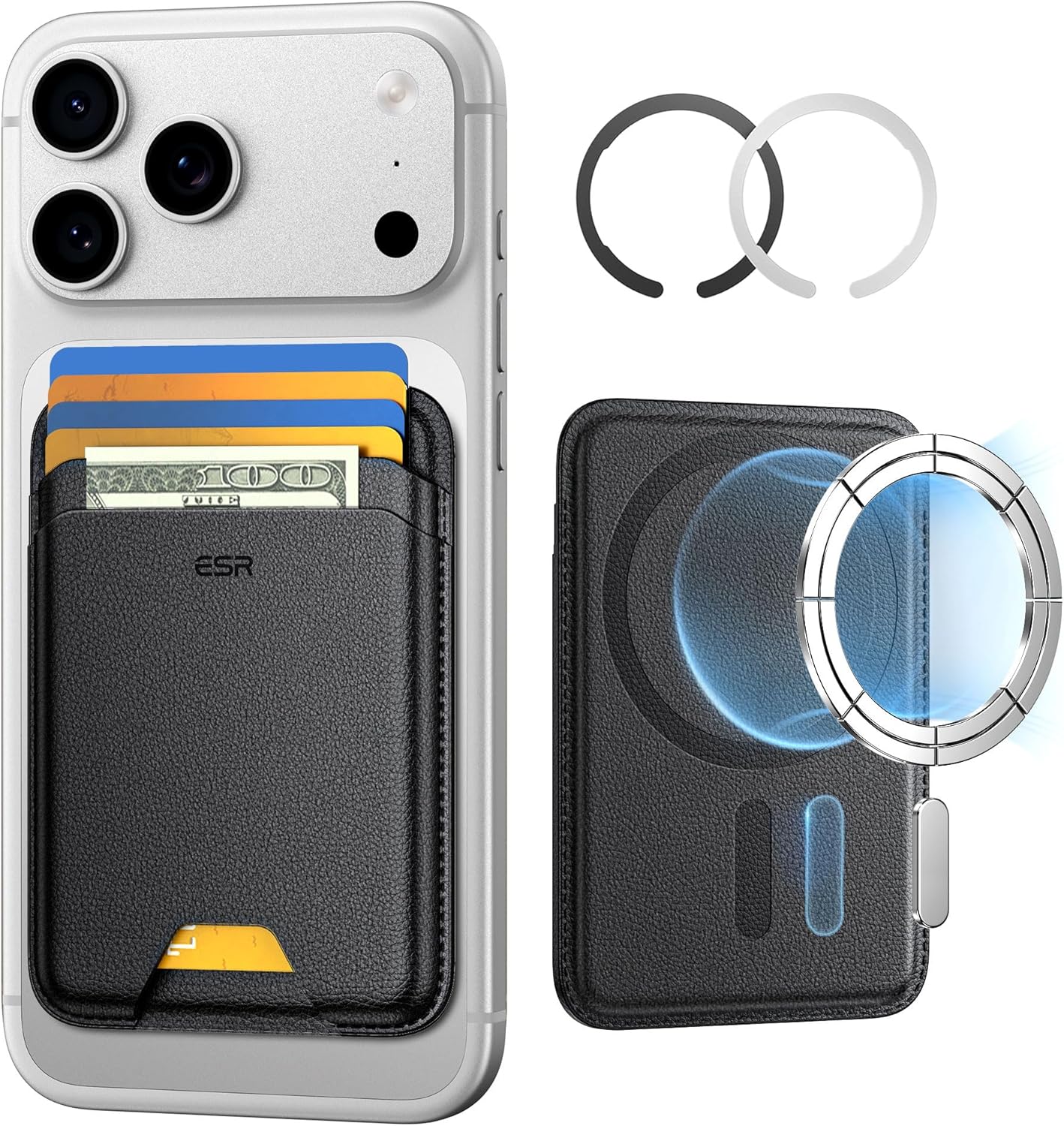
ESR for MagSafe Wallet
ESR for MagSafe Wallet, 5-Card Holder With RFID Blocking, MagSafe Sticker Included, Slim Magnetic Wallet for iPhone 17/16/15/14/13/12 Series and Selected Samsung Devices, Not for 13/12 Mini, Black