Make FPS Game in Unity: Your Blueprint for Home Based Development
Have you ever dreamt of crafting your own virtual worlds, where every shot fired and every enemy encountered is a product of your imagination? The realm of game development, once seemingly exclusive to large studios, is now more accessible than ever. Learning or practicing game creation at home isn’t just a hobby; it’s a valuable, inspiring journey that cultivates a unique blend of technical and creative skills. For aspiring creators, especially those delving into FPS Game Unity development, starting from scratch can seem daunting, but it’s an incredibly rewarding experience that kickstarts your journey into game development for beginners. Let’s dive into how you can make your vision a reality.
Materials & Supplies
To embark on your game development journey, especially creating an FPS, you’ll need a reliable setup.
* **Computer:** A desktop or laptop with a decent processor (Intel i5/Ryzen 5 or better), 8GB+ RAM (16GB recommended), and a dedicated GPU (NVIDIA GTX 1050 or AMD RX 560 equivalent or better) is essential for handling 3D environments.
* **Game Engine:** Unity is our focus, offering a robust, user-friendly platform. Unreal Engine is another powerful alternative. Both have free versions for personal use.
* **Code Editor:** Visual Studio Code (free) or Visual Studio Community (free) are excellent choices, integrating seamlessly with Unity for C# scripting.
* **Graphics Software:** Blender (free) for 3D modeling and animation, GIMP (free) or Photoshop for 2D textures and UI elements.
* **Audio Tools:** Audacity (free) for sound effect editing, or access to free sound libraries (e.g., Freesound.org).
* **Input Devices:** A standard mouse and keyboard are fine, but a high performance **Mechanical Gaming Keyboard** can enhance your coding and testing experience.
Timing / Development Schedule
Creating a game, even a simple FPS, requires a structured approach. A small prototype might take a few weeks, while a more polished game could span months.
* **Concept & Planning (1-2 weeks):** Define your game’s core mechanics, story, art style, and target scope. Keep it small for your first project.
* **Asset Creation & Acquisition (2-4 weeks):** Model characters, weapons, environments, create textures, and gather sound effects. Utilize asset stores (Unity Asset Store) to speed this up.
* **Coding & Core Mechanics (4-8 weeks):** Implement player movement, shooting mechanics, enemy AI, UI, and game logic. This is where most of your time will be spent.
* **Level Design (2-3 weeks):** Build out your game levels, placing assets and refining gameplay flow.
* **Testing & Debugging (Ongoing, 2-4 weeks dedicated):** Identify and fix bugs, refine gameplay, and ensure a smooth experience.
* **Polish & Optimization (1-2 weeks):** Improve visuals, audio, performance, and user experience.
* **Publishing (1 week):** Prepare your game for distribution on platforms like Itch.io or Steam (Steam requires a fee).
Step-by-Step Instructions
Let’s outline the journey to making your first simple FPS game in Unity:
1. **Set Up Unity:** Download and install Unity Hub, then create a new 3D project.
2. **Basic Player Controller:** Implement a first-person character controller. Unity’s Standard Assets (available via Package Manager) or a simple script can handle movement and camera rotation.
3. **Weapon System:** Create a basic shooting script that instantiates a bullet prefab and applies force or uses raycasting to detect hits.
4. **Enemy AI:** Develop a simple AI for enemies that can move, detect the player, and perhaps shoot back. Use Unity’s NavMesh for pathfinding.
5. **Level Design:** Block out a simple level with cubes and planes. Focus on gameplay flow before adding detailed art.
6. **UI Elements:** Add a health bar, ammo counter, and a crosshair to your screen.
7. **Debugging & Testing:** Playtest constantly. Use Unity’s Console to check for errors and debug scripts. Iterate frequently based on your findings.
Advantages of Learning Game Development
Venturing into game development offers a plethora of benefits beyond just making games:
* **Creativity Unleashed:** Translate your wildest ideas into interactive experiences.
* **Problem-Solving:** Tackle complex logical challenges, fostering critical thinking.
* **Logical Thinking:** Improve your understanding of systems, algorithms, and sequential processes.
* **Teamwork (even solo):** Even working alone, you’re managing multiple disciplines (art, code, sound), similar to a small team.
* **Career Opportunities:** The skills are highly transferable to software engineering, simulation, VR/AR, and interactive media. **Game Development with Unity** skills are particularly sought after.
Tips, Alternative Methods, or Development Advice
* **Start Small:** Don’t aim for the next AAA title on your first attempt. A single-level game with basic mechanics is a huge accomplishment.
* **2D First:** Consider starting with 2D games. They often have a gentler learning curve for concepts like physics and UI before diving into the complexities of 3D.
* **Visual Scripting:** Tools like Bolt (now integrated into Unity) allow you to create game logic visually, reducing the initial hurdle of coding. Godot Engine also offers visual scripting.
* **Collaborate:** Join online communities (Discord, Reddit) to connect with other developers, share knowledge, and even find collaborators.
* **Utilize Tutorials:** YouTube, Udemy, and Unity Learn offer countless free and paid tutorials. Follow along, but always try to adapt or expand on what you’ve learned.
Common Mistakes to Avoid
* **Overcomplicating the First Project:** This is the #1 pitfall. Scope creep leads to unfinished projects and demotivation. Start with a single, achievable mechanic.
* **Neglecting Testing:** Bugs multiply quickly. Test frequently, even after small changes.
* **Ignoring Player Feedback:** If others play your game, listen to their input. It’s invaluable for improvement.
* **Poor Code Organization:** Unreadable or messy code will become a nightmare to maintain later. Use comments and follow coding best practices.
* **Giving Up Too Easily:** Game development is challenging. Embrace errors as learning opportunities.
Maintenance / Update Tips
After your game is released, the journey continues:
* **Version Control:** Use Git (e.g., GitHub, GitLab) to track changes, back up your project, and collaborate effectively.
* **Bug Fixes:** Be ready to release patches for issues reported by players.
* **New Content:** Keep players engaged with new levels, characters, or game modes.
* **Player Feedback Loop:** Maintain channels for feedback (forums, social media) and actively engage with your community.
* **Optimization:** Continuously look for ways to improve performance and expand compatibility.
Conclusion
Embarking on the journey to **FPS Game Unity** development at home is a challenging yet immensely fulfilling endeavor. Remember to start small, break down complex tasks, and celebrate every milestone. The skills you gain from coding to creativity are invaluable, not just in game development but across many tech fields. So, what are you waiting for? Dive into Unity, experiment, and start building your dream game today! Explore more tutorials and connect with our vibrant developer community to accelerate your learning.
FAQs
**What programming language should I start with?**
For Unity, C# is the primary language. It’s a great choice for beginners due to its clear syntax and extensive community support.
Which game engine is best for beginners?
Unity and Godot Engine are often recommended for beginners. Unity has a vast ecosystem and resources, while Godot is lightweight and open-source.
How long does it take to make a small game?
A very small, simple game (like a “Pong” clone or a basic platformer) can take anywhere from a few days to a few weeks for a beginner. A more complex prototype could take 2-3 months.
Do I need to know coding to start?
While coding is essential for most game development, you can start with visual scripting tools (like Unity’s Bolt) or focus on asset creation before diving deep into code.
Where can I publish my first game?
For your first games, platforms like Itch.io are excellent for indie developers, offering an easy way to upload and share your projects for free or a small fee.
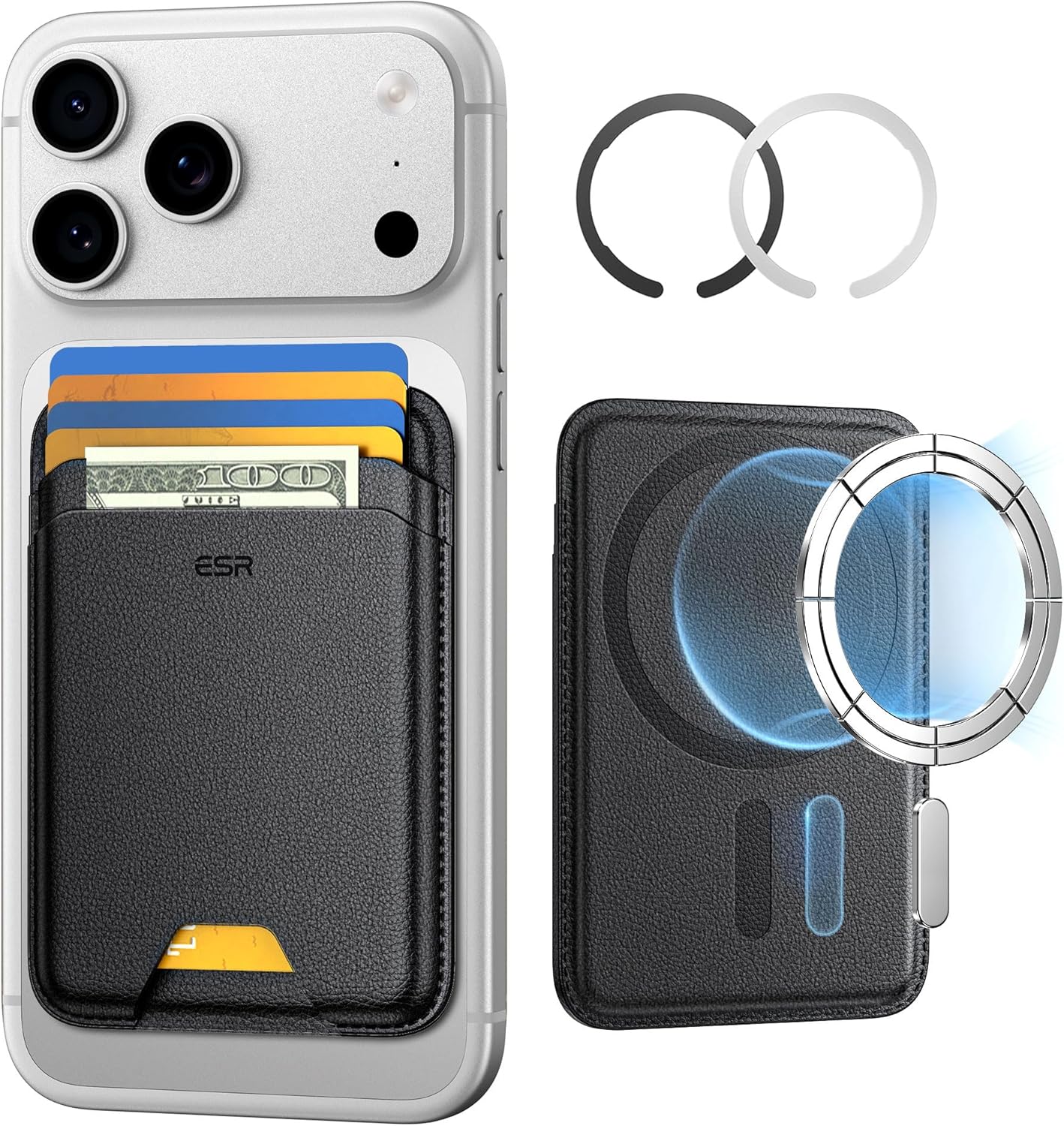
ESR for MagSafe Wallet
ESR for MagSafe Wallet, 5-Card Holder With RFID Blocking, MagSafe Sticker Included, Slim Magnetic Wallet for iPhone 17/16/15/14/13/12 Series and Selected Samsung Devices, Not for 13/12 Mini, Black
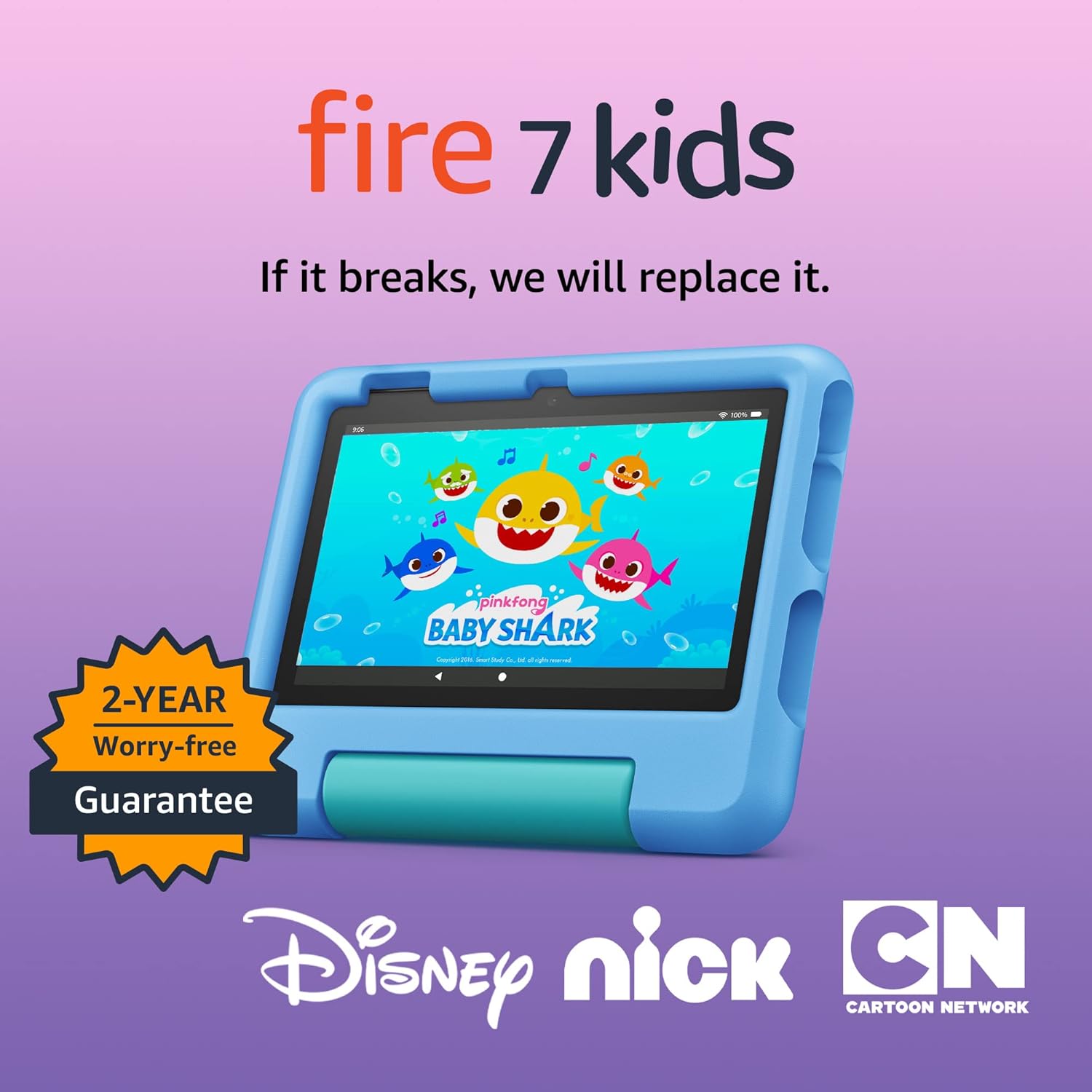
Amazon Fire 7 Kids tablet
Amazon Fire 7 Kids tablet, ages 3-7. Top-selling 7\" kids tablet on Amazon. Includes ad-free and exclusive content, easy parental controls, 10-hr battery, 16 GB, Blue

KOORUI
KOORUI 24.5 Inch Gaming Monitor 200Hz, 1ms, FHD(1920 * 1080p) IPS Display, HDR400, 90% DCI-P3 Color Gamut with Adaptive Sync, HDMI & DP Port, Black, G2511P
Ultimate Mobile Controls – Plug & Play
Take your mobile game to the next level with this ready-to-use Mobile Controls Pack. customizable mobile controls without wasting days on UI and input setup. Perfect for 2D, 3D, FPS, RPG, Platformer, Shooter, and Casual mobile games.
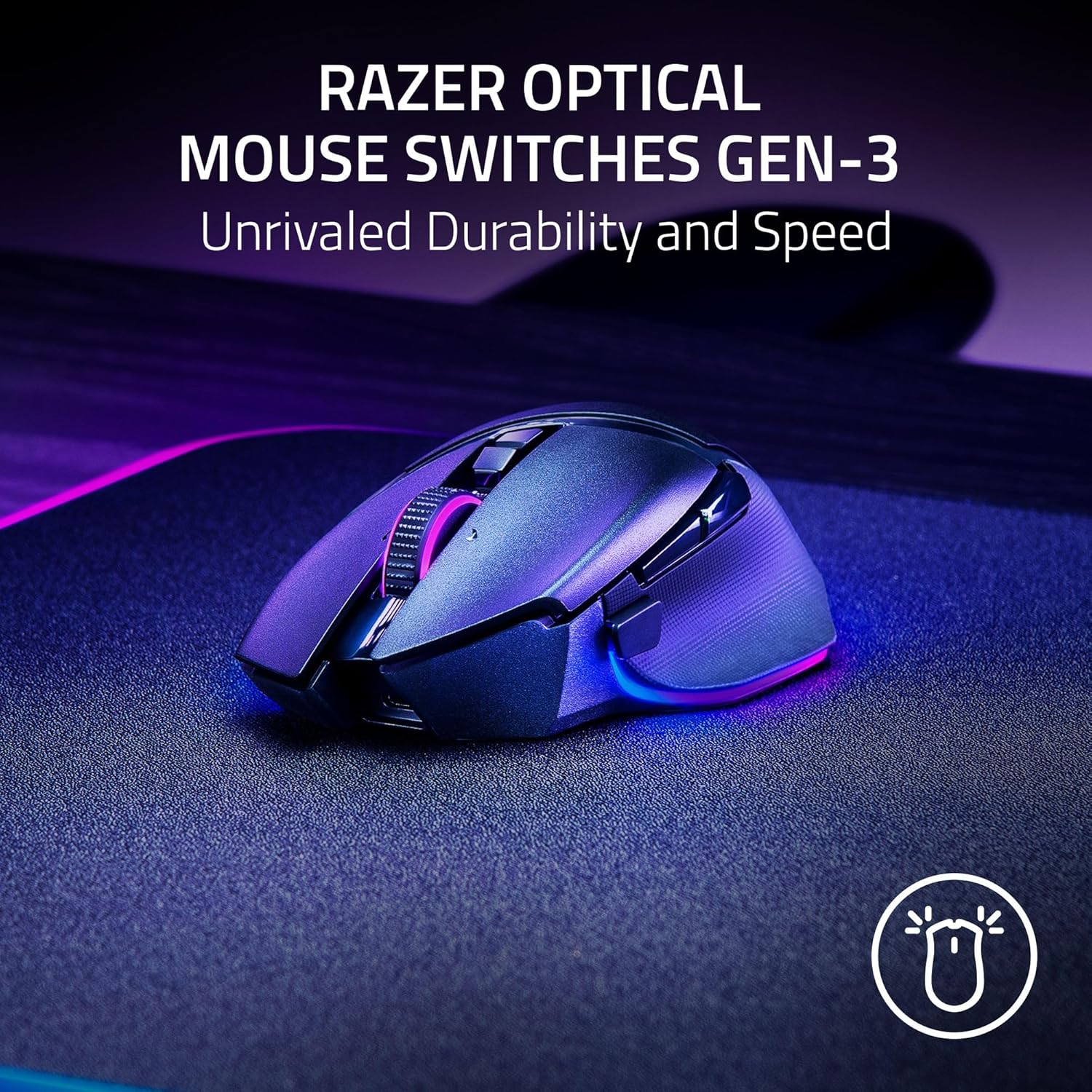
Razer
Razer Basilisk V3 Pro 35K Wireless Gaming Mouse: HyperScroll Tilt Wheel – 35K DPI Optical Sensor Gen 2-13 Customizable Controls – Chroma RGB – Optical Switches Gen 3 – Up to 140 Hr Battery – Black

Scotch Thermal Laminating Pouches
Scotch Thermal Laminating Pouches, for Use with Thermal Laminators, 8.9 x 11.4 Inches, Letter Size Sheets, 100-Pack