Have you ever wondered how popular mobile games are created from scratch? The world of game development for beginners is an exciting frontier where creativity meets technology, allowing anyone with passion to craft their own interactive experiences right from home. Whether you’re aiming to design the next viral sensation or just want to explore coding and artistic skills, learning to Make Mobile Game is both valuable and inspiring. This comprehensive guide will walk you through essential steps, tools, and tips to turn your game idea into reality.
Materials & Supplies
Getting started requires some basic materials and software. Here’s what you need:
- Computer: A reasonably powerful PC or Mac to run development software smoothly.
- Game Engine: Tools like Game Development with Unity or Unreal Engine simplify game creation by providing prebuilt frameworks and assets.
- Code Editor: Software like Visual Studio Code or JetBrains Rider helps write and organize your code.
- Graphics Software: Tools like Photoshop, GIMP (free), or Blender (3D modeling) to create or edit visual assets.
- Audio Tools: Audacity (free) or FL Studio for sound effects and music creation.
- Mechanical Gaming Keyboard: While optional, a quality mechanical gaming keyboard can boost both typing comfort and efficiency during development.
Many of these tools offer free versions, which are perfect for beginners looking to learn without upfront costs.
Timing / Development Schedule
Developing a mobile game usually progresses through several phases:
- Concept & Design (1-2 weeks): Brainstorm game ideas, sketch out gameplay mechanics, and plan your resources.
- Development & Coding (4-8 weeks): Build the core game logic, integrate assets, and write scripts.
- Testing & Debugging (2-3 weeks): Identify bugs, improve performance, and refine user experience.
- Publishing & Marketing (1 week): Prepare your game for stores like Google Play or Apple App Store, create promotional content.
This timeline varies based on complexity but gives beginners a realistic framework for managing project expectations.
Step-by-Step Instructions
Follow these primary steps to start creating your mobile game:
- Choose Your Game Engine: Download and install Unity or another beginner-friendly engine.
- Create a New Project: Start with a simple 2D game template to understand basic mechanics.
- Design Your Assets: Use free graphic tools or assets from the asset store for characters, backgrounds, and UI.
- Code the Game Logic: Write scripts for player controls, scoring, and game physics. Unity uses C# which is beginner-friendly.
- Test Early and Often: Run your game frequently to catch errors. Use debugging tools provided by the game engine.
- Optimize and Polish: Refine visuals, sounds, and performance before final testing.
Start small and focus on mastering each stage before moving forward to avoid overwhelm.
Advantages of Learning Game Development
Learning how to Make Mobile Game brings numerous benefits:
- Creativity: Design unique characters and stories, expanding your artistic skills.
- Problem-Solving: Tackle coding challenges and optimize gameplay logic.
- Logical Thinking: Develop structured, efficient programming habits.
- Teamwork: Many projects encourage collaboration, fostering communication skills.
- Career Opportunities: Experience gained can open doors in gaming or software industries.
Moreover, creating games at home boosts confidence and provides a tangible way to showcase your talents.
Tips, Alternative Methods, or Development Advice
Not everyone has the same resources or time availability, so consider these alternatives:
- Start with 2D games before advancing to complex 3D designs.
- Explore visual scripting tools like Scratch or Godot’s visual scripting to learn without deep coding.
- Use free assets and open-source tools to reduce costs.
- Join online communities and forums for support and idea exchange.
- If hardware is limited, prioritize cloud-based development platforms where possible.
Structured learning through tutorials and courses can accelerate your journey.
Common Mistakes to Avoid
- Overcomplicating First Project: Keep your initial game simple to finish it and learn.
- Neglecting Testing: Regularly test to detect bugs early and ensure smooth gameplay.
- Ignoring Player Feedback: Listen to testers’ suggestions for improvement.
- Poor Time Management: Set clear goals and deadlines to avoid burnout.
- Skipping Documentation: Keep notes on code and design decisions for easier updates.
Maintenance / Update Tips
After releasing your game, maintenance is crucial:
- Use version control (Git) to track code changes and roll back if needed.
- Fix bugs promptly based on user reports.
- Add new levels or features to keep players engaged.
- Gather player feedback continuously for improvements.
- Backup project files regularly to prevent data loss.
The Best Websites or Tools That Offer This for Free
For those starting out, these resources provide free access to essential tools and learning materials:
- Unity Personal Edition: Full-featured engine free for beginners.
- Godot Engine: Completely open-source and beginner-friendly.
- GIMP: Free alternative for graphic editing.
- Audacity: Free audio recording and editing software.
- Scratch: Visual coding platform ideal for absolute beginners.
A Brief Explanation for Beginners, Including the Steps Involved
To summarize the process simply:
- Ideate your game concept.
- Choose a game engine and set up your workspace.
- Create or gather assets (graphics, sounds).
- Code game mechanics and controls.
- Test your game thoroughly.
- Publish your game on mobile platforms.
- Maintain and update based on feedback.
FAQs
- What programming language should I start with?
- C# is popular for Unity, making it an excellent choice for beginners focusing on mobile games.
- Which game engine is best for beginners?
- Unity and Godot both offer beginner-friendly interfaces and strong community support.
- How long does it take to make a small game?
- Depending on complexity, a simple game can take anywhere from a few weeks to a couple of months.
- Do I need to know coding to start?
- Not necessarily—visual scripting tools can help you get started without coding experience.
- Where can I publish my first game?
- Popular platforms include Google Play Store for Android and Apple App Store for iOS.
Ready to dive in? Begin your journey to Make Mobile Game today, and bring your creative ideas alive!
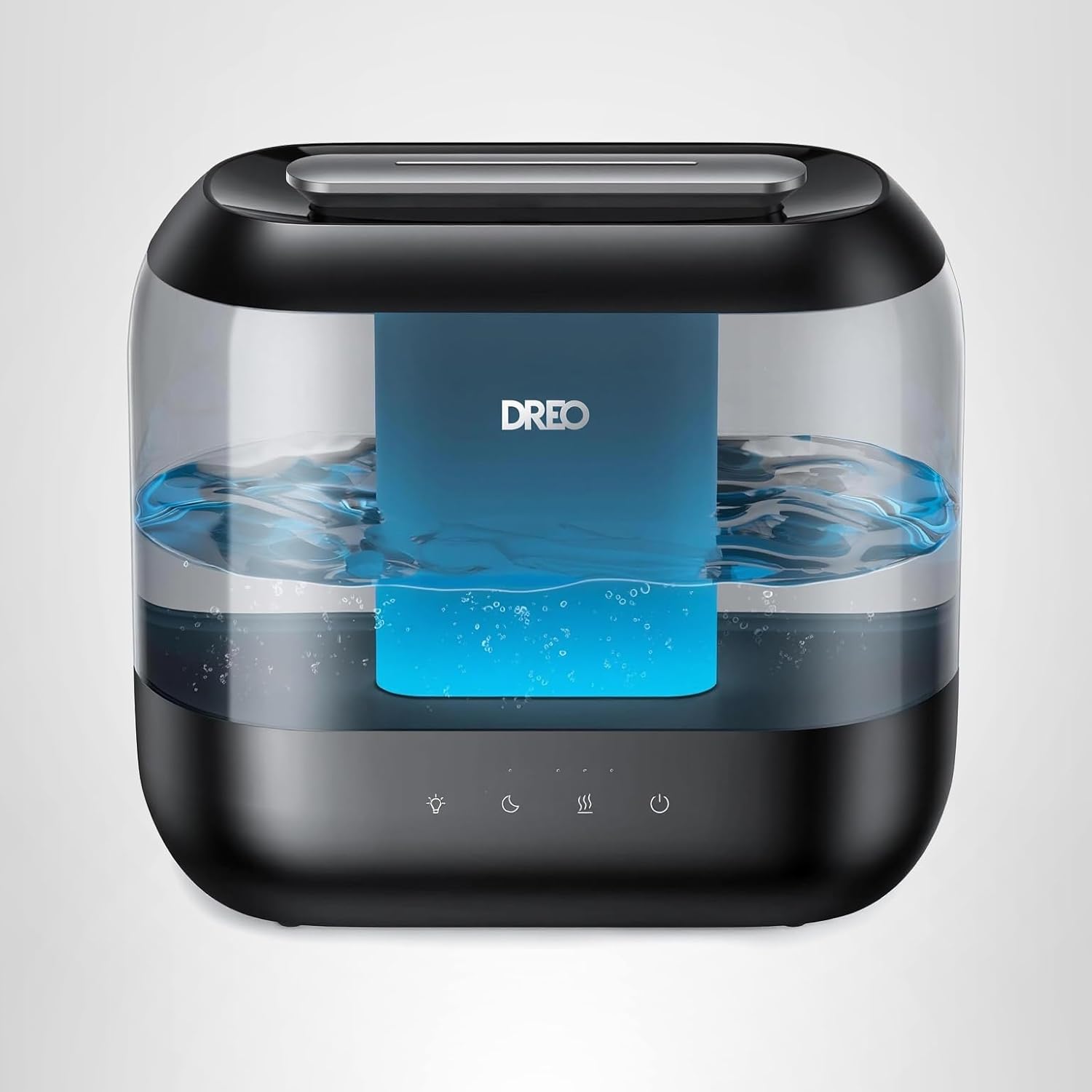
Dreo Humidifiers for Bedroom
Dreo Humidifiers for Bedroom, 4L Top Fill for Large Room, 36H Runtime, 28 dB Quiet Supersized Cool Mist Air Humidifier for Baby Nursery, Plants, Indoor, Night Light, Easy to Clean & Fill, Black
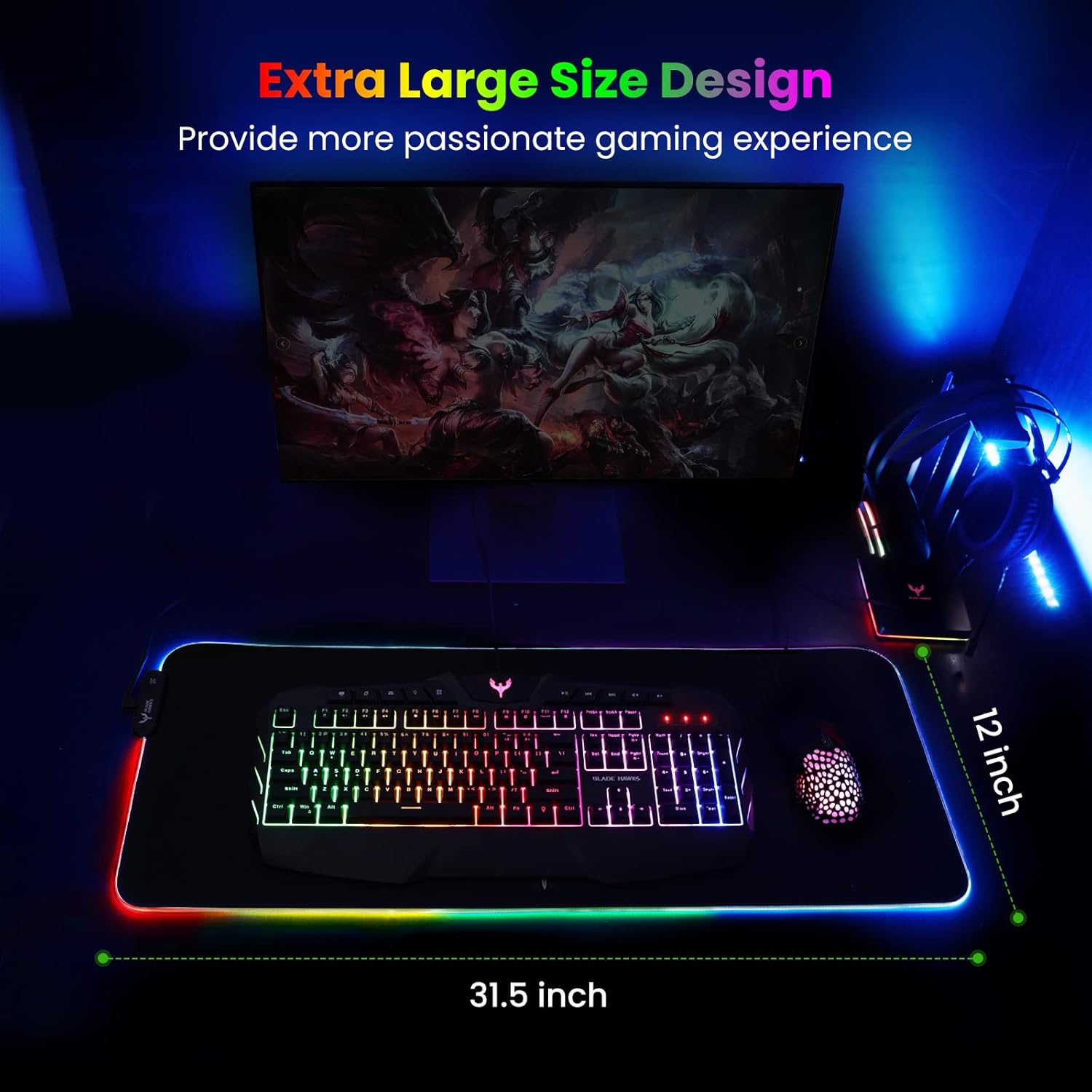
Mouse Pad
BladeHawks Extra Large RGB Gaming Mouse Pad-14 Light Modes, Extended Soft LED Mouse Pad, Anti-Slip Rubber Base, Computer Keyboard Mousepad Mat (31.5 x 12 Inch)
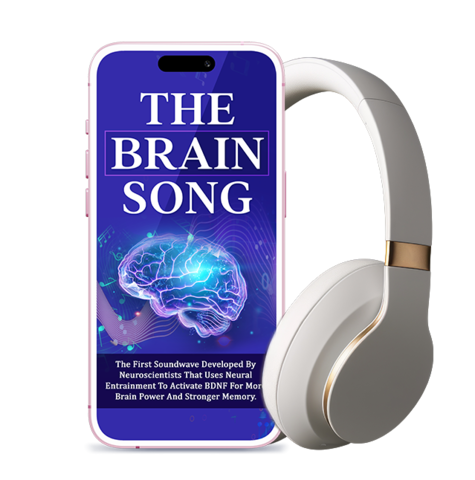
Brain Song 2025 Gamma
Cognitive Enhancement or Just Hype? Reviews The Brain Song (Killer NEW Memory Offer)

beyerdynamic DT 770 PRO 80 Ohm Over-Ear Studio Headphones in Gray
beyerdynamic DT 770 PRO 80 Ohm Over-Ear Studio Headphones in Gray. Enclosed Design, Wired for Professional Recording and Monitoring
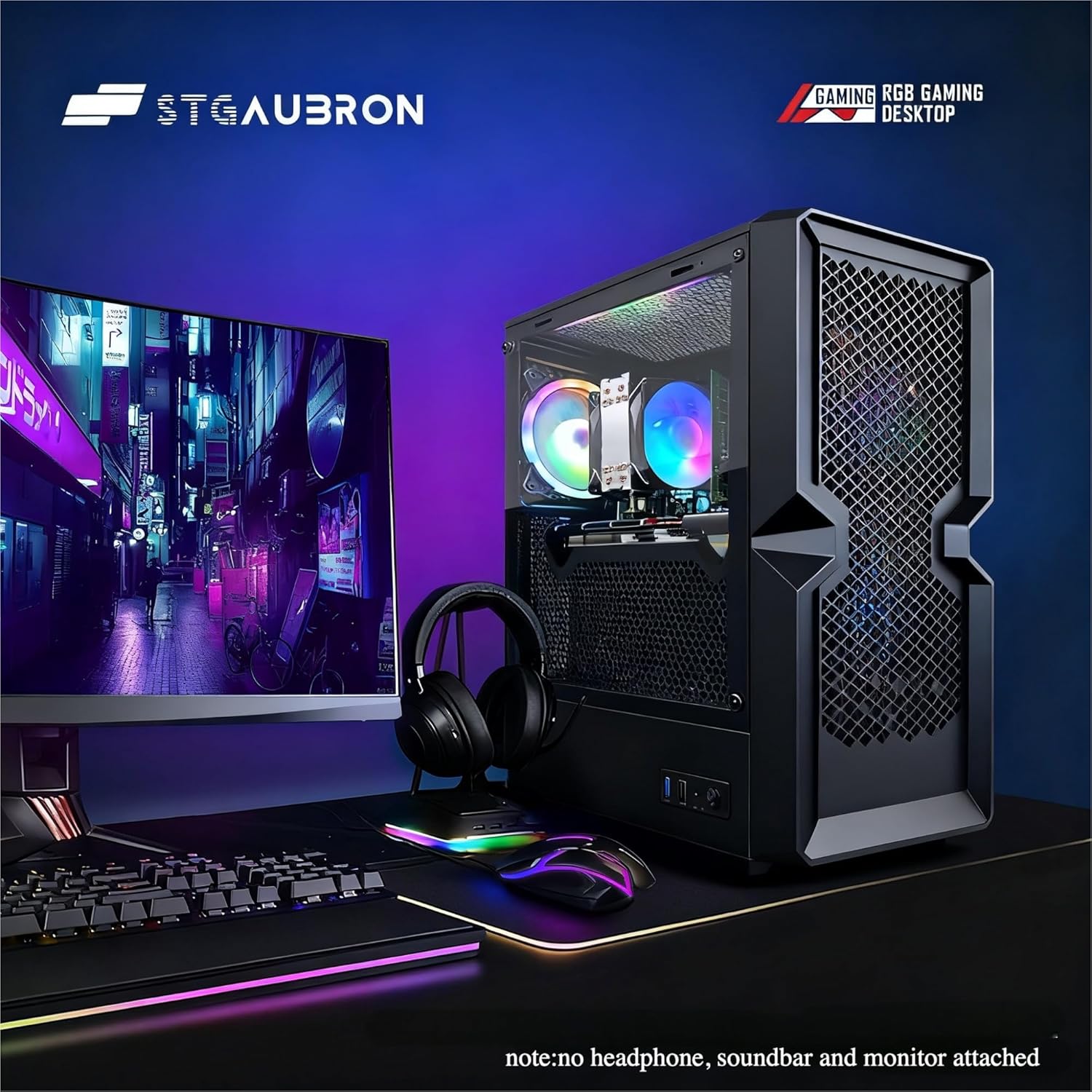
STGAubron Gaming PC Desktop
STGAubron Gaming PC Desktop Computer, Intel Core i5 up to 3.6G, Radeon RX 590 8G, 16GB RAM, 1TB SSD, 600M WiFi, BT 5.0, RGB Fan x3, Windows 11 Home
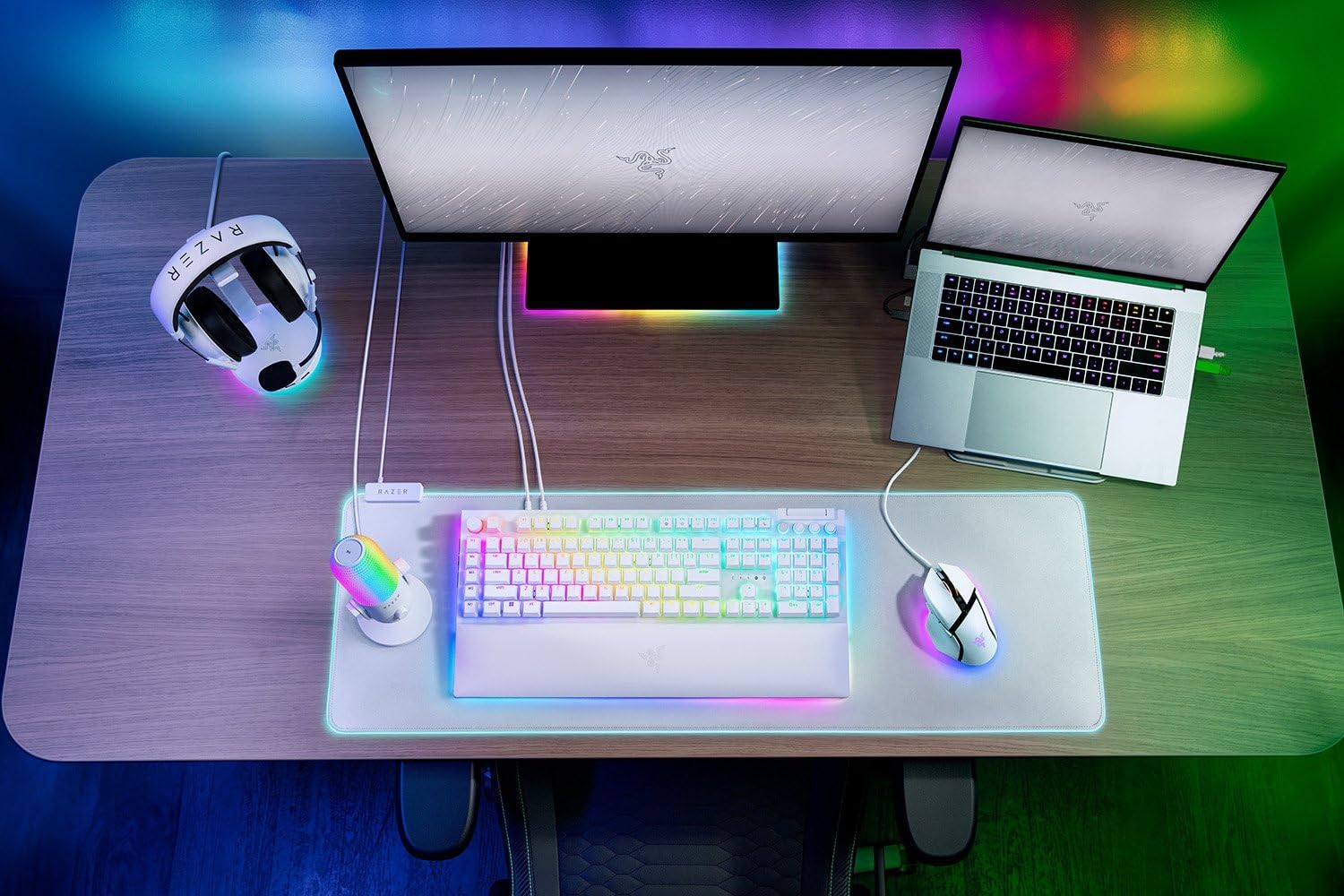
Razer
RAZER BlackWidow V4 Pro Wired RGB Keyboard White Refurbished