Are you fascinated by how video games bring characters and worlds to life? Embarking on game development for beginners is a rewarding journey that not only fuels creativity but also sharpens technical skills. Learning to create games at home empowers you to transform ideas into interactive experiences without expensive studios or teams. One vital skill in this realm is mastering Blender Game Animation, an essential technique for crafting dynamic and immersive gameplay.
Materials & Supplies
To kickstart your game development journey, you’ll need the right setup. Here’s a comprehensive list of materials, tools, and software essentials:
- Computer: A reliable PC or laptop with decent specs (8GB RAM minimum, GPU support) to handle 3D modeling and coding smoothly.
- Game Engine: Tools like Game Development with Unity or Unreal Engine, which provide the platform to build, animate, and deploy games.
- Code Editor: Visual Studio Code or Sublime Text for scripting game mechanics and interactions.
- Graphics Software: Blender is indispensable for creating animations and 3D models, offering a free, open-source solution with powerful capabilities.
- Audio Tools: Audacity or GarageBand for sound editing and adding immersive audio effects.
- Mechanical Gaming Keyboard: Enhances your coding and development efficiency, providing durability and tactile feedback during prolonged programming sessions.
- Version Control: GitHub or GitLab to manage project files, collaborate, and maintain backups.
For beginners on a budget, many of these tools have free versions or alternatives. Blender, Unity Personal edition, and Visual Studio Code are excellent starting points with strong online communities.
Timing / Development Schedule
Creating a game involves multiple stages, generally spread across a planned timeline:
- Concept & Planning (1-2 weeks): Define game mechanics, storyline, and assets needed.
- Asset Creation (2-4 weeks): Model characters, environments, and animations using Blender Game Animation.
- Coding & Integration (3-6 weeks): Implement gameplay logic with your chosen engine, linking assets and scripts.
- Testing & Debugging (1-3 weeks): Rigorously test for bugs, performance issues, and tweak balancing.
- Publishing & Updates: Prepare for launch and plan future expansions or patches.
For beginners, setting milestones helps maintain momentum without overwhelm. Smaller projects (~1 month) focusing on core mechanics are ideal for learning.
Step-by-Step Instructions
- Install Blender and Unity: Download and set up both tools to create animations and build gameplay.
- Create a simple character: Start with basic modeling and apply simple walk cycles using Blender Game Animation tutorials.
- Import assets into Unity: Learn asset pipeline—exporting from Blender and importing to Unity, ensuring model rigging and textures transfer correctly.
- Script basic controls: Implement player movement scripts using C# or visual scripting plugins.
- Test frequently: Playtest sections early to identify issues and improve usability.
- Iterate and polish: Refine animations, fix bugs, and optimize performance prior to publishing.
Advantages of Learning Game Development
Engaging in game development nurtures a variety of skills:
- Creativity: Designing worlds and characters boosts artistic expression.
- Problem-solving: Overcoming coding challenges enhances logical thinking.
- Technical skills: Mastering tools like Blender and Unity translates to broader software proficiency.
- Teamwork: Collaborating on projects develops communication and project management capabilities.
- Career opportunities: Proficiency in game development opens doors in entertainment, education, and tech industries.
Additionally, using a Mechanical Gaming Keyboard can improve your workflow’s speed and accuracy, making long hours easier to manage.
Tips, Alternative Methods, or Development Advice
Start with 2D games if 3D feels overwhelming. Tools like Godot or Scratch offer visual scripting for coding free game creation. Join online forums and Github to collaborate or seek help. If hardware is limited, focus more on coding and simpler art styles. Utilize free tutorials on YouTube or platforms like Coursera to optimize learning efficiently.
Common Mistakes to Avoid
- Overcomplicating the first project: Keep it simple to build confidence and skills gradually.
- Neglecting testing: Regular tests catch bugs early, saving time later.
- Ignoring player feedback: Early input shapes better gameplay experiences.
- Disorganized assets: Maintain clear folder structures to avoid chaos and lost files.
- Skipping backups: Use version control to protect your work.
Maintenance / Update Tips
Post-release, continue improving your game:
- Use version control systems to manage updates securely.
- Respond to bug reports quickly and release patches regularly.
- Add new content or features based on community feedback.
- Keep your project files organized, documenting changes meticulously.
The best websites or tools that offer this for free
Platforms like Blender.org offer free 3D modeling and animation software. Unity’s Personal edition and Godot Engine are cost-free game engines suitable for beginners. Tutorials from sites like Polycode.tech and YouTube channels provide invaluable insights without cost.
A brief explanation for beginners, including the steps involved
Beginning game development involves:
- Choosing your game concept and scope.
- Learning software fundamentals, such as Blender animation basics and coding.
- Creating and importing assets into a game engine.
- Programming gameplay mechanics and user interactions.
- Testing the game and refining details.
- Publishing your project and engaging with the player community.
FAQs
What programming language should I start with?
C# is recommended if you’re using Unity. For beginners uncomfortable with code, visual scripting tools like Bolt can help.
Which game engine is best for beginners?
Unity and Godot are great for newcomers due to their community support, documentation, and ease of use.
How long does it take to make a small game?
Depending on complexity, expect 1-3 months for a simple game with focused effort.
Do I need to know coding to start?
No, many engines support visual scripting. However, learning basic code enhances customization and control.
Where can I publish my first game?
Platforms like itch.io and Steam offer accessible ways to showcase and distribute indie games.
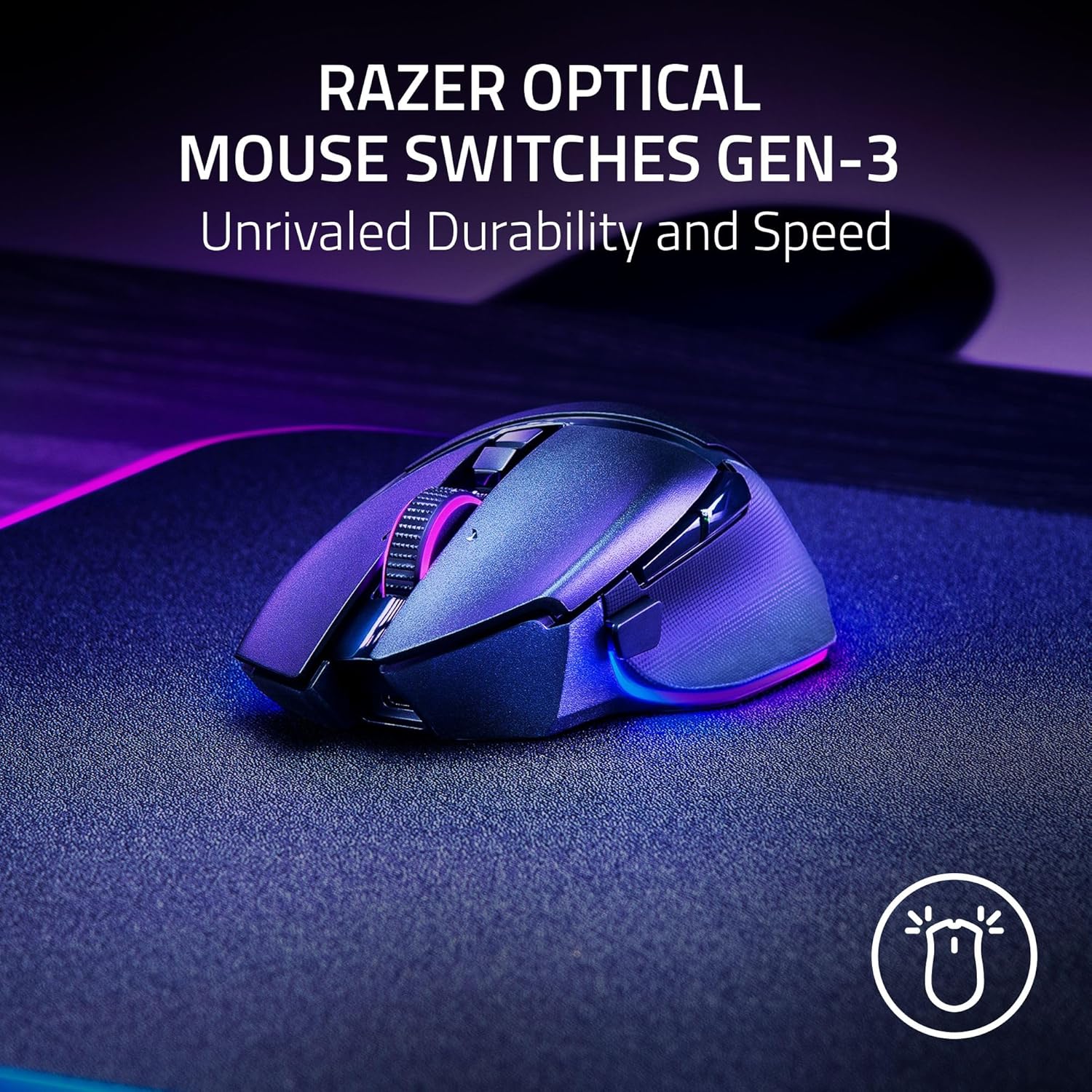
Razer
Razer Basilisk V3 Pro 35K Wireless Gaming Mouse: HyperScroll Tilt Wheel – 35K DPI Optical Sensor Gen 2-13 Customizable Controls – Chroma RGB – Optical Switches Gen 3 – Up to 140 Hr Battery – Black

Panvola
Panvola Debugging Definition Computer Programmer Student Teacher Geek Coder Tech Support Programming IT Insulated Coffee Mug with Handle and Lid Camping Travel Thermal Mugs 14 oz Black
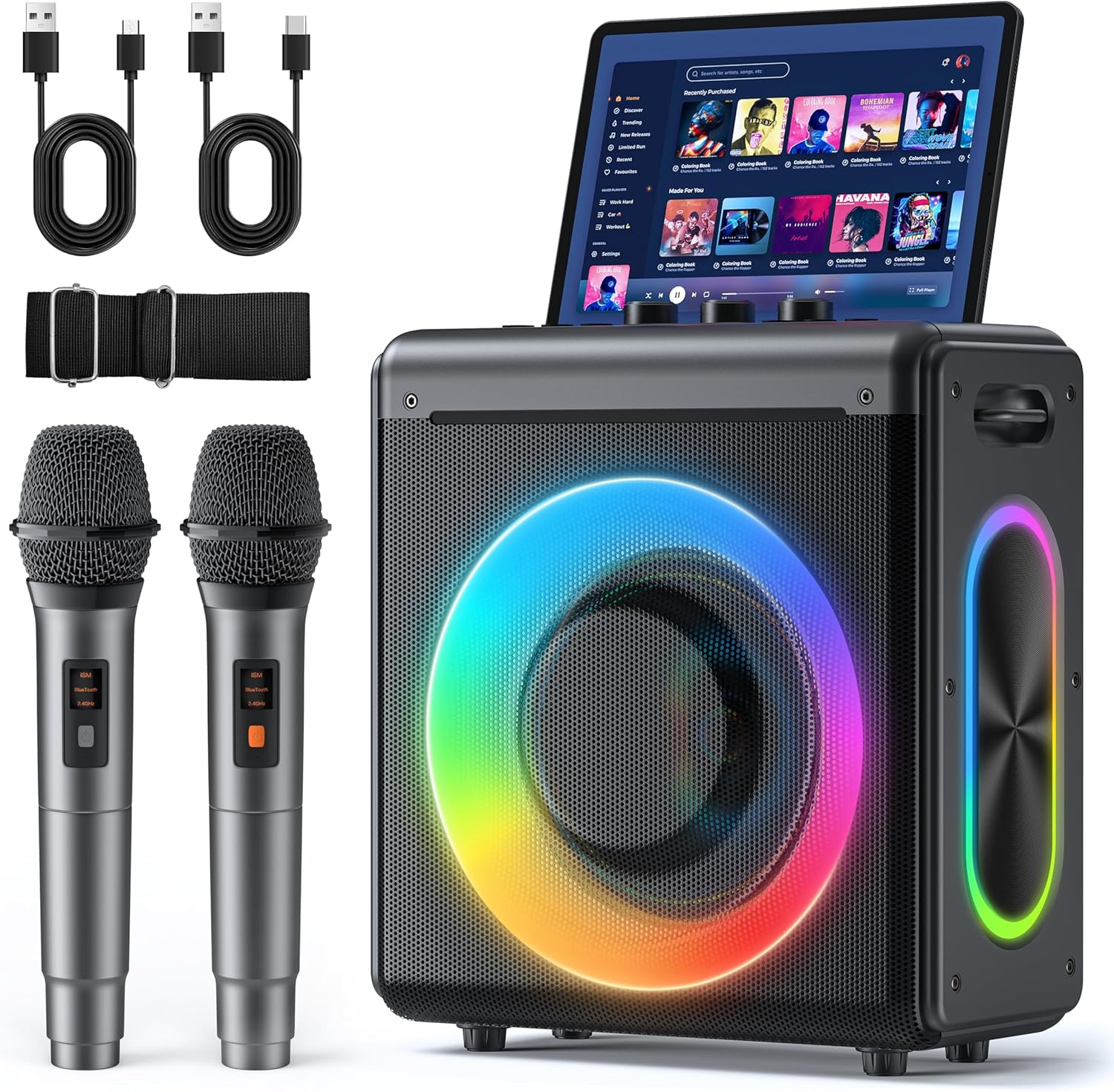
Karaoke Machine
Karaoke Machine with 2 Wireless Rechargeable Microphones: Portable Bluetooth Speaker for Adults & Kids – PA System with Lights Supports TWS/TF Card/USB/AUX for Home Party
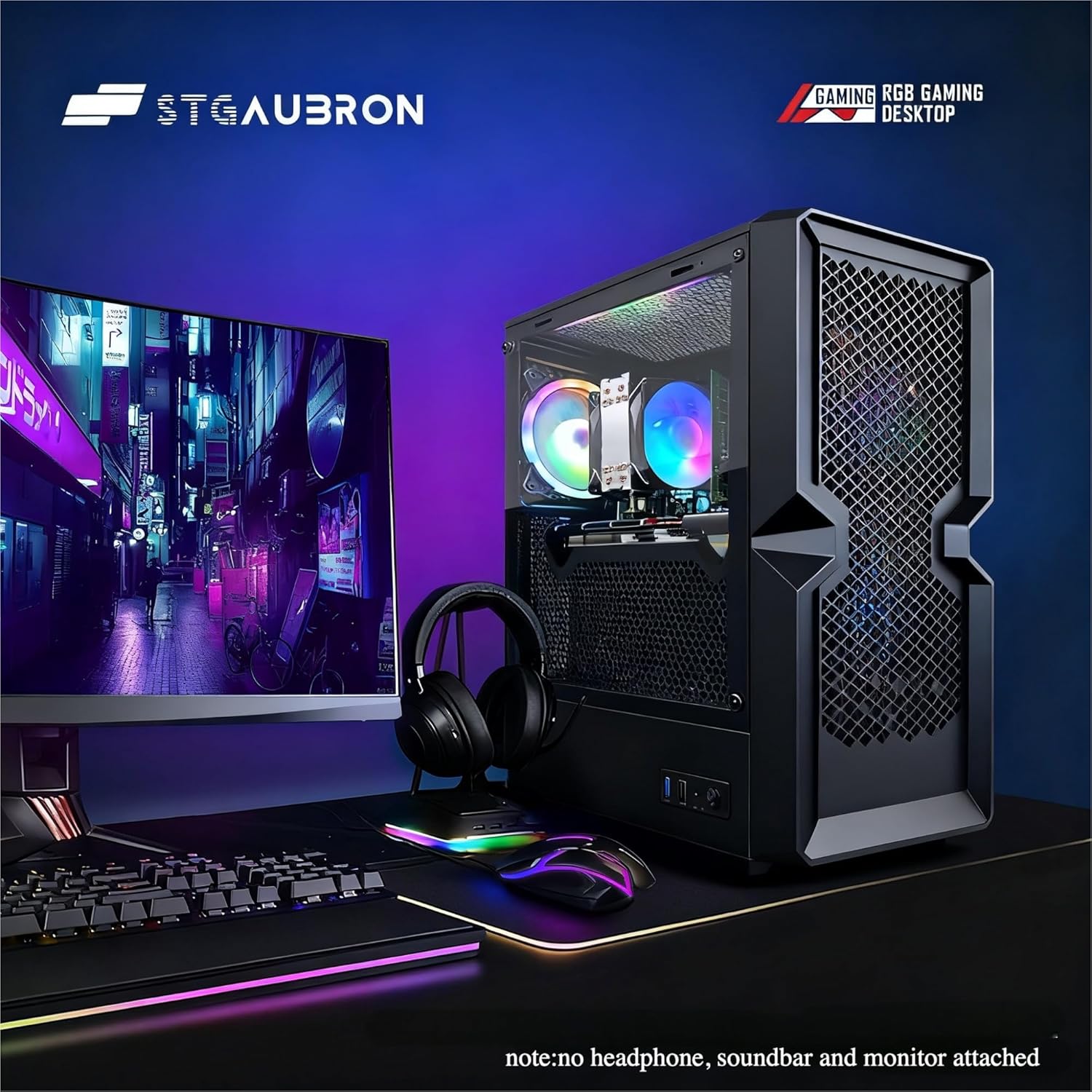
STGAubron Gaming PC Desktop
STGAubron Gaming PC Desktop Computer, Intel Core i5 up to 3.6G, Radeon RX 590 8G, 16GB RAM, 1TB SSD, 600M WiFi, BT 5.0, RGB Fan x3, Windows 11 Home

Scotch Thermal Laminating Pouches
Scotch Thermal Laminating Pouches, for Use with Thermal Laminators, 8.9 x 11.4 Inches, Letter Size Sheets, 100-Pack

UGREEN USB-C Bluetooth Adapter for PS5
UGREEN USB-C Bluetooth Adapter for PS5, Bluetooth 5.3 Audio Adapter with APTX Low Latency & aptX-Adaptive, Wireless Audio Transmitter to Connect Wireless Headphones & Earbuds