Understanding Recursion
Before we dive into best practices, let’s clarify what recursion is. Recursion occurs when a function calls itself to solve a problem. This technique is particularly useful for tasks that can be broken down into smaller, similar sub-tasks. A classic example is calculating factorial numbers, where factorial(n) = n * factorial(n - 1) until n is 0.
Visualizing Recursion
Consider the following example of a simple recursive function to calculate the factorial of a number:
function factorial(n) {
    if (n === 0) return 1;
    return n * factorial(n - 1);
}
In this function, factorial(n) calls itself until it reaches the base case of n = 0. Each call is stored on the call stack, and once the base case is reached, the stack unwinds, returning the final result.
When to Use Recursion
Recursion is a fantastic tool, but it’s not always the best choice. Here are some scenarios where recursion shines in game development:
- Tree Traversal: Navigating through game objects, AI decision trees, or hierarchical structures.
- Pathfinding: Algorithms like A* can benefit from recursive functions to explore paths dynamically.
- Game State Management: Managing complex game states or undo/redo systems can be elegantly handled with recursion.
Best Practices for Using Recursion
To leverage recursion effectively in your game programming, consider the following best practices:
1. Define a Clear Base Case
The base case is crucial; it defines when the recursion should stop. Without a solid base case, you risk creating infinite loops that can crash your game. For instance, if you’re implementing a recursive function to find a path in a maze, ensure that there’s a clear exit condition when you reach the destination.
2. Limit the Depth of Recursion
Deep recursion can lead to stack overflow errors, especially in languages with limited stack size. To prevent this, consider implementing a maximum depth for your recursive calls. A common approach is to use an iterative method or a hybrid approach that combines recursion with iteration.
function limitedDepthSearch(node, depth) {
    if (depth <= 0) return;
    // Process node
    for (let child of node.children) {
        limitedDepthSearch(child, depth - 1);
    }
}
3. Optimize Recursive Functions
When implementing recursion, consider optimizing your functions. One common optimization technique is memoization, which stores the results of expensive function calls and returns the cached result when the same inputs occur again. This is particularly useful in recursive algorithms like Fibonacci number calculation:
const memo = {};
function fibonacci(n) {
    if (n in memo) return memo[n];
    if (n <= 1) return n;
    memo[n] = fibonacci(n - 1) + fibonacci(n - 2);
    return memo[n];
}
4. Use Tail Recursion When Possible
Tail recursion is a form of recursion where the recursive call is the last thing executed by the function. Some languages optimize tail recursion to avoid increasing the call stack, making it a safer choice for deep recursion. Here’s a simple example:
function tailRecursiveFactorial(n, acc = 1) {
    if (n === 0) return acc;
    return tailRecursiveFactorial(n - 1, n * acc);
}
5. Test Recursion Thoroughly
Testing recursive functions is essential. Write unit tests that cover various scenarios, including edge cases. For example, testing a function that traverses a tree structure should include trees with varying depths and structures. This ensures that your function behaves as expected in all situations.
Real-World Examples
Now, let’s explore some real-world applications of recursion in game programming:
Example 1: AI Pathfinding
Many games use recursive algorithms for AI pathfinding. Consider a game where enemies navigate through a maze to reach the player. A recursive depth-first search can explore all possible paths until it finds the shortest route. The algorithm can backtrack when it hits dead ends, making it efficient in complex environments.
Example 2: Scene Graph Rendering
In graphics programming, a scene graph represents the hierarchical relationship between objects. Rendering such a graph often involves recursively traversing the hierarchy to apply transformations and render each node. This method simplifies managing complex scenes in 3D games.
Checklist for Using Recursion in Game Programming
| Checklist Item | Description |
|---|---|
| Define Base Case | Clearly specify when the recursion should stop. |
| Limit Recursion Depth | Set a maximum recursion depth to avoid stack overflow. |
| Optimize with Memoization | Cache results of repetitive function calls. |
| Use Tail Recursion | Implement tail recursion where possible for efficiency. |
| Thorough Testing | Write tests for various scenarios, including edge cases. |
Related Content
If you want to dive deeper into recursion in game development, check out our article on Game Development Recursion: A Comprehensive Guide. It explores recursion in detail, including more examples and use cases.
Conclusion
Recursion is a powerful technique that can significantly simplify your code in game programming. By following these best practices, you can harness its potential while avoiding common pitfalls. Remember to define a clear base case, limit recursion depth, optimize your functions, and thoroughly test your code. With these strategies, you’ll be well on your way to mastering recursion in your game development projects.

UGREEN USB-C Bluetooth Adapter for PS5
UGREEN USB-C Bluetooth Adapter for PS5, Bluetooth 5.3 Audio Adapter with APTX Low Latency & aptX-Adaptive, Wireless Audio Transmitter to Connect Wireless Headphones & Earbuds

Brain Song 2025 Gamma
Cognitive Enhancement or Just Hype? Reviews The Brain Song (Killer NEW Memory Offer)
Make Your First 2D Game in Unity
Want to build your first game but don’t know where to start? This beginner-friendly guide shows you how to create SampleGame2D — a fun Flappy Bird–style project — step by step in Unity. Inside you’ll learn:
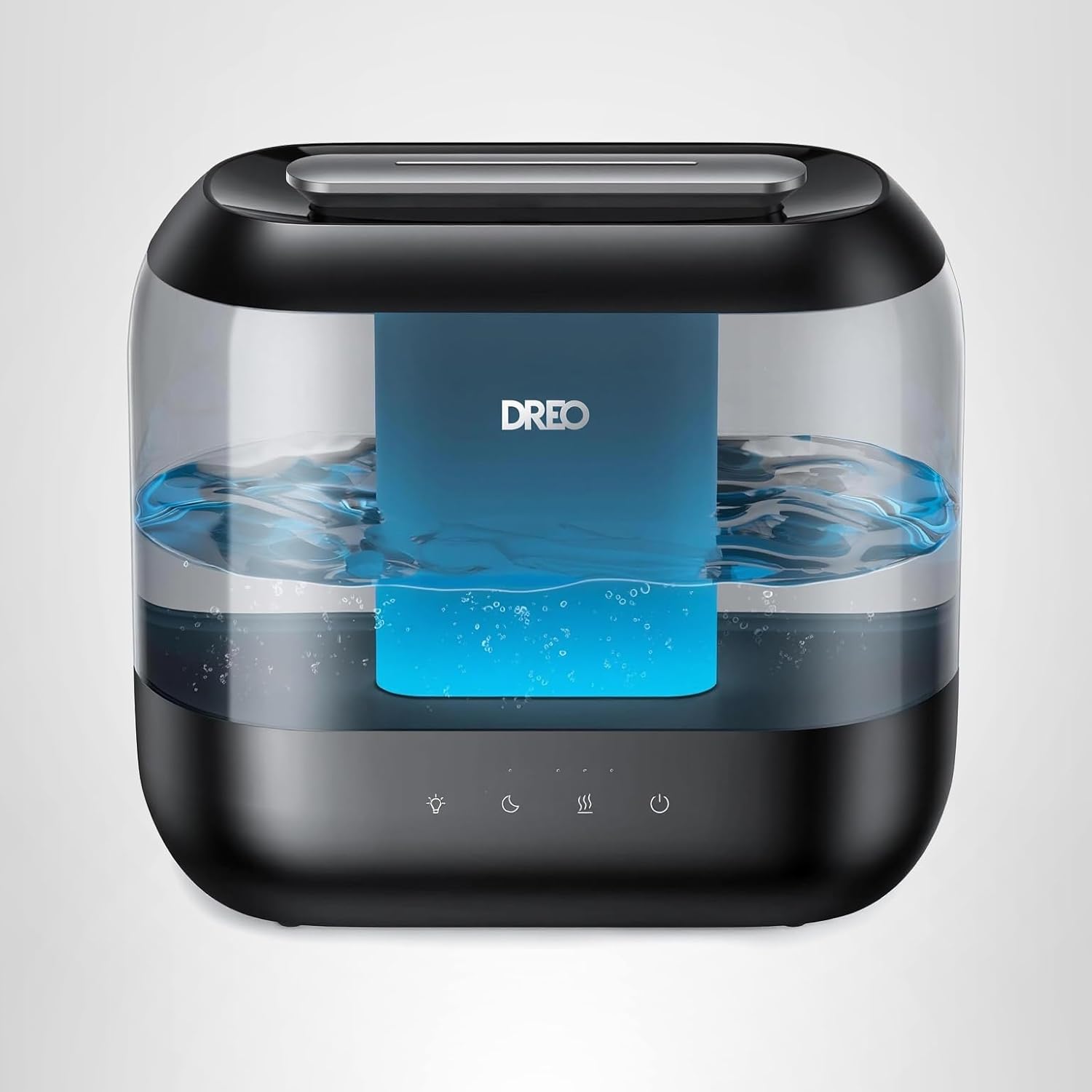
Dreo Humidifiers for Bedroom
Dreo Humidifiers for Bedroom, 4L Top Fill for Large Room, 36H Runtime, 28 dB Quiet Supersized Cool Mist Air Humidifier for Baby Nursery, Plants, Indoor, Night Light, Easy to Clean & Fill, Black

Canon PG-275
Canon PG-275 / CL-276 Genuine Ink Value Pack (2 Cartridges), Compatible with TS3520/3522/4722/3720/3722, TR4720
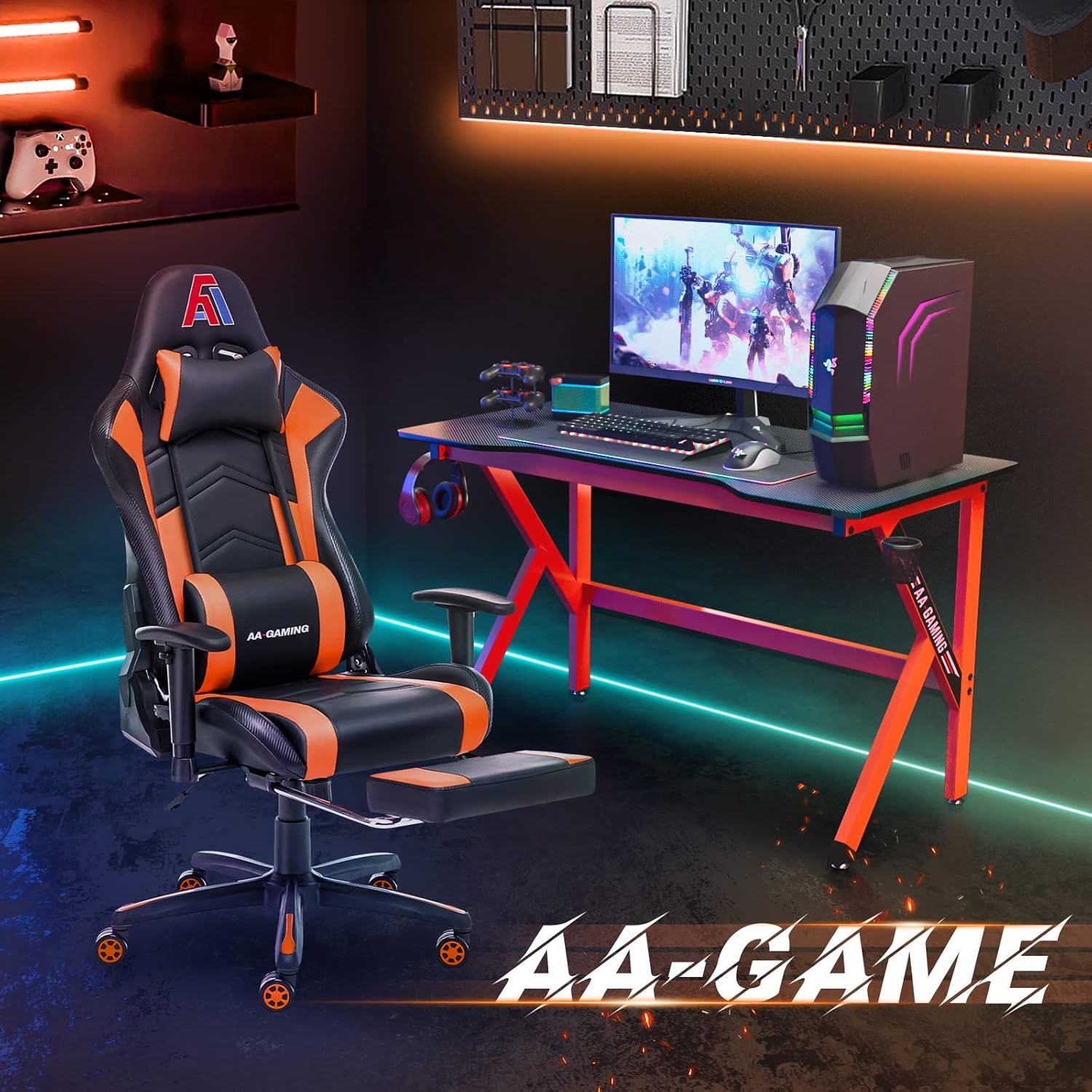
AA Products High Back Ergonomic Gaming Chair
AA Products Gaming Chair Ergonomic High Back Computer Racing Chair Adjustable Office Chair with Footrest, Lumbar Support Swivel Chair – BlackOrange