The Best Free 2D Sprite Packs for Indie Games
As an indie game developer, finding quality resources can be a daunting task, especially when you’re working on a tight budget. Fortunately, there are numerous free 2D sprite packs available that can help you elevate your game without breaking the bank. This article will guide you through some of the best free options available, how to use them effectively, and tips for integrating them into your game.
Why Use Free 2D Sprite Packs?
Free 2D sprite packs are invaluable for indie developers for several reasons:
- Cost-Effective: They allow you to save money that could be spent on other aspects of game development.
- Time-Saving: Creating sprites from scratch can be time-consuming. Using pre-made sprites can significantly speed up your development process.
- Quality Assets: Many free sprite packs are created by professional artists, ensuring high-quality visuals for your game.
Where to Find the Best Free 2D Sprite Packs
Here are some reputable websites where you can find high-quality free 2D sprite packs:
- OpenGameArt: A vast library of free game assets, including sprites, sound effects, and music.
- Itch.io: A platform where developers share their game assets, many of which are free to use.
- Kenney.nl: Offers a large collection of free game assets, including sprites, tilesets, and 3D models.
- CraftPix: Provides free and premium sprite packs that are well-designed and easy to use.
Top Free 2D Sprite Packs to Consider
Let’s dive deeper into some of the best free 2D sprite packs available:
1. Kenney’s 2D Game Assets
Kenney offers a variety of free 2D sprite packs, making it one of the best resources for indie developers. The assets cover various themes, including platformers, RPGs, and more.
| Asset Type | Description | Download Link |
|---|---|---|
| 2D Platformer Assets | Includes characters, tilesets, and background art. | Download |
| RPG Assets | Character sprites, items, and environment tiles. | Download |
2. Itch.io Free Sprite Packs
Itch.io is home to a variety of indie developers who share their assets. You can find free sprite packs for different genres, from horror to adventure games.
To find these assets:
- Visit the Itch.io Game Assets page.
- Filter results by price to show only free assets.
- Browse through the available packs and read reviews for quality assurance.
3. OpenGameArt Collections
OpenGameArt offers a vast collection of free assets, including sprites, tilesets, and animations. The community-driven platform ensures a variety of styles and themes.
To effectively use OpenGameArt:
- Go to OpenGameArt.
- Use the search bar to find specific types of sprites or browse categories.
- Check the licensing for each sprite to ensure compliance.
How to Integrate Free Sprites into Your Game
Once you’ve chosen your sprite packs, it’s crucial to integrate them effectively into your game. Here’s a step-by-step guide to help you through the process:
Step 1: Download the Sprites
Visit the chosen website, navigate to the sprite pack, and download the files. Most sprite packs come in .zip format, so you will need to extract them.
Step 2: Organize Your Assets
Organize the downloaded sprites into folders within your project directory. For example:
- Assets/
- Sprites/
- Characters/
- Enemies/
- Items/
- Sprites/
Step 3: Importing into Your Game Engine
Depending on your game engine (Unity, Godot, etc.), the import process may vary. Here’s how to import sprites into Unity:
- Open your Unity project.
- Drag and drop your sprite files into the Assets folder in the Unity editor.
- Set the sprite settings (e.g., Sprite Mode, Pixels Per Unit) in the Inspector panel.
Step 4: Implementing Sprites in Your Game
Once imported, you can start using the sprites in your game:
- Create a new GameObject in your scene.
- Add a Sprite Renderer component.
- Assign the sprite you want to the Sprite Renderer.
Checklist for Choosing the Right Sprite Pack
Before selecting a sprite pack, consider the following checklist to ensure it meets your game’s needs:
- Does the art style match your game’s theme?
- Are the sprites available in the required resolutions?
- Is the licensing agreement suitable for your project?
- Are animations included, if necessary?
- Are there additional assets (e.g., tilesets, backgrounds) that complement the chosen sprites?
Related Content
For more resources on free sprites, check out our article on Free 2D Sprites for Game Development.
Conclusion
Using free 2D sprite packs can significantly enhance your indie game without straining your budget. With the variety available online, you can find assets that fit perfectly with your game’s aesthetic and functionality. Remember to always respect the licensing agreements and give credit where it’s due. Happy game developing!
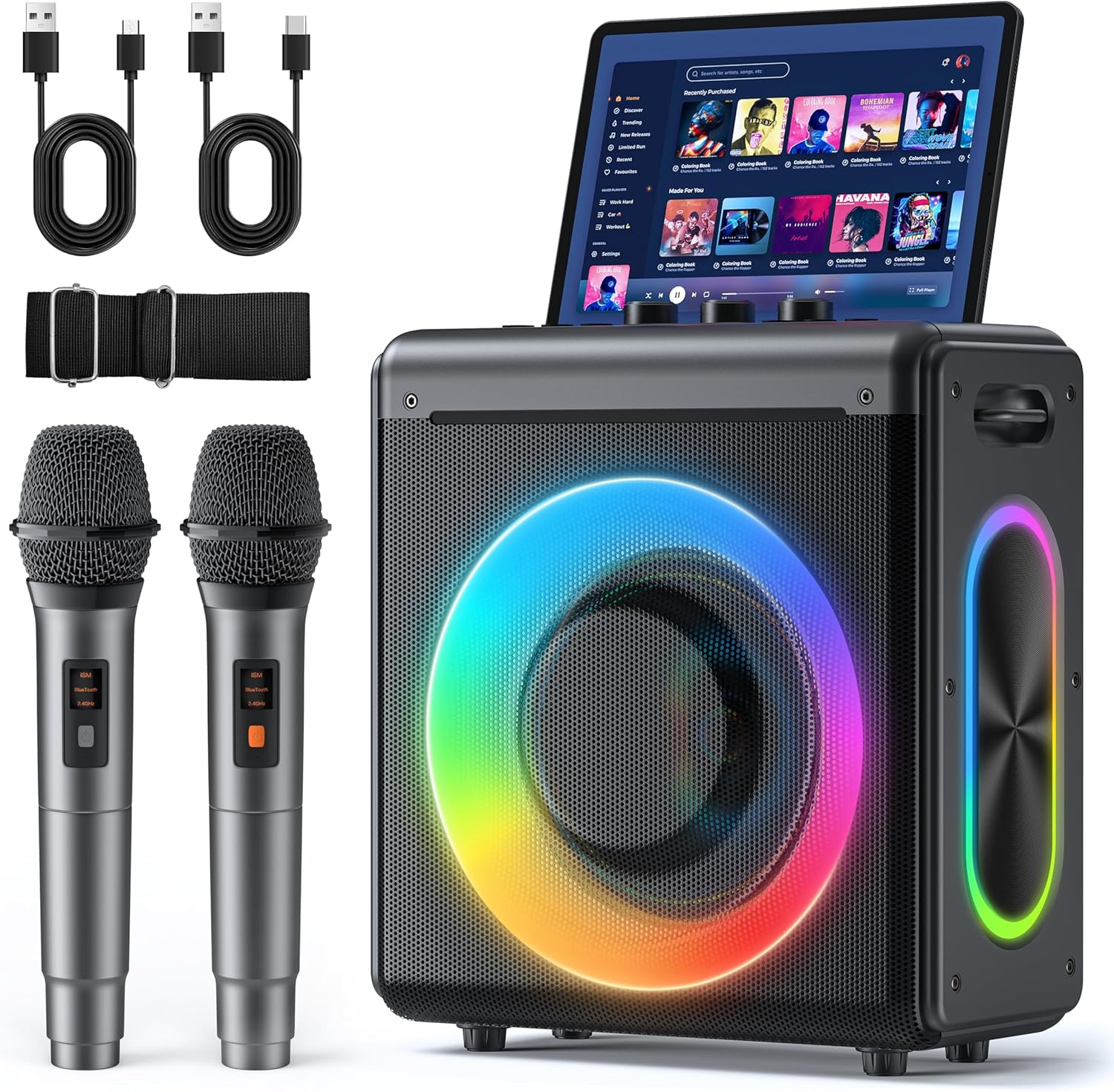
Karaoke Machine
Karaoke Machine with 2 Wireless Rechargeable Microphones: Portable Bluetooth Speaker for Adults & Kids – PA System with Lights Supports TWS/TF Card/USB/AUX for Home Party

AULA F99 Wireless Mechanical Gaming Keyboard
AULA F99 Wireless Mechanical Keyboard,Tri-Mode BT5.0/2.4GHz/USB-C Hot Swappable Custom Keyboard,Pre-lubed Linear Switches,RGB Backlit Computer Gaming Keyboards for PC/Tablet/PS/Xbox
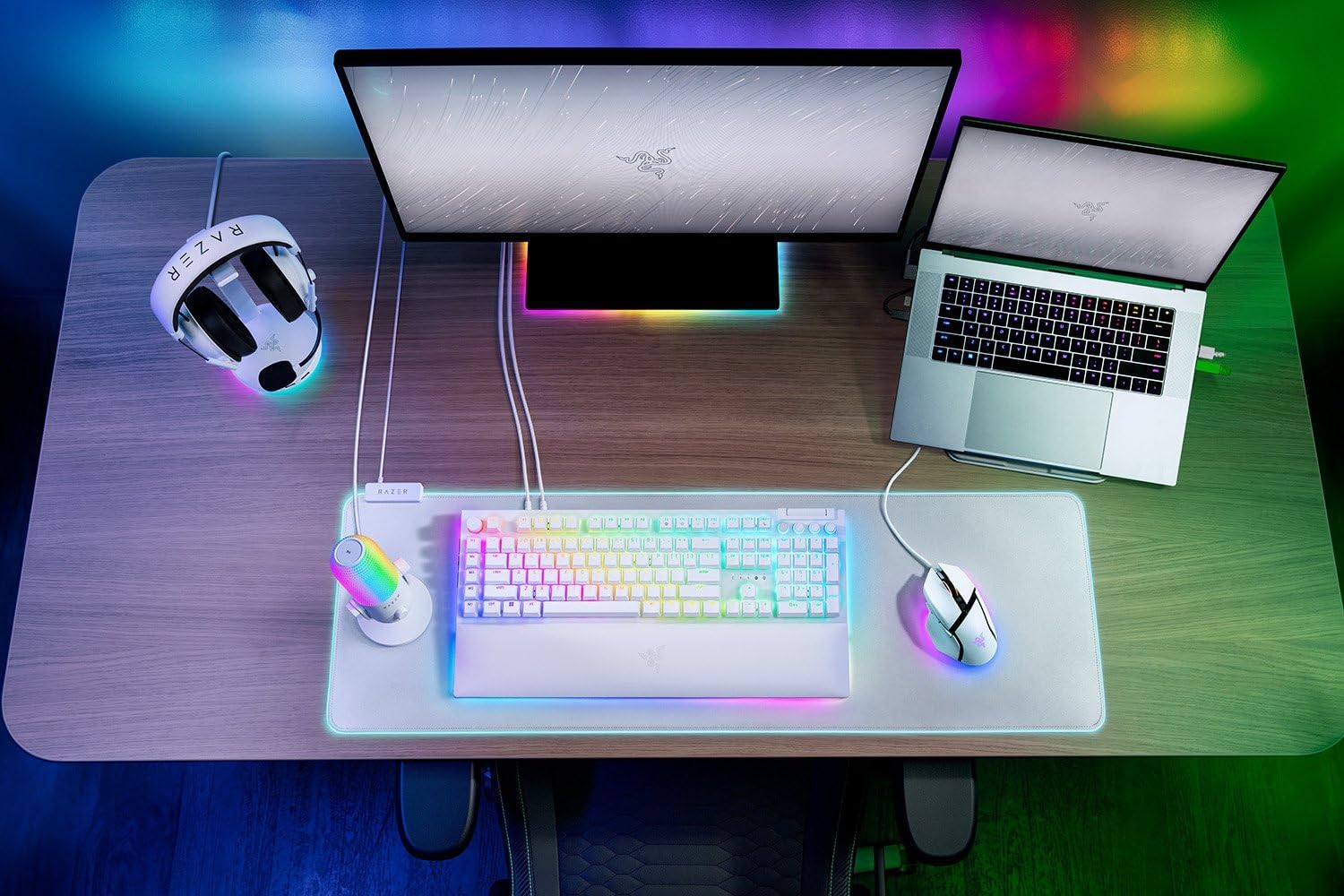
Razer
RAZER BlackWidow V4 Pro Wired RGB Keyboard White Refurbished
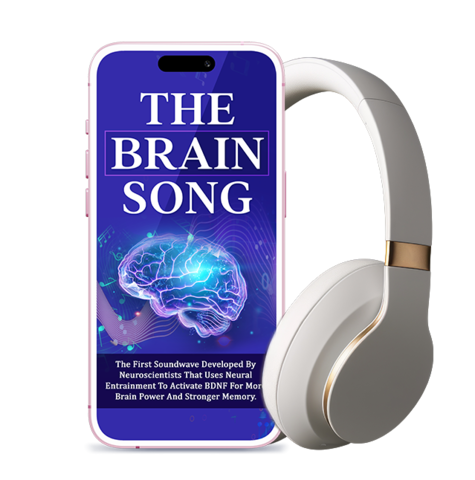
Brain Song 2025 Gamma
Cognitive Enhancement or Just Hype? Reviews The Brain Song (Killer NEW Memory Offer)
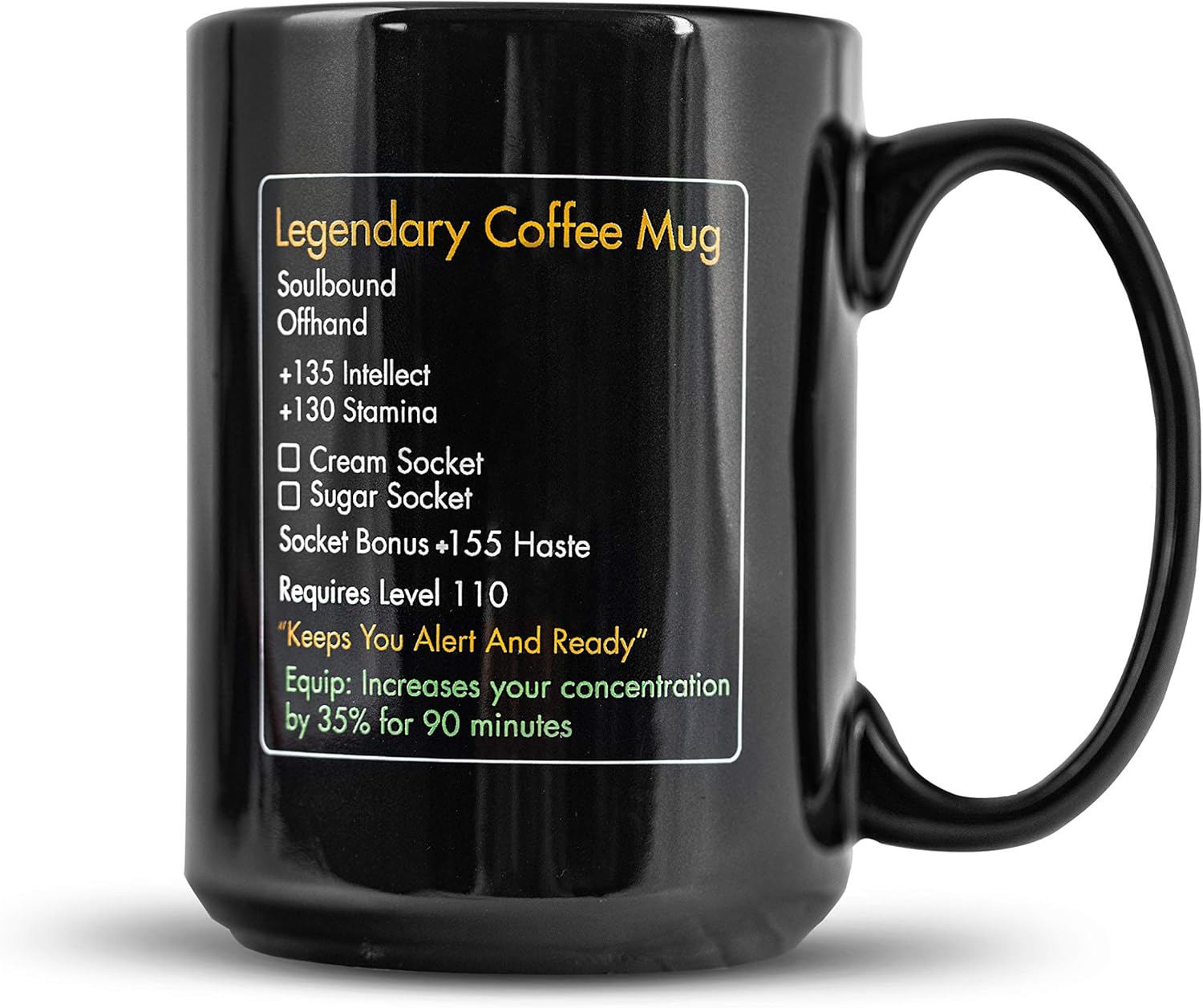
MMO Mug
MMO Mug – Legendary Coffee Mug Level 110 – Large Ceramic Black15oz – Gaming, Gamer Cup
interface sounds OGG
interface sounds, UI sound effects, UX sound effects, game UI sounds, mobile UI audio, notification sound effects, button click SFX, menu sounds, toggle switch sounds, error alert sounds