Understanding the Basics of Game UI Design
As a seasoned gamer and UI designer, I’ve come to appreciate the critical role that user interface (UI) design plays in the gaming experience. A well-crafted UI not only enhances gameplay but also immerses players deeper into the game world. In this article, we will explore the foundational elements of game UI design, share step-by-step guides, provide checklists, and discuss best practices for creating engaging and functional interfaces.
The Importance of Game UI Design
Game UI design encompasses all the visual elements through which players interact with the game. This includes menus, HUDs (heads-up displays), inventory systems, and more. A good UI is intuitive, allowing players to focus on gameplay rather than struggling to navigate the interface.
Why It Matters
- User Engagement: A clear and attractive UI can keep players engaged longer.
- Accessibility: A well-designed UI ensures that all players, regardless of skill level, can understand and navigate the game.
- Brand Identity: The UI contributes to a game’s unique style and can enhance its overall brand.
Key Principles of Game UI Design
Let’s delve into the primary principles that guide effective game UI design:
| Principle | Description |
|---|---|
| Clarity | Information should be presented clearly, allowing players to understand it at a glance. |
| Consistency | UI elements should maintain a consistent style and behavior throughout the game. |
| Feedback | Players should receive immediate feedback for their actions to enhance interaction. |
| Minimization | Only display necessary information to avoid overwhelming players with too much data. |
| Accessibility | Design interfaces that accommodate players with various abilities and preferences. |
Step-by-Step Guide to Designing Game UI
Here’s a straightforward process to guide you through designing a game UI:
- Research: Understand your target audience and the type of game you are creating. Analyze existing games for inspiration.
- Sketch: Create rough sketches of your UI layout, focusing on the placement of elements like menus and HUDs.
- Wireframe: Develop wireframes to represent the design structure without focusing on aesthetics. This helps in visualizing the flow and functionality.
- Design: Begin designing your UI with color schemes, typography, and visual elements that align with your game’s theme.
- Prototype: Create a prototype of your UI to test its functionality. Ensure that it is interactive and allows for user feedback.
- Testing: Conduct usability testing with players to gather feedback. This step is crucial for identifying any usability issues.
- Iterate: Make necessary adjustments based on feedback and retest until you achieve a satisfactory UI.
Best Practices for Game UI Design
Integrating best practices into your design process can significantly enhance the quality of your game UI:
- Use Hierarchy: Organize information based on importance. Use size, color, and placement to guide players’ attention.
- Prioritize Readability: Ensure that text is legible, with appropriate font sizes and contrast against backgrounds.
- Optimize for Performance: Keep animations and transitions smooth, as lag can disrupt the user experience.
- Utilize Visual Cues: Employ icons and indicators to help guide players without overwhelming them with text.
- Feedback Mechanisms: Include sounds and animations to confirm actions, enhancing interaction and engagement.
Examples of Effective Game UIs
Examining successful game UIs can provide valuable insights:
Example 1: Overwatch
Overwatch utilizes a colorful and distinct UI that clearly conveys information regarding player health, abilities, and objectives. The use of vibrant colors and clear icons helps players quickly assess the situation in fast-paced gameplay.
Example 2: The Witcher 3: Wild Hunt
This game features an inventory system that is easy to navigate. The minimalistic design ensures that players can find weapons, armor, and items without hassle, while the overall aesthetic stays true to the game’s fantasy theme.
Common Mistakes to Avoid
Even experienced designers can fall into traps while creating game UIs:
- Ignoring Player Feedback: Always prioritize player feedback during testing phases; it’s crucial for creating a user-friendly UI.
- Overcomplicating Designs: Simplicity often leads to better usability. Avoid cluttering the screen with unnecessary elements.
- Neglecting Mobile Users: If your game is available on mobile, ensure that your UI is responsive and touch-friendly.
Checklist for Game UI Design
Game UI Design Checklist
- ✔️ Clarity of information
- ✔️ Consistency in design elements
- ✔️ Effective feedback mechanisms
- ✔️ Minimal distractions
- ✔️ Accessibility considerations
- ✔️ Usability testing completed
- ✔️ Iteration based on feedback
Conclusion
Game UI design is a vital skill that requires attention to detail, player psychology, and technical proficiency. By understanding the principles of UI design, following a structured approach, and implementing best practices, you can create engaging and effective interfaces that enhance the gaming experience. For a deeper dive into the nuances of UI design for games, check out The Ultimate Guide to UI Design for Games.
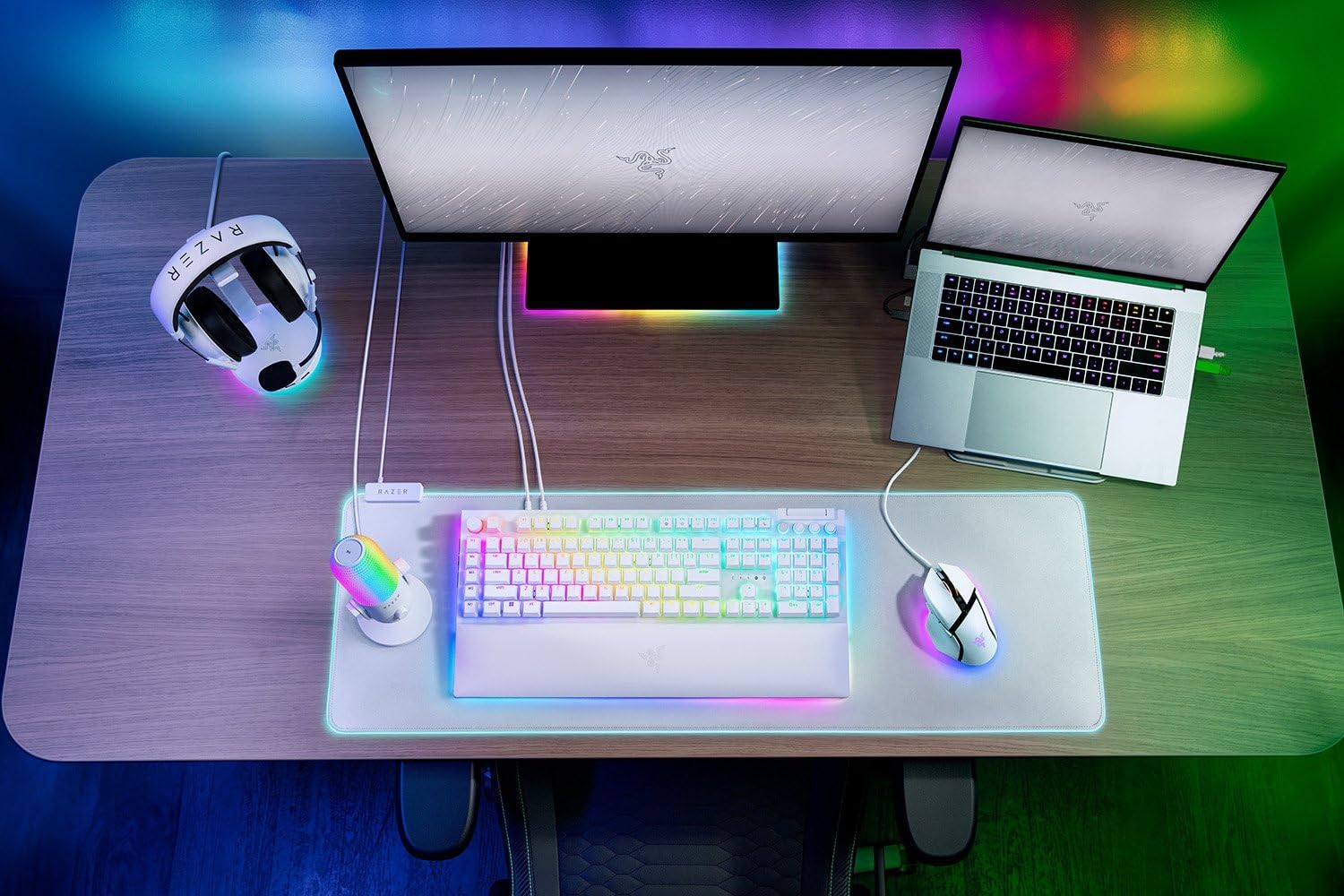
Razer
RAZER BlackWidow V4 Pro Wired RGB Keyboard White Refurbished
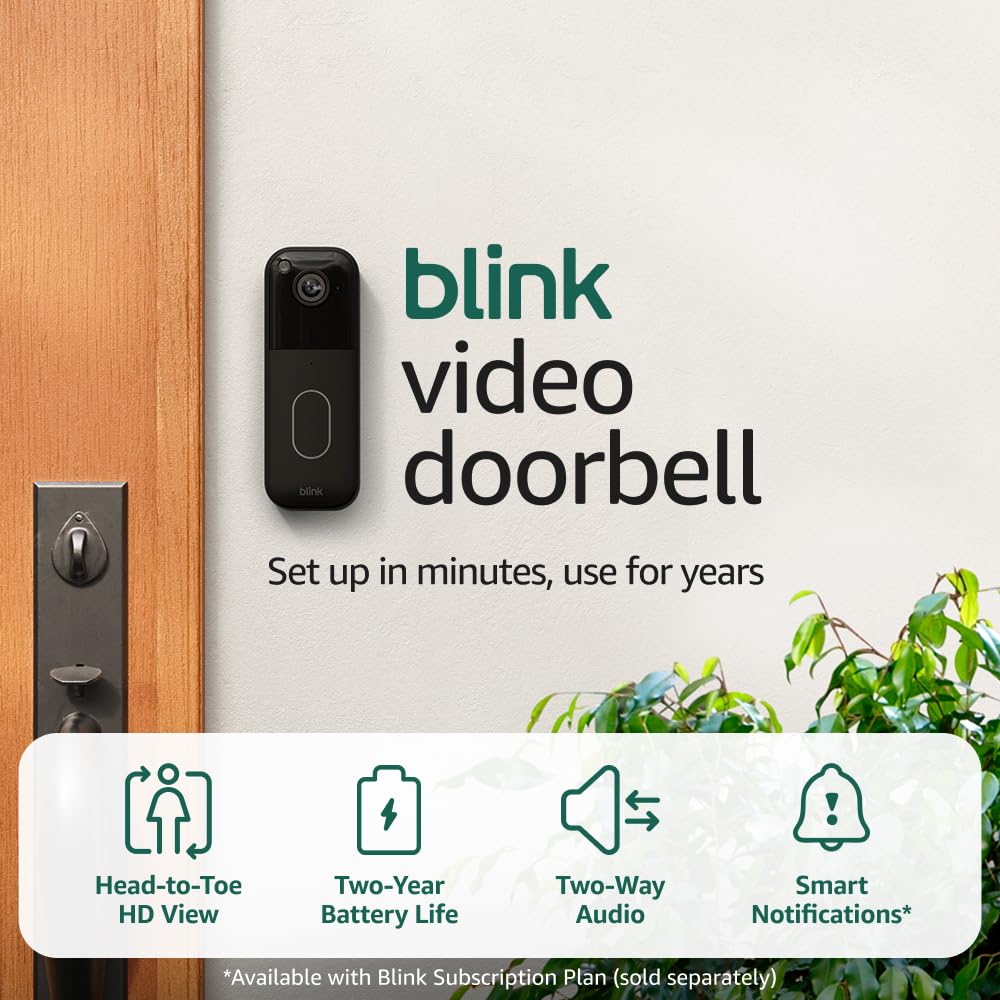
Blink Video Doorbell
Blink Video Doorbell (newest model) – Head-to-toe HD view, two-year battery life, and simple setup. Required Sync Module not included – Add-On (Black)

MMO Mug
MMO Mug – Legendary Coffee Mug Level 110 – Large Ceramic Black15oz – Gaming, Gamer Cup

UGREEN USB-C Bluetooth Adapter for PS5
UGREEN USB-C Bluetooth Adapter for PS5, Bluetooth 5.3 Audio Adapter with APTX Low Latency & aptX-Adaptive, Wireless Audio Transmitter to Connect Wireless Headphones & Earbuds
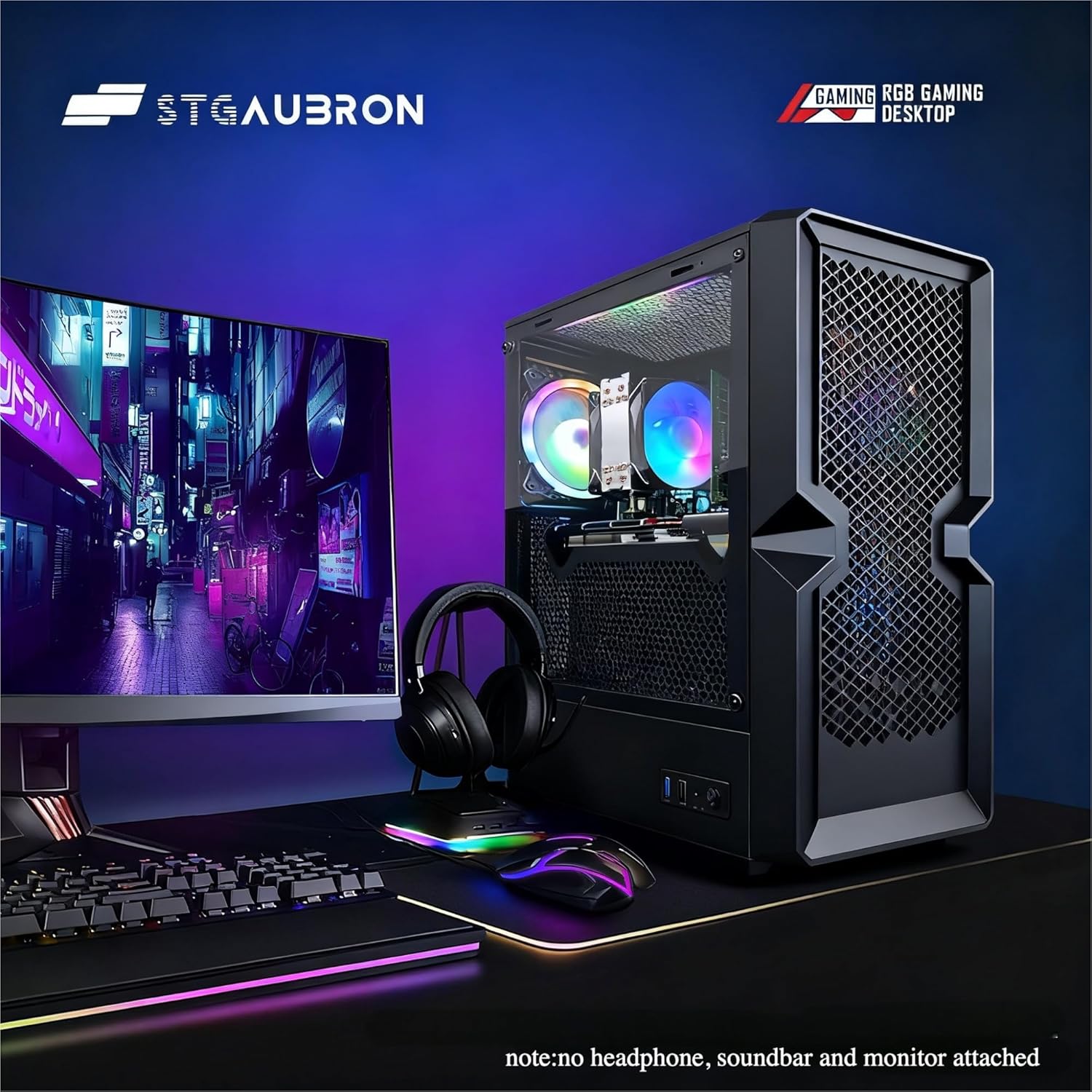
STGAubron Gaming PC Desktop
STGAubron Gaming PC Desktop Computer, Intel Core i5 up to 3.6G, Radeon RX 590 8G, 16GB RAM, 1TB SSD, 600M WiFi, BT 5.0, RGB Fan x3, Windows 11 Home
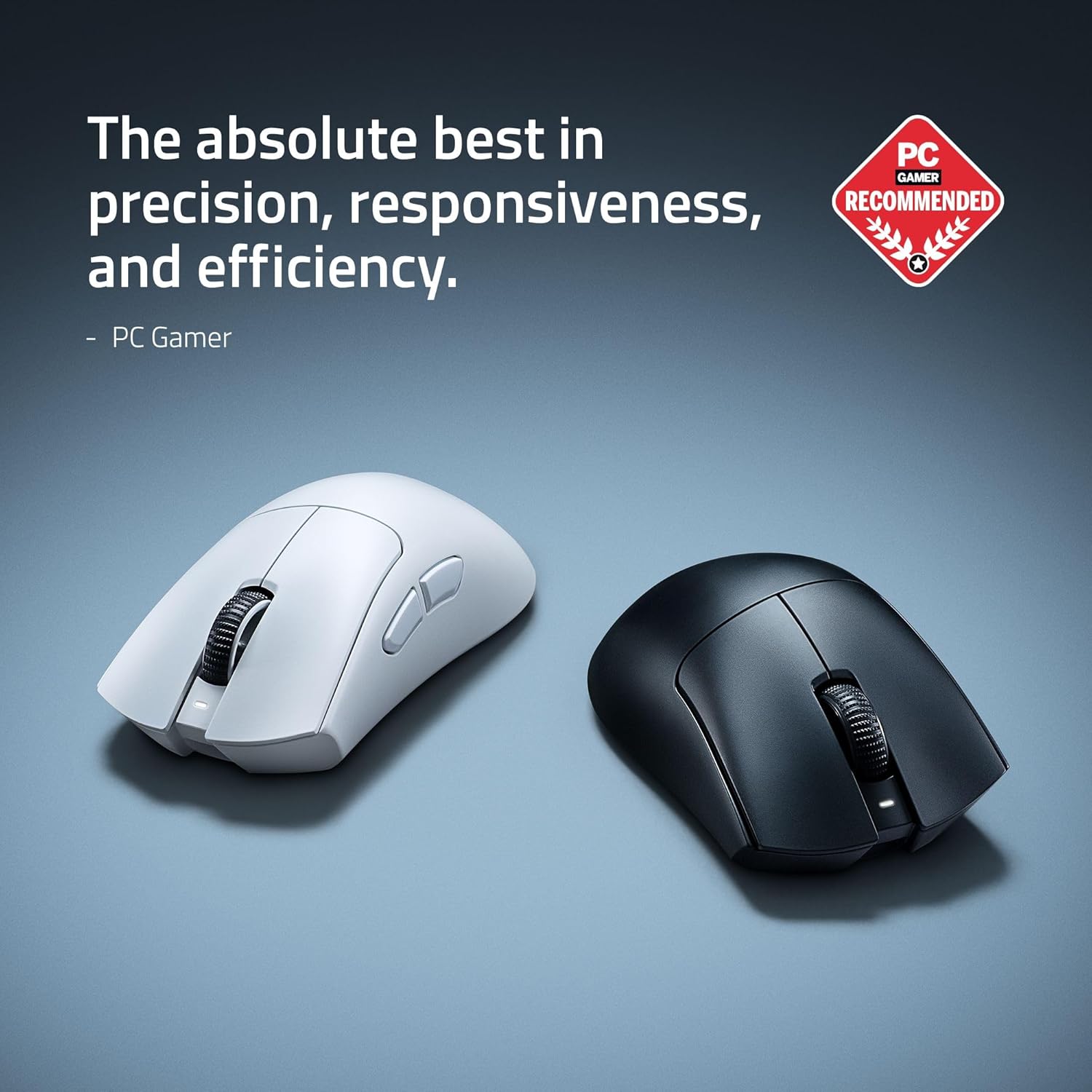
RAWM ES21 Wireless Gaming Mouse
Razer DeathAdder V4 Pro Wireless Gaming Mouse: 56g Lightweight – HyperSpeed Wireless Gen-2 – Optical Scroll Wheel – Optical Switches Gen-4 – Focus Pro 45K Sensor Gen-2 – Up to 150 Hr Battery