Best Practices for Creating Engaging Game Interfaces
In the fast-paced world of gaming, the interface you create can make or break the player experience. An engaging game interface is not just about aesthetics; it’s about functionality, user experience, and creating an emotional connection with players. Drawing from years of competitive gaming experience, I’ve compiled a comprehensive guide on the best practices for creating engaging game interfaces.
Understanding Game Interfaces
Before diving into design principles, it’s essential to understand what a game interface is. A game interface encompasses all the visual elements that players interact with, including menus, HUDs (Heads-Up Displays), and navigation systems. An effective interface should be intuitive and enhance the overall gameplay experience.
1. Prioritize Usability
Usability is the cornerstone of any effective game interface. Players should be able to understand how to navigate your game quickly. Here are some steps to ensure usability:
- Keep it Simple: Avoid clutter. Use minimalistic designs that allow players to focus on the game.
- Consistency: Maintain consistent design elements across different screens to avoid confusion.
- Feedback: Provide immediate feedback for player actions. For example, when a player clicks a button, it should visibly respond.
Checklist for Usability
| Usability Factor | Checklist |
|---|---|
| Visual Clarity | Is the text readable? Are the buttons distinguishable? |
| Navigational Ease | Can players easily find what they need? |
| Responsive Design | Does the interface adapt to different screen sizes? |
2. Enhance Visual Appeal
While usability is crucial, visual appeal can greatly enhance player engagement. Here are strategies to create visually appealing game interfaces:
- Color Schemes: Use a cohesive color palette that reflects the game’s theme and mood.
- Typography: Choose fonts that are legible and match the game’s overall aesthetic.
- Visual Hierarchy: Use size and contrast to guide players’ attention to important information.
Examples of Effective Visual Design
Consider the interface of games like Overwatch or Fortnite. Both games utilize vibrant colors, clear typography, and engaging visual elements that enhance the gaming experience.
3. Optimize for Different Platforms
With the rise of mobile gaming, it is essential to design interfaces that work seamlessly across various platforms. Here’s how to approach cross-platform design:
- Responsive Layout: Ensure your interface adapts to different screen sizes, from smartphones to large monitors.
- Touch vs. Click: Design for touch interactions on mobile devices and mouse clicks for PC gaming.
- Performance Considerations: Optimize graphics and animations to maintain performance on less powerful devices.
Step-by-Step Guide to Cross-Platform Design
- Identify the platforms you want to support.
- Design a responsive layout that adjusts to different screen sizes.
- Create separate prototypes for touch and click interactions.
- Test the interface on various devices to ensure consistency and performance.
- Gather user feedback and iterate based on findings.
4. Focus on Accessibility
Accessibility is often overlooked in game design, but it’s vital for inclusivity. Here are some best practices:
- Color Blindness Consideration: Ensure color choices are distinguishable for players with color vision deficiencies.
- Text Size and Contrast: Use adjustable text sizes and high-contrast colors for readability.
- Alternative Controls: Provide options for players with disabilities, such as remappable controls or voice commands.
Accessibility Checklist
| Accessibility Factor | Checklist |
|---|---|
| Color Choices | Are colors distinguishable for color-blind players? |
| Text Readability | Is the text size adjustable? Is there sufficient contrast? |
| Control Options | Are there alternative control schemes available? |
5. Incorporate User Feedback
One of the best ways to improve your game interface is by incorporating user feedback. Here’s how to effectively gather and utilize feedback:
- Beta Testing: Release a beta version of your game to a select group of players and gather their feedback.
- Surveys: Create surveys to ask players about their experience with the interface.
- Analytics: Use in-game analytics to track player behavior and identify areas for improvement.
Steps to Gather User Feedback
- Define clear goals for the feedback you want to gather.
- Choose your feedback collection method (beta testing, surveys, etc.).
- Analyze the feedback and identify common trends.
- Implement changes based on user input.
- Continuously iterate and improve the interface.
Conclusion
Creating an engaging game interface requires a careful balance of usability, visual appeal, accessibility, and user feedback. By following these best practices, you can design an interface that not only looks good but also enhances the overall gaming experience. For more in-depth insights into UI design, check out our Ultimate Guide to UI Design for Games.

Brain Song 2025 Gamma
Cognitive Enhancement or Just Hype? Reviews The Brain Song (Killer NEW Memory Offer)
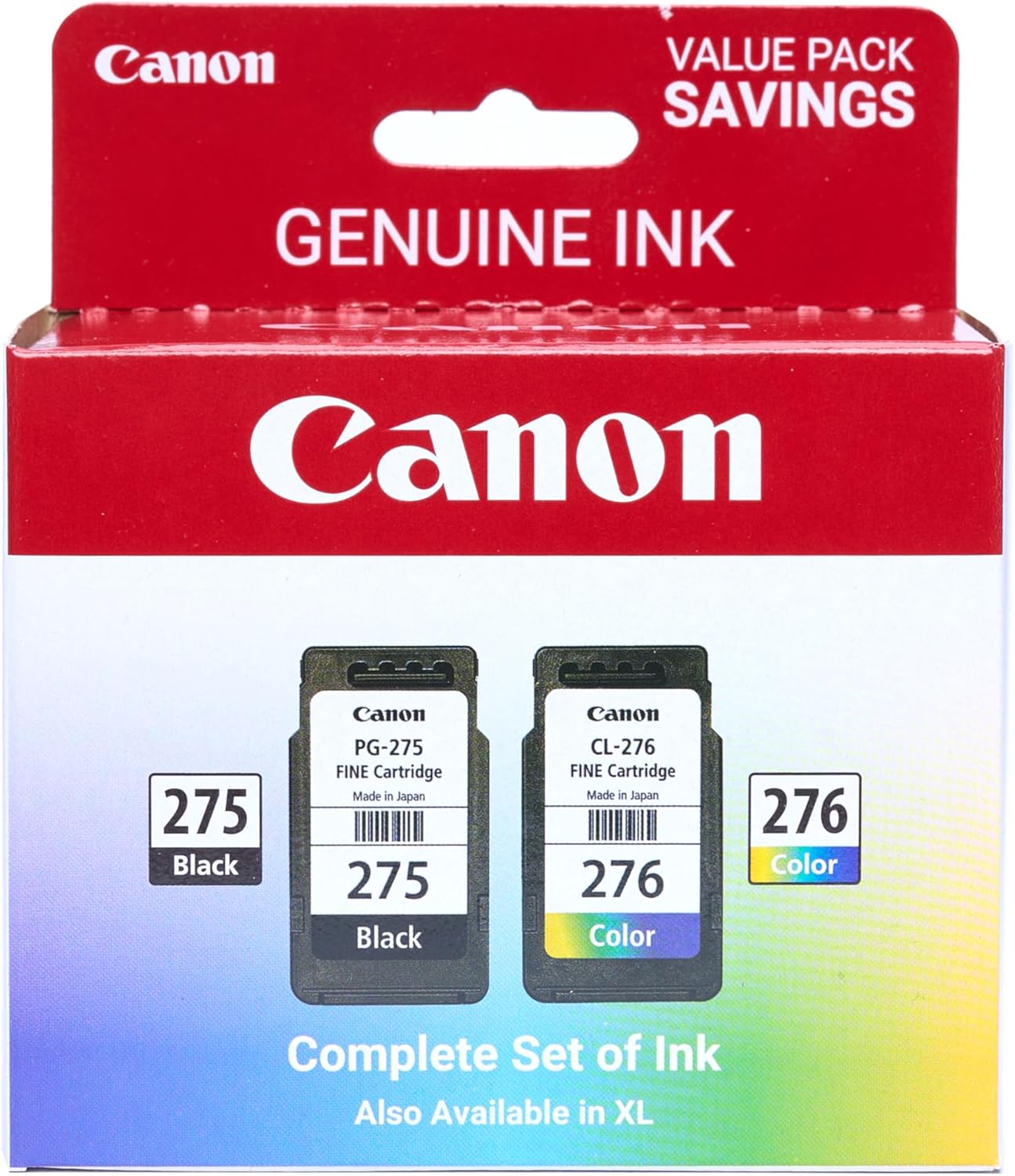
Canon PG-275
Canon PG-275 / CL-276 Genuine Ink Value Pack (2 Cartridges), Compatible with TS3520/3522/4722/3720/3722, TR4720

Logitech G
Logitech G PRO X SUPERLIGHT 2 Wireless Gaming Mouse

AULA F99 Wireless Mechanical Gaming Keyboard
AULA F99 Wireless Mechanical Keyboard,Tri-Mode BT5.0/2.4GHz/USB-C Hot Swappable Custom Keyboard,Pre-lubed Linear Switches,RGB Backlit Computer Gaming Keyboards for PC/Tablet/PS/Xbox
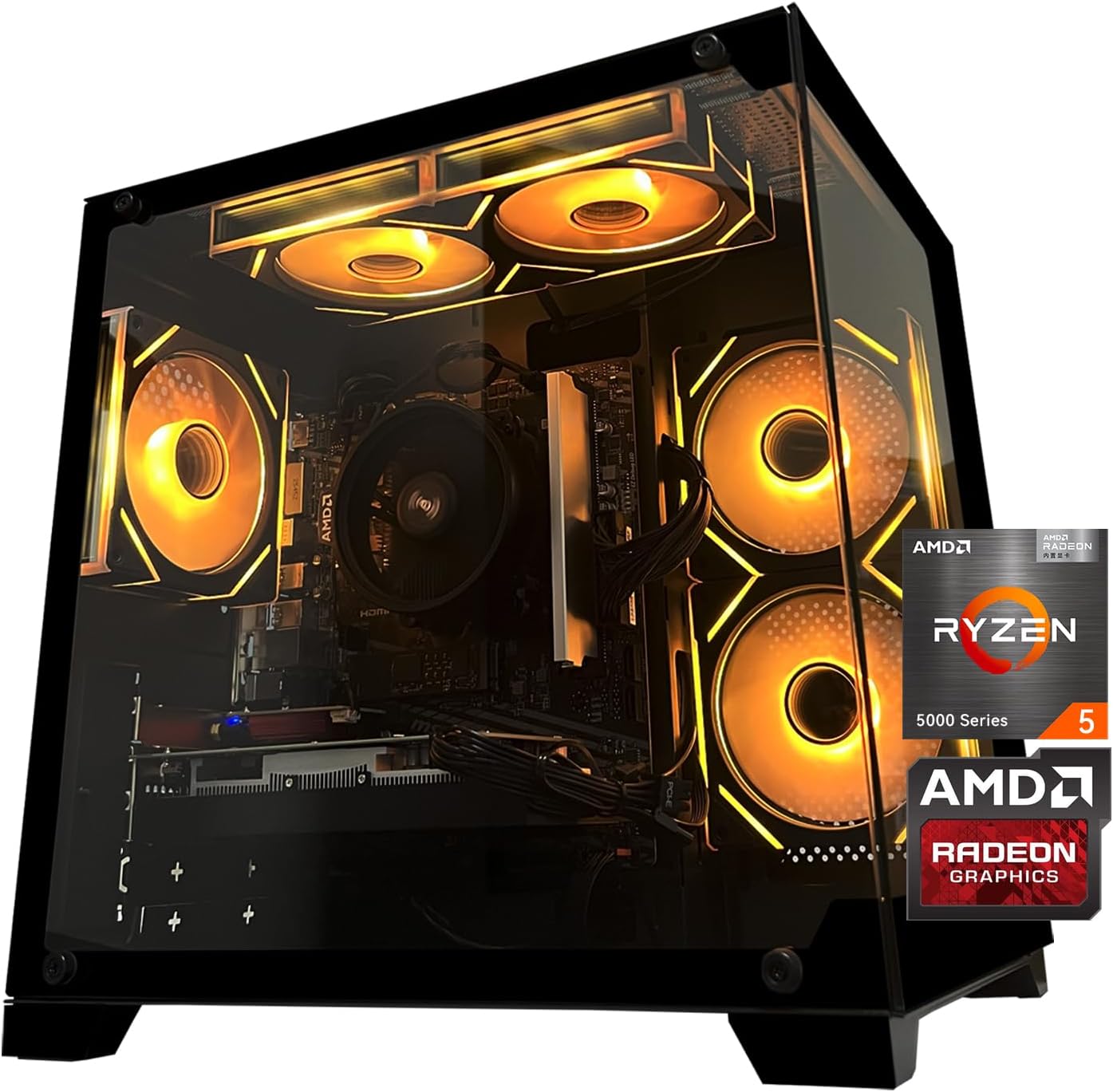
Gaming PC Desktop Computer, AMD
Gaming PC Desktop Computer, AMD Ryzen 5 5500, RX6500XT 4GB Graphics, 16GB DDR4 RAM, 512GB NVMe SSD, ARGB Fans, Game Design Office
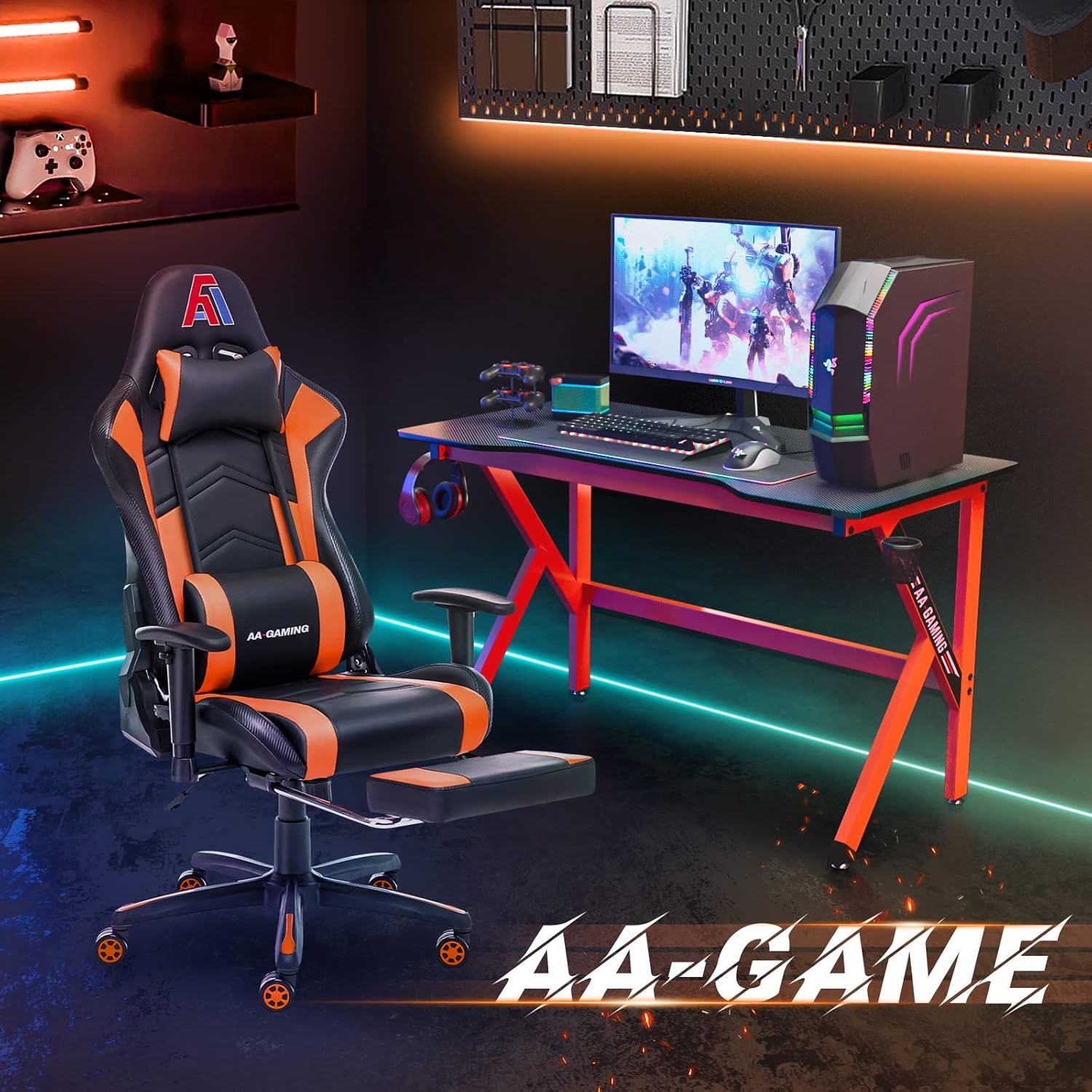
AA Products High Back Ergonomic Gaming Chair
AA Products Gaming Chair Ergonomic High Back Computer Racing Chair Adjustable Office Chair with Footrest, Lumbar Support Swivel Chair – BlackOrange