Case Studies: Successful Game UI Designs
In the competitive world of gaming, user interface (UI) design plays a crucial role in enhancing the player experience. A well-crafted UI can mean the difference between a game that captivates players and one that frustrates them. This article explores several case studies of successful game UI designs, examining what makes them effective and how they contribute to overall gameplay. For a deeper dive into UI principles, check out The Ultimate Guide to UI Design for Games.
Case Study 1: Fortnite
Overview
Fortnite is a battle royale game that has become a cultural phenomenon. Its UI is notable for its vibrant colors, clear layouts, and intuitive design, which enhances player engagement.
Key UI Elements
- Minimalist Design: The interface avoids clutter, allowing players to focus on gameplay.
- Dynamic HUD: The heads-up display (HUD) changes based on player actions, providing relevant information without overwhelming the user.
- Color Coding: Different colors are used to signify various health levels and item types, making it easy for players to assess their status at a glance.
Step-by-Step Guide to Building a UI like Fortnite
- Define user needs through player feedback and testing.
- Create a wireframe that outlines the core components of your UI.
- Choose a color palette that aligns with your game’s theme.
- Develop dynamic elements that respond to player actions.
- Test your design with real users and iterate based on feedback.
Case Study 2: League of Legends
Overview
League of Legends (LoL) is a multiplayer online battle arena (MOBA) game that features an intricate and highly functional UI tailored for competitive play.
Key UI Elements
- In-Game Map: The minimap provides real-time information about the game state, crucial for strategic decision-making.
- Ability Icons: Clear and distinguishable icons for each champion’s abilities help players react quickly during gameplay.
- Item Shop Design: The shop interface is organized by categories, making it easy for players to find and purchase items efficiently.
Checklist for Designing Competitive Game UIs
| Element | Importance | Considerations |
|---|---|---|
| Minimap | High | Real-time updates, visibility |
| Ability Icons | High | Clarity, recognition |
| Inventory Management | Medium | Accessibility, functionality |
Case Study 3: Stardew Valley
Overview
Stardew Valley is a farming simulation game that employs a charming and straightforward UI designed to enhance the player’s immersion in the game world.
Key UI Elements
- Inventory System: An easy-to-navigate inventory allows players to manage resources without hassle.
- Dialogue Boxes: Simple text boxes that provide context and storytelling elements without intruding on gameplay.
- Seasonal Indicators: Visual cues about the current season affect gameplay, enhancing the thematic experience.
Visual Design Principles
When creating a UI for games like Stardew Valley, consider the following visual design principles:
- Consistency: Maintain a uniform style throughout the game to create a cohesive experience.
- Hierarchy: Use size, color, and placement to establish a visual hierarchy that guides the player’s attention.
- Feedback: Provide immediate feedback on player actions to enhance engagement and satisfaction.
Conclusion
Successful game UI design is essential for creating engaging and enjoyable gaming experiences. The case studies of Fortnite, League of Legends, and Stardew Valley illustrate how thoughtful design choices can significantly influence player satisfaction and retention. By applying the principles and strategies discussed in this article, game developers can create UIs that enhance gameplay and keep players coming back for more. For a comprehensive guide to UI design in gaming, be sure to read The Ultimate Guide to UI Design for Games.

UGREEN USB-C Bluetooth Adapter for PS5
UGREEN USB-C Bluetooth Adapter for PS5, Bluetooth 5.3 Audio Adapter with APTX Low Latency & aptX-Adaptive, Wireless Audio Transmitter to Connect Wireless Headphones & Earbuds
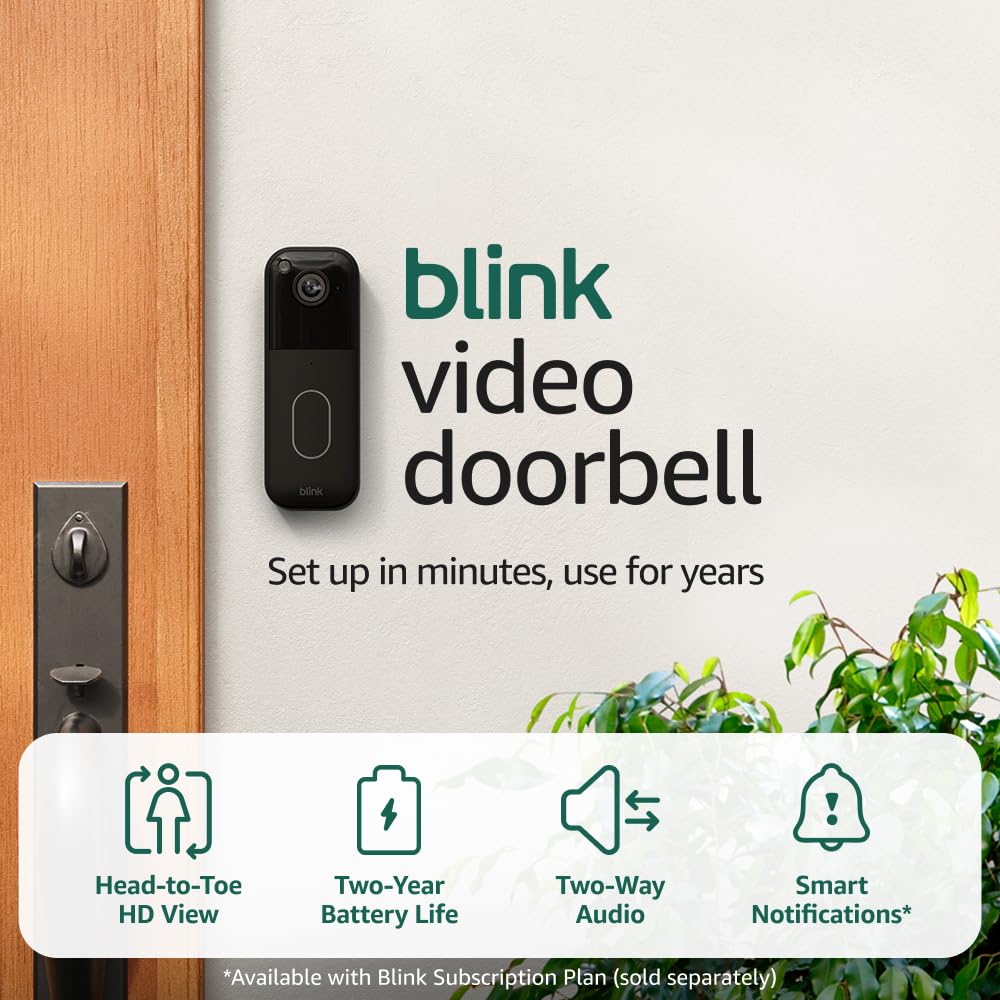
Blink Video Doorbell
Blink Video Doorbell (newest model) – Head-to-toe HD view, two-year battery life, and simple setup. Required Sync Module not included – Add-On (Black)
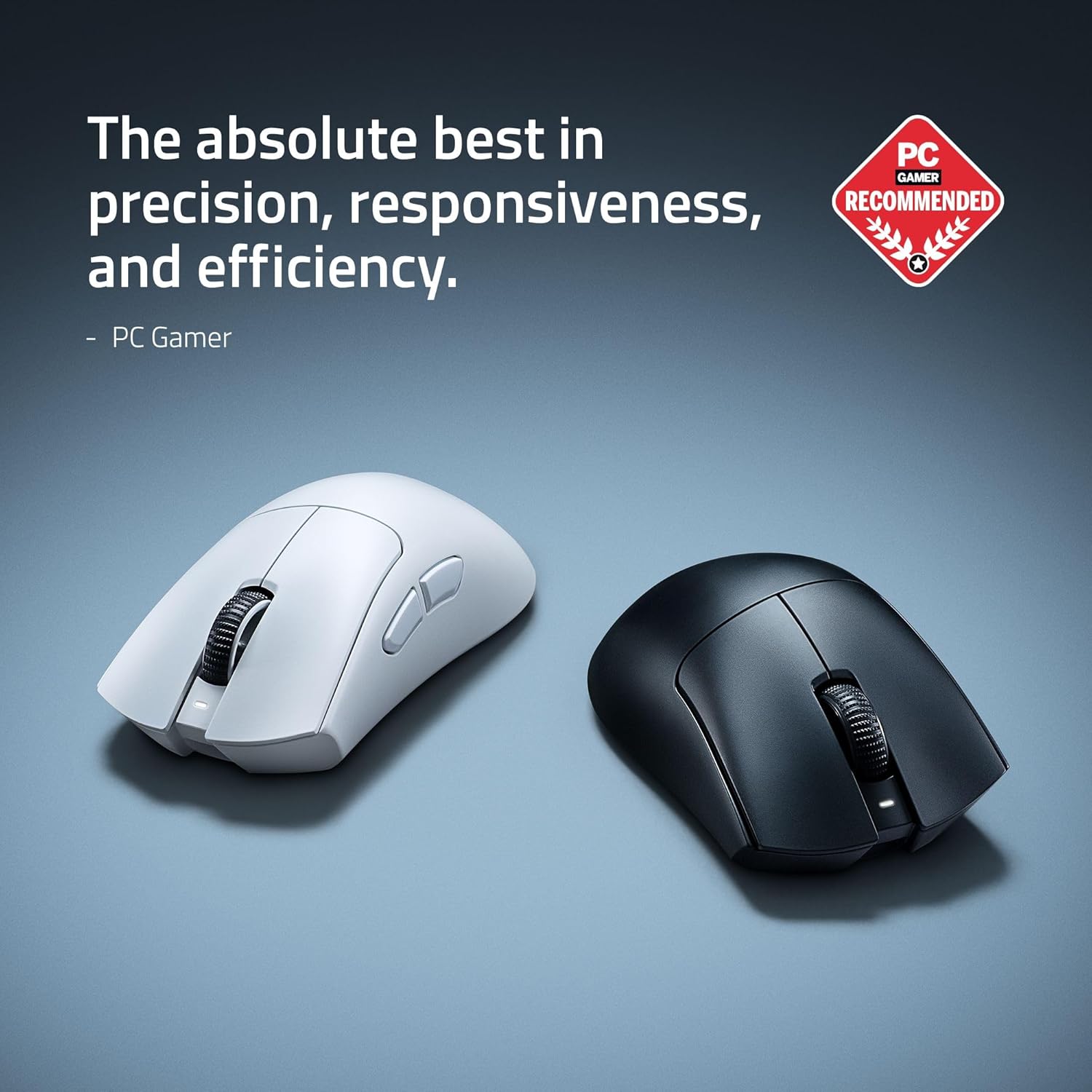
RAWM ES21 Wireless Gaming Mouse
Razer DeathAdder V4 Pro Wireless Gaming Mouse: 56g Lightweight – HyperSpeed Wireless Gen-2 – Optical Scroll Wheel – Optical Switches Gen-4 – Focus Pro 45K Sensor Gen-2 – Up to 150 Hr Battery
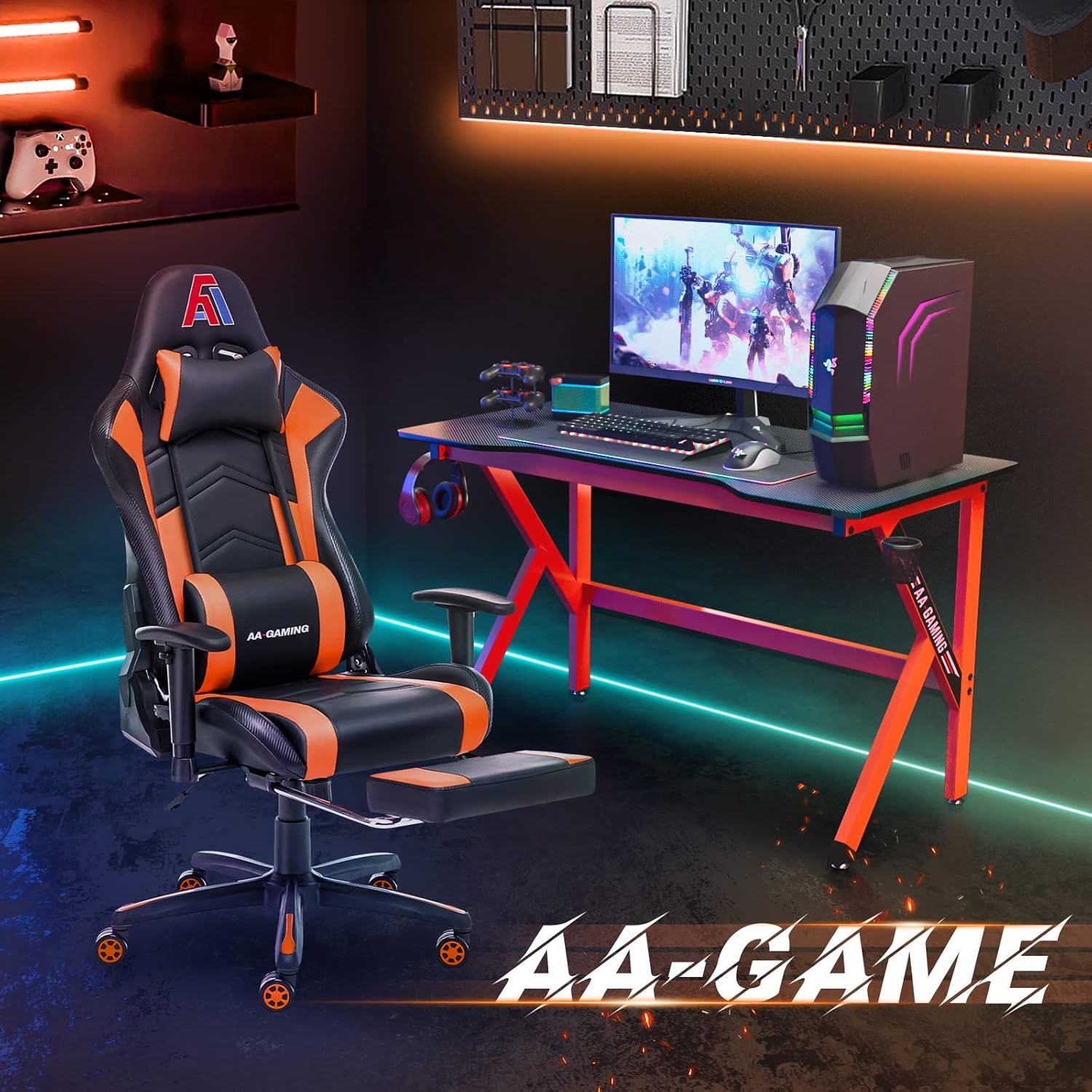
AA Products High Back Ergonomic Gaming Chair
AA Products Gaming Chair Ergonomic High Back Computer Racing Chair Adjustable Office Chair with Footrest, Lumbar Support Swivel Chair – BlackOrange
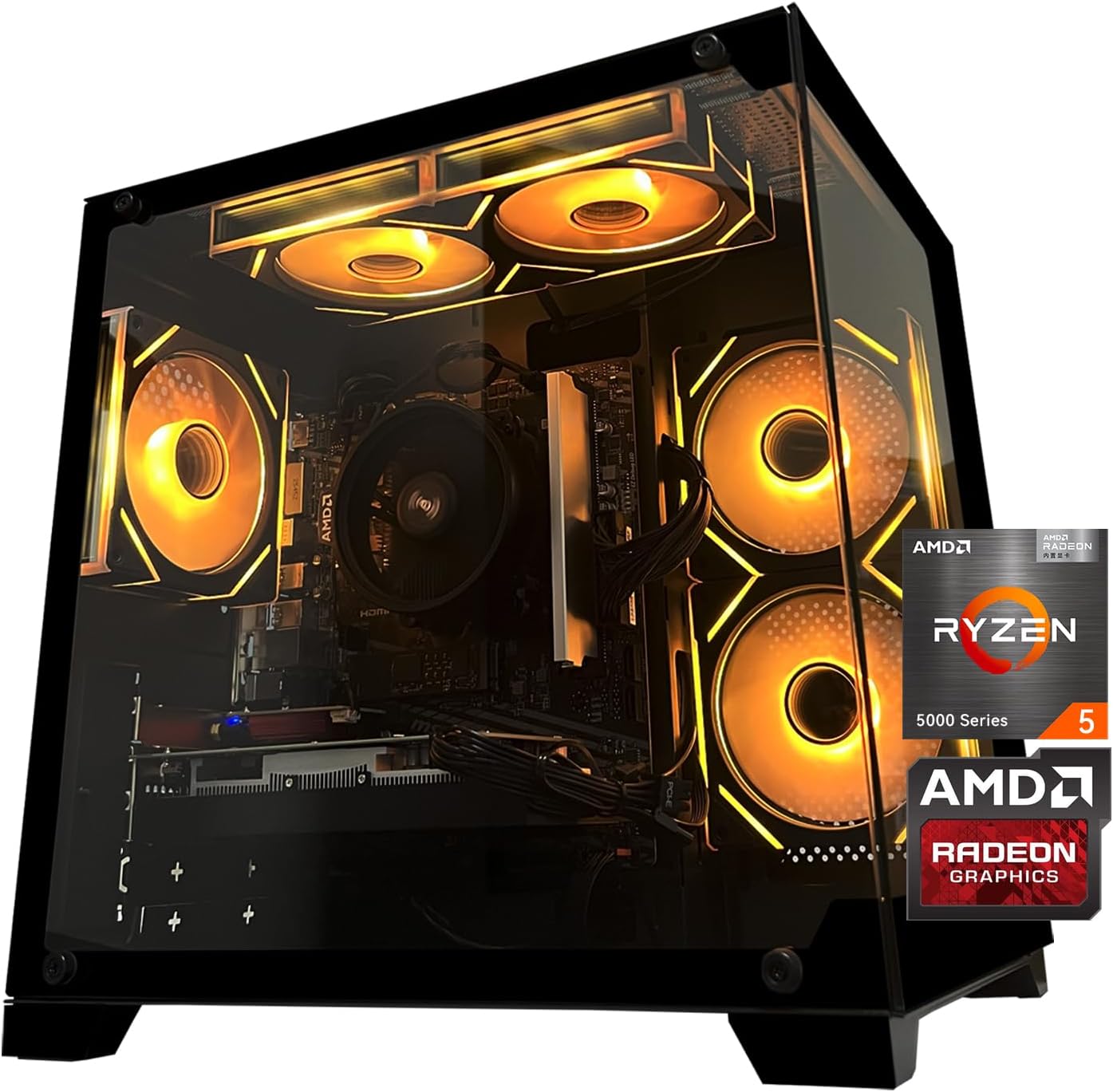
Gaming PC Desktop Computer, AMD
Gaming PC Desktop Computer, AMD Ryzen 5 5500, RX6500XT 4GB Graphics, 16GB DDR4 RAM, 512GB NVMe SSD, ARGB Fans, Game Design Office
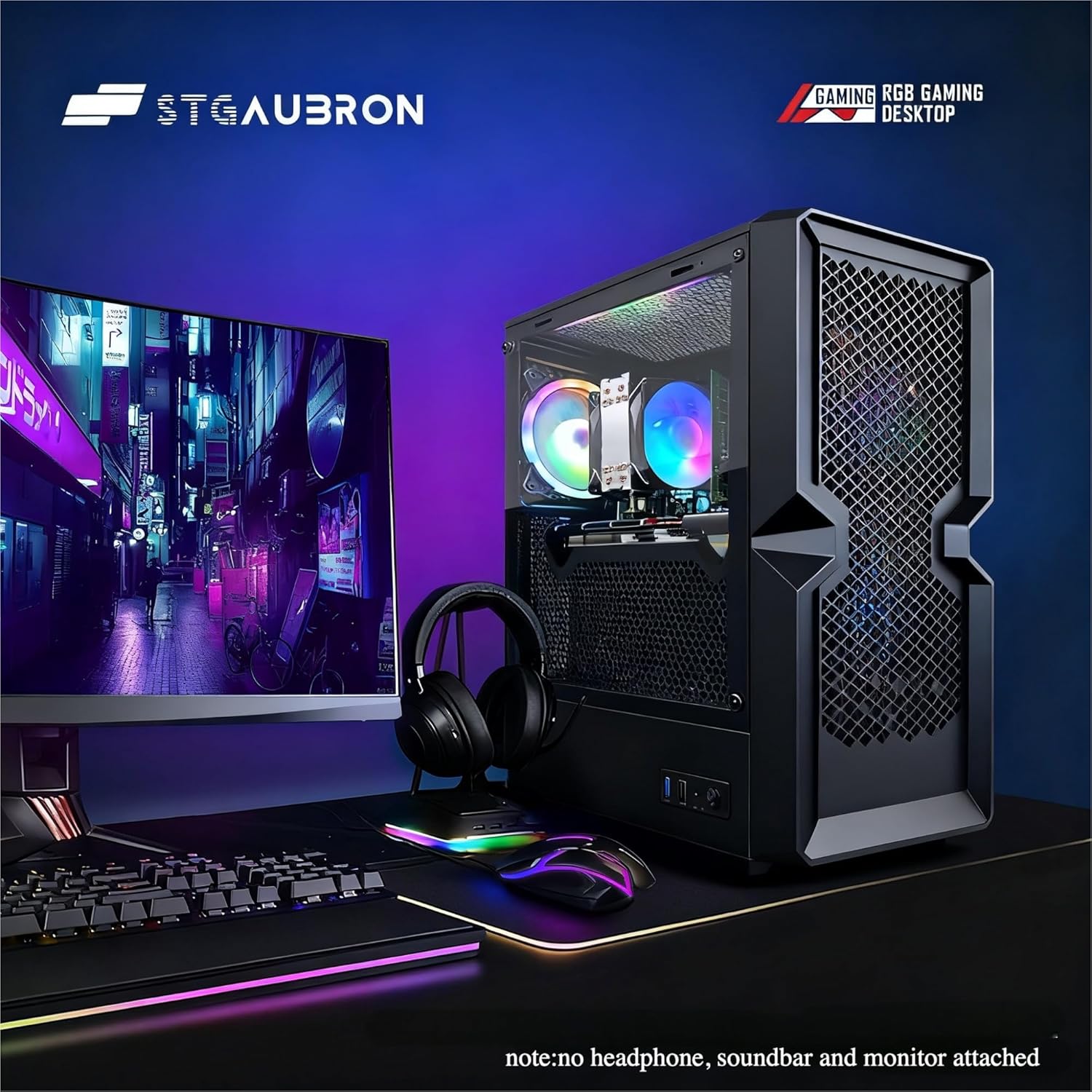
STGAubron Gaming PC Desktop
STGAubron Gaming PC Desktop Computer, Intel Core i5 up to 3.6G, Radeon RX 590 8G, 16GB RAM, 1TB SSD, 600M WiFi, BT 5.0, RGB Fan x3, Windows 11 Home