Future Trends in Game UI Design
As an avid gamer and a UI designer, I’ve witnessed the evolution of game interfaces firsthand. The landscape is shifting rapidly, influenced by technology advancements and player expectations. In this article, we will explore the future trends in game UI design, focusing on immersive experiences, AI integration, and player-centric approaches.
1. Immersive Experiences
Immersive experiences are at the forefront of game UI design, with developers striving to create interfaces that blend seamlessly with the game world. This trend is driven by advancements in virtual reality (VR) and augmented reality (AR).
1.1. Virtual Reality (VR)
In VR, traditional UI elements like menus and HUDs can detract from immersion. Designers are exploring ways to integrate UI directly into the game environment. For example, in a VR shooter, ammunition counts might be displayed on the weapon itself.
1.2. Augmented Reality (AR)
AR offers an opportunity to enhance real-world environments with digital overlays. Games like Pokémon GO have successfully merged UI elements with real-world navigation, making the interface feel like a natural extension of reality.
2. AI Integration in UI Design
Artificial Intelligence is becoming an essential tool in game UI design, allowing for more personalized and adaptive experiences. Here’s how AI is shaping the future of UI:
2.1. Personalized Interfaces
AI can analyze player behavior and preferences to customize the UI. For instance, a racing game might adjust the HUD based on the player’s skill level, showing more detailed stats for advanced players while simplifying the interface for novices.
2.2. Predictive UI Elements
Predictive algorithms can anticipate player needs. For example, if a player frequently accesses a specific inventory item, the game could highlight it or make it more accessible in the UI.
3. Player-Centric Design
Today’s gamers crave experiences tailored to their preferences. Player-centric design emphasizes empathy and understanding of user needs:
3.1. Accessibility Features
Inclusion is critical in game design. UI designers are implementing features like colorblind modes, text-to-speech, and customizable controls to ensure everyone can enjoy gaming experiences.
3.2. Feedback Loops
Incorporating player feedback into design processes is essential. Regularly gathering player input can help designers refine UI elements to enhance usability and satisfaction.
4. Step-by-Step Guide: Implementing Future Trends in Your Game UI
- Research Emerging Technologies: Stay updated on VR, AR, and AI advancements.
- Analyze Player Behavior: Use analytics tools to understand how players interact with your UI.
- Prototype New Ideas: Create prototypes for immersive UI elements and test them with real players.
- Gather Feedback: Use player feedback to iterate on designs, focusing on accessibility and usability.
- Implement AI Features: Explore AI tools that can help personalize the gaming experience.
5. Checklist: Future-Proofing Your Game UI
- ✔️ Integrate immersive UI elements for VR and AR.
- ✔️ Use AI for personalization and predictive features.
- ✔️ Ensure accessibility in your UI design.
- ✔️ Regularly collect player feedback and iterate.
- ✔️ Experiment with innovative UI layouts and designs.
6. Examples of Innovative Game UIs
| Game Title | UI Feature | Impact |
|---|---|---|
| Half-Life: Alyx | Interactive inventory system | Enhances immersion by integrating UI with gameplay mechanics. |
| Fortnite | Dynamic HUD | Adapts based on game state, improving player engagement. |
| The Last of Us Part II | Contextual action prompts | Streamlines gameplay and reduces clutter. |
7. Conclusion
The future of game UI design is exciting, filled with possibilities that promise to enhance the gaming experience. By focusing on immersive experiences, AI integration, and player-centric design, developers can create interfaces that resonate with players. For a deeper dive into UI design principles, check out The Ultimate Guide to UI Design for Games.
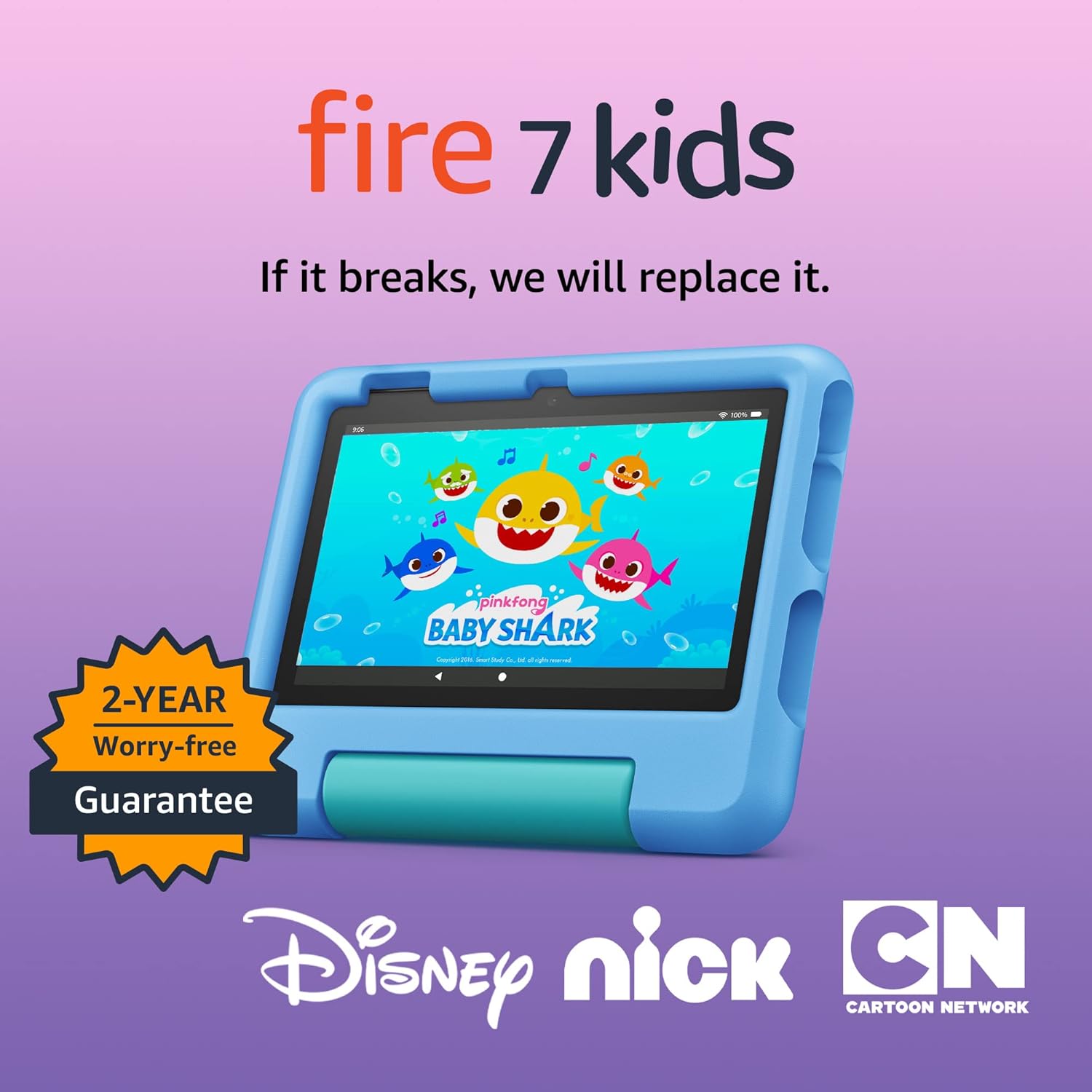
Amazon Fire 7 Kids tablet
Amazon Fire 7 Kids tablet, ages 3-7. Top-selling 7\" kids tablet on Amazon. Includes ad-free and exclusive content, easy parental controls, 10-hr battery, 16 GB, Blue
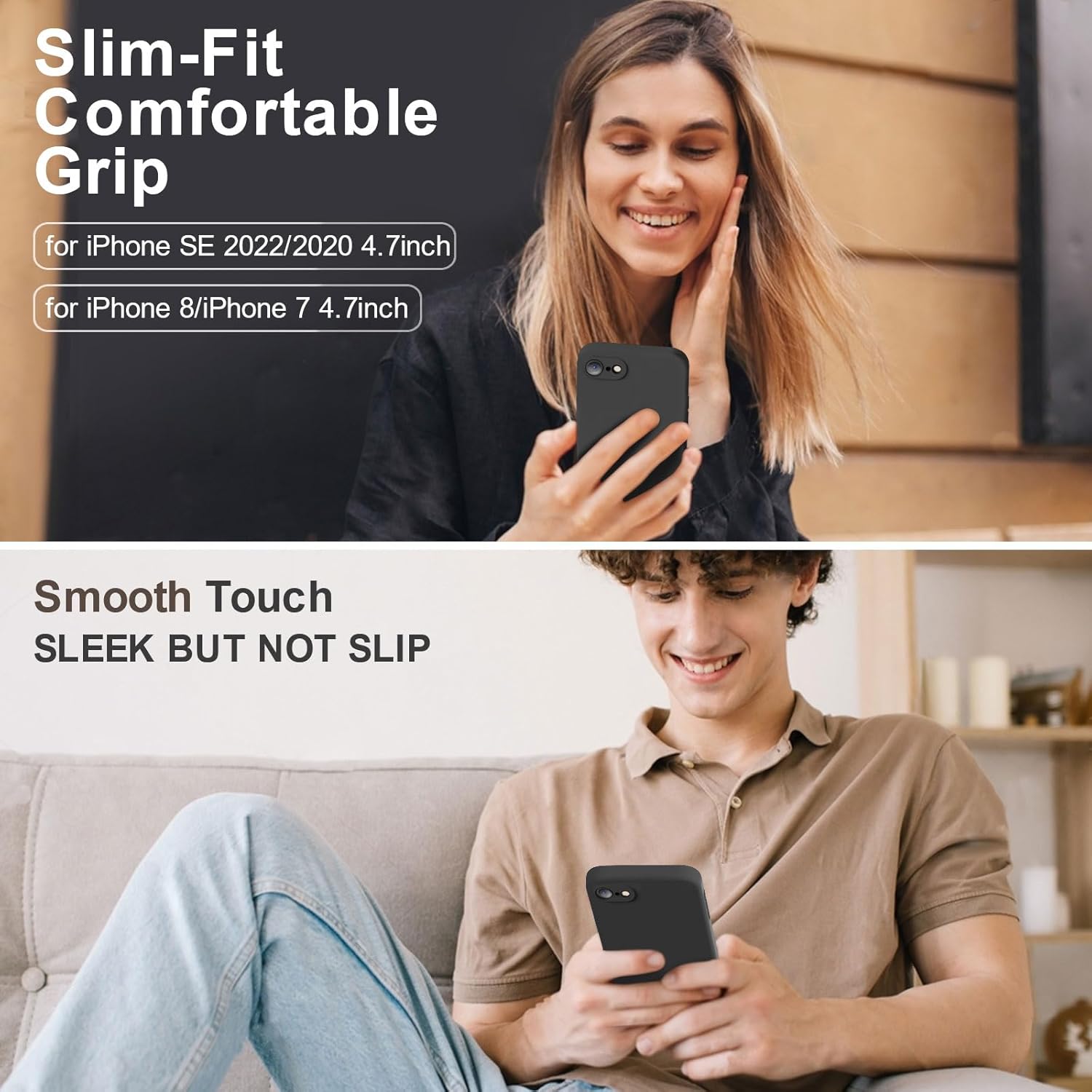
Vooii for iPhone SE
Vooii for iPhone SE Case 2022/3rd/2020,iPhone 8/7 Case, Upgraded Liquid Silicone with [Flat Edges] [Camera Protection] [Soft Anti-Scratch Microfiber Lining] Phone Case for iPhone SE – Black
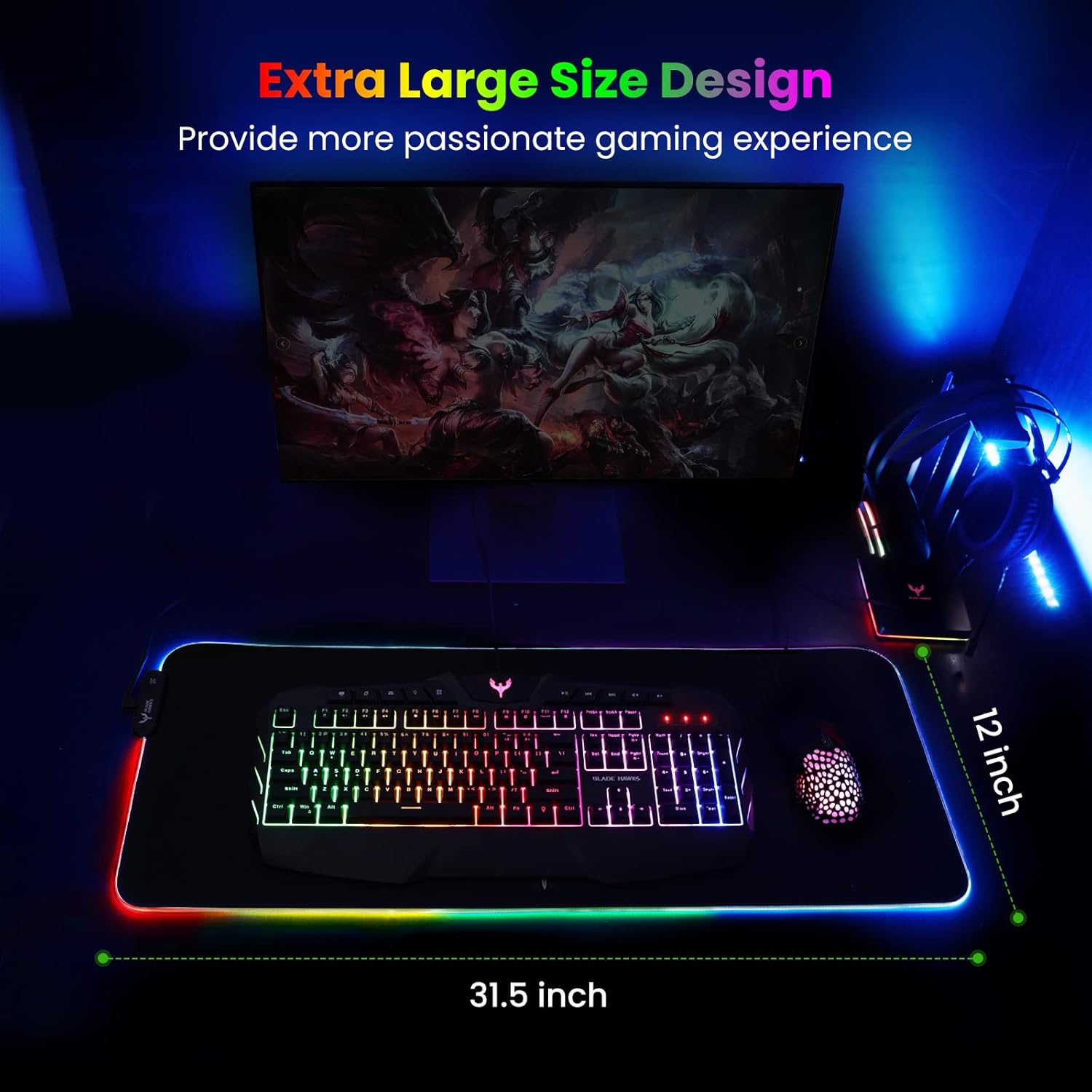
Mouse Pad
BladeHawks Extra Large RGB Gaming Mouse Pad-14 Light Modes, Extended Soft LED Mouse Pad, Anti-Slip Rubber Base, Computer Keyboard Mousepad Mat (31.5 x 12 Inch)

Sound Healing 432 Hz
song transports the listener to a relaxed state of mindfulness and inner peace.
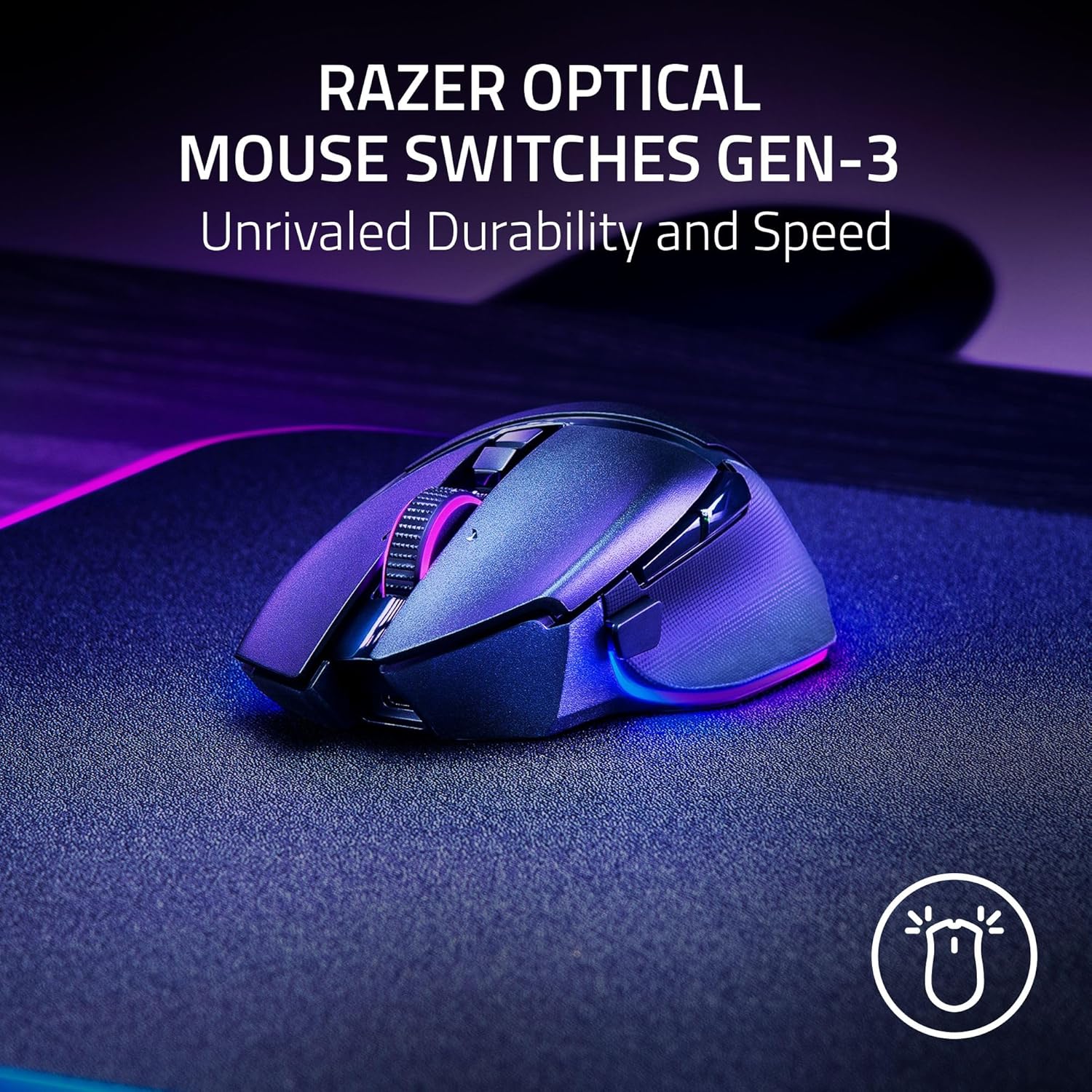
Razer
Razer Basilisk V3 Pro 35K Wireless Gaming Mouse: HyperScroll Tilt Wheel – 35K DPI Optical Sensor Gen 2-13 Customizable Controls – Chroma RGB – Optical Switches Gen 3 – Up to 140 Hr Battery – Black
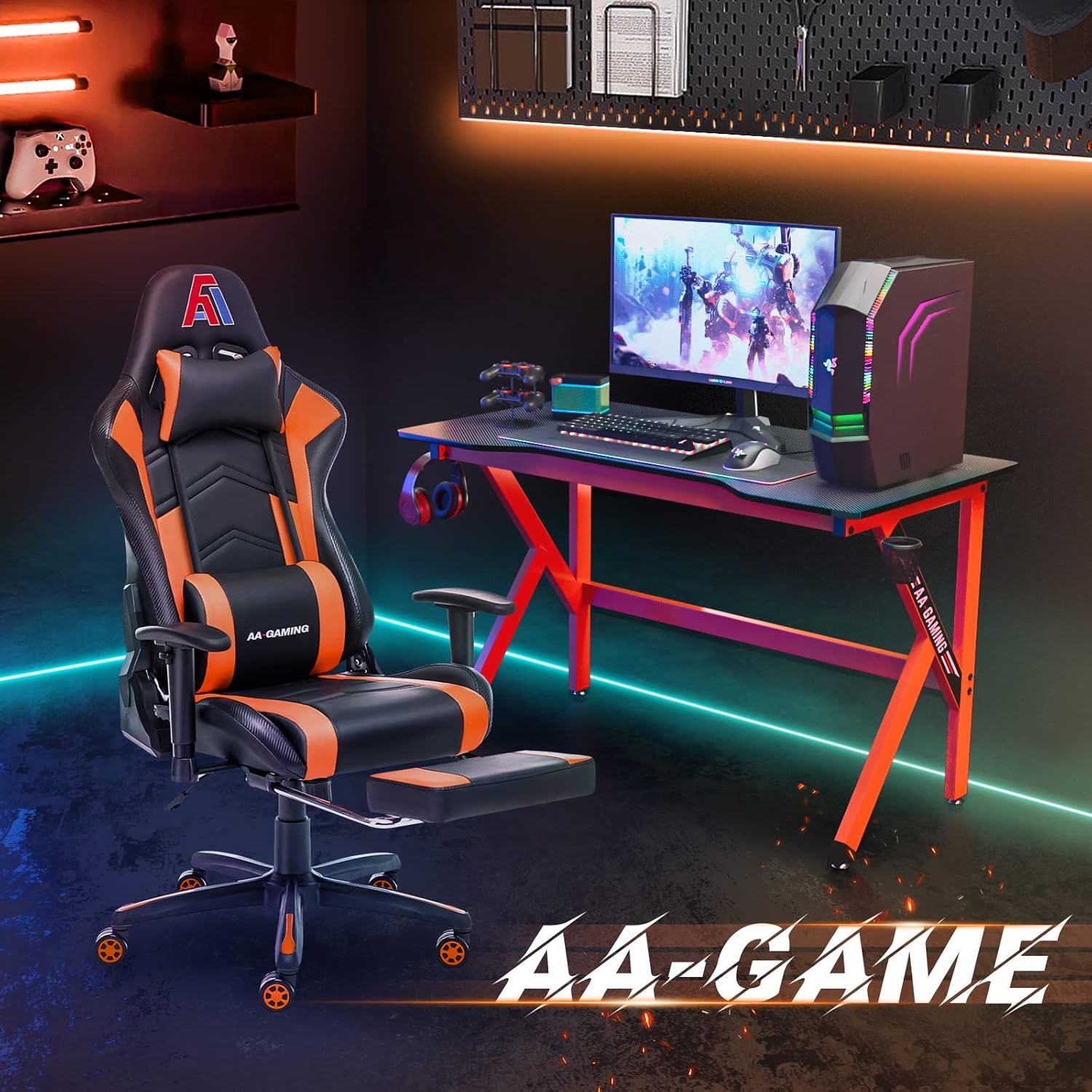
AA Products High Back Ergonomic Gaming Chair
AA Products Gaming Chair Ergonomic High Back Computer Racing Chair Adjustable Office Chair with Footrest, Lumbar Support Swivel Chair – BlackOrange