When you’re learning Unity, Unreal Engine, or C#, making money on the side is often necessary but the question many beginners face is:
Should I focus on freelancing or small side hustles?
I’ve worked with competitive gamers and beginner developers long enough to see what actually works and what burns people out. The short answer: it depends on your goals, schedule, and energy.
Understanding the Difference
Freelancing usually means taking client work that’s directly related to development, design, or coding. Examples:
-
Fixing bugs in someone’s Unity project
-
Creating a small 3D asset for a game
-
Writing simple scripts for indie devs
Side hustles are broader and may or may not be directly technical. Examples:
-
Remote online jobs (like live chat support)
-
Game testing or QA
-
Content creation or tutorials
Both approaches can generate income, but they impact your learning differently.
Pros and Cons of Freelancing
Pros:
-
Builds your dev portfolio
-
Offers experience with real world projects
-
Usually pays better per task
Cons:
-
Deadlines can interfere with learning
-
Projects may be stressful or overly complex
-
Risk of burnout if you overcommit
Freelancing works best if you already have some confidence in Unity or Unreal basics and can deliver small, reliable outputs.
Pros and Cons of Side Hustles
Pros:
-
Flexible hours, easy to pause when learning
-
Low cognitive load, which preserves energy for learning
-
Steady supplemental income
Cons:
-
May not directly build development skills
-
Typically lower pay per hour than specialized freelance work
A great example of a beginner friendly side hustle is remote live chat work. Platforms like Live Chat Jobs let you earn money without technical experience, making it perfect for developers still focused on learning. You can test it with a low-cost trial and decide if it fits your schedule.
How to Decide What’s Right for You
Ask yourself:
-
How much time can I realistically dedicate to earning vs learning?
-
Do I need skill-building alongside income?
-
Am I at a stage where small freelance tasks won’t overwhelm me?
-
If you want experience and portfolio growth, start with small freelance projects.
-
If you need steady income without sacrificing learning, start with side hustles like remote jobs, game testing, or content creation.
Many successful developers use both simultaneously freelance when they have capacity, side hustles when they need stability.
Suggested Approach for Beginner Game Developers
-
First month: focus on side hustles for steady income.
-
Months 2–3: experiment with micro freelance projects to build skills and portfolio.
-
Ongoing: alternate between freelancing and side hustles based on workload and learning goals.
This creates a sustainable balance without sacrificing skill development or motivation.
Final Thoughts
There’s no one size fits all answer. The key is strategic planning: choose income options that support your growth rather than compete with it.
By combining flexible side hustles with carefully scoped freelance tasks, beginner developers can earn money, gain experience, and continue learning Unity or Unreal without burnout.
How Game Developers Can Earn Extra Income While Learning Game Development
One option that fits this category particularly well is live chat based remote work.
These roles focus on real time customer communication rather than technical output, making them a practical choice for beginner game developers who want flexible income without draining their learning energy.Platforms like Live Chat Jobs allow you to test this type of work with a low-cost trial, making it easy to see whether it fits your schedule and focus before committing long term.
👉 Try Live Chat Jobs with a $1 Trial
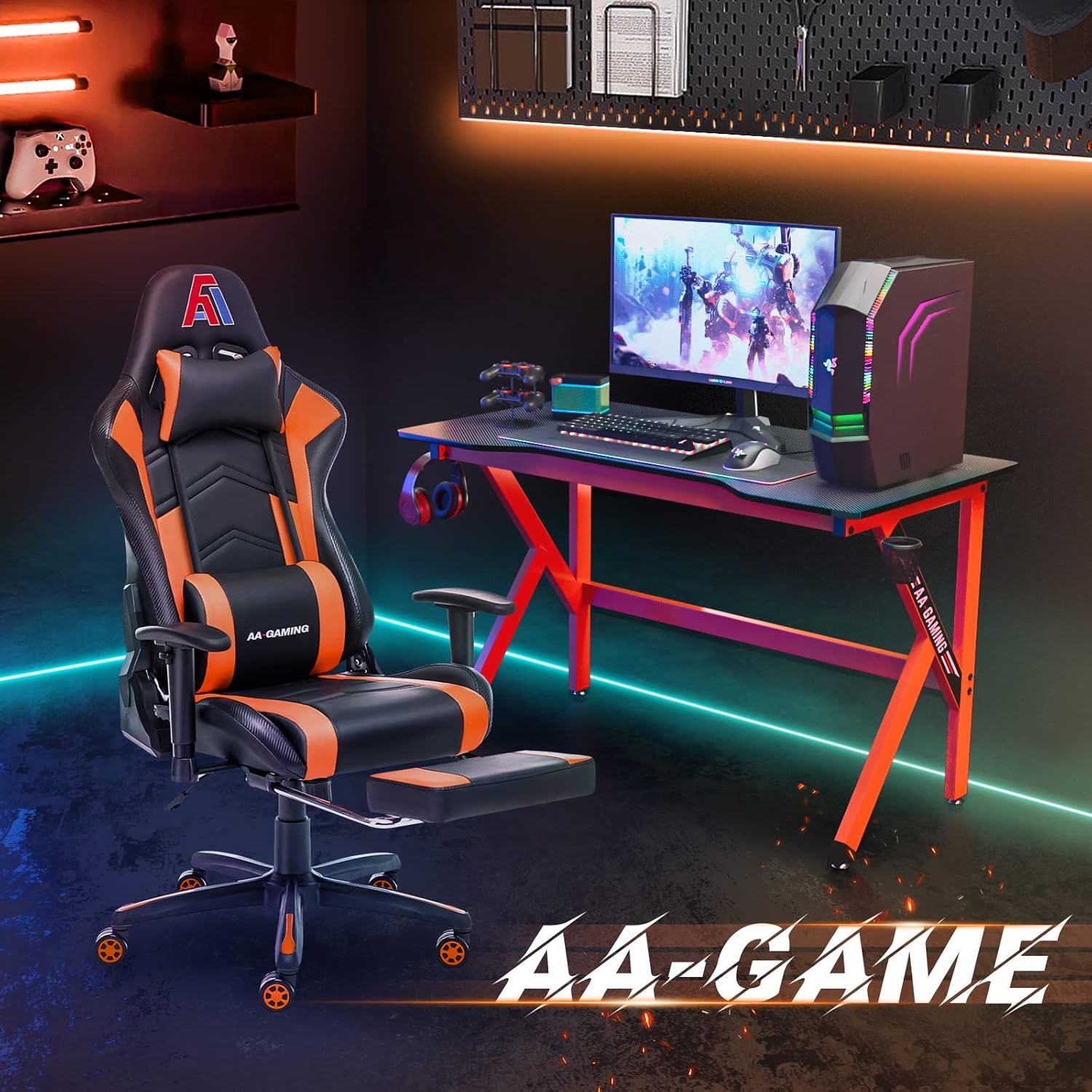
AA Products High Back Ergonomic Gaming Chair
AA Products Gaming Chair Ergonomic High Back Computer Racing Chair Adjustable Office Chair with Footrest, Lumbar Support Swivel Chair – BlackOrange

Scotch Thermal Laminating Pouches
Scotch Thermal Laminating Pouches, for Use with Thermal Laminators, 8.9 x 11.4 Inches, Letter Size Sheets, 100-Pack

Beats-Studio Pro Cancelling Headphones
Beats Studio Pro – Wireless Bluetooth Noise Cancelling Headphones with USB-C Charging Cable (20 cm) – Jet Black

Logitech G
Logitech G PRO X SUPERLIGHT 2 Wireless Gaming Mouse
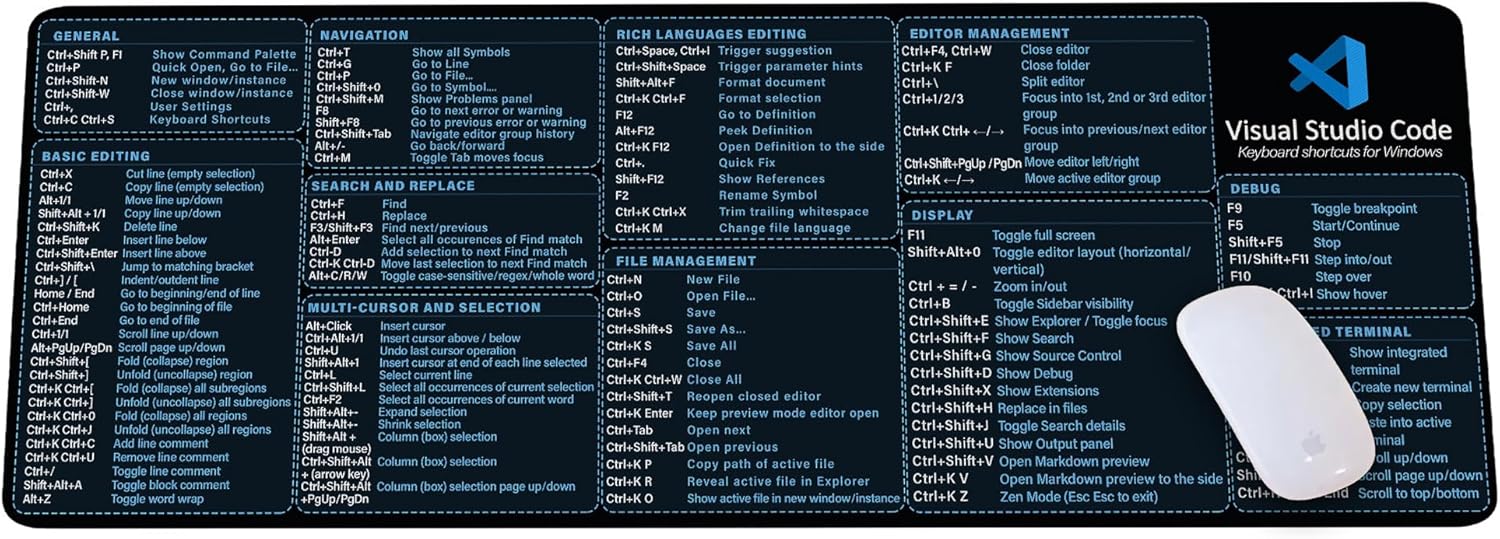
Visual Studio Code Shortcuts Mouse Pad
Visual Studio Code Shortcuts Mouse Pad – Desk Mat for Programmers, Coders & Beginners, Great Office Gift for Developers & Tech Enthusiasts, Computer Accessory for Study, Work, and Learning KMH
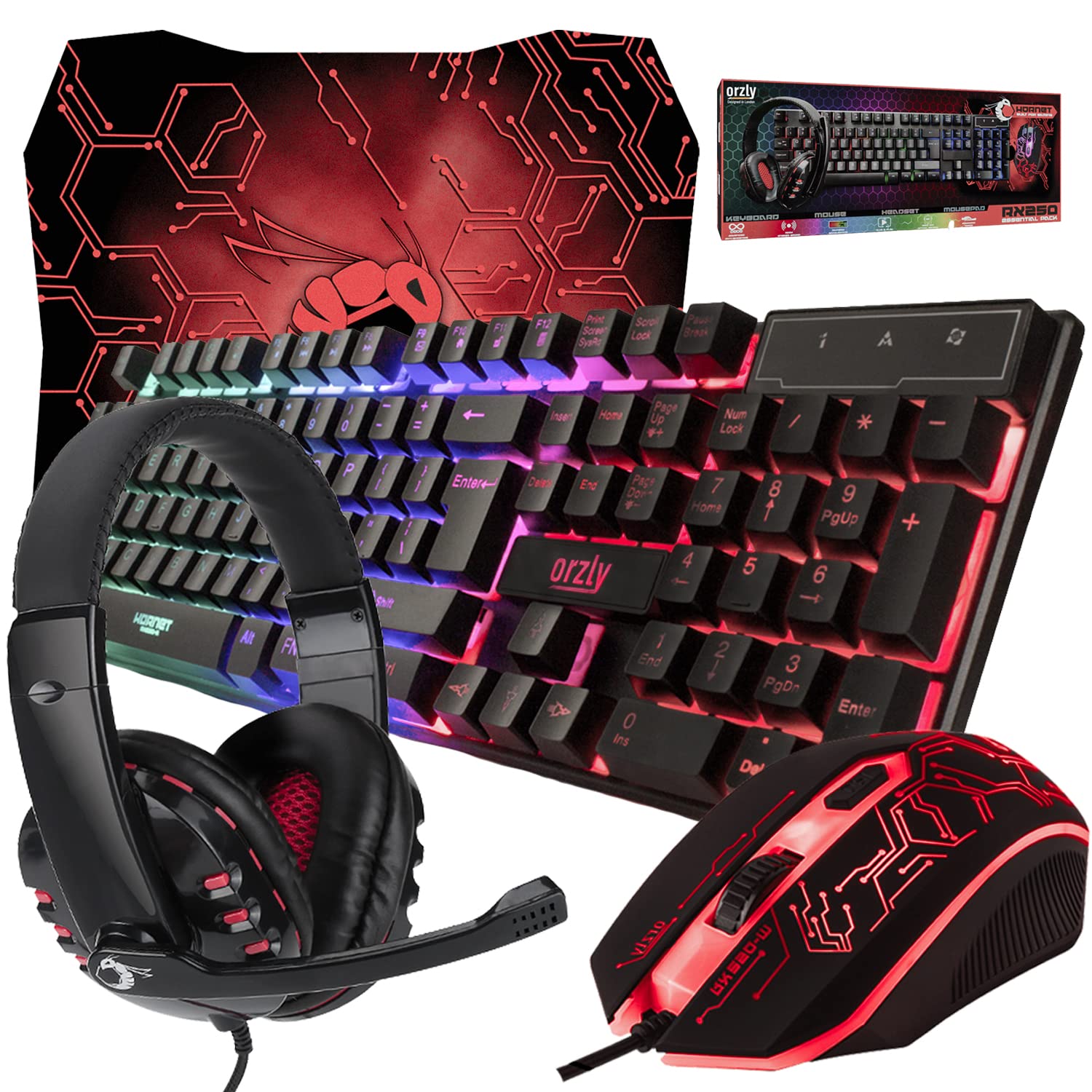
Gaming Keyboard and Mouse and Mouse pad and Gaming Headset, Wired LED RGB Backlight Bundle
Gaming Keyboard and Mouse and Mouse pad and Gaming Headset, Wired LED RGB Backlight Bundle for PC Gamers and Xbox and PS4 Users – 4 in 1 Edition Hornet RX-250