I Got Tired of My Boring Gaming Setup So I Fixed It with RGB Lighting
I’ll be honest: for the longest time, my gaming corner was painfully boring. Same dull walls, one harsh ceiling light, and zero atmosphere. Every night I’d sit down to play and feel like something was off even before launching a game.
That’s when I realized something important:
a Gaming Setup isn’t just about the PC, console, or monitor. The environment matters more than most people think.
This is the guide I wish I had years ago the one that shows how RGB lighting can completely change the way your gaming space feels and performs.
Why RGB Lighting Changed My Gaming Experience
At first, I thought RGB lighting was just a streamer thing. Flashy, unnecessary, maybe even distracting. I was wrong.
Once I set things up properly, I noticed real differences:
-
Less eye strain during long gaming sessions
-
Better focus thanks to balanced ambient lighting
-
Stronger immersion, especially in story driven and competitive games
-
A setup that actually feels exciting to sit down at
RGB lighting isn’t about turning your room into a disco. It’s about control, comfort, and atmosphere.
How I Choose RGB Lighting for a Gaming Setup (Without Overspending)
After five years of testing different lighting setups mine and my friends’ I learned one rule fast:
quality beats quantity every time.
What Actually Works
LED Strip Lights
These are the backbone of any solid Gaming Setup. I mainly use them for monitor backlighting and under-desk glow. High density strips (60+ LEDs per meter) make a massive difference in smoothness.
Smart Bulbs
I avoided these at first, but adding soft ambient color above the setup changed everything. They help balance brightness and prevent harsh contrast at night.
RGB Peripherals
A keyboard or mouse with subtle RGB ties everything together. Per key RGB is nice, but not mandatory.
Budget Friendly RGB Alternatives I Actually Recommend
You don’t need to spend a fortune to get a clean look:
-
LED strips behind lamps instead of expensive smart bulbs
-
RGB mouse pads instead of premium keyboards
-
One strong light source instead of multiple weak ones
Most Gaming Setups look better with fewer, well placed lights than with too many effects.
Planning My RGB Gaming Setup (This Step Matters)
Before installing anything, I measured my desk, monitors, and wall space. That alone saved me hours of frustration.
Things I always plan in advance:
-
Power outlet locations
-
Cable routing paths
-
Where light should reflect, not shine directly
Clean surfaces are non negotiable. If LED strips fall off after a week, it ruins the whole experience.
How I Installed RGB Lighting Step by Step
Monitor Backlighting
This was the biggest upgrade. Bias lighting behind the monitor reduces eye strain and makes the screen feel like it’s floating.
Desk Underglow
Subtle is key here. I aim lights downward so they don’t reflect on the screen or distract me mid-game.
Ambient Room Lighting
Indirect lighting works best. No exposed LEDs, no glare just soft color filling the space.
I keep brightness around 60–70% max. Anything more gets tiring fast.
Common RGB Mistakes I Learned the Hard Way
-
Too many rainbow effects
-
LEDs visible directly to the eyes
-
Colors bleeding onto the monitor
-
Mixing too many RGB software platforms
A Gaming Setup should feel calm and intentional, not chaotic.
RGB Lighting Themes I Actually Use
Focus Mode
Soft blue or green tones at low brightness. Perfect for ranked matches or work sessions.
Immersion Mode
Colors that match the game world deep blues for RPGs, warmer tones for adventure games.
Relax Mode
Warm amber light when I’m done gaming and just watching videos or winding down.
Saving presets makes switching effortless.
Does RGB Lighting Really Improve Gaming Performance?
From my experience yes, when done right.
Balanced lighting:
-
Reduces eye fatigue
-
Keeps your focus steady
-
Makes longer sessions more comfortable
Bad RGB setups hurt performance. Good ones quietly support it.
Is RGB Lighting Worth It for Any Gaming Setup?
Absolutely. Big setup or small desk it doesn’t matter.
You can start with:
-
One LED strip behind your monitor
-
A single ambient light source
Then build from there. Every improvement adds up.
Final Thoughts
RGB lighting completely changed how I feel about my Gaming Setup. Not because it looks cool on camera but because it makes gaming more comfortable, immersive, and enjoyable.
If your setup feels lifeless, don’t upgrade your GPU first.
Upgrade your lighting.
Start small tonight. You’ll notice the difference immediately.

Panvola
Panvola Debugging Definition Computer Programmer Student Teacher Geek Coder Tech Support Programming IT Insulated Coffee Mug with Handle and Lid Camping Travel Thermal Mugs 14 oz Black

Vooii for iPhone SE
Vooii for iPhone SE Case 2022/3rd/2020,iPhone 8/7 Case, Upgraded Liquid Silicone with [Flat Edges] [Camera Protection] [Soft Anti-Scratch Microfiber Lining] Phone Case for iPhone SE – Black
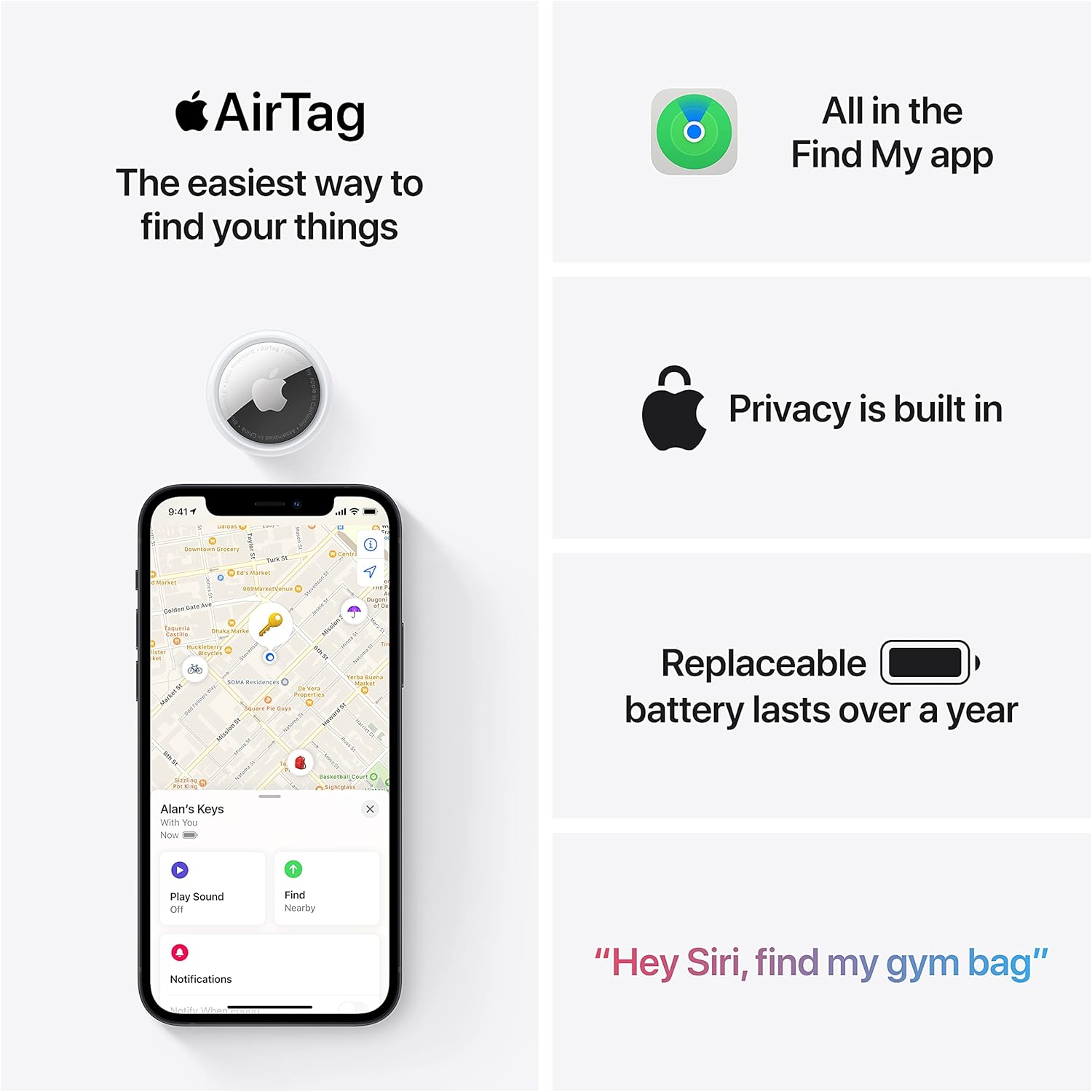
Apple AirTag 4 Pack
Brand Apple Are Batteries Included Yes Number of Batteries 4 CR2032 batteries required. (included) Product Dimensions 1.26\"L x 1.26\"W x 0.31\"Th Compatible Devices airtag
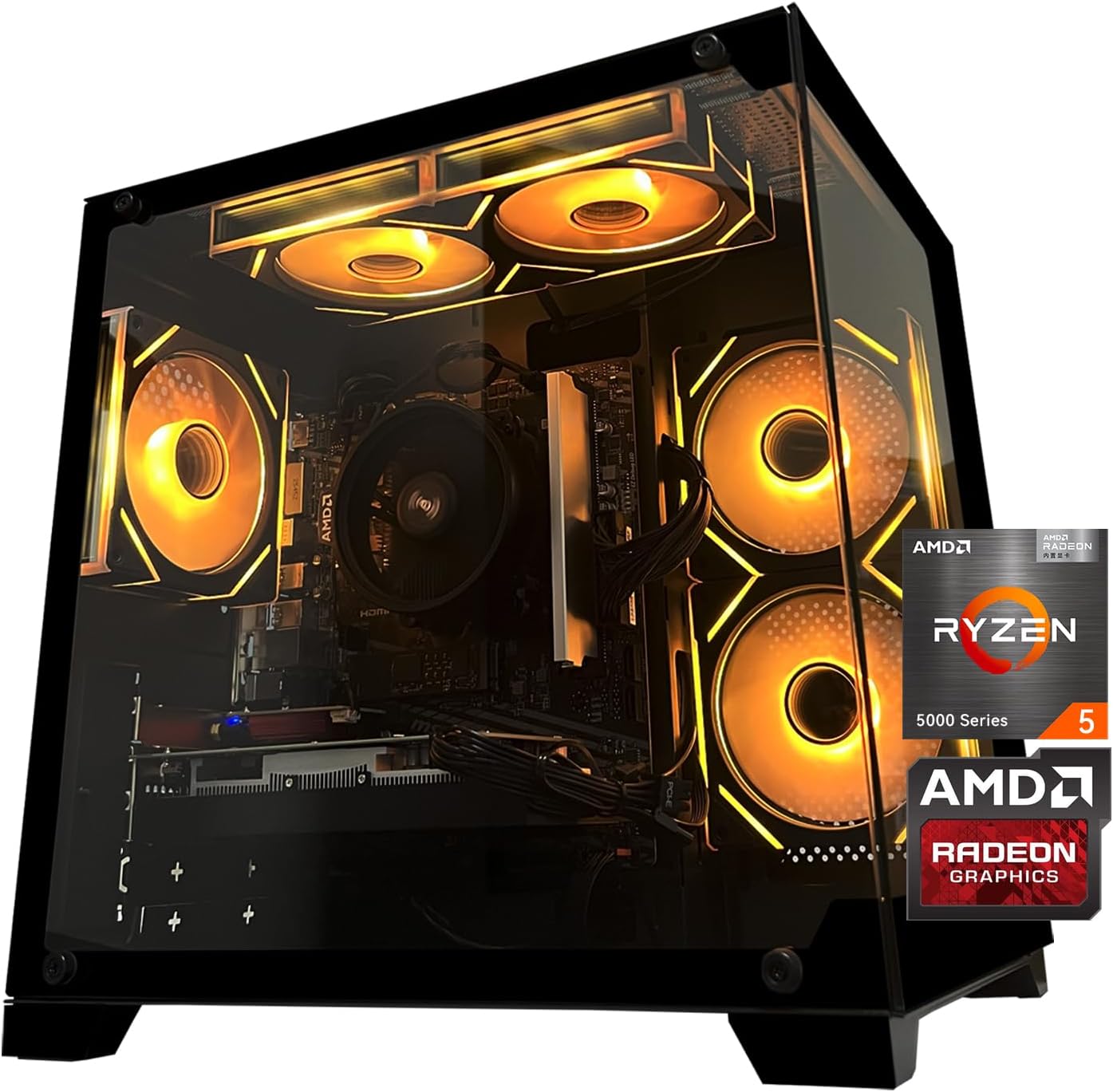
Gaming PC Desktop Computer, AMD
Gaming PC Desktop Computer, AMD Ryzen 5 5500, RX6500XT 4GB Graphics, 16GB DDR4 RAM, 512GB NVMe SSD, ARGB Fans, Game Design Office

NUBWO U3 Gaming Headset
NUBWO U3 Gaming Headset with Microphone, Safe Volume Limited, Kids Headphones for Switch, Super Lightweight, Rich Sound, 3.5mm Jack for NS, PS4, PS5, Xbox, Tablet, iPad Computer, Red

AULA F99 Wireless Mechanical Gaming Keyboard
AULA F99 Wireless Mechanical Keyboard,Tri-Mode BT5.0/2.4GHz/USB-C Hot Swappable Custom Keyboard,Pre-lubed Linear Switches,RGB Backlit Computer Gaming Keyboards for PC/Tablet/PS/Xbox