
Artificial Intelligence in Gaming: What You Need to Know
Have you ever wondered how modern games deliver such immersive experiences, with smart opponents and dynamic storylines? The secret often lies in the integration of artificial intelligence in gaming. Whether you’re a hobbyist or aiming to break into the industry, understanding game development for beginners involves embracing these cutting-edge technologies. Creating games at home that harness AI fosters creativity, problem-solving skills, and a deeper appreciation for digital entertainment.
Materials & Supplies
To start exploring artificial intelligence in gaming, you’ll need some essential tools and software. The core materials include:
- A computer with sufficient specs for game development (16GB RAM, decent GPU)
- Game engines like Unity or Unreal Engine 5
- Access to AI tools for game developers such as behavior trees, machine learning plugins, or dialogue systems like RevoltGPT for Unreal Engine 5
- Programming languages knowledge (C#, C++, Python)
- Online tutorials and documentation (official engine docs, platforms like YouTube or Coursera)
All these supplies form the backbone for beginner-friendly projects, facilitating early-stage experimentation with AI mechanisms in games.
Timing / Development Schedule
Unlike traditional game development, integrating AI takes an iterative and experimental approach:
- Week 1-2: Research and setup (choosing AI tools, learning basics)
- Week 3-4: Prototyping simple AI behaviors (NPC pathfinding, decision trees)
- Week 5-6: Expanding complexity (dynamic difficulty, machine learning agents)
- Week 7+: Testing, debugging, and refining AI interactions
This phased timeline encourages continuous learning while steadily increasing game sophistication.
Step-by-Step Instructions
- Choose a game engine (e.g., Unity or Unreal Engine 5)
- Set up your development environment, including downloading necessary plugins like RevoltGPT for Unreal Engine 5
- Learn core AI concepts such as finite state machines, pathfinding, or procedural content generation
- Implement basic AI mechanics: Create NPC movements or simple dialogue AI using these tools
- Test and adjust the AI to ensure balanced and enjoyable gameplay
- Expand functionality with advanced AI tools from AI tools for game developers
- Iterate based on playtesting to enhance experience and polish behaviors
Following this progression keeps the process manageable and rewarding.
Advantages of Learning Game Development
Mastering game creation with artificial intelligence in gaming empowers you with:
- Enhanced problem-solving and critical thinking skills
- Ability to create more engaging, adaptable, and realistic game worlds
- Competitive edge in an industry rapidly adopting AI-powered tools and mechanics
- Opportunities to contribute to future innovations such as personalized gameplay or AI-driven narratives
Additionally, coding and design knowledge are versatile skills applicable beyond gaming.
Tips, Alternative Methods, or Development Advice
- Leverage free resources from communities like GitHub or game forums
- Experiment with open-source AI algorithms before buying advanced tools
- Attend virtual workshops/webinars on AI game development trends
- Start small: build simple prototypes to avoid overwhelm
- Collaborate with peers online to exchange insights and feedback
These strategies support sustainable learning and successful project completion.
Common Mistakes to Avoid
- Overcomplicating AI too early — prioritize core gameplay first
- Ignoring player experience; AI should enhance fun, not frustrate
- Skipping thorough testing, which can lead to unpredictable bugs
- Neglecting learning foundational programming principles
- Relying solely on AI plugins without understanding underlying mechanics
Avoiding these traps helps maintain project momentum and quality.
Maintenance / Update Tips
- Regularly update AI modules to align with evolving game design
- Monitor player feedback for AI behavior issues or improvements
- Optimize performance by profiling AI computations
- Keep abreast of emerging AI game development tools to incorporate new features
- Document AI systems thoroughly for easier debugging and collaboration
Ongoing maintenance ensures your game remains relevant and responsive.
The best websites or tools that offer this for free
For beginners and professionals alike, several platforms offer invaluable free resources:
- Unity Learn (Official tutorials and AI courses)
- Unreal Engine Documentation and Marketplace (including free AI plugins)
- AI tools for game developers directory with curated free and premium options
- GitHub repositories with open-source AI scripts for games
- Community forums like Stack Overflow or Reddit’s /r/gamedev
Using these platforms can accelerate your learning curve without financial burden.
A brief explanation for beginners, including the steps involved
In essence, getting started with artificial intelligence in gaming involves understanding how characters and environments can react intelligently through programming. Beginners:
- Learn basic programming and game engine environments
- Understand simple AI models like decision trees and state machines
- Use accessible AI plugins/tools tailored for newcomers
- Test interactions regularly and gather player feedback
- Gradually introduce complex mechanics like neural networks or natural language processing
This progression demystifies AI and makes game development an achievable and enjoyable pursuit.
Conclusion
Integrating artificial intelligence in gaming is transforming the way games are created and experienced. Whether developing at home or professionally, embracing AI tools and concepts opens doors to innovative gameplay and storytelling. By following structured steps, leveraging top resources, and avoiding common pitfalls, beginners can confidently dive into this exciting frontier of game creation. For a deeper dive, explore the comprehensive guides on artificial intelligence in gaming and expand your skills today.
FAQs
Q1: What are the most common AI techniques used in gaming?
AI techniques such as pathfinding, finite state machines, behavior trees, and procedural content generation are widely used to create intelligent game behaviors.
Q2: Can beginners develop AI-powered games without coding experience?
Yes! Many modern tools and game engines offer visual scripting and AI plugins designed to help beginners experiment with AI concepts easily.
Q3: How does AI improve player engagement?
AI enables dynamic difficulty adjustment, realistic NPC behaviors, and personalized gameplay experiences that keep players interested and challenged.
Q4: Where can I find reliable AI tools for game development?
Explore curated lists of AI tools for game developers and official engine marketplaces.
Q5: What is the role of machine learning in game AI?
Machine learning can enable NPCs to learn from player behavior, creating more adaptive and unpredictable gameplay scenarios.

AULA F99 Wireless Mechanical Gaming Keyboard
AULA F99 Wireless Mechanical Keyboard,Tri-Mode BT5.0/2.4GHz/USB-C Hot Swappable Custom Keyboard,Pre-lubed Linear Switches,RGB Backlit Computer Gaming Keyboards for PC/Tablet/PS/Xbox
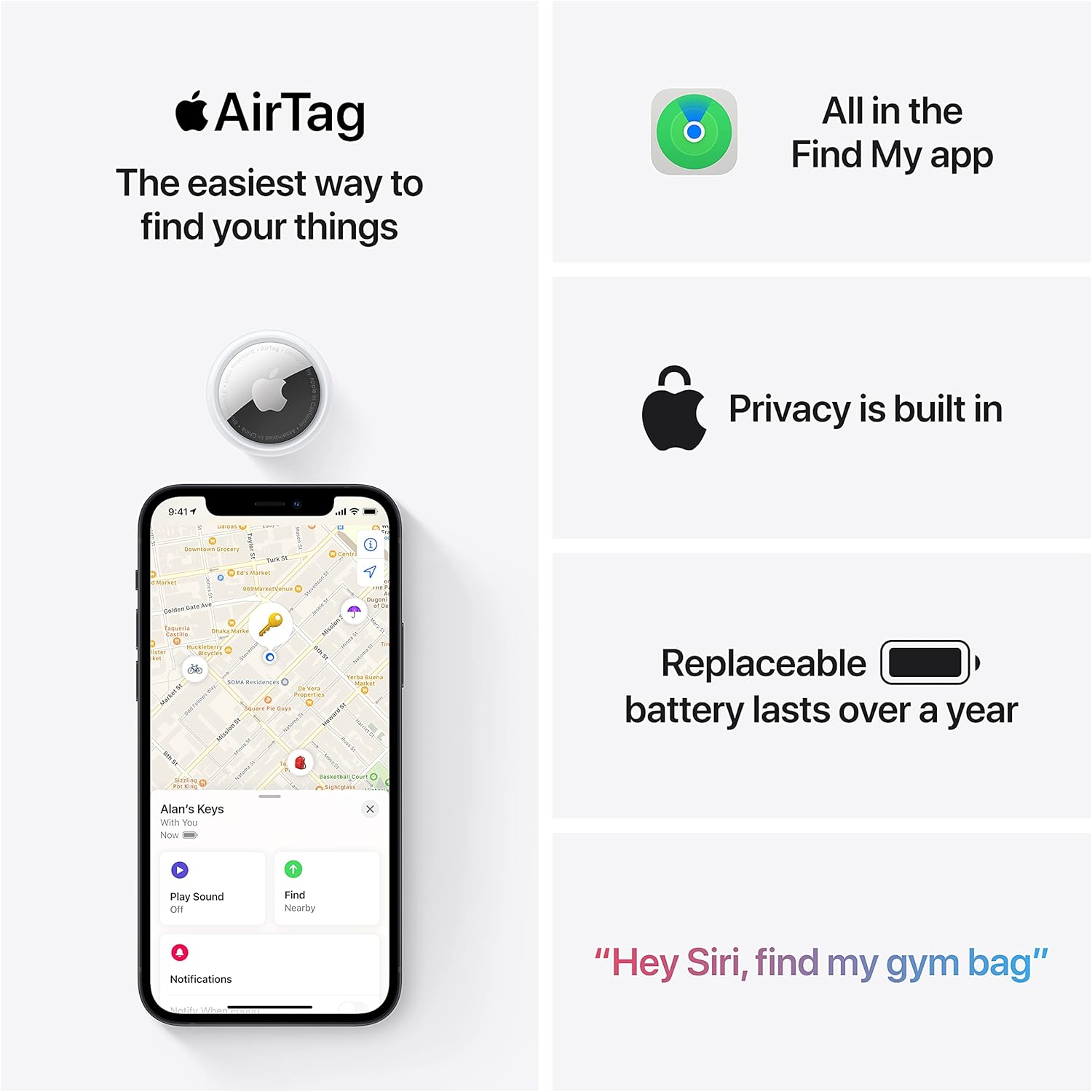
Apple AirTag 4 Pack
Brand Apple Are Batteries Included Yes Number of Batteries 4 CR2032 batteries required. (included) Product Dimensions 1.26\"L x 1.26\"W x 0.31\"Th Compatible Devices airtag

Canon PG-275
Canon PG-275 / CL-276 Genuine Ink Value Pack (2 Cartridges), Compatible with TS3520/3522/4722/3720/3722, TR4720

Scotch Thermal Laminating Pouches
Scotch Thermal Laminating Pouches, for Use with Thermal Laminators, 8.9 x 11.4 Inches, Letter Size Sheets, 100-Pack