
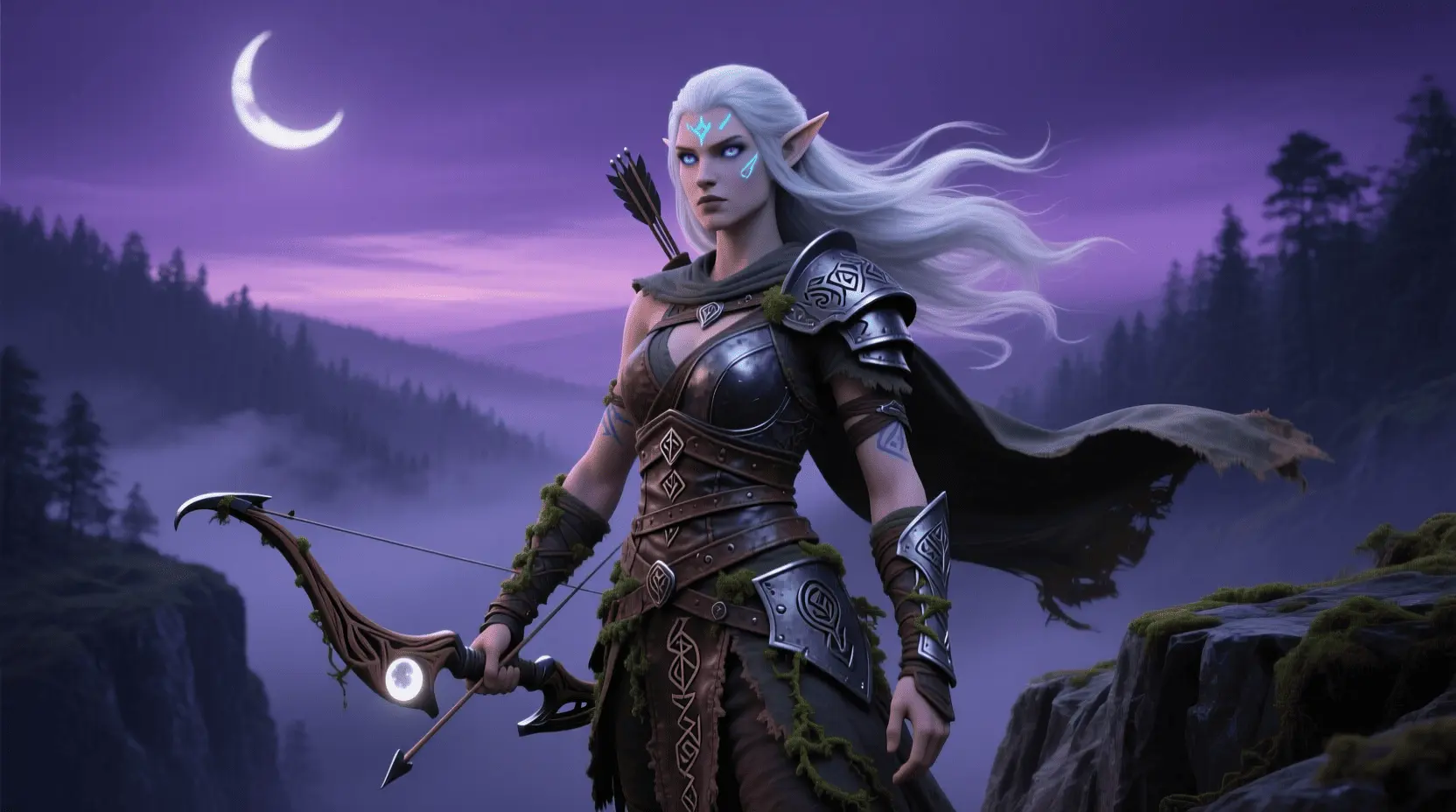
Have you ever wanted to bring your imaginative characters to life and incorporate them into your own video game? Game development for beginners can be a thrilling and creative journey, and mastering tools like Blender for character design is a powerful step in this process. Learning how to create characters at home is not only inspiring but also equips you with skills that are highly valued in the gaming industry. Whether you are just starting out or looking to enhance your project, understanding Blender Character Creation will open a world of possibilities for your game projects.
Materials & Supplies
Before diving into the game development process, having the right materials and tools is essential. Here is a comprehensive list to get you started:
- Computer: A reliable PC or Mac capable of running development software smoothly.
- Game Engine: Choose Unity or Unreal Engine for 3D game creation. Unity is beginner-friendly and widely supported.
- Code Editor: Visual Studio Code or JetBrains Rider are great for scripting your game logic.
- Graphics Software: Blender is the go-to open-source software for 3D modeling and character creation. For 2D assets, try tools like GIMP or Krita.
- Audio Tools: Audacity or LMMS allow you to create and edit sound effects and background music.
- Optional: Mechanical Gaming Keyboard – improves typing speed and accuracy during coding sessions.
- Free alternatives include Godot for game development and Inkscape for vector graphic design.
Timing / Development Schedule
Creating your first game is a multi-phase process that generally follows this timeline:
- Concept & Design (1-2 weeks): Brainstorm ideas, sketch characters (using Blender Character Creation), and outline gameplay mechanics.
- Development (4-8 weeks): Coding, asset creation, and level design occur here. Keep this phase manageable by dividing work into weekly milestones.
- Testing (1-2 weeks): Debug gameplay, collect feedback, and refine experience.
- Publishing (1 week): Prepare and launch on platforms like itch.io or Steam.
Beginners should allow buffer time for learning new tools and troubleshooting unexpected issues.
Step-by-Step Instructions
- Install Blender and Unity: Download and set up the software packages.
- Create Your 3D Character: Use Blender Character Creation tutorials to sculpt, texture, and rig your character model.
- Import Your Model: Bring your character into Unity and configure animations.
- Code Basic Gameplay: Start with simple mechanics like player movement using C# scripting.
- Test and Debug: Playtest often, noting bugs and gameplay issues for quick fixes.
- Iterate and Enhance: Add sound effects, UI, and polish visuals gradually.
Advantages of Learning Game Development
Embarking on game development for beginners builds a unique skill set:
- Creativity: Design immersive worlds and compelling narratives.
- Problem-Solving: Tackle challenges in coding and design logically.
- Logical Thinking: Develop algorithms and game mechanics successfully.
- Teamwork: Collaborate remotely or in person to enhance production.
- Career Opportunities: From indie games to AAA studios, skills are highly sought after.
- Practicing at home is flexible and personalized, making it easier to learn at your own pace.
Tips, Alternative Methods, or Development Advice
If you’re overwhelmed by 3D game development, consider these approaches:
- Start with 2D games using engines like Godot or Construct.
- Use visual scripting tools (Scratch, Bolt in Unity) to learn programming concepts without writing code.
- Collaborate with online communities to get feedback and share workload.
- If your hardware is limited, optimize Blender with lower-poly models and test games on simpler builds.
- Regularly follow tutorials and join forums to stay updated and efficient.
Common Mistakes to Avoid
- Overcomplicating First Projects: Keep your initial game simple to maintain motivation.
- Neglecting Testing: Frequent playtesting uncovers bugs early, improving quality.
- Ignoring Player Feedback: User input can guide meaningful improvements.
- Skipping Version Control: Use Git or similar tools to prevent loss of work.
Maintenance / Update Tips
After releasing your game, ongoing maintenance is vital:
- Implement version control for project files to track changes.
- Promptly address bugs reported by players.
- Add new content and features based on feedback to keep users engaged.
- Regularly back up your project files and assets.
- Communicate with your community through social media or forums to maintain interest.
The Best Websites or Tools That Offer This for Free
- Blender: Free, open-source 3D modeling software ideal for character creation.
- Unity Personal Edition: Free for beginners to develop 2D and 3D games.
- Godot Engine: Lightweight, community-driven game engine good for rapid prototyping.
- Visual Studio Code: A free, versatile code editor supporting many programming languages.
- Audacity: Open-source audio editor for sound design work.
A Brief Explanation for Beginners, Including the Steps Involved
For those new to game creation, start small. Follow these steps:
- Define a simple game concept.
- Design basic characters with Blender Character Creation.
- Build your game world step-by-step in a game engine.
- Write minimal code to control gameplay.
- Playtest, refine, and iterate.
- Publish your first project and gather feedback.
FAQs
- What programming language should I start with?
- C# is recommended if you’re using Unity, while GDScript is great for Godot. Python can be useful for scripting in Blender.
- Which game engine is best for beginners?
- Unity offers an excellent balance of power and accessibility, with vast tutorial resources.
- How long does it take to make a small game?
- A simple game can take anywhere from a couple of weeks to a few months, depending on complexity and your experience.
- Do I need to know coding to start?
- No, visual scripting tools and drag-and-drop editors can help you create games while learning programming gradually.
- Where can I publish my first game?
- Platforms such as itch.io and Game Jolt are beginner-friendly and allow free publishing and community engagement.
Starting your journey in game creation is exciting and rewarding. Equip yourself with the right tools like Blender Character Creation and a Mechanical Gaming Keyboard to boost your productivity, embrace the learning curve, and watch your ideas transform into playable reality. Ready to take your first step? Explore more tutorials or join game dev communities today!
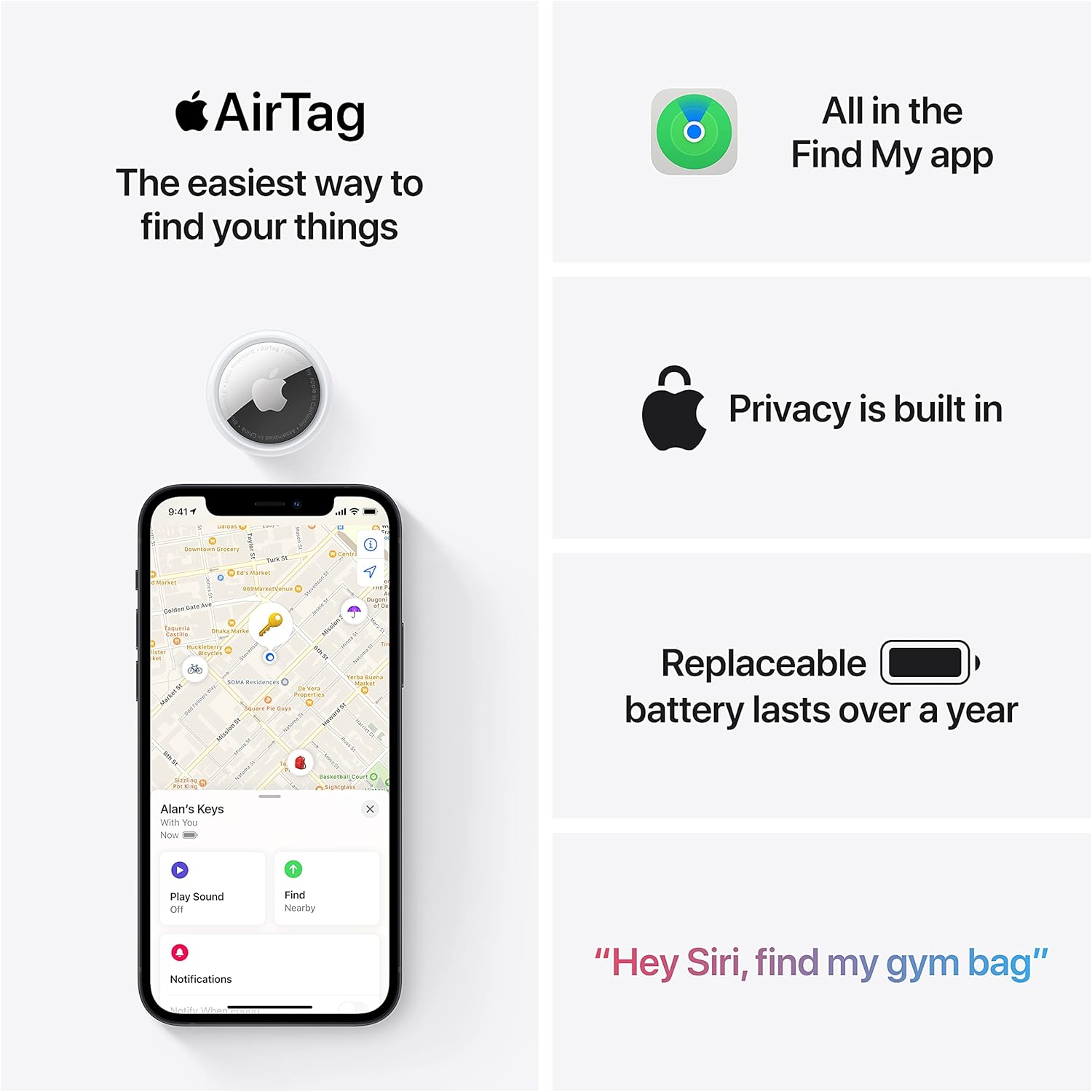
Apple AirTag 4 Pack
Brand Apple Are Batteries Included Yes Number of Batteries 4 CR2032 batteries required. (included) Product Dimensions 1.26\"L x 1.26\"W x 0.31\"Th Compatible Devices airtag
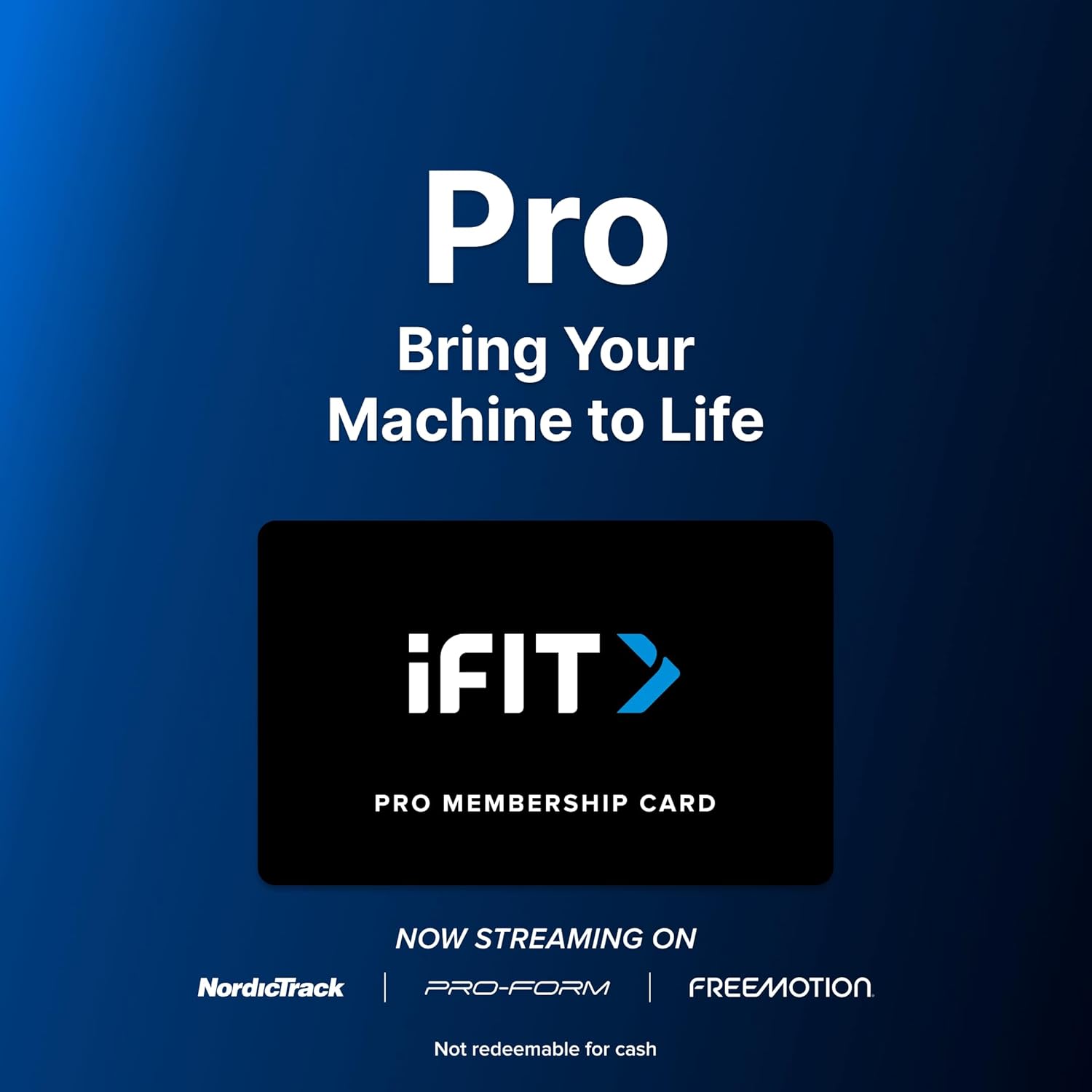
iFIT Pro
iFIT Pro - Monthly Membership - 1 month free trial included [Subscription]
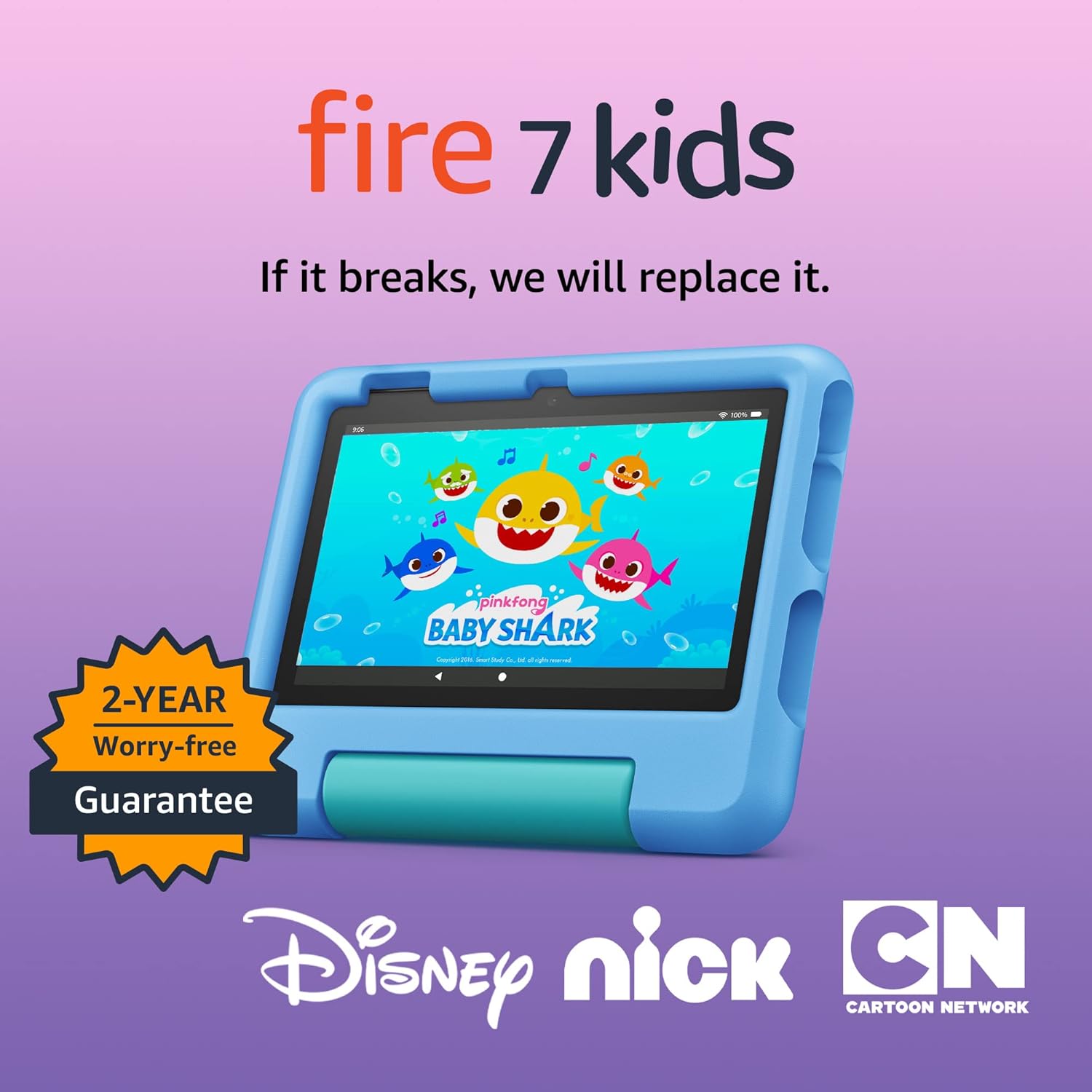
Amazon Fire 7 Kids tablet
Amazon Fire 7 Kids tablet, ages 3-7. Top-selling 7\" kids tablet on Amazon. Includes ad-free and exclusive content, easy parental controls, 10-hr battery, 16 GB, Blue

MMO Mug
MMO Mug - Legendary Coffee Mug Level 110 - Large Ceramic Black15oz - Gaming, Gamer Cup