
Hey there, digital creators! Ever wonder what truly elevates a video, game, or even a simple meme from good to utterly unforgettable? Often, it’s not just stunning visuals or clever writing, but the subtle, powerful magic of sound. A perfectly timed audio cue can amplify emotion, underscore a punchline, or create an instant classic. And among the pantheon of iconic sound effects, one stands out for its universal appeal and undeniable comedic punch: the bonk sound effect.
This isn’t just any thump; it’s a versatile audio gem that evokes everything from cartoonish impacts to lighthearted surprise. Whether you’re a seasoned game developer, a burgeoning YouTuber, or a meme lord in the making, incorporating the right sound can drastically enhance your content. Today, we’re diving deep into the world of this beloved audio cue, showing you how to find, download, and effectively deploy the free bonk sound effect to make your projects resonate with audiences everywhere.
What You Need to Integrate the Bonk Sound Effect
Before you unleash the power of the bonk sound effect, you’ll need a few essentials. Don’t worry, most of these are readily available or free!
- A Computer/Smartphone: The primary tool for downloading and editing.
- Video Editing Software: For videos (e.g., DaVinci Resolve, Adobe Premiere, CapCut, KineMaster).
- Game Engine: For games (e.g., Unity, Unreal Engine, Godot).
- Meme Generator/GIF Editor: For memes (e.g., Kapwing, GIMP).
- Audio Playback Device: Speakers or headphones to preview your work.
- An Internet Connection: To download the sound effect.
Many of these tools offer free versions or trials, making it accessible for everyone to start experimenting.
Mastering the Timing: When to Deploy Your Bonk Sound Effect Effectively
Using a sound effect isn’t just about dropping it in; it’s about artful timing. The bonk sound effect is most effective when:
- Accentuating an Impact: A character hitting their head, an object falling, or a gentle collision.
- Delivering a Punchline: Following a visual gag or a sudden, humorous realization.
- Breaking the Tension: A lighthearted bonk after a serious moment can provide comedic relief.
- Signifying a “Go to Jail” Moment: As famously used in various meme contexts.
A split-second difference can transform a funny moment into an awkward one, so precise placement is key.
How to Download & Implement Your Free Bonk Sound Effect
Ready to get your hands on this fantastic sound? Here’s a simple, step by step guide:
- Find Your Source: Many royalty free sound effect libraries offer the bonk sound effect. Sites like Free Sound, Zapsplat, or even specific audio component platforms are great starting points. Remember to check licensing terms, especially for commercial projects.
- Download: Select your preferred version and click the download button. Common formats are MP3 or WAV. WAV often offers higher quality.
- Import into Your Project: Open your video editor, game engine, or meme creator. Locate the “Import” or “Add Media” option. Drag and drop your downloaded audio file into your project’s asset library.
- Place and Sync: Drag the bonk sound effect onto your audio track. Carefully align it with the visual moment you want to emphasize. Playback and adjust until it’s perfectly synced.
- Adjust Volume: Ensure the sound effect isn’t too loud or too soft compared to other audio elements.
The Unbeatable Advantages of a Well-Placed Bonk Sound Effect
Why bother with this specific sound? The advantages are clear:
- Instant Humor: It’s intrinsically funny and recognizable, immediately injecting a lighthearted tone.
- Enhanced Engagement: Audiences react viscerally to well timed sound cues, increasing retention and shareability.
- Universal Understanding: The bonk is a global language of mild impact and comedic error.
- Relatability: It taps into a shared cultural understanding of cartoon physics and playful mishaps.
- Memetic Potential: It can turn an ordinary clip into a viral sensation, becoming part of the internet’s shared vocabulary.
Beyond the Bonk: Tips for Creative Audio Use & Exploring Related Effects
While the bonk sound effect is fantastic, don’t stop there!
- Vary Your Bonks: There are subtle variations in bonk sounds. Experiment to find the perfect one for your context.
- Combine with Visuals: The bonk works best when paired with a clear visual cue.
- Explore Other FX: Consider complementary sounds like the satisfying click of a keyboard sound effect for a digital interface or a classic “boing” for a springy jump.
- Audio Hardware: If you’re serious about sound design, consider a Synido MIDI Pad Beat Maker Machine with 64 Velocity Sensitive RGB Pads. While great for music, it can also be programmed to trigger various sound effects on the fly for live content creation or rapid prototyping.
- Volume & Context: Always consider the overall audio mix. A loud bonk in a quiet scene can be jarring, but sometimes that’s exactly what you need!
Avoiding Audio Blunders: Common Bonk Sound Effect Mistakes
Even a simple sound effect can be misused. Watch out for these pitfalls:
- Overuse: Like any good joke, the bonk sound effect loses its impact if used too frequently.
- Poor Timing: A bonk that’s even a frame off can ruin the effect. Precision is paramount.
- Incorrect Volume: Too loud, and it’s annoying; too soft, and it’s unnoticeable.
- Low-Quality Source: Using a distorted or low-fidelity bonk can detract from your professional presentation.
- Mismatched Context: While versatile, a bonk might not fit every serious or dramatic scenario.
Keeping Your Sound Library Fresh & Future-Proof
Your sound effect library is an evolving asset.
- Organize Your Downloads: Create folders for different types of sound effects (e.g., “Impacts,” “Whooshes,” “Memes”).
- Back Up Your Files: Always have a copy of your valuable assets.
- Stay Updated: Keep an eye on popular culture and emerging sound trends. New memes bring new sound effect opportunities!
- Curate: Regularly review your sound library. Remove files you no longer use or replace low-quality ones.
Conclusion
The humble bonk sound effect is more than just a sound; it’s a powerful tool in any creator’s arsenal. By understanding its nuances, mastering its timing, and integrating it thoughtfully, you can elevate your videos, games, and memes to new heights of engagement and virality. So, go forth, experiment, and don’t be afraid to give your audience that satisfying “bonk” they never knew they needed!
Ready to expand your audio toolkit? Explore a world of sound effects and audio components to truly make your projects sing.
FAQs About Sound Effects
Q: Where can I find free sound effects?
A: Websites like Free Sound, Zapsplat, and Pixabay Music offer vast libraries of royalty-free sound effects, often requiring only attribution.
Q: What audio format is best for sound effects?
A: WAV files generally offer higher quality and are uncompressed, making them ideal for professional projects. MP3 files are smaller and good for web distribution or when file size is a concern.
Q: Are all sound effects copyright-free?
A: No. Always check the licensing terms of any sound effect you download. Many are royalty-free for personal use but may require attribution or a commercial license for professional projects.
Q: How do I add sound effects to my video/game?
A: Most video editing software and game engines have an “Import” or “Add Media” function to bring audio files into your project. You then drag them onto your timeline or in-game events and sync them visually.
Q: Can I create my own sound effects?
A: Absolutely! With a microphone and audio editing software (like Audacity, which is free), you can record and design unique sound effects to truly personalize your content.
iFIT Pro
iFIT Pro - Monthly Membership - 1 month free trial included [Subscription]
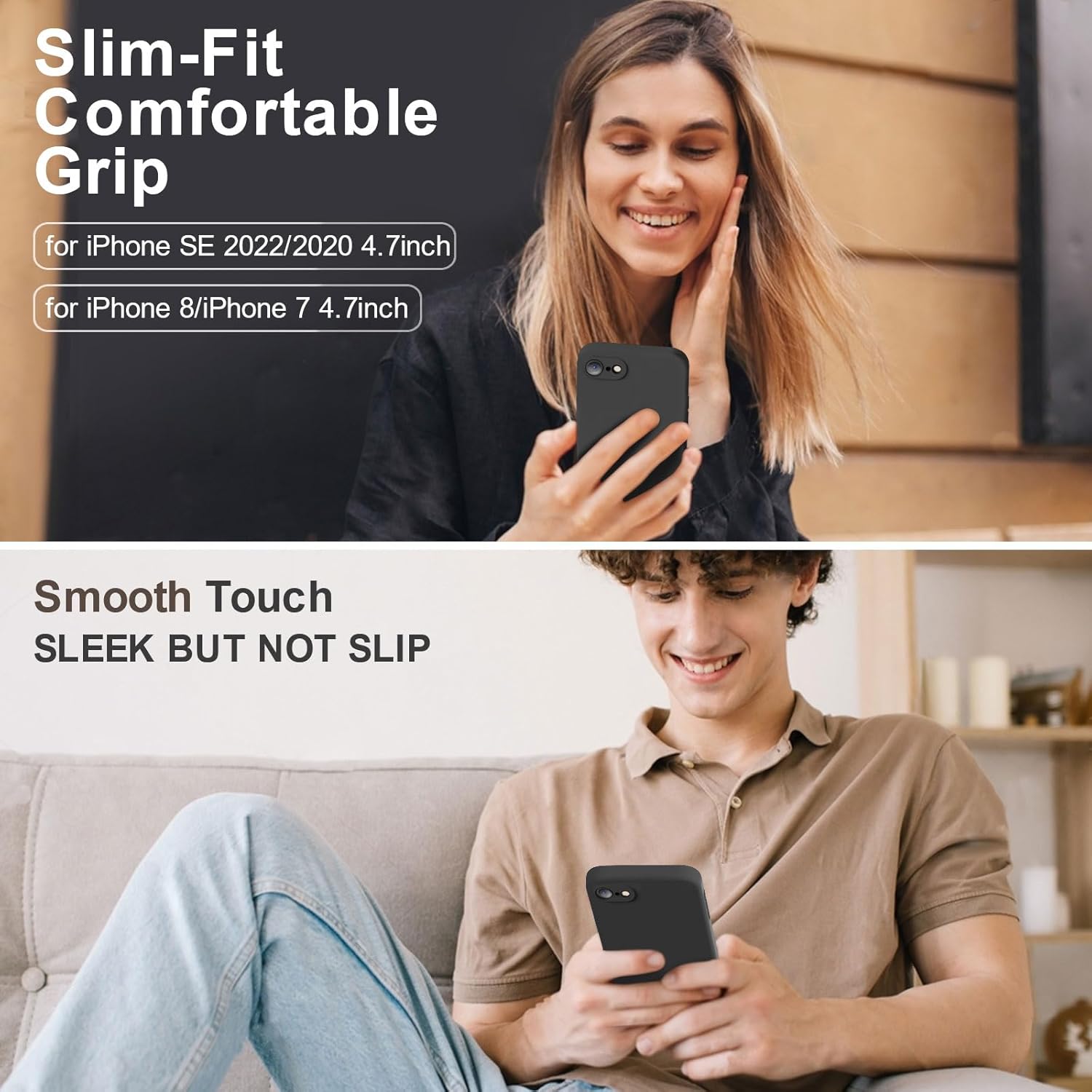
Vooii for iPhone SE
Vooii for iPhone SE Case 2022/3rd/2020,iPhone 8/7 Case, Upgraded Liquid Silicone with [Flat Edges] [Camera Protection] [Soft Anti-Scratch Microfiber Lining] Phone Case for iPhone SE - Black
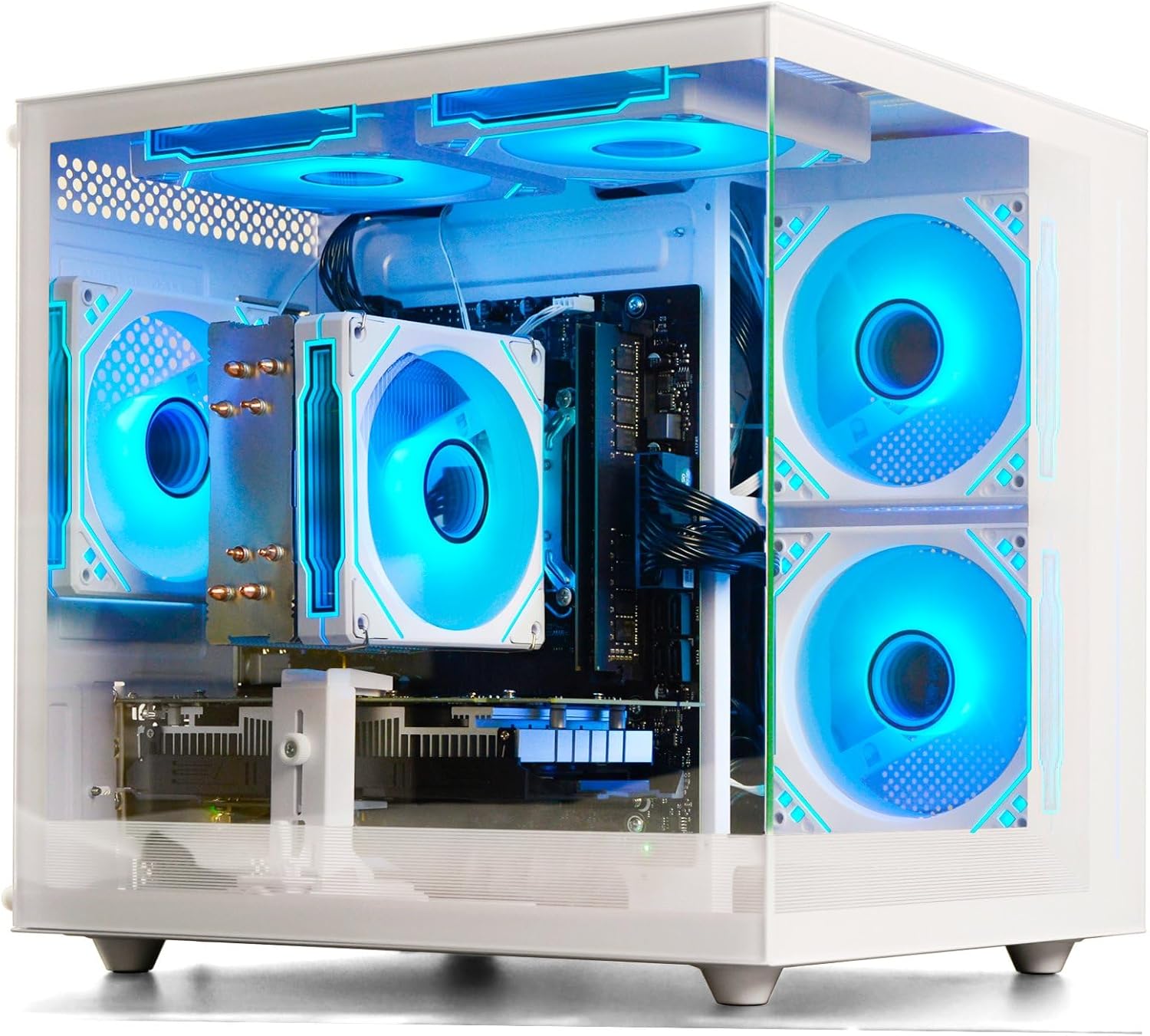
Prebuilt Gaming Desktop Computer
Prebuilt Gaming Desktop Computer | 16G Memory | 512G SSD | AMD Ryzen5 6Cores 3.6G Up to 4.1G | RX 560 4G Graphics Card | Wi-Fi 6 | Gamer PC White
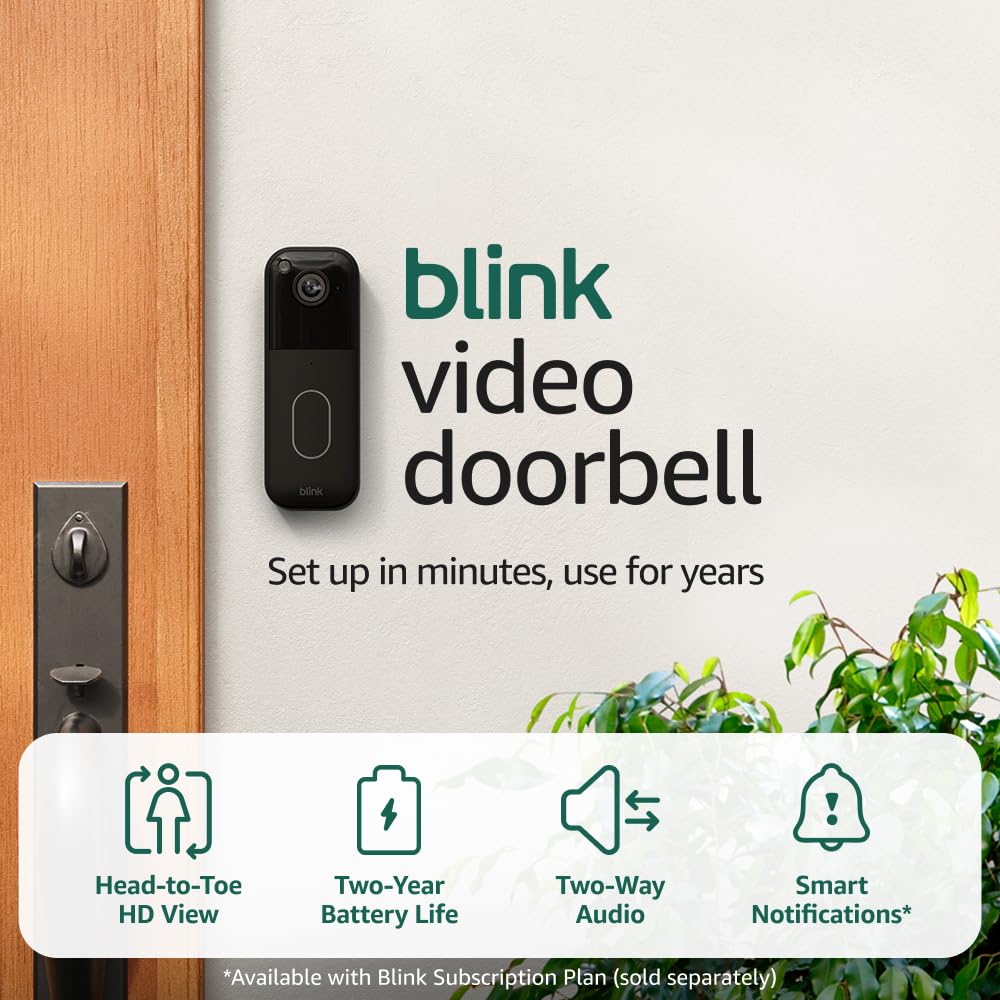
Blink Video Doorbell
Blink Video Doorbell (newest model) – Head-to-toe HD view, two-year battery life, and simple setup. Required Sync Module not included – Add-On (Black)