
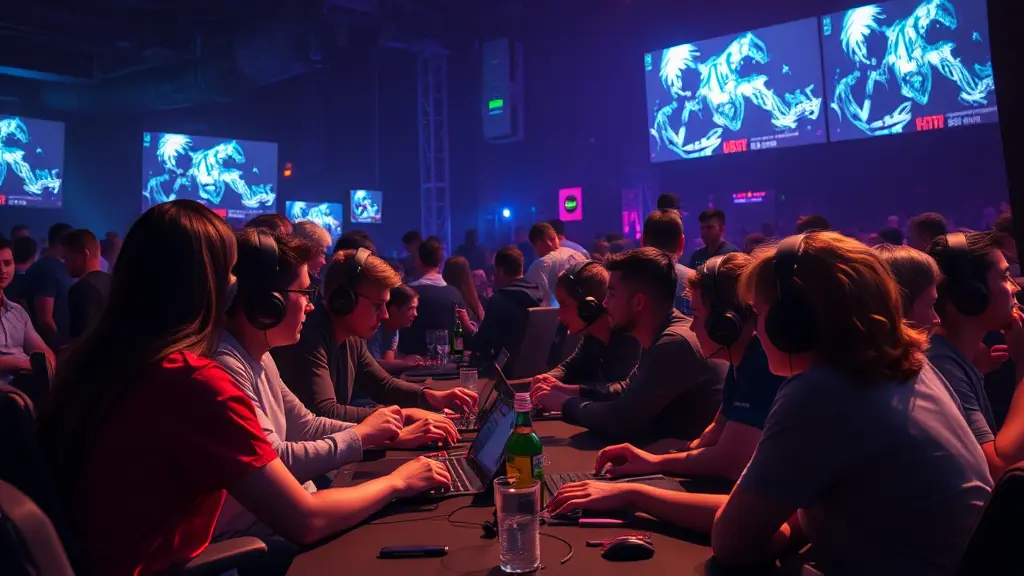
In the fast-paced world of digital entertainment, an online gaming community is more than just a place to chat it’s a space where friendships are formed, strategies are shared, and gaming experiences are elevated. Whether you’re a casual player or a competitive esports enthusiast, being part of a thriving community can dramatically enhance how you play and connect with others.
As the gaming industry continues to surge in popularity, creating or joining a community around your favorite titles, platforms, or content can set you apart. From staying updated on patches to finding like minded players, a strong online community enriches every aspect of the gaming experience. In this guide, we’ll break down the key strategies, tools, and examples to help you build a successful online gaming community in 2025 and beyond.
What Is an Online Gaming Community?
An online gaming community is a virtual space where gamers interact, share experiences, exchange tips, and organize events. These communities exist across various platforms and can range from small niche groups to massive forums with millions of members.
Types of Online Gaming Communities:
- Game-Specific Communities: Focused on a single title, such as Valorant or Fortnite.
- Genre-Specific Communities: Dedicated to a particular type of game, such as FPS, MMORPGs, or simulation games.
- Platform-Based Communities: Based on consoles or platforms like PlayStation Network, Xbox Live, or Steam.
- Streamer or Content Creator Fan Bases: Communities built around influencers, YouTubers, or Twitch streamers.
Benefits of Joining or Creating a Community:
- Connect with like-minded players who share your passion.
- Learn new strategies, tips, and tricks to improve gameplay.
- Participate in tournaments, game nights, or exclusive events.
- Stay updated with the latest news, patches, and releases.
How to Build Your Own Online Gaming Community
Creating a gaming community isn’t just about launching a Discord server. It requires vision, consistency, and a people-first approach. Here’s a step-by-step guide to getting started:
Step 1: Define Your Niche and Goals
Identify what makes your community unique. Are you targeting beginners in League of Legends? Or competitive Overwatch players looking for ranked partners? Knowing your niche helps attract the right members and shapes your community’s purpose. Consider your goals:
- Are you building a hub for casual discussion?
- Do you want to host competitive events?
- Are you supporting content creation and streaming?
Having a clear vision ensures your community attracts members who align with your objectives.
Step 2: Choose the Right Platform
Your platform choice can make or break your community. Consider where your target audience already spends time:
- Discord: Excellent for voice channels, moderation, bots, and real-time events.
- Reddit: Ideal for discussion threads, fan content, and news sharing.
- Facebook Groups: Perfect for casual gamers and social interaction.
- Guilded: A newer competitor to Discord, offering advanced tools for organized gaming communities.
Each platform has unique features, so choose one that aligns with your community’s goals and member habits.
Step 3: Set Clear Rules and Guidelines
A safe and welcoming environment is crucial for long-term growth. Clearly outline rules to prevent:
- Toxic behavior or harassment
- Spam and self-promotion
- Off-topic or disruptive content
Make rules visible and enforce them consistently. A well-moderated community encourages participation and fosters trust.
Step 4: Create Engaging Content
Active communities thrive on engagement. Keep members involved with:
- Polls, discussion threads, and Q&A sessions
- Announcements for game nights, tournaments, or events
- Memes, fan art, and user-generated content
- Patch notes, news updates, and strategy guides
Engagement should be ongoing. Regular activity keeps members returning and attracts new ones.
Step 5: Recruit Moderators and Community Leaders
As your community grows, it’s essential to maintain order and support members. Recruit trusted, active members as moderators or leaders. Their responsibilities can include:
- Enforcing rules and guidelines
- Welcoming new members
- Organizing events and content
- Mediating disputes between members
Strong leadership fosters a positive environment and ensures your community scales smoothly.
Step 6: Promote Your Community
Even the best community needs exposure. Promote through:
- Social media platforms like Twitter, Instagram, and TikTok
- Twitch streams or YouTube channels
- Paid ads targeting relevant audiences
- Collaborations with influencers or other gaming communities
Partnerships with popular streamers or content creators can significantly boost visibility and attract active members.
Tools to Manage an Online Gaming Community
Managing a gaming community effectively requires more than casual chatting. Leveraging the right tools can save time and enhance member experience.
Must-Have Tools:
- Discord Bots (e.g., MEE6, Dyno): Automate moderation, welcome messages, and leveling systems.
- Trello or Notion: Plan and organize events, schedules, and community initiatives.
- Canva: Design graphics, event banners, or memes to keep the community visually engaging.
- Streamlabs: Useful for hosting live streaming events or community showcases.
Using these tools allows moderators to focus on engagement while ensuring the community runs smoothly.
Key Challenges and How to Overcome Them
Even thriving communities face obstacles. Here are common issues and actionable solutions:
1. Member Inactivity
- Host regular events, tournaments, or game nights to encourage participation.
- Reward active members with badges, ranks, or exclusive roles.
- Encourage members to share content or gameplay highlights.
2. Toxic Behavior
- Enforce rules consistently and transparently.
- Use bots to automatically moderate language and inappropriate behavior.
- Foster a culture of respect and inclusivity through example and leadership.
3. Slow Growth
- Cross-promote your community on social media, streaming platforms, and other forums.
- Collaborate with other communities to expand reach.
- Highlight unique features, events, or content to attract members.
Examples of Successful Online Gaming Communities
Looking at thriving examples can inspire and guide your strategy:
- r/gaming on Reddit – One of the largest gaming communities online, with over 38 million members, covering all genres and platforms.
- Discord’s Valorant Servers – Offers ranked partners, strategy sharing, and official news directly from Riot Games.
- NoPixel GTA RP Server – A roleplay server that became a cultural phenomenon, showing the power of niche focus and consistent engagement.
These communities demonstrate that with strong structure, clear purpose, and active engagement, growth can be exponential.
Frequently Asked Questions (FAQs)
What makes a good online gaming community?
A positive environment, consistent engagement, clear rules, and shared passion among members.
How do I get people to join my gaming community?
Promote on relevant platforms, create shareable content, and collaborate with influencers.
What are the best platforms to host a gaming community?
Discord, Reddit, Facebook Groups, and Guilded are popular choices.
Should I monetize my community?
You can, through Patreon, merchandise, or exclusive content—but always prioritize member value over profit.
How can I keep members engaged?
Use weekly events, content drops, Q&A sessions, contests, and recognition to maintain activity.
External Resources
Conclusion: Start Building Your Gaming Legacy Today
A great online gaming community is built on passion, consistency, and meaningful interaction. Whether you’re starting from scratch or revitalizing a dormant group, the steps outlined above can guide you toward creating a space where gamers feel welcomed, heard, and excited to engage.
From defining your niche and choosing the right platform to moderating effectively and fostering engagement, every step matters. Remember, the best communities grow organically through shared passion, fun events, and clear communication.
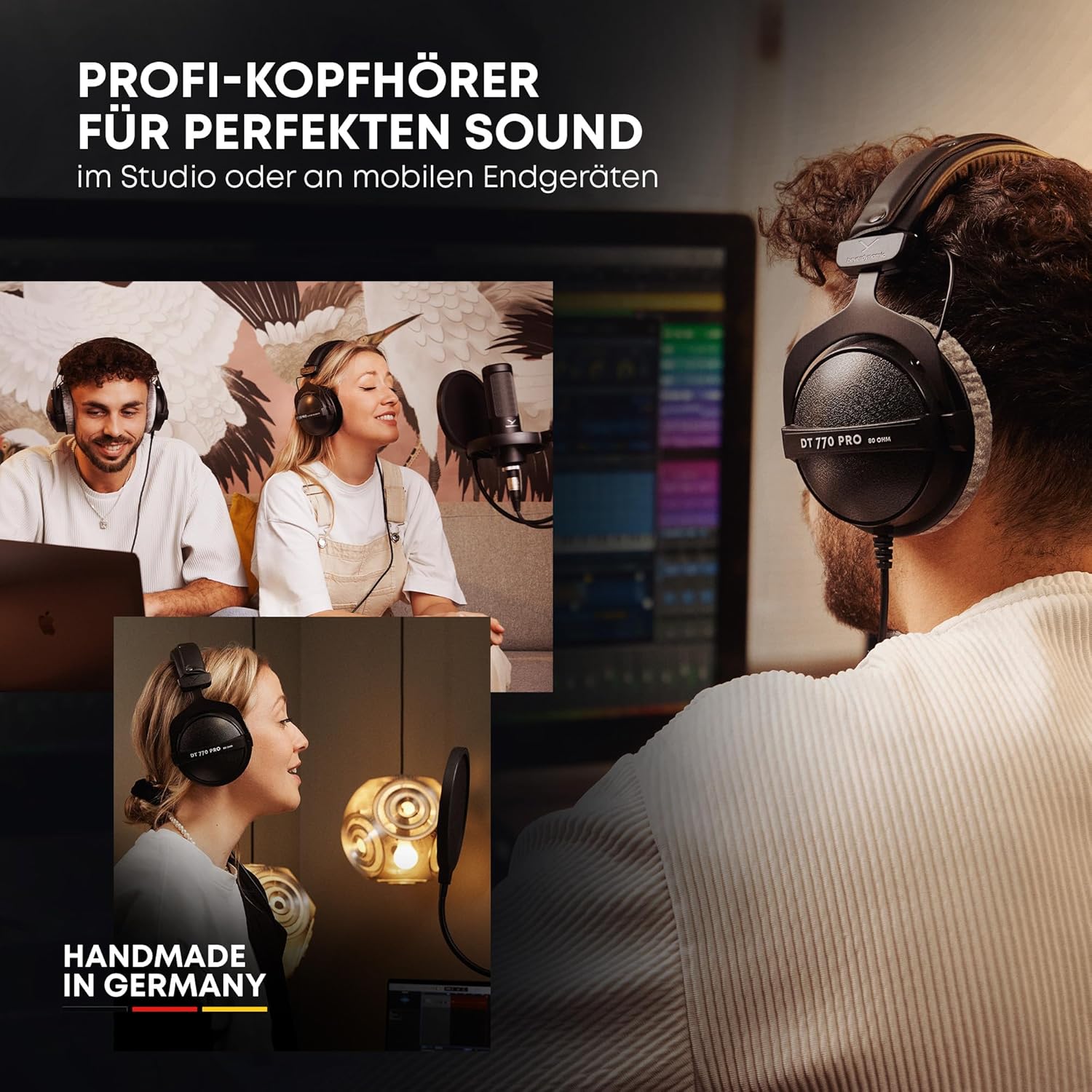
beyerdynamic DT 770 PRO 80 Ohm Over-Ear Studio Headphones in Gray
beyerdynamic DT 770 PRO 80 Ohm Over-Ear Studio Headphones in Gray. Enclosed Design, Wired for Professional Recording and Monitoring
iFIT Pro
iFIT Pro - Monthly Membership - 1 month free trial included [Subscription]

Scotch Thermal Laminating Pouches
Scotch Thermal Laminating Pouches, for Use with Thermal Laminators, 8.9 x 11.4 Inches, Letter Size Sheets, 100-Pack

UGREEN USB-C Bluetooth Adapter for PS5
UGREEN USB-C Bluetooth Adapter for PS5, Bluetooth 5.3 Audio Adapter with APTX Low Latency & aptX-Adaptive, Wireless Audio Transmitter to Connect Wireless Headphones & Earbuds