
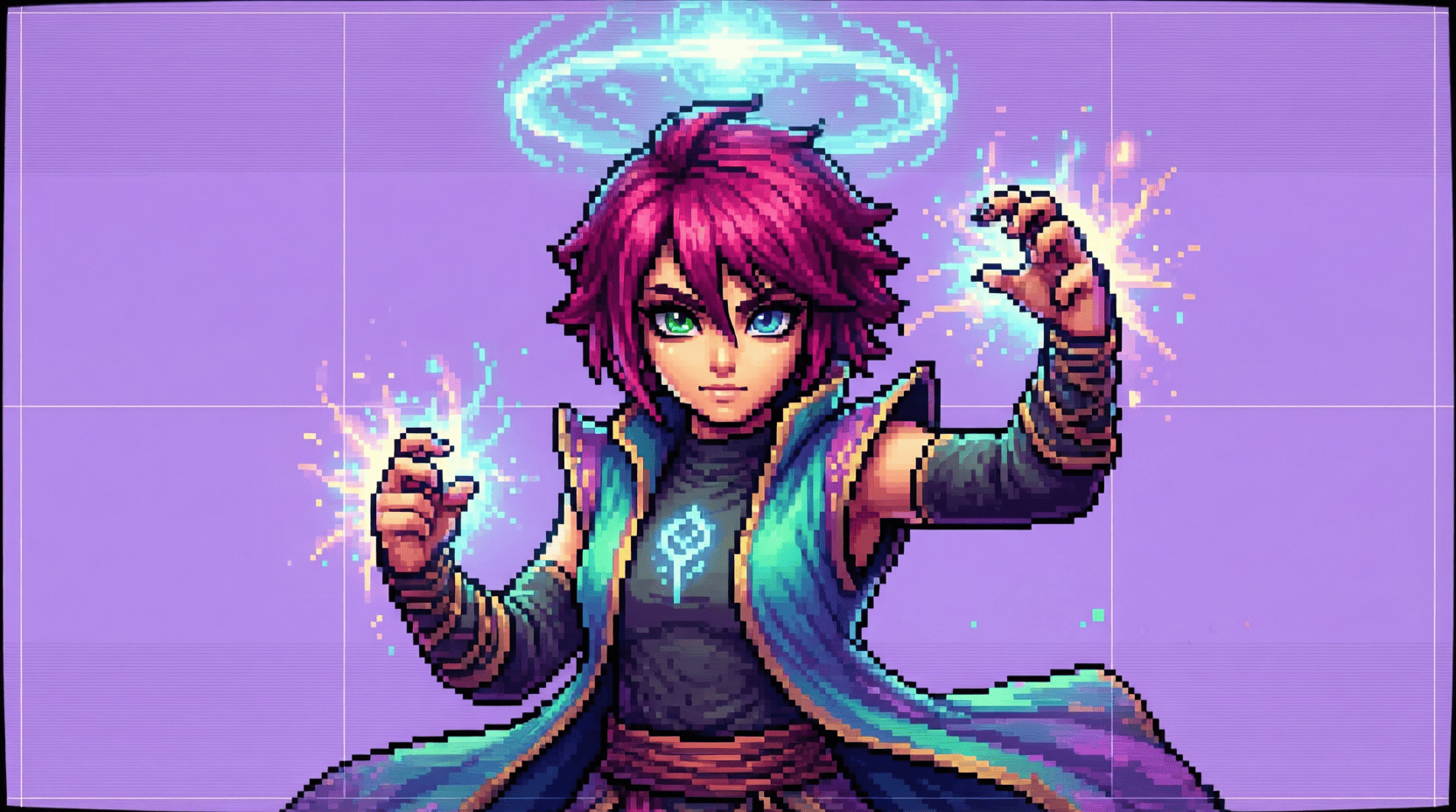
Common Mistakes to Avoid When Using Free 2D Sprites
When diving into game development, one of the most exciting aspects is the visual design of your game. Free 2D sprites can provide an excellent starting point for your project. However, there are several common pitfalls that developers, especially beginners, often encounter. In this article, we will explore these mistakes and offer practical advice to help you avoid them.
Understanding Free 2D Sprites
Free 2D sprites are graphics used in video games that can be downloaded and utilized without cost. They serve as characters, backgrounds, and objects in various game genres. While they are a great resource, understanding their limitations and potential issues is crucial for a polished final product.
Common Mistakes to Avoid
1. Ignoring Licensing Agreements
One of the most critical mistakes is not paying attention to the licensing agreements of the sprites you download. Many resources come with specific terms that dictate how you can use them.
- Check for Commercial Use: Some sprites are free for personal use only.
- Attribution Requirements: Some creators require you to credit them within your game.
Failing to comply with these agreements can lead to legal issues, and it’s essential to respect the creators’ rights.
2. Using Low-Quality Sprites
While free sprites can be tempting, not all of them are created equal. Using low-quality sprites can negatively affect your game’s aesthetics and performance.
Checklist for Quality:
- Resolution: Ensure sprites are high enough resolution for your game.
- Style Consistency: Choose sprites that match your game’s art style.
- Animation Smoothness: If using animated sprites, check for smooth transitions.
3. Not Optimizing Sprites for Performance
Performance optimization is crucial, especially for mobile games. Large and uncompressed image files can lead to slower load times and decreased frame rates.
Steps to Optimize:
- Compress images using tools like TinyPNG or ImageOptim.
- Use appropriate file formats (PNG for transparency, JPG for backgrounds).
- Limit the number of sprites loaded at once to reduce memory usage.
4. Failing to Customize Sprites
Using sprites straight out of the box can make your game feel generic. Customizing sprites can help them better fit your game’s theme and enhance player engagement.
Ways to Customize:
- Change colors to align with your game’s palette.
- Add unique accessories or features to characters.
- Modify backgrounds to create distinct levels.
5. Overlooking Animation
Static sprites can limit your game’s appeal. Properly animated sprites can bring your game to life and create a more immersive experience.
Steps to Implement Animation:
- Use sprite sheets to combine multiple animations into a single file.
- Implement frame changes in game engines like Unity or Godot.
- Test animations for fluidity and responsiveness.
6. Neglecting Game Engine Compatibility
Different game engines have varying requirements for sprite usage. Not checking compatibility can lead to unnecessary headaches.
Recommendation: Before downloading, verify that the sprite format is suitable for your chosen game engine, whether it’s Unity, Unreal Engine, or Godot.
7. Disregarding Community Feedback
Engaging with the gaming community can provide valuable insights and suggestions for using sprites effectively.
How to Engage:
- Join forums and social media groups focused on game development.
- Seek feedback on sprite choices and overall design.
- Participate in game jams to gain experience and insight.
Visual Examples
To illustrate some of the points discussed, consider the following table comparing high-quality and low-quality sprites:
| Feature | High-Quality Sprites | Low-Quality Sprites |
|---|---|---|
| Resolution | High resolution, clear details | Pixelated, unclear |
| Style | Consistent with game theme | Diverse styles clashing |
| Animation | Smooth and fluid | Jittery and unrefined |
Conclusion
Using free 2D sprites can significantly enhance your game development process, but avoiding common mistakes is essential for creating a professional-looking product. By paying attention to licensing, quality, optimization, customization, animation, compatibility, and community feedback, you can elevate your game to the next level.
For more tips on utilizing free 2D sprites effectively, check out our related content: Free 2D Sprites for Game Development.
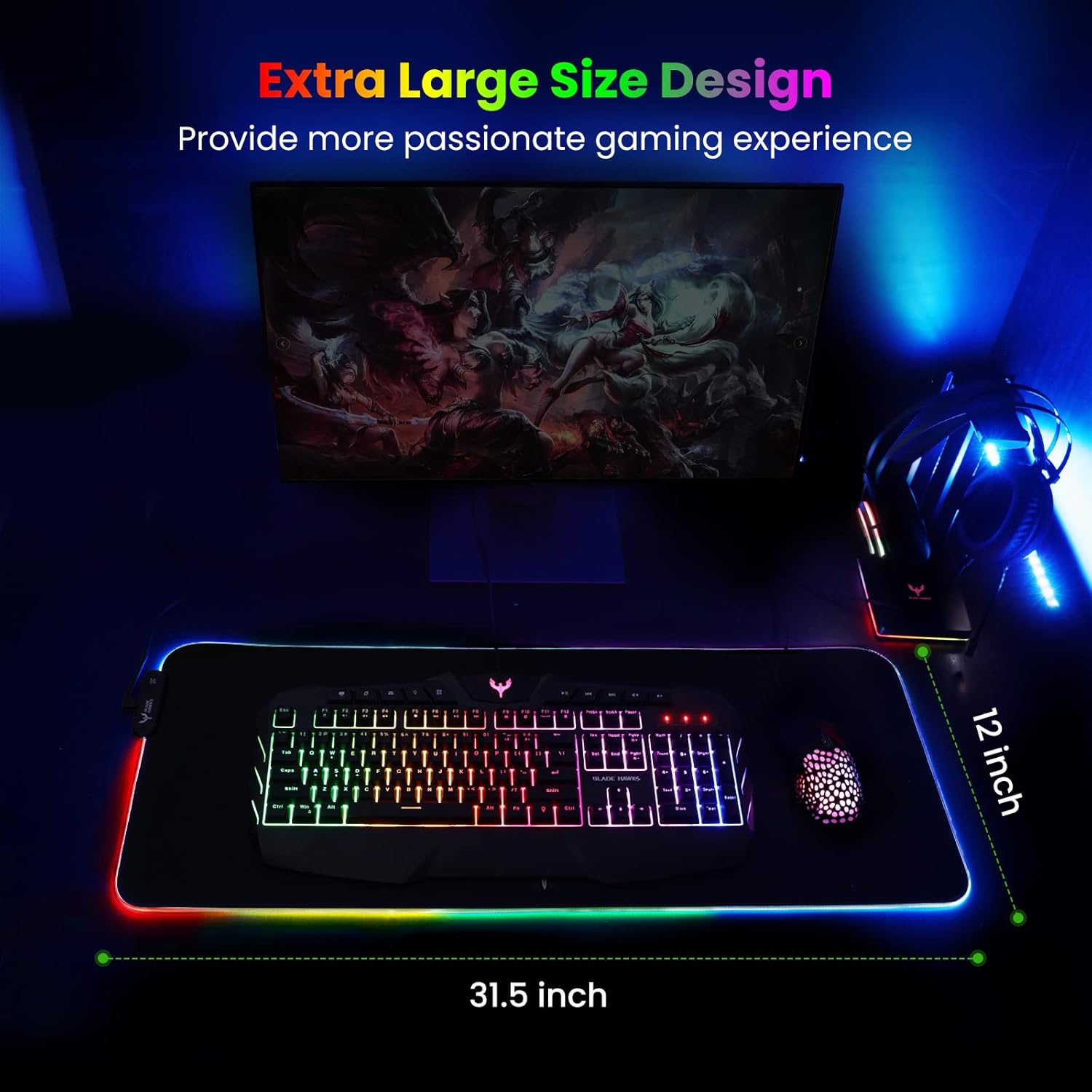
Mouse Pad
BladeHawks Extra Large RGB Gaming Mouse Pad-14 Light Modes, Extended Soft LED Mouse Pad, Anti-Slip Rubber Base, Computer Keyboard Mousepad Mat (31.5 x 12 Inch)
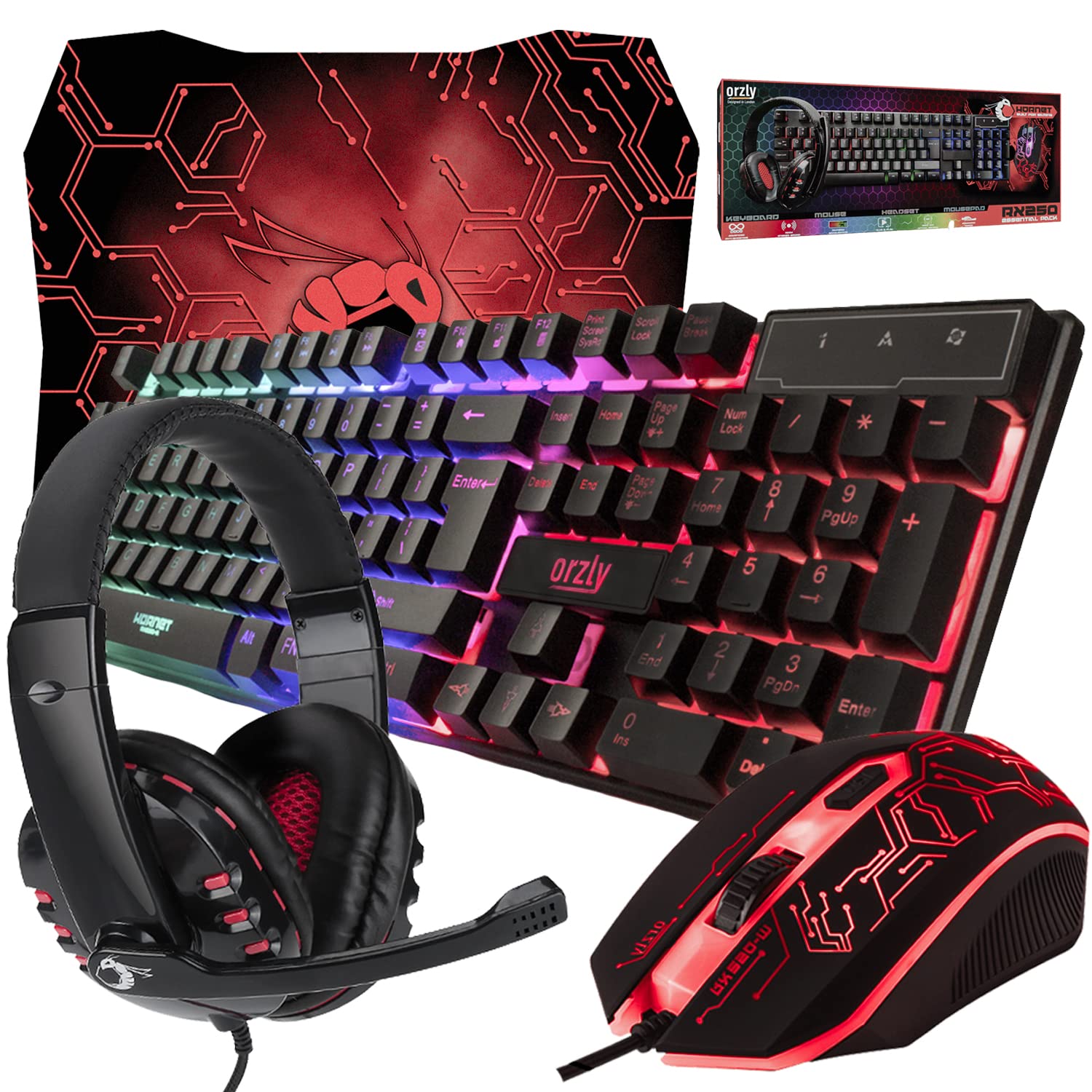
Gaming Keyboard and Mouse and Mouse pad and Gaming Headset, Wired LED RGB Backlight Bundle
Gaming Keyboard and Mouse and Mouse pad and Gaming Headset, Wired LED RGB Backlight Bundle for PC Gamers and Xbox and PS4 Users - 4 in 1 Edition Hornet RX-250

iFIT Pro
iFIT Pro - Monthly Membership - 1 month free trial included [Subscription]
Make Your First 2D Game in Unity
Want to build your first game but don’t know where to start? This beginner-friendly guide shows you how to create SampleGame2D — a fun Flappy Bird–style project — step by step in Unity. Inside you’ll learn: