Common Physics Algorithms Used in Game Development
Game development is a complex field that intertwines creativity with technical prowess. One of the crucial components that ensure a realistic gaming experience is physics simulation. Physics algorithms help developers create believable environments where players can interact with objects seamlessly. In this article, we’ll delve into some common physics algorithms used in game development, providing examples and step-by-step guides to help you implement them in your projects.
Introduction to Game Physics
Before we dive into specific algorithms, it’s essential to understand the role of physics in gaming. Physics in games can be broadly categorized into two main areas: kinematics and dynamics. Kinematics deals with the movement of objects without considering the forces involved, while dynamics incorporates forces and mass to determine how objects move.
For a deeper understanding of game physics, check out our article on Game Physics: Understanding the Mechanics Behind Game Development.
1. Collision Detection
Collision detection is a fundamental algorithm in game physics, necessary for determining when two or more objects collide. This process can be computationally expensive, so optimizing it is crucial for game performance.
Types of Collision Detection Algorithms
| Algorithm Type | Description | Use Case |
|---|---|---|
| Bounding Volumes | Uses simple shapes (like spheres or boxes) to approximate complex objects. | Initial checks for larger, complicated models. |
| Spatial Partitioning | Divides the game world into regions to reduce the number of collision checks. | Large game worlds with many objects. |
| Pixel-Perfect Collision | Checks collisions at the pixel level for precise interactions. | 2D games where accuracy is critical. |
Step-by-Step Guide: Implementing AABB Collision Detection
Axis-Aligned Bounding Box (AABB) is one of the simplest forms of collision detection. Here’s how to implement it:
- Define the AABB: Each object needs a bounding box defined by its minimum and maximum coordinates.
- Check for Overlap: Use the following conditions to check for collision:
- If
box1.maxX < box2.minXorbox1.minX > box2.maxX, no collision. - If
box1.maxY < box2.minYorbox1.minY > box2.maxY, no collision.
- If
- Handle the Collision: Once a collision is detected, resolve it by adjusting the positions of the objects.
2. Rigid Body Dynamics
Rigid body dynamics is concerned with the motion of solid objects that do not deform when forces are applied. This simulation is critical for creating realistic interactions between objects.
Key Concepts
- Mass: The amount of matter in an object.
- Force: An influence that causes an object to change its motion.
- Torque: A force that causes rotation.
Example: Implementing Rigid Body Physics with Newton’s Laws
Newton’s laws of motion are the foundation of rigid body dynamics. Here’s a simple implementation:
-
- Define the Object: Create an object with properties like position, velocity, mass, and acceleration.
- Calculate Force: Use
F = m * ato calculate the net force acting on the object. - Update Velocity: Update the velocity based on the calculated force and the time step:
velocity += (force / mass) * timeStep;
-
- Update Position: Update the position of the object using its velocity:
position += velocity * timeStep;
3. Particle Systems
Particle systems are used to simulate fuzzy phenomena like smoke, fire, and rain. They consist of a large number of small particles that behave according to physics rules.
Creating a Simple Particle System
-
- Define Particle Properties: Each particle should have properties such as position, velocity, lifespan, and color.
- Initialize Particles: Create a pool of particles and assign initial conditions.
- Update Particles: For each frame, update the particles based on their velocities and apply any forces (like gravity):
particle.position += particle.velocity * timeStep;
- Render Particles: Draw each particle on the screen, adjusting properties based on their lifespan.
4. Soft Body Dynamics
Unlike rigid bodies, soft body dynamics involve objects that can deform. This is crucial for simulating materials like cloth or jelly.
Implementing Soft Body Physics
A common approach to soft body physics is using a mass-spring system. Here’s a simplified version:
-
- Define Mass Points: Create several mass points connected by springs.
- Calculate Forces: For each spring, calculate the spring force based on Hooke’s law:
F = -k * (length - restLength)
- Update Positions: Similar to rigid bodies, update each mass point’s position based on the net force.
5. Fluid Simulation
Simulating fluids is one of the most complex aspects of game physics, often requiring advanced algorithms. Techniques like Smoothed Particle Hydrodynamics (SPH) are commonly employed.
Basic Steps for Fluid Simulation
- Initialize Particles: Create particles representing fluid volume.
- Calculate Pressure: Determine pressure forces acting on each particle.
- Update Particle Movement: Similar to other systems, update positions based on forces and interactions.
Checklist for Implementing Physics Algorithms
- Define the physical properties of objects (mass, velocity, etc.).
- Choose appropriate collision detection methods for your game.
- Implement update loops for physics calculations in your game loop.
- Optimize performance by minimizing unnecessary calculations.
- Test and refine your physics interactions for realism and feel.
Conclusion
Understanding and implementing physics algorithms is vital for creating engaging and realistic games. From collision detection to fluid dynamics, these algorithms provide the foundation for the immersive experiences players expect. By mastering these techniques, you can elevate your game development skills and create worlds that feel alive.
For more on game physics and its mechanics, be sure to check out our related content on Game Physics: Understanding the Mechanics Behind Game Development.


iFIT Pro
iFIT Pro – Monthly Membership – 1 month free trial included [Subscription]
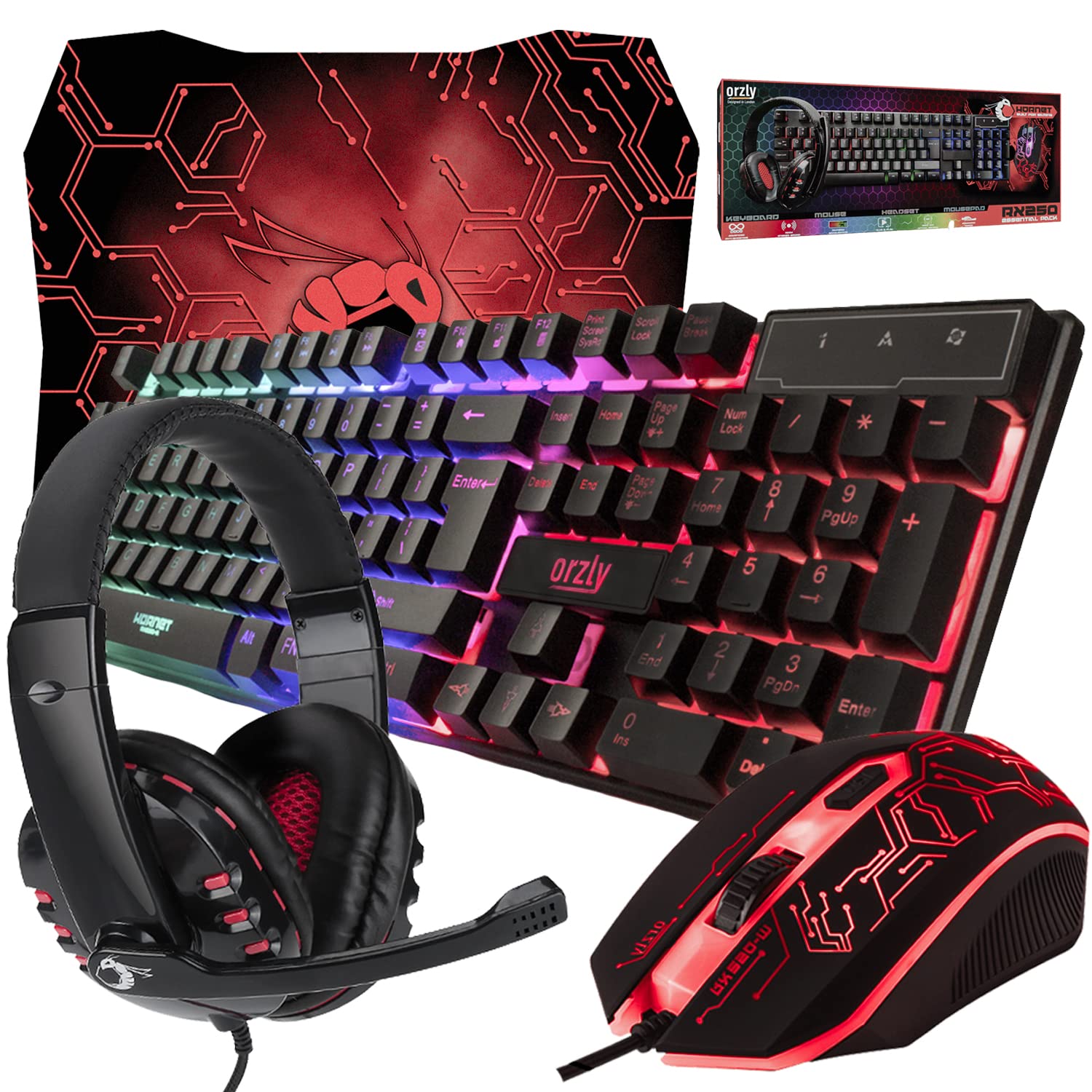
Gaming Keyboard and Mouse and Mouse pad and Gaming Headset, Wired LED RGB Backlight Bundle
Gaming Keyboard and Mouse and Mouse pad and Gaming Headset, Wired LED RGB Backlight Bundle for PC Gamers and Xbox and PS4 Users – 4 in 1 Edition Hornet RX-250

Logitech G
Logitech G PRO X SUPERLIGHT 2 Wireless Gaming Mouse

Beats-Studio Pro Cancelling Headphones
Beats Studio Pro – Wireless Bluetooth Noise Cancelling Headphones with USB-C Charging Cable (20 cm) – Jet Black

Razer
Razer Basilisk V3 Pro 35K Wireless Gaming Mouse: HyperScroll Tilt Wheel – 35K DPI Optical Sensor Gen 2-13 Customizable Controls – Chroma RGB – Optical Switches Gen 3 – Up to 140 Hr Battery – Black