
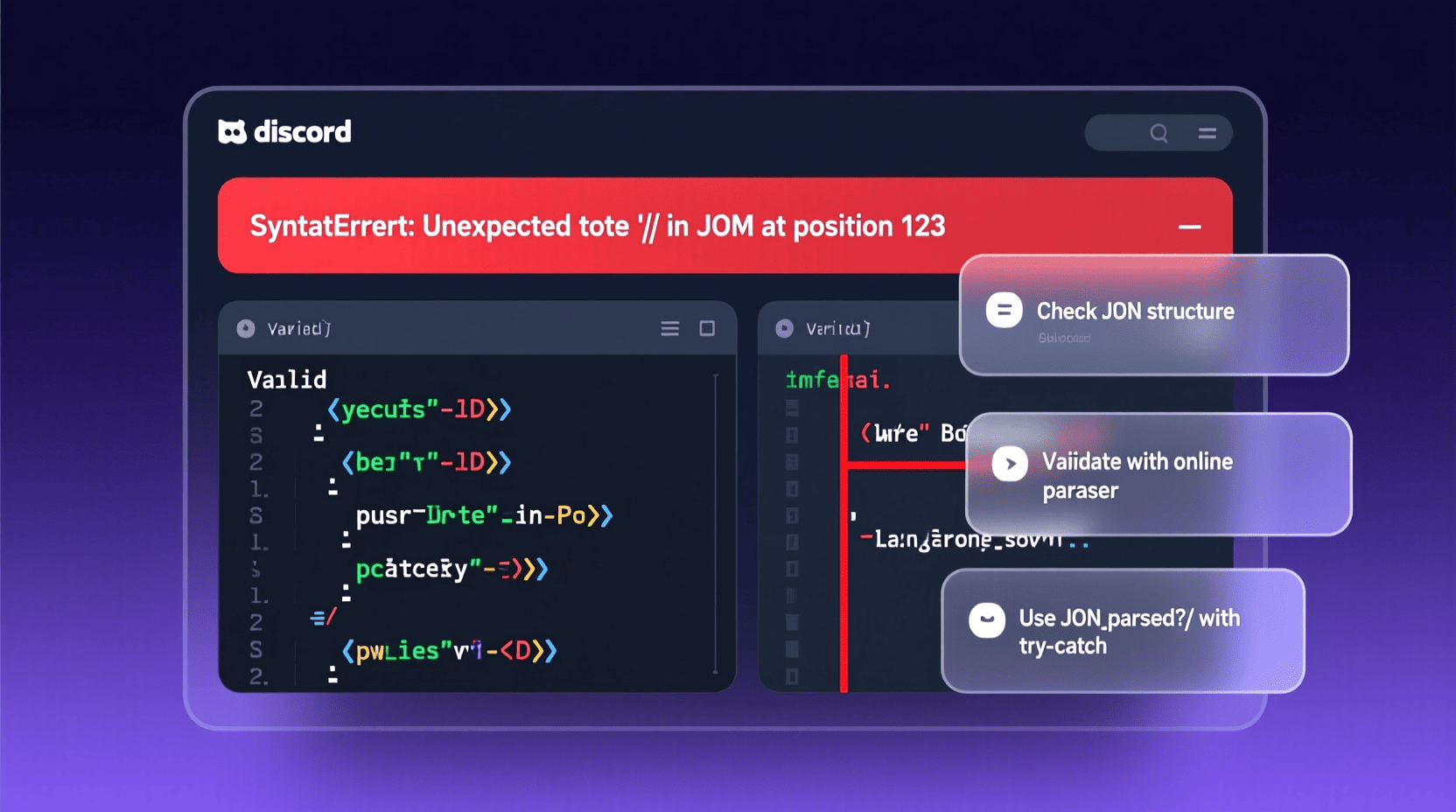
Are you facing issues with Discord disrupting your gaming or chatting experience? If so, you are not alone. Many users encounter the discord javascript error that prevents Discord from functioning properly, which can be frustrating, especially when you just want to connect with your friends or communities. Understanding and fixing this error is crucial for seamless communication and gaming collaboration. In this guide, we’ll explore effective solutions to resolve the discord javascript error. Alongside, for those curious about programming, knowing the difference between java vs javascript can be incredibly useful, as Discord’s error often relates to issues in JavaScript code execution.
Materials & Supplies
Before diving into troubleshooting, make sure your system is prepared with the following:
- A stable internet connection
- Administrative access on your PC (Windows or Mac)
- Latest version of Discord installed from the official website
- Updated operating system environment
- A reliable antivirus or system cleaning software (optional but recommended)
Timing / Development Schedule
Addressing the discord javascript error can typically be done in under an hour, depending on the complexity of your system issues. Here’s a suggested time allocation:
- Identifying the problem: 5-10 minutes
- Applying each fix step: 10-20 minutes per step
- Testing Discord after each fix: 5-10 minutes
This systematic approach ensures you don’t skip any important step and can quickly narrow down the cause.
Step by Step Instructions
- Restart your computer and Discord app: Sometimes, a simple reboot of both your device and the app clears temporary glitches.
- Delete Discord’s Local App Data:
- Press Windows + R and type
%appdata% - Locate the Discord folder and delete it
- Repeat the process with
%localappdata%and delete Discord there as well
- Press Windows + R and type
- Run Discord as Administrator: Right-click the Discord shortcut, select “Run as administrator”. This allows proper permission to access system resources.
- Disable Hardware Acceleration in Discord Settings (once Discord is launched successfully): This solves rendering-related JavaScript errors.
- Reinstall Discord: Uninstall Discord completely, download the latest installer from the official site, and reinstall.
- Clear DNS cache: Open Command Prompt and type
ipconfig /flushdns, then press Enter. This resolves network-related scripting issues. - Check your firewall and antivirus settings: Ensure Discord isn’t blocked, which can cause JavaScript errors due to failed connections.
If the error still appears after these steps, you might want to further explore the internals of javascript error logs for more targeted troubleshooting.
Advantages of Learning Game Development
Understanding the fundamentals of programming languages like javascript adds value beyond just fixing errors. Game development for beginners introduces logic, creativity, and problem-solving. It enables you to customize gaming experiences, build your own games, and improve collaboration with developers and platforms like Discord.
Tips, Alternative Methods, or Development Advice
- Use the Discord web client as an alternative while troubleshooting your desktop app.
- Explore automated script fixers or Discord-specific troubleshooting forums.
- Learn the distinction between java vs javascript to better understand how programming environments impact Discord’s backend.
- Check error logs by pressing Ctrl + Shift + I in Discord to open developer tools and inspect relevant JavaScript errors.
Common Mistakes to Avoid
- Overlooking updates for Discord and your operating system, which often fix bugs causing errors.
- Ignoring antivirus software restrictions that may block Discord’s scripts.
- Mixing up javascript error with other unrelated app errors; always check error messages carefully.
- Forgetting to run Discord as administrator when applying critical fixes.
Maintenance / Update Tips
- Regularly update Discord to the latest version to avoid outdated code bugs.
- Clear cache and app data periodically to maintain smooth operation.
- Monitor your system for conflicting programs that interfere with Discord’s JavaScript execution.
The Best Websites or Tools That Offer This for Free
- Discord Official Support: comprehensive guides and support.
- GitHub repositories for Discord modding and bug fixes.
- javascript indexof tutorials and troubleshooting resources.
- Developer forums, including Stack Overflow and Reddit Discord communities.
- Online coding platforms for learning javascript, helping users understand script issues better.
A Brief Explanation for Beginners, Including the Steps Involved
Discord’s JavaScript error typically occurs due to corrupted or missing application files, permission issues, or network-related script failures. JavaScript is the scripting language Discord uses for its user interface and features. Troubleshooting involves clearing cache, resetting configurations, reinstalling files, and ensuring correct system settings. Knowing how JavaScript works even basics like javascript indexof, a method used frequently to find substrings or elements can empower users to understand and fix errors independently.
Conclusion
Facing the discord javascript error can be a hurdle, but with the right steps and understanding, it’s entirely fixable. Following this comprehensive guide will help you restore your Discord app’s functionality swiftly. Moreover, gaining insight into the programming principles behind these errors like java vs javascript and common javascript error types will make you a more confident user and developer, turning troubleshooting into an empowering experience.
FAQs
Q1: What causes the discord javascript error?
A: It mainly arises from corrupted files, permission conflicts, or network issues that disrupt Discord’s JavaScript runtime environment.
Q2: Is java vs javascript relevant to fixing Discord errors?
A: Yes, understanding the difference can help in grasping why JavaScript errors occur in Discord since Discord relies on JavaScript, not Java.
Q3: Can reinstalling Discord fix the error?
A: Absolutely—it often resolves corrupted or missing files causing the error.
Q4: Is it safe to delete Discord’s app data folders?
A: Yes, this process removes temporary corrupted files and won’t affect your account or chats.
Q5: Where can I learn more about javascript indexof for debugging?
A: Visit online tutorials or javascript indexof resource pages that explain common JavaScript methods used in app troubleshooting.

Blink Video Doorbell
Blink Video Doorbell (newest model) – Head-to-toe HD view, two-year battery life, and simple setup. Required Sync Module not included – Add-On (Black)
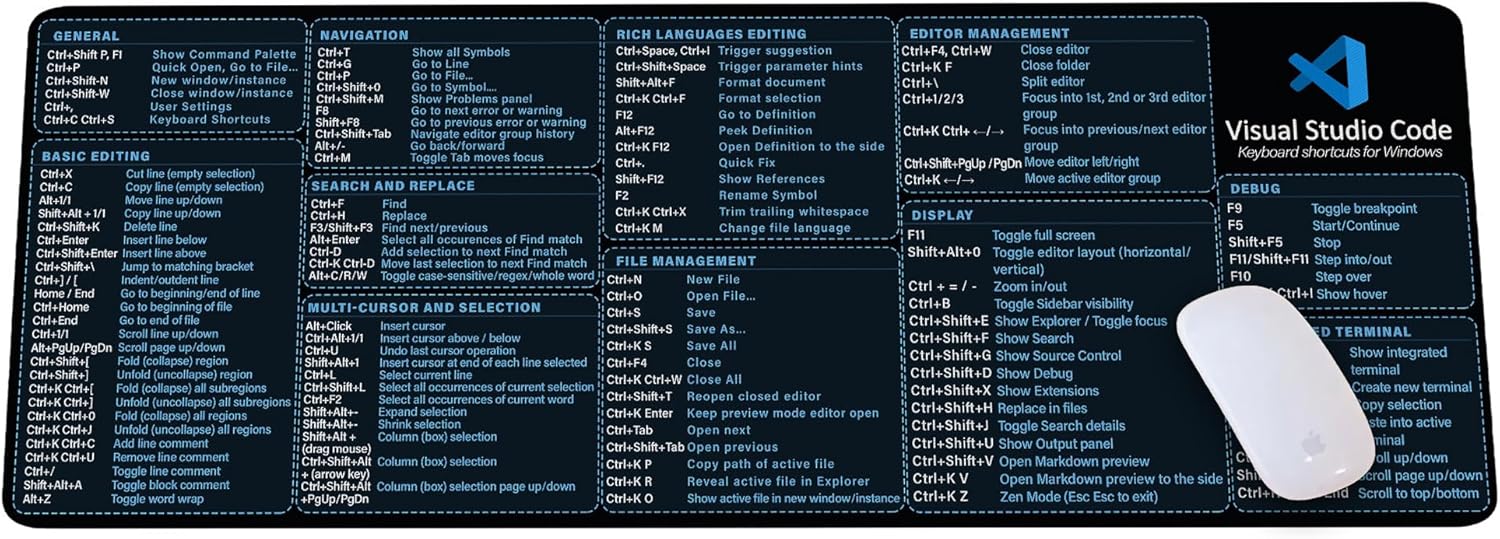
Visual Studio Code Shortcuts Mouse Pad
Visual Studio Code Shortcuts Mouse Pad – Desk Mat for Programmers, Coders & Beginners, Great Office Gift for Developers & Tech Enthusiasts, Computer Accessory for Study, Work, and Learning KMH
Amazon Fire 7 Kids tablet
Amazon Fire 7 Kids tablet, ages 3-7. Top-selling 7\" kids tablet on Amazon. Includes ad-free and exclusive content, easy parental controls, 10-hr battery, 16 GB, Blue

MMO Mug
MMO Mug - Legendary Coffee Mug Level 110 - Large Ceramic Black15oz - Gaming, Gamer Cup