Construct 3 is designed to make 2D game development accessible to beginners and creators without programming experience. Its visual event system allows users to define game logic through conditions and actions, removing the need for traditional coding in most cases.
How Construct 3 Handles Game Logic
In Construct 3, developers create events that dictate how the game behaves. Each event consists of a condition and one or more actions. For example, a condition might detect when a player presses a key, while the corresponding action moves a character or triggers an animation. This visual approach enables creators to build complex gameplay mechanics without writing a single line of code.
The system is intuitive for beginners. Users can quickly understand how different events interact, which helps them learn the principles of programming logic, such as loops, conditionals, and variables, in a visual and practical context.
When Coding Becomes Useful
While Construct 3 does not require coding for most projects, it supports JavaScript for developers who want more control or need advanced functionality. Using JavaScript, creators can:
- Implement custom behaviors not covered by built-in events
- Connect games to external APIs or web services
- Optimize specific mechanics for performance or scalability
- Add features like procedural generation, AI behavior, or multiplayer logic
This optional coding layer allows Construct 3 to grow with the developer’s skill level, providing flexibility without imposing complexity on beginners.
Comparison With Other Engines
Compared to engines like Unity or Unreal, where programming is central (C# in Unity, C++ or Blueprints in Unreal), Construct 3 prioritizes ease of use and speed. Developers can have a playable game in hours rather than weeks, while still having the option to incorporate code when needed.
For those exploring the balance between visual development and coding flexibility, the resource on Construct 3 Coding and JavaScript Integration explains how and when to use JavaScript effectively within the engine.
Benefits of Construct 3’s Approach
- Accessible for beginners: No prior programming knowledge is required to start creating games.
- Rapid prototyping: Events allow developers to test ideas quickly without writing code.
- Optional coding for advanced features: JavaScript support enables more complex projects when needed.
- Learning bridge: Users gain exposure to programming logic in a visual format before moving to traditional coding.
Conclusion
Construct 3 does not require coding for most projects, thanks to its visual event system. However, for developers seeking more advanced features, JavaScript integration provides flexibility and customization options. This combination makes Construct 3 suitable for both beginners and experienced creators. For guidance on implementing JavaScript and extending the engine’s capabilities, the guide on Construct 3 Coding and JavaScript Integration offers practical tips and examples.

Sound Healing 432 Hz
song transports the listener to a relaxed state of mindfulness and inner peace.

Razer
Razer Basilisk V3 Pro 35K Wireless Gaming Mouse: HyperScroll Tilt Wheel – 35K DPI Optical Sensor Gen 2-13 Customizable Controls – Chroma RGB – Optical Switches Gen 3 – Up to 140 Hr Battery – Black
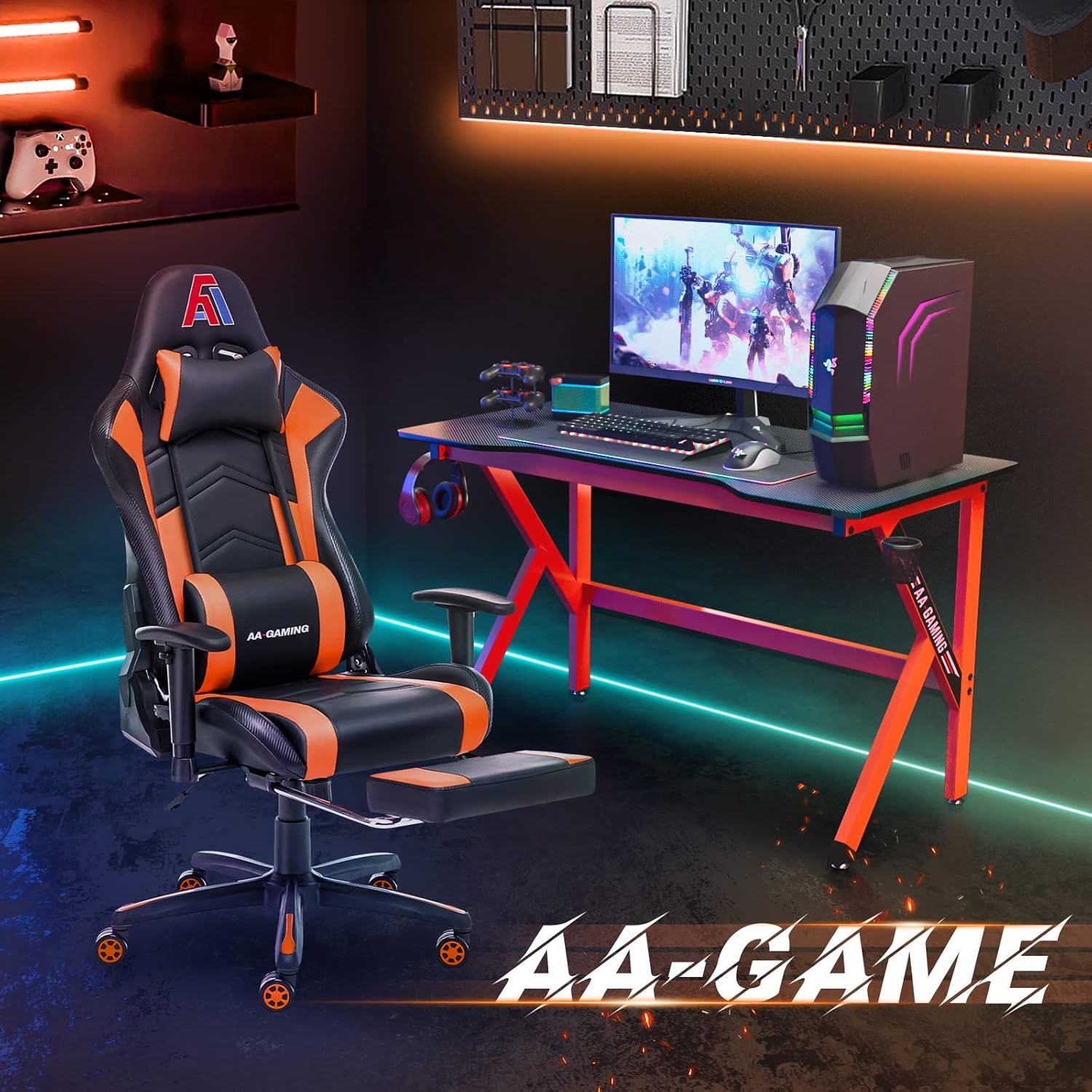
AA Products High Back Ergonomic Gaming Chair
AA Products Gaming Chair Ergonomic High Back Computer Racing Chair Adjustable Office Chair with Footrest, Lumbar Support Swivel Chair – BlackOrange
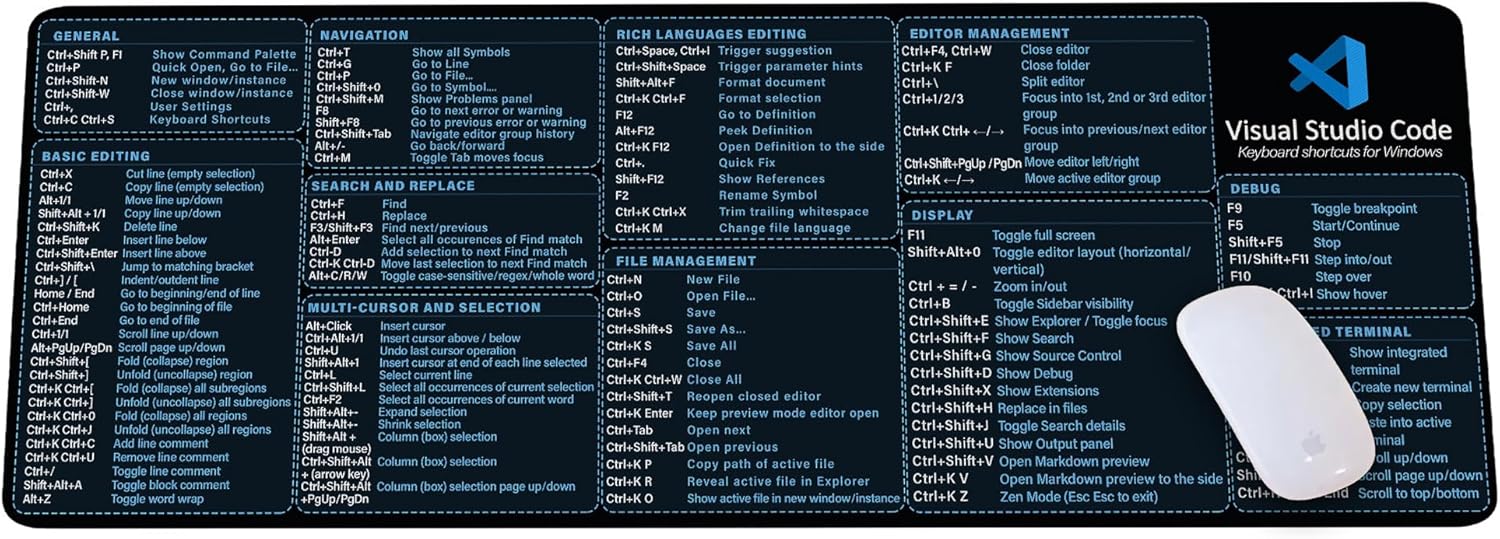
Visual Studio Code Shortcuts Mouse Pad
Visual Studio Code Shortcuts Mouse Pad – Desk Mat for Programmers, Coders & Beginners, Great Office Gift for Developers & Tech Enthusiasts, Computer Accessory for Study, Work, and Learning KMH

Logitech G
Logitech G PRO X SUPERLIGHT 2 Wireless Gaming Mouse

KOORUI
KOORUI 24.5 Inch Gaming Monitor 200Hz, 1ms, FHD(1920 * 1080p) IPS Display, HDR400, 90% DCI-P3 Color Gamut with Adaptive Sync, HDMI & DP Port, Black, G2511P
Leave a Reply