Free 3D Models: Your Ultimate Resource for 3D Design
In the realm of 3D design, having access to high-quality models can significantly enhance your projects, whether you’re a professional designer or a hobbyist. Free 3D models are valuable resources that can help you save time and provide you with the creativity needed for your designs. In this article, we will explore the best sources for free 3D models, how to use them in your projects, and the best practices for editing and licensing.
Why Use Free 3D Models?
Free 3D models can drastically reduce the time and effort required in the design process. They provide a foundation upon which you can build, allowing you to focus on other aspects of your project. Here are some key reasons to consider using free 3D models:
- Cost-Effective: Free models save you money, especially for independent creators and small businesses.
- Time-Saving: Instead of creating every model from scratch, you can quickly integrate existing models into your projects.
- Variety: There’s an extensive range of models available, from characters to environments, which helps diversify your work.
Top Websites to Download Free 3D Models
Finding the right website to source your 3D models is essential. Here’s a list of some of the top platforms where you can download free 3D models:
- TurboSquid – A large repository with both free and paid models.
- Free3D – Offers a wide range of free models in various categories.
- Sketchfab – A community-driven platform showcasing 3D models with an interactive viewer.
- CGTrader – Offers numerous free models along with paid options.
How to Use Free 3D Models in Your Projects
Using free 3D models can be straightforward, but there are a few steps you should follow to integrate them effectively into your projects. Here’s a step-by-step guide:
- Identify Your Needs: Determine what type of model you require for your project.
- Search for Models: Use the websites mentioned above to find suitable free 3D models.
- Download the Model: Ensure you save it in a compatible format for your software (e.g., .obj, .fbx).
- Import the Model: Open your 3D software and import the downloaded model.
- Edit as Necessary: Adjust textures, lighting, and other elements to fit your project.
Best Practices for Editing Free 3D Models
Once you have downloaded a free 3D model, you may need to edit it to suit your project better. Here are some best practices:
- Understand the Model’s Structure: Familiarize yourself with the model’s geometry and hierarchy.
- Maintain Original Textures: If possible, keep original textures for a more authentic look.
- Optimize the Model: Reduce polygon count or adjust materials for better performance.
- Document Changes: Keep track of modifications for future reference.
To learn more about editing models, see our guide on Best Practices for Editing Free 3D Models.
Understanding Licensing: What You Can and Cannot Do with Free 3D Models
It’s crucial to understand the licensing terms associated with free 3D models. Many models have specific restrictions that dictate how they can be used. Common licenses include:
| License Type | Description | Commercial Use |
|---|---|---|
| Creative Commons | Allows sharing and adaptation with attribution. | Varies by subtype. |
| Royalty-Free | Use without paying royalties, often for commercial purposes. | Yes |
| Editorial Use Only | Cannot be used for commercial purposes. | No |
For a deeper understanding of licensing, check out our article on Understanding Licensing: What You Can and Cannot Do with Free 3D Models.
Free 3D Models vs. Paid 3D Models: What’s the Difference?
While free 3D models can be incredibly useful, they differ from paid models in several ways. Here’s a comparison:
| Aspect | Free Models | Paid Models |
|---|---|---|
| Quality | Varying quality; may lack detail. | Generally higher quality with more detail. |
| Support | Limited or no support. | Often includes customer support and updates. |
| Licensing | Varies widely; check each model. | Clear terms; often more flexible for commercial use. |
To explore more about this topic, read our article on Free 3D Models vs. Paid 3D Models: What’s the Difference?.
Creating Your Own 3D Models: Tools and Tips
If you want to take your 3D design to the next level, consider creating your own models. Here are some popular tools and tips for getting started:
- Blender: A powerful, open-source 3D modeling tool.
- Tinkercad: A user-friendly browser-based tool for beginners.
- Maya: A professional-grade software widely used in the industry.
For additional guidance on creating models, visit our article on Creating Your Own 3D Models: Tools and Tips.
Conclusion
Free 3D models are an invaluable resource for anyone involved in 3D design, offering flexibility and creativity without the financial burden. By understanding where to find these models, how to use and edit them, and the legal considerations involved, you can significantly enhance your projects. Whether you’re a seasoned professional or just getting started, free 3D models can help you bring your visions to life.

Razer
Razer Basilisk V3 Pro 35K Wireless Gaming Mouse: HyperScroll Tilt Wheel – 35K DPI Optical Sensor Gen 2-13 Customizable Controls – Chroma RGB – Optical Switches Gen 3 – Up to 140 Hr Battery – Black
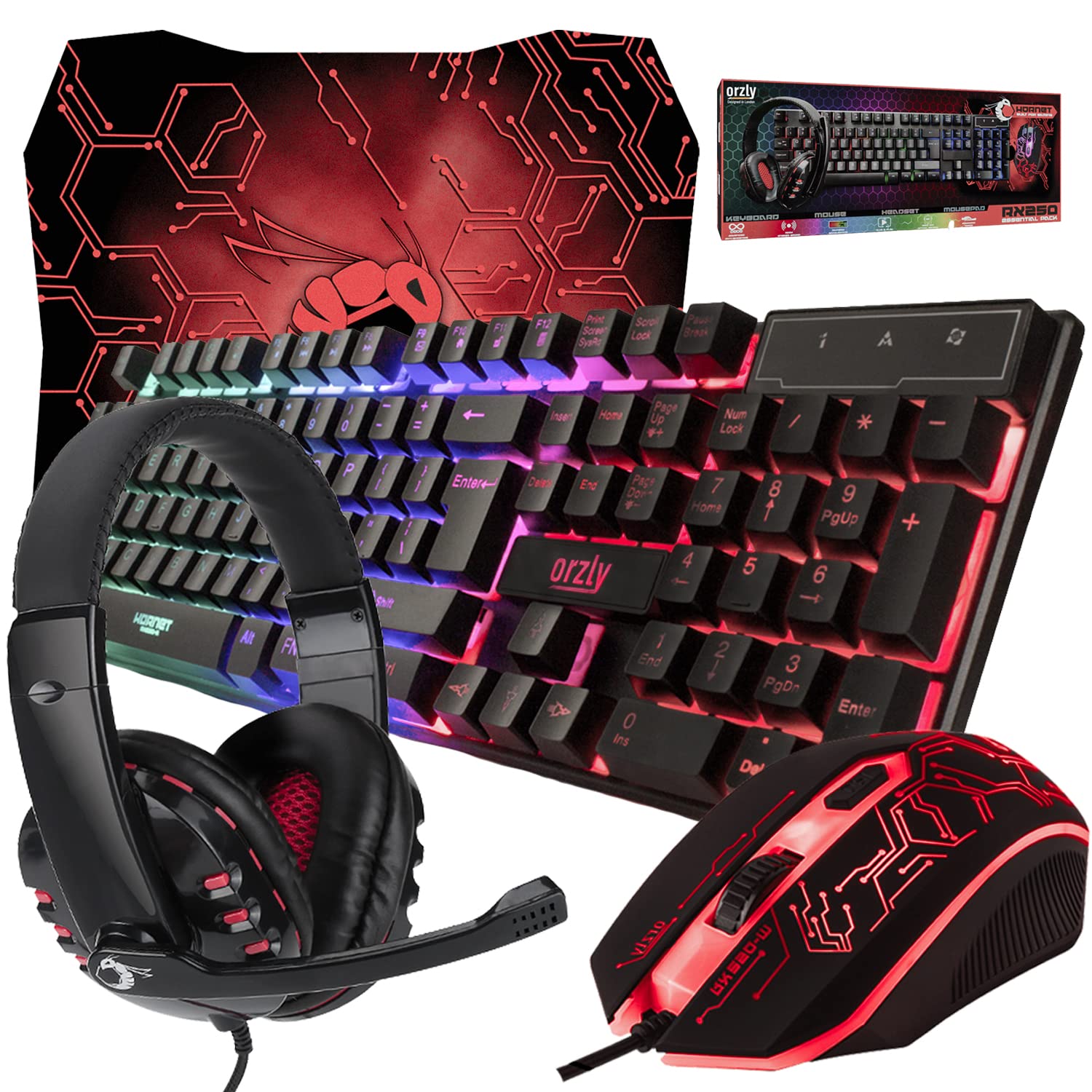
Gaming Keyboard and Mouse and Mouse pad and Gaming Headset, Wired LED RGB Backlight Bundle
Gaming Keyboard and Mouse and Mouse pad and Gaming Headset, Wired LED RGB Backlight Bundle for PC Gamers and Xbox and PS4 Users – 4 in 1 Edition Hornet RX-250
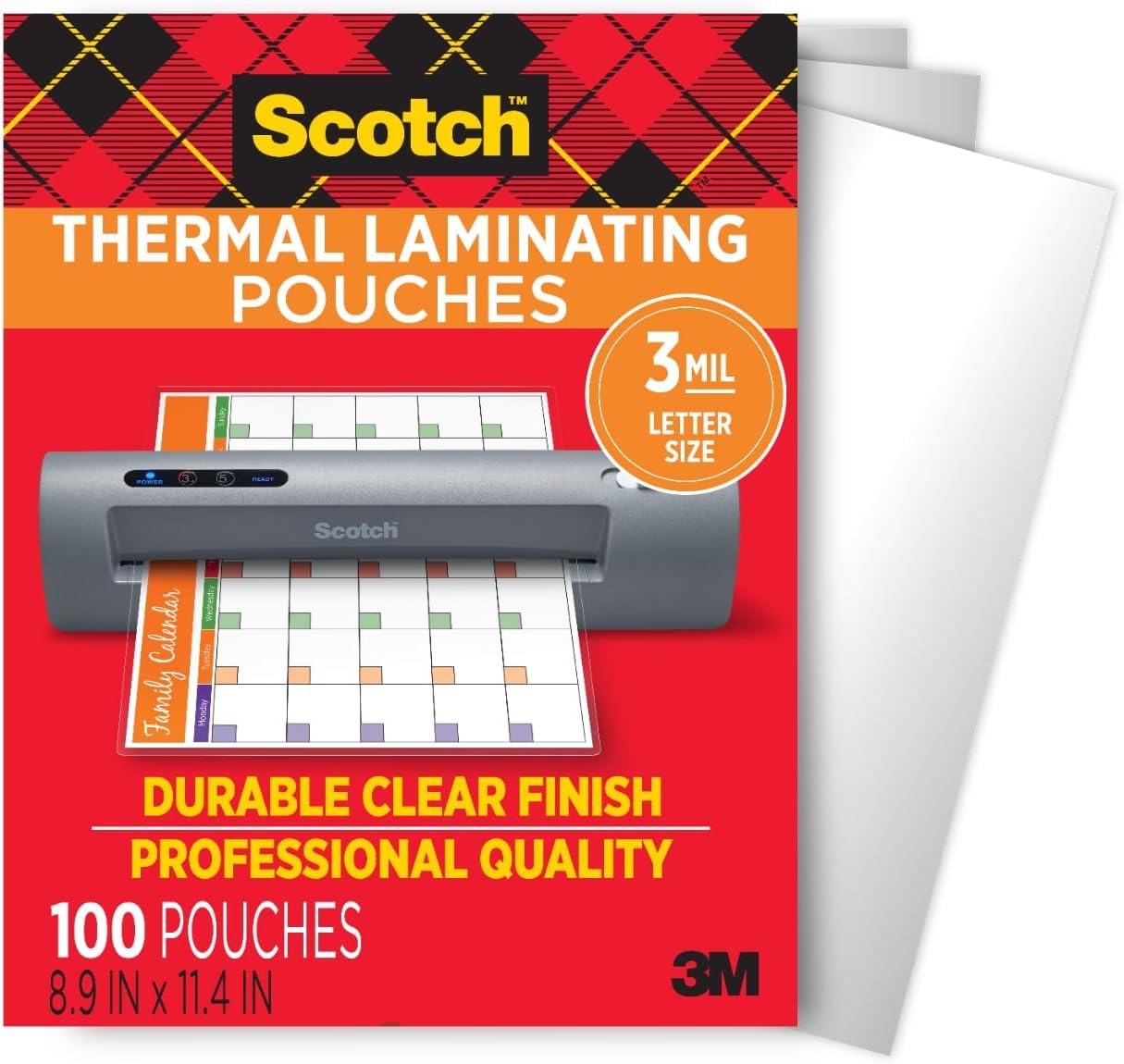
Scotch Thermal Laminating Pouches
Scotch Thermal Laminating Pouches, for Use with Thermal Laminators, 8.9 x 11.4 Inches, Letter Size Sheets, 100-Pack
Ultimate Mobile Controls – Plug & Play
Take your mobile game to the next level with this ready-to-use Mobile Controls Pack. customizable mobile controls without wasting days on UI and input setup. Perfect for 2D, 3D, FPS, RPG, Platformer, Shooter, and Casual mobile games.
Make Your First 2D Game in Unity
Want to build your first game but don’t know where to start? This beginner-friendly guide shows you how to create SampleGame2D — a fun Flappy Bird–style project — step by step in Unity. Inside you’ll learn:
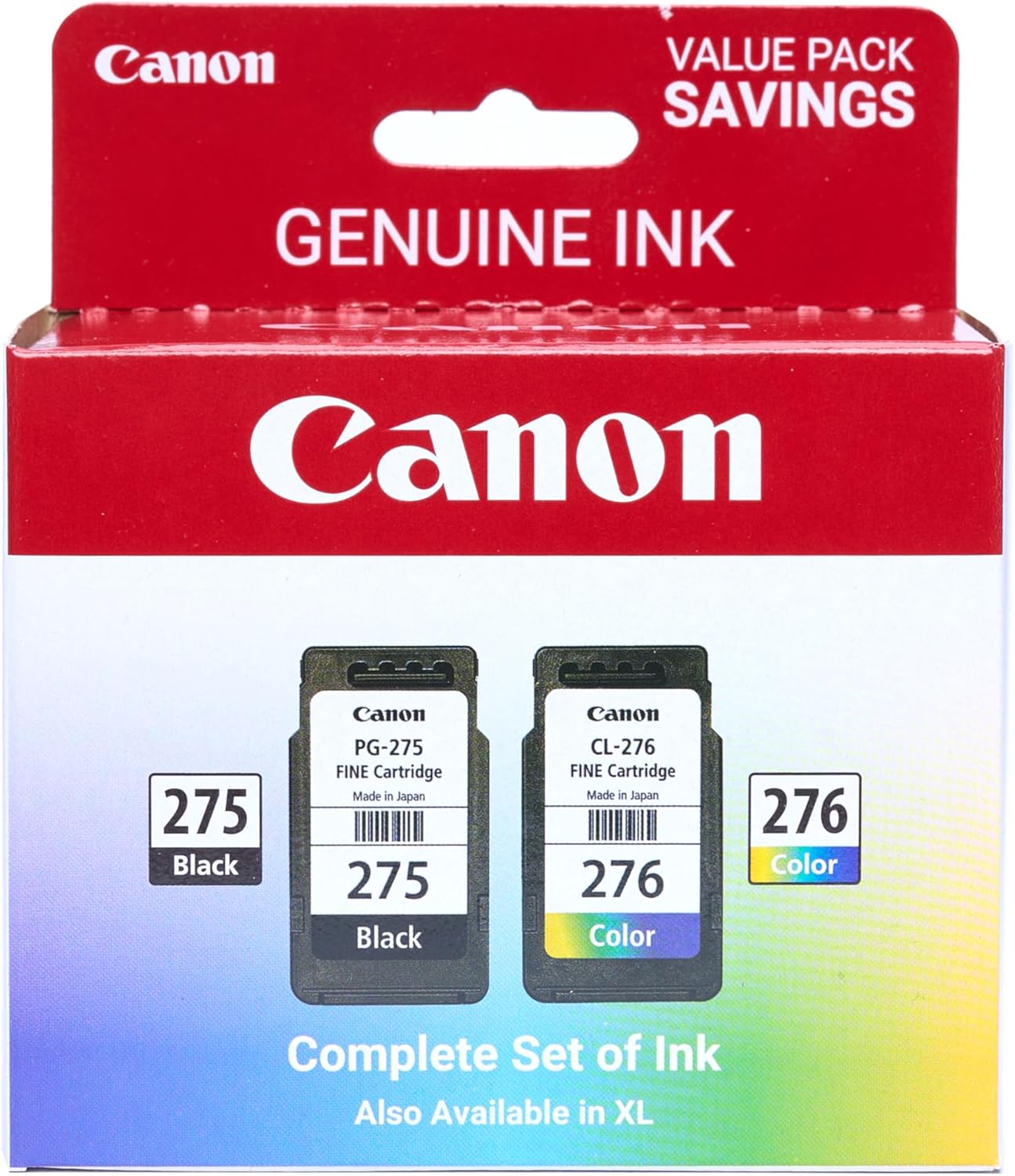
Canon PG-275
Canon PG-275 / CL-276 Genuine Ink Value Pack (2 Cartridges), Compatible with TS3520/3522/4722/3720/3722, TR4720