
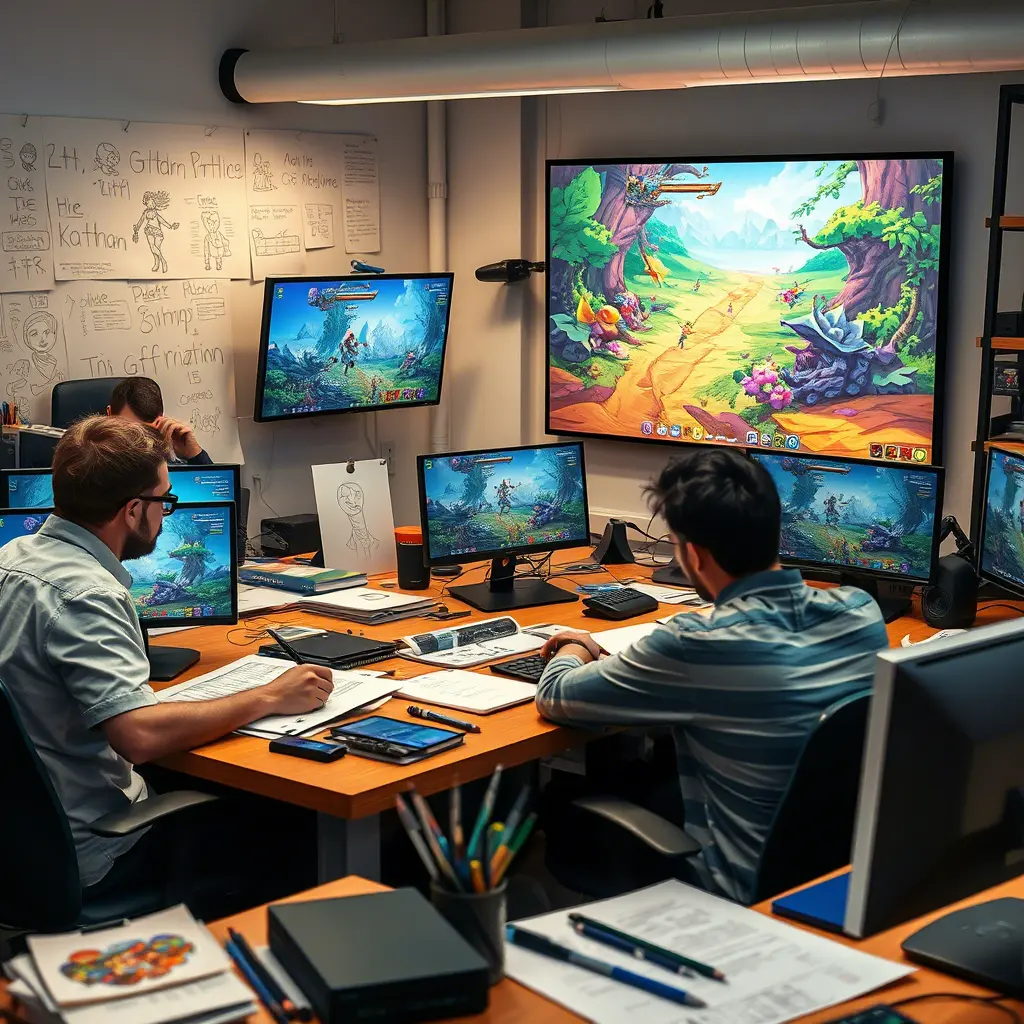
Looking to build a game and considering local talent? Game design companies in New Jersey (NJ) offer a growing pool of creative studios and developers ready to turn your concept into a playable reality. Whether you need a mobile game, educational tool, or full-scale console title, knowing how to choose the right partner is key.
In this guide, we’ll share 7 must-know tips for hiring a game design company in NJ so you can confidently select a team that delivers quality, creativity, and value.
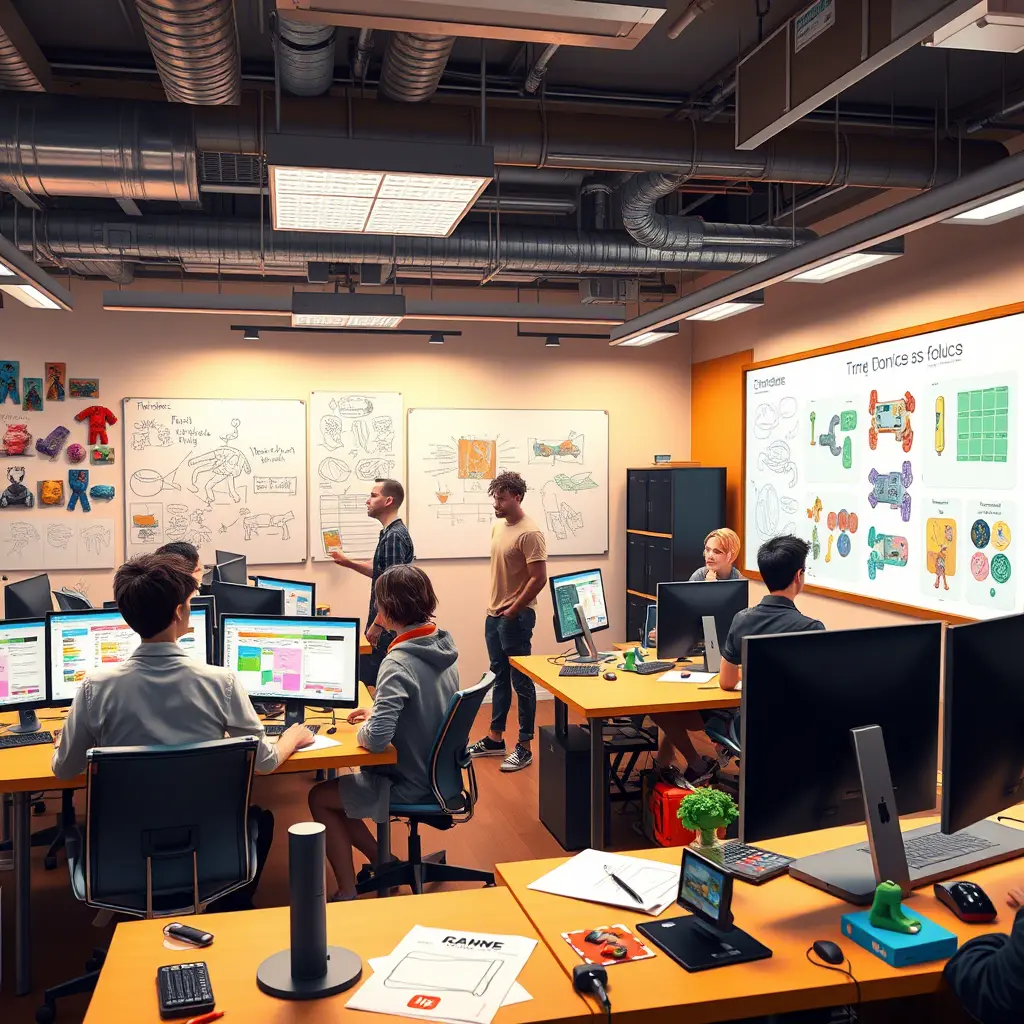
Why Hire Game Design Companies in NJ?
New Jersey is home to a vibrant tech and creative ecosystem, with close proximity to New York City talent and competitive pricing compared to major metro hubs.
Top benefits include:
- Local collaboration & timezone alignment
- Access to experienced developers, artists, and UX designers
- Faster turnaround for meetings, testing, and project updates
Whether you’re an entrepreneur, educator, or business looking to gamify your product—NJ game studios offer serious talent.
7 Must-Know Tips for Hiring a Game Design Company in NJ
1. Define Your Game Vision Clearly
✅ What type of game are you building (mobile, AR/VR, educational, multiplayer)?
✅ What’s your budget and timeline?
✅ Do you need help with concept art, development, music, or full production?
Before hiring, have a clear game brief or proposal document that outlines your goals. This helps NJ studios give accurate quotes and timelines.
2. Research Their Game Design Portfolio
✅ Check if they’ve built games in your genre (puzzle, shooter, RPG, etc.)
✅ Look for playable demos or video walkthroughs
✅ Study art style, UI/UX quality, and performance
Ask for case studies or client testimonials. A good NJ game design company will proudly show past successes.
3. Check Technical Capabilities
✅ Do they work in Unity, Unreal Engine, Godot, or another platform?
✅ Can they build for iOS, Android, PC, Web, or consoles?
✅ Do they offer backend solutions (multiplayer, leaderboards, user accounts)?
The best game design companies in NJ should provide end-to-end development or integrate with your existing tech stack.
4. Prioritize Communication & Project Management
✅ Ask how they handle updates (Slack, Trello, Jira?)
✅ Do they provide regular check-ins and feedback loops?
✅ Will you get a dedicated project manager or point of contact?
Good communication is the difference between a smooth launch and missed deadlines. Pick a studio with a clear workflow and strong client focus.
5. Ask About Playtesting & QA Process
✅ Do they test on multiple devices and screen sizes?
✅ Will they conduct player feedback sessions or A/B testing?
✅ Do they fix bugs post-launch?
A reliable NJ game design company should take quality assurance seriously—not just launch fast, but launch right.
6. Consider Long-Term Support
✅ Will they help with updates, expansions, or DLCs?
✅ Can they scale with you if the game grows in popularity?
✅ Do they offer live ops or analytics?
Think beyond launch. You want a game design company that becomes a creative partner, not just a one-off vendor.
7. Compare Quotes Without Compromising Quality
✅ Don’t pick the cheapest option—compare value, not just cost
✅ Look at delivery schedules, scope clarity, and revision cycles
✅ Ask for a clear contract and milestone-based payment terms
Hiring a game design company in NJ can be cost-effective—but only if expectations are aligned. Look for transparency, flexibility, and professionalism.
Bonus: Where to Find Top Game Design Companies in NJ
🧩 Clutch.co – Search for top-rated New Jersey studios
🧩 Upwork – Find freelance teams with NJ-based developers
🧩 LinkedIn – Use filters to find studios or freelancers in your area
🧩 NJ Tech Meetup & GameDev Events – Network and discover local talent
Final Thoughts
Choosing the right game design company in NJ can make or break your project. By following these 7 tips, you’ll be better equipped to find a studio that understands your vision, fits your budget, and delivers a game that players will love.
Ready to take the next step? Explore our full Game Development & Design Resources to learn more.
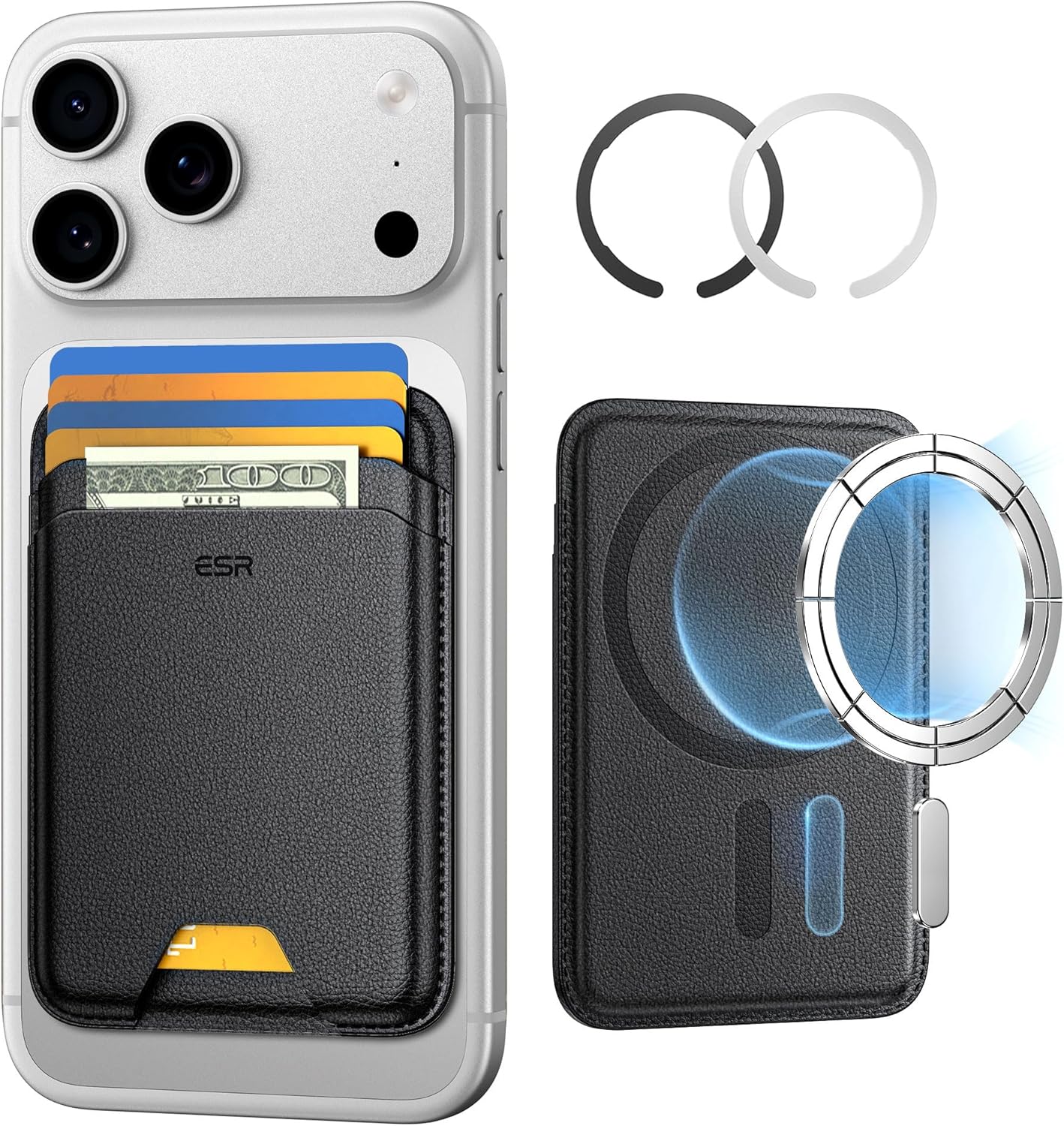
ESR for MagSafe Wallet
ESR for MagSafe Wallet, 5-Card Holder With RFID Blocking, MagSafe Sticker Included, Slim Magnetic Wallet for iPhone 17/16/15/14/13/12 Series and Selected Samsung Devices, Not for 13/12 Mini, Black

KOORUI
KOORUI 24.5 Inch Gaming Monitor 200Hz, 1ms, FHD(1920 * 1080p) IPS Display, HDR400, 90% DCI-P3 Color Gamut with Adaptive Sync, HDMI & DP Port, Black, G2511P
Brain Song 2025 Gamma
Cognitive Enhancement or Just Hype? Reviews The Brain Song (Killer NEW Memory Offer)
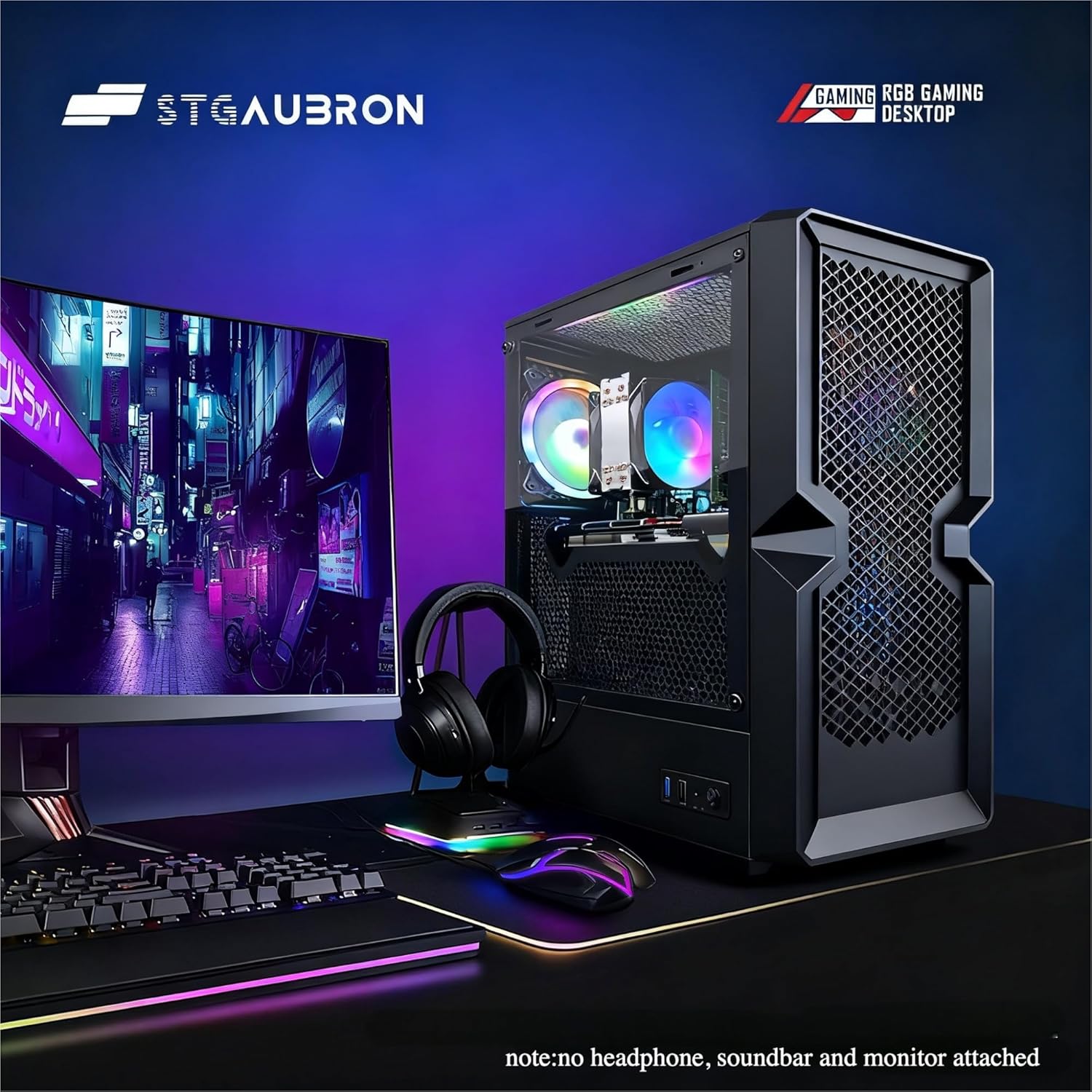
STGAubron Gaming PC Desktop
STGAubron Gaming PC Desktop Computer, Intel Core i5 up to 3.6G, Radeon RX 590 8G, 16GB RAM, 1TB SSD, 600M WiFi, BT 5.0, RGB Fan x3, Windows 11 Home