How to Create Your Own Victini Illustrations
Victini, the Victory Pokémon, is adored by fans for its unique design and charming personality. If you’re an art enthusiast or a Pokémon fan, capturing this character in your illustrations can be an exciting project. In this guide, we’ll walk you through the process of creating your own Victini illustrations, from initial sketches to the final touches. Let’s get started!
Understanding Victini: The Inspiration Behind Your Art
Before diving into the creative process, take some time to understand Victini’s design elements. With its rabbit-like appearance, large ears, and orange-and-white color scheme, Victini is both cute and dynamic. Understanding these features will help you capture its essence in your illustrations.
Key Characteristics of Victini
- Color Palette: Primarily orange and white, with hints of blue and yellow.
- Facial Features: Large, expressive eyes and a warm smile.
- Body Structure: Compact and playful, with a small tail and distinct ears.
Gathering Your Tools
To create stunning Victini illustrations, you’ll need the right tools. Here’s a checklist of essential items:
- Pencil and sketchbook for initial drawings
- Digital drawing tablet (optional, for digital art)
- Inking pens or markers
- Coloring materials (colored pencils, markers, or digital software)
- Reference images of Victini
Step-by-Step Guide to Creating Victini Illustrations
Let’s break down the illustration process into manageable steps:
Step 1: Sketching the Outline
Start with light pencil strokes to outline Victini’s shape. Focus on proportions and basic anatomy.
- Draw a circle for the head and an oval for the body.
- Add guidelines for the facial features, ensuring the eyes are large and expressive.
- Sketch the ears and tail, keeping them proportionate to the body.
Here’s an example of a basic sketch outline:

Step 2: Refining the Details
Once you’re satisfied with the outline, start adding details:
- Define the facial features with more precise lines.
- Add Victini’s signature flame-shaped tails.
- Include small details like the markings on its body and the shine in its eyes.
Step 3: Inking Your Illustration
Using fine-tipped pens, carefully ink over your pencil lines. This step solidifies your illustration and makes it ready for coloring.
Tips for inking:
- Use varying line thickness to add depth.
- Be patient; take your time to avoid mistakes.
- Allow the ink to dry before erasing pencil lines to prevent smudging.
Step 4: Adding Color
Now comes the fun part coloring your illustration! Choose shades that reflect Victini’s vibrant personality.
- Start with a base layer of orange for the body.
- Add white for the belly and inner ears.
- Detail with blue and yellow for the accents.
Consider using digital software for more control over colors and effects.
Step 5: Finishing Touches
Once colored, add highlights and shadows to give your illustration depth. Use white to create highlights in the eyes and around the body. Shadows can be added with a slightly darker shade of the base color.
Finally, step back and review your work. Make any adjustments needed to enhance the overall look.
Example Illustrations for Inspiration
Here are a few examples of different styles of Victini illustrations to inspire your creativity:
1. Classic Cartoon Style
Bright colors, smooth outlines, and expressive eyes. Victini is often shown smiling with its iconic V-shaped ears raised, emphasizing energy, optimism, and its “victory” theme. Perfect for official-style art, stickers, and friendly branding.
2. Realistic / Semi-Realistic Style
Detailed fur textures, soft lighting, and subtle shadows give Victini a more lifelike presence. The fiery aura is rendered with glow effects and particle details, creating a cinematic and dramatic look suited for posters or wallpapers.
3. Chibi Style
Oversized head, tiny body, and simplified facial features. This style focuses on cuteness and charm, often with playful poses or props. Ideal for emojis, merchandise, and social media visuals.
4. Abstract / Energy-Based Style
Victini’s form is partially deconstructed into flames, light streaks, or geometric shapes. The emphasis is on motion and power rather than accuracy, symbolizing luck, energy, and victory in a more artistic way.
5. Mixed Media Style
A combination of watercolor splashes, pencil textures, and digital effects. This approach adds depth and personality, making each piece feel handcrafted and expressive.
6. Minimalist Style
Clean lines, flat colors, and minimal detail. Victini is reduced to its most recognizable shapes, making the illustration modern, elegant, and suitable for logos or UI elements.
7. Pixel Art Style
Rendered in low-resolution pixels inspired by classic Pokémon games. Simple animations or poses evoke nostalgia and work well for games, badges, or retro-themed designs.
8. Dark Fantasy Reimagining
Deeper color palettes, dramatic lighting, and a more serious mood. Victini appears as a mythical or legendary entity, offering a bold contrast to its usual cheerful portrayal.
Sharing Your Work
Once you have created your illustration, consider sharing it with the world! Join online communities or social media platforms where fellow Pokémon fans gather. Use hashtags like #VictiniArt to connect with others and showcase your talent.
Related Content
If you’re looking for more inspiration or detailed techniques, check out our Victini Illustration Collection: A Comprehensive Guide. This resource dives deeper into various art styles, techniques, and showcases an array of Victini illustrations.
Final Thoughts
Creating your own Victini illustrations can be a rewarding experience that allows you to express your artistic skills while celebrating a beloved character. Remember to have fun, experiment with styles, and don’t be afraid to make mistakes. Each illustration is a step toward improving your craft. Happy drawing!
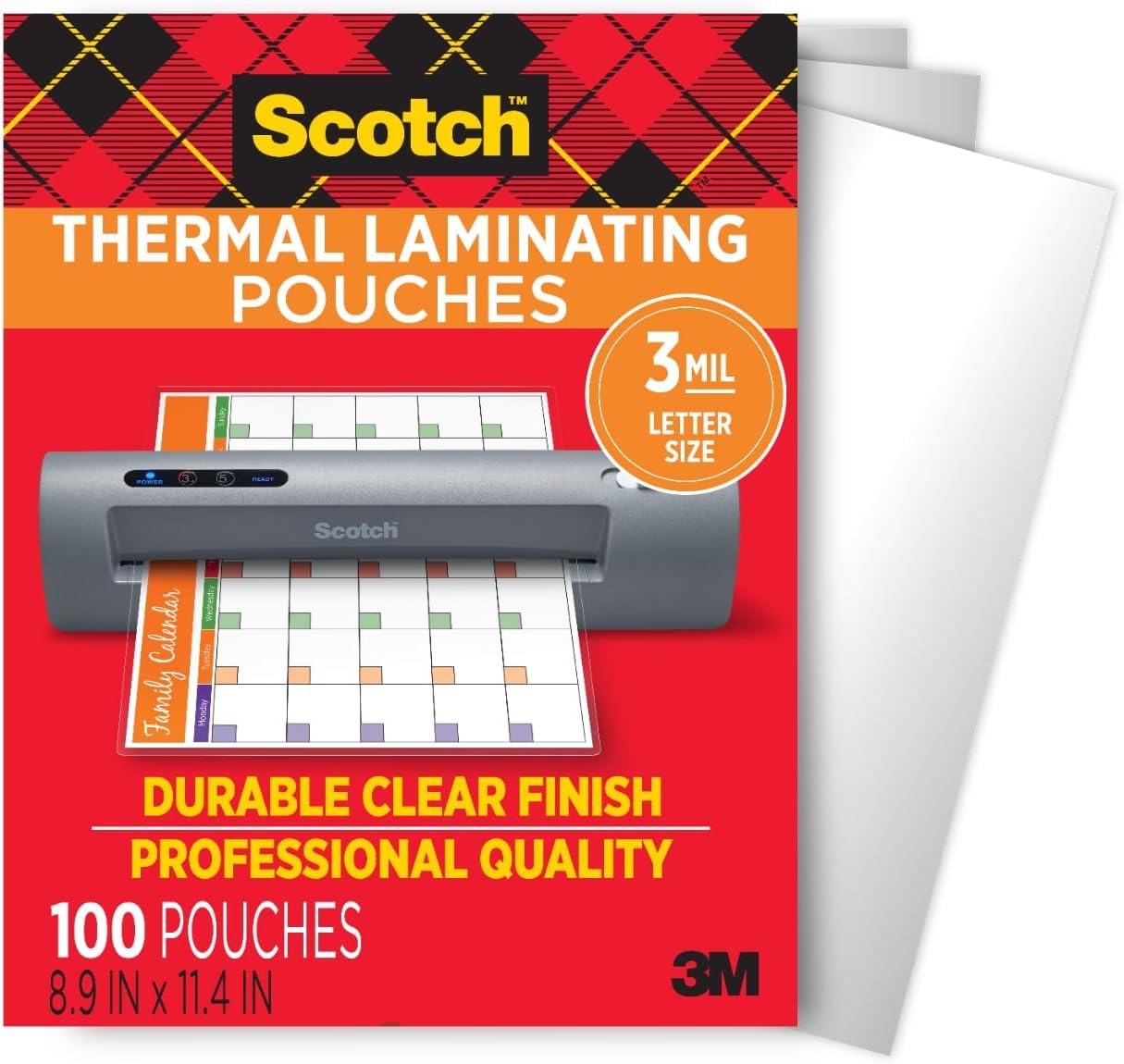
Scotch Thermal Laminating Pouches
Scotch Thermal Laminating Pouches, for Use with Thermal Laminators, 8.9 x 11.4 Inches, Letter Size Sheets, 100-Pack
interface sounds OGG
interface sounds, UI sound effects, UX sound effects, game UI sounds, mobile UI audio, notification sound effects, button click SFX, menu sounds, toggle switch sounds, error alert sounds
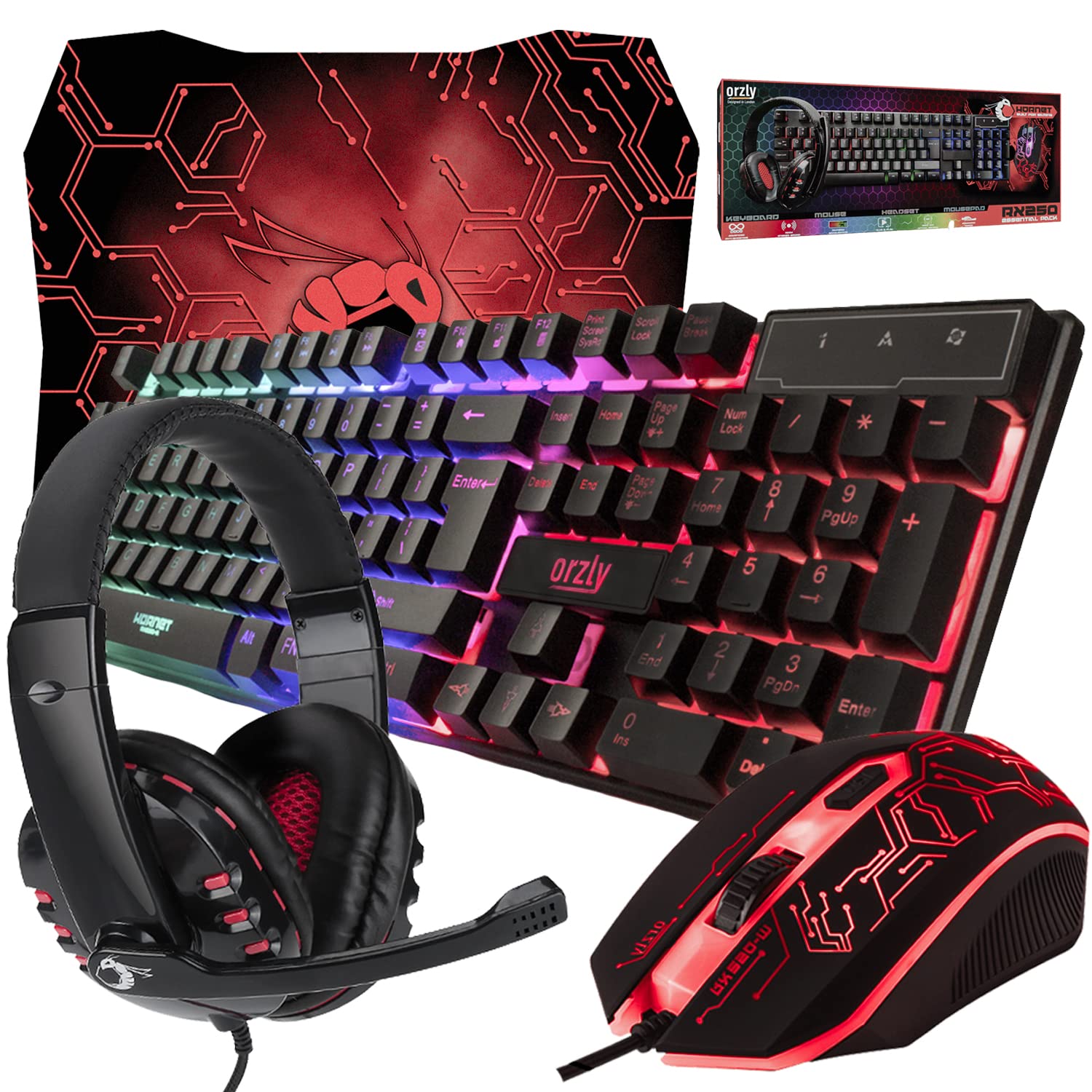
Gaming Keyboard and Mouse and Mouse pad and Gaming Headset, Wired LED RGB Backlight Bundle
Gaming Keyboard and Mouse and Mouse pad and Gaming Headset, Wired LED RGB Backlight Bundle for PC Gamers and Xbox and PS4 Users – 4 in 1 Edition Hornet RX-250
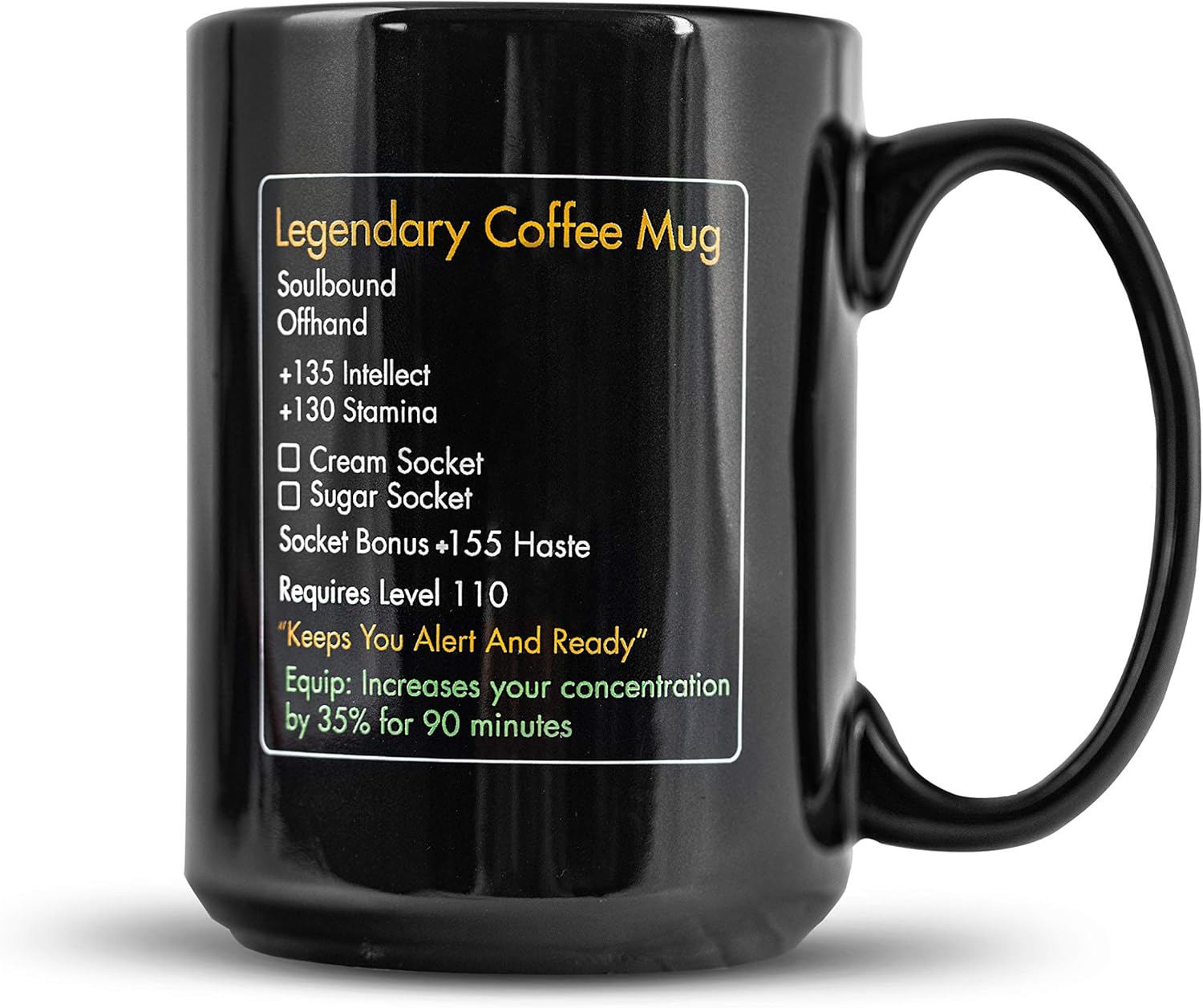
MMO Mug
MMO Mug – Legendary Coffee Mug Level 110 – Large Ceramic Black15oz – Gaming, Gamer Cup
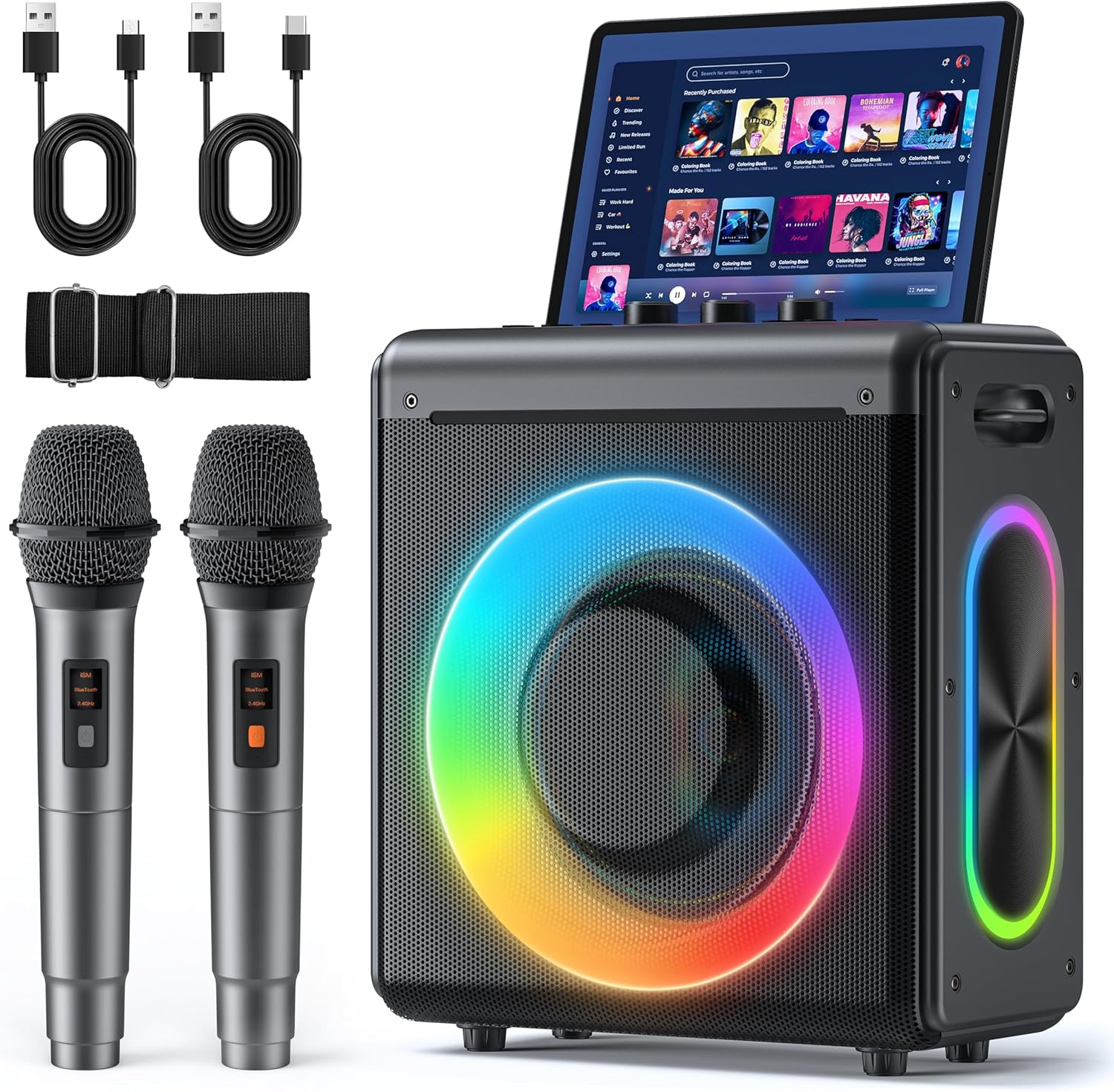
Karaoke Machine
Karaoke Machine with 2 Wireless Rechargeable Microphones: Portable Bluetooth Speaker for Adults & Kids – PA System with Lights Supports TWS/TF Card/USB/AUX for Home Party
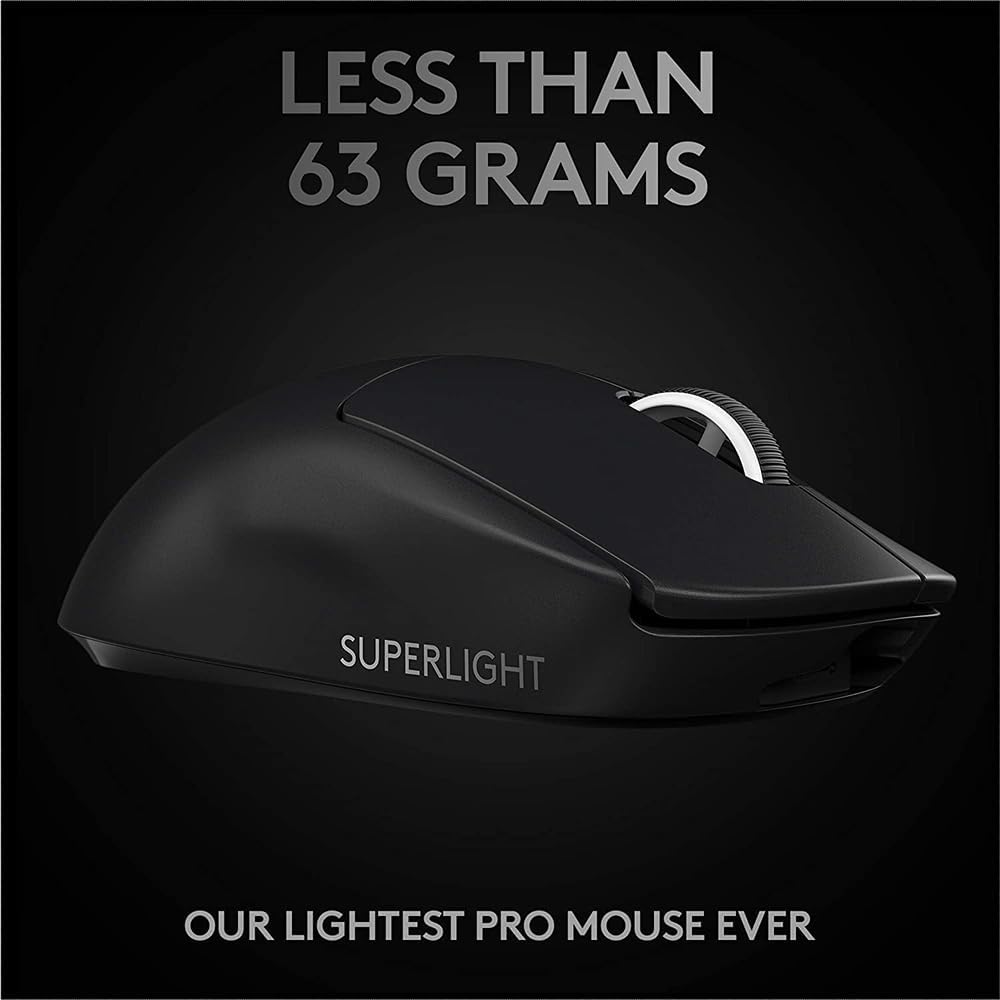
Logitech G
Logitech G PRO X SUPERLIGHT 2 Wireless Gaming Mouse