
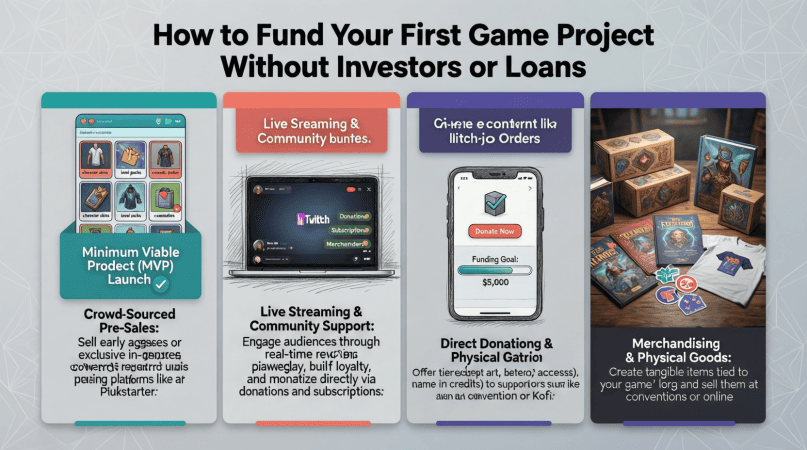
Starting your first game project is exciting but it comes with a major challenge: money. Most beginner developers don’t have the budget for software licenses, asset packs, or extra tools, and few are in a position to take out loans or find investors.
The good news? You don’t need outside funding to get started. With some planning and strategic side income, you can fund your first game project while learning Unity, Unreal Engine, or whatever tools you’re mastering.
1. Start With Low-Cost or Free Tools
Before worrying about money, minimize costs wherever you can:
-
Use Unity Personal or Unreal Engine (both free for learning and small scale projects)
-
Take advantage of free asset packs from marketplaces like Unity Asset Store or OpenGameArt
-
Use free design tools like Blender or GIMP
Starting lean helps you prove your concept without financial pressure.
2. Fund Your Project With Side Income
The most practical way to fund a beginner game is through income earned while you learn. Some realistic options:
-
Remote jobs that don’t demand technical expertise (like Live Chat Jobs)
-
Micro freelance work: small scripts, bug fixes, or asset integration
-
Game testing or QA work
These streams allow you to earn money without committing to investors or high-interest loans, giving you both funds and flexibility.
3. Sell Small Assets or Templates
Even as a beginner, you can create small, reusable assets:
-
UI elements
-
Scripts or tools for Unity/Unreal
-
2D or 3D art templates
Selling small assets online provides both funding and experience, while also introducing you to the digital marketplace.
4. Budget Strategically
Treat your first project like a startup—without the investor pressure:
-
Make a simple cost list: tools, assets, software
-
Set weekly or monthly budgets from your side income
-
Prioritize expenses that directly improve your project or learning
Even $50–$100 per month can add up surprisingly fast if you’re disciplined.
5. Avoid “Quick Money” Schemes
Many beginners fall into traps promising fast cash:
-
High-risk investment schemes
-
Overcomplicated affiliate programs
-
Crowdfunding campaigns before any proof-of-concept
These often waste time and energy, which is more valuable than money at this stage.
6. Build Incrementally
Start small and scale up:
-
Create a simple prototype first
-
Test it yourself and with friends
-
Use early revenue (asset sales, micro freelance, remote jobs) to fund the next version
This approach keeps you in control, reduces risk, and builds momentum.
Final Thoughts
Funding your first game doesn’t require loans or investors. The key is flexible side income, careful budgeting, and incremental progress.
By earning while you learn, you avoid pressure, stay creative, and gradually build the resources to make a playable, polished game. Success in game development rarely comes overnight but with patience and planning, your first game project can be fully funded by your own effort.
How Game Developers Can Earn Extra Income While Learning Game Development
One option that fits this category particularly well is live chat based remote work.
These roles focus on real time customer communication rather than technical output, making them a practical choice for beginner game developers who want flexible income without draining their learning energy.Platforms like Live Chat Jobs allow you to test this type of work with a low-cost trial, making it easy to see whether it fits your schedule and focus before committing long term.
👉 Try Live Chat Jobs with a $1 Trial
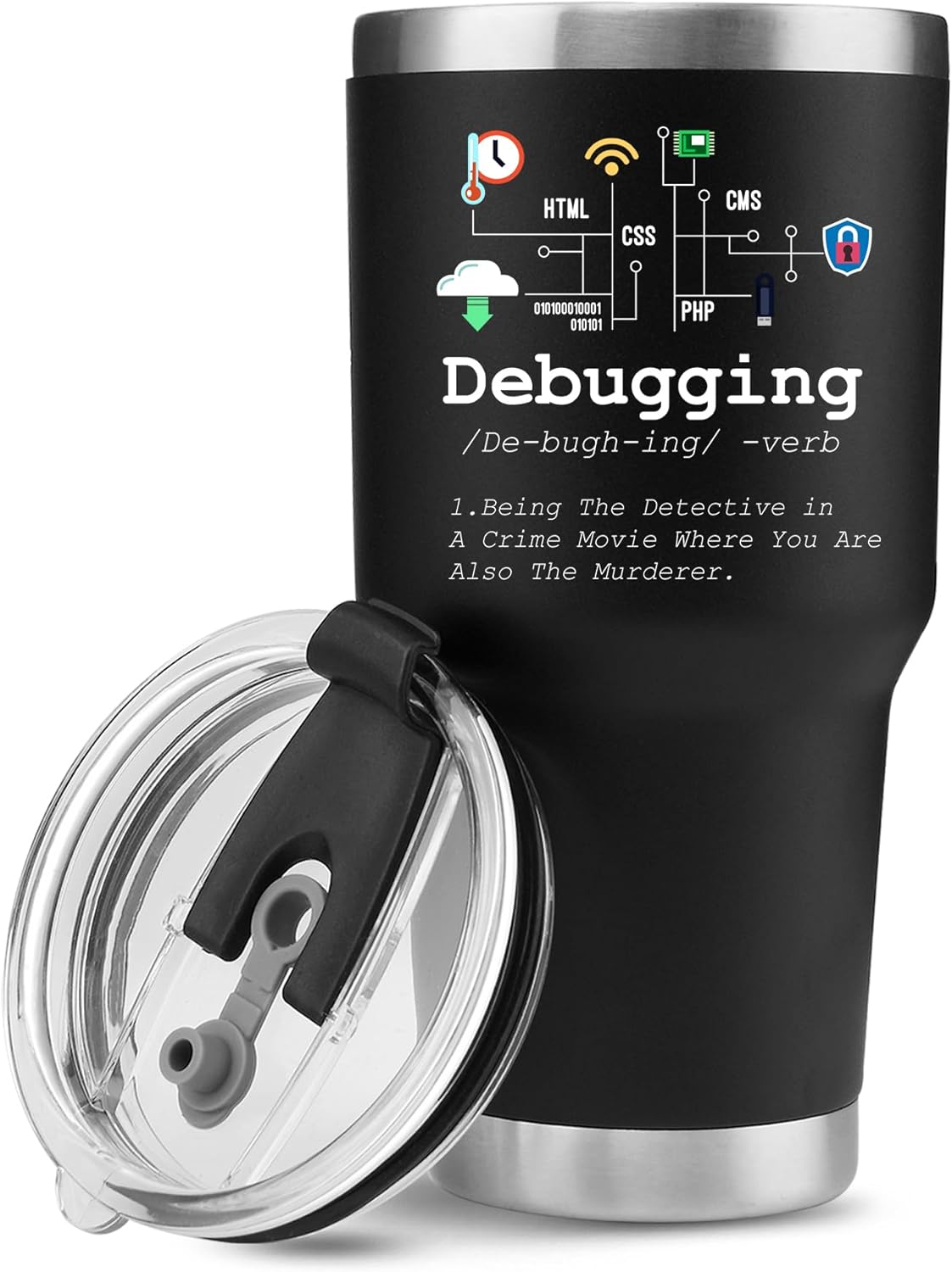
Panvola
Panvola Debugging Definition Computer Programmer Gifts Student Teacher Coder Boyfriend Girlfriend IT Vacuum Insulated Tumbler Tech Support Travel Mug Stainless Steel With Straw Removable Lid (30 oz)

Razer
Razer Basilisk V3 Pro 35K Wireless Gaming Mouse: HyperScroll Tilt Wheel - 35K DPI Optical Sensor Gen 2-13 Customizable Controls - Chroma RGB - Optical Switches Gen 3 - Up to 140 Hr Battery - Black
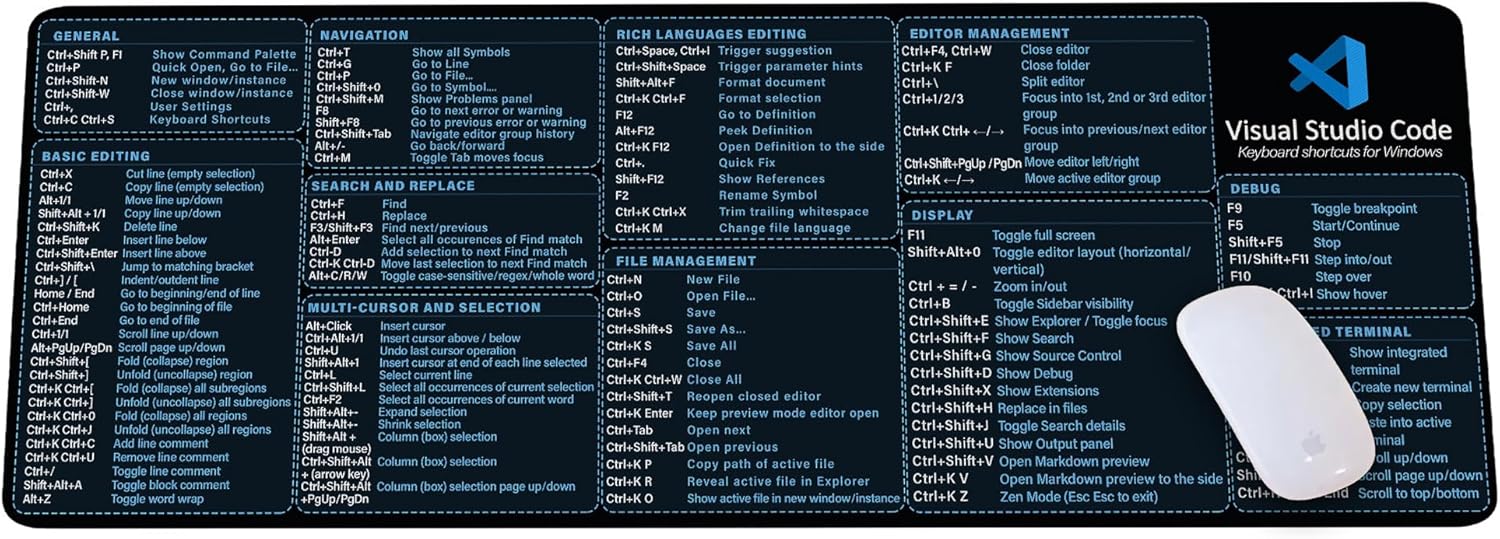
Visual Studio Code Shortcuts Mouse Pad
Visual Studio Code Shortcuts Mouse Pad – Desk Mat for Programmers, Coders & Beginners, Great Office Gift for Developers & Tech Enthusiasts, Computer Accessory for Study, Work, and Learning KMH

Sound Healing 432 Hz
song transports the listener to a relaxed state of mindfulness and inner peace.

Beats-Studio Pro Cancelling Headphones
Beats Studio Pro - Wireless Bluetooth Noise Cancelling Headphones with USB-C Charging Cable (20 cm) - Jet Black
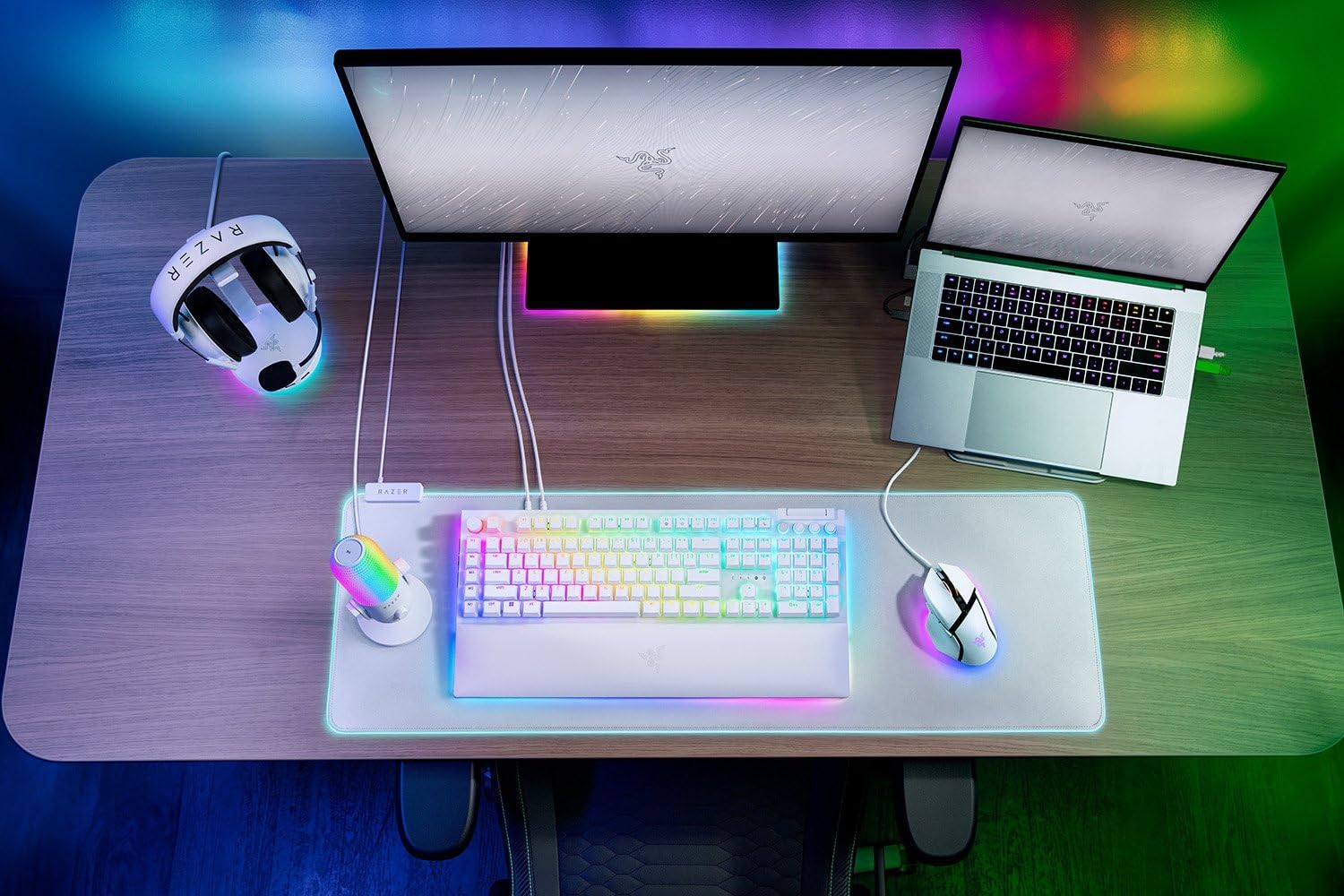
Razer
RAZER BlackWidow V4 Pro Wired RGB Keyboard White Refurbished