

Have you ever dreamed of creating your own video game but didn’t know where to start? Learn Game Development Fast is more accessible than ever, and diving into game development for beginners can be a highly rewarding journey. Whether you want to build games as a hobby or develop skills for a future career, practicing game creation at home sparks creativity and technical prowess all while bringing your ideas to life.
Materials & Supplies
Before starting, make sure you have the following essential tools and software:
- Computer: A mid-range PC or laptop that can run game engines smoothly.
- Game Engine: Popular choices include Unity and Unreal Engine. Unity is beginner-friendly and widely used for Game Development with Unity.
- Code Editor: Visual Studio Code or JetBrains Rider for writing scripts, especially in C# or C++.
- Graphics Software: GIMP or Adobe Photoshop for creating game art and textures.
- Audio Tools: Audacity or FL Studio to compose sound effects and background music.
- Optional:
– Mechanical Gaming Keyboard for better typing accuracy and speed.
– Free alternatives like Blender for 3D modeling.
Each tool plays a specific role: game engines coordinate gameplay mechanics, code editors allow scripting behavior, and graphics/audio software help create a rich audiovisual experience.
Timing / Development Schedule
Game development timeline varies, but a simple plan can guide you from idea to launch:
- Concept & Design (1–2 weeks): Define game mechanics, characters, and art style.
- Coding Phase (2–4 weeks): Implement gameplay, controls, and UI.
- Asset Creation (parallel with coding): Design or source graphics, animations, and sounds.
- Testing & Debugging (1–2 weeks): Playtest your game thoroughly, fix bugs, improve balance.
- Publishing & Marketing (1 week): Prepare builds, upload to platforms, share with the community.
A project timeline spanning 6-10 weeks is realistic for beginners making a simple game, allowing focused practice without burnout.
Step-by-Step Instructions
- Choose Your Engine: Download and install a friendly game engine such as Unity.
- Create a New Project: Start with a simple 2D template to keep complexity manageable.
- Design Basic Gameplay: Outline your core mechanics—what the player does, objectives, and rules.
- Write Basic Code: Use beginner tutorials to script player movement and interactions.
- Add Visual Assets: Create or import sprites, backgrounds, and UI elements.
- Test Frequently: Run the game regularly to catch bugs early and understand gameplay flow.
- Iterate on Feedback: Share your game with friends/family and refine based on their experience.
This stepwise approach ensures you build confidence while continuously enhancing your game.
Advantages of Learning Game Development
Mastering game development at home offers many benefits:
- Creativity: Design unique worlds, stories, and characters.
- Problem-Solving: Translate ideas into functioning software through logic.
- Logical Thinking: Understand programming concepts and algorithm design.
- Teamwork: Collaborate with artists, coders, and sound designers.
- Career Opportunities: Open doors to jobs in game studios, app development, or freelancing.
Tips, Alternative Methods, or Development Advice
If you want to accelerate your learning:
- Start with 2D games before tackling 3D complexity.
- Try visual scripting tools like Scratch or Godot’s visual scripting to grasp logic without coding.
- Use free assets and libraries online to focus on programming early on.
- Join online coding communities or forums for peer support and tips.
- Optimize your workspace with a Mechanical Gaming Keyboard for efficient coding sessions.
- Set achievable daily or weekly goals to maintain momentum.
Common Mistakes to Avoid
- Overcomplicating Your First Project: Keep initial games simple to ensure completion.
- Neglecting Testing: Regularly test to catch bugs early and improve gameplay.
- Ignoring Player Feedback: Use constructive criticism to refine your game experience.
- Lack of Version Control: Use tools like Git to safeguard your code from loss.
- Skipping Tutorials: Follow structured learning paths to build proper foundations.
Maintenance / Update Tips
After releasing your game, ongoing maintenance improves player experience:
- Use Version Control: Track changes and revert problematic updates.
- Fix Bugs Promptly: Prioritize critical issues to retain player interest.
- Add New Content: Introduce features or levels to keep the game fresh.
- Gather Player Feedback: Engage users through forums, social media, or surveys.
- Backup Projects Regularly: Keep copies on cloud storage or external drives.
The Best Websites or Tools That Offer This for Free
- Unity Learn: Official Unity tutorials and projects for beginners.
- Unreal Online Learning: Free courses on Unreal Engine fundamentals.
- Brackeys YouTube Channel: Beginner-friendly Unity tutorials that walk you through game creation.
- GameDev.tv Free Courses: Introductory coding and design lessons.
- Itch.io: A platform to publish and find free game assets and games.
A Brief Explanation for Beginners, Including the Steps Involved
To Learn Game Development Fast, follow these core steps:
- Install a beginner-friendly game engine like Unity.
- Complete introductory tutorials to understand the interface and basic scripting.
- Create a small prototype focusing on one gameplay feature at a time.
- Iterate by adding assets, refining mechanics, and optimizing performance.
- Test extensively and gather feedback before publishing.
FAQs
- What programming language should I start with?
- C# is recommended if you choose Unity, while Unreal Engine uses C++. For beginners, C# is generally easier to learn.
- Which game engine is best for beginners?
- Unity offers a great balance of power and ease of use, especially for 2D and 3D games.
- How long does it take to make a small game?
- Typically, a simple game can take 6-10 weeks depending on complexity and your learning pace.
- Do I need to know coding to start?
- Not necessarily. Visual scripting tools or drag-and-drop engines can get you started, but coding skills will enhance your capabilities.
- Where can I publish my first game?
- Popular platforms include itch.io, Steam, Google Play Store, and the Apple App Store.
Blink Video Doorbell
Blink Video Doorbell (newest model) – Head-to-toe HD view, two-year battery life, and simple setup. Required Sync Module not included – Add-On (Black)

KOORUI
KOORUI 24.5 Inch Gaming Monitor 200Hz, 1ms, FHD(1920 * 1080p) IPS Display, HDR400, 90% DCI-P3 Color Gamut with Adaptive Sync, HDMI & DP Port, Black, G2511P
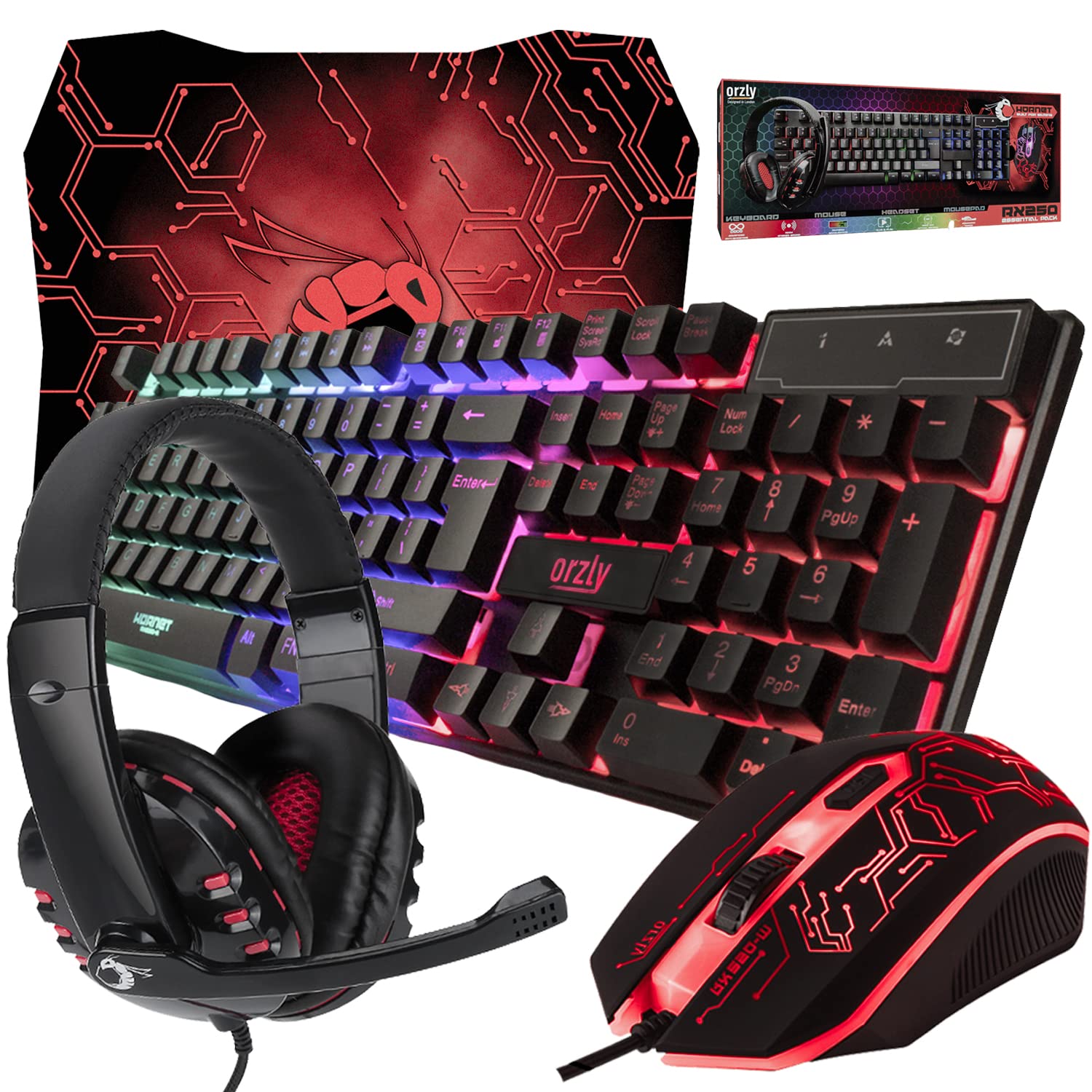
Gaming Keyboard and Mouse and Mouse pad and Gaming Headset, Wired LED RGB Backlight Bundle
Gaming Keyboard and Mouse and Mouse pad and Gaming Headset, Wired LED RGB Backlight Bundle for PC Gamers and Xbox and PS4 Users - 4 in 1 Edition Hornet RX-250
Make Your First 2D Game in Unity
Want to build your first game but don’t know where to start? This beginner-friendly guide shows you how to create SampleGame2D — a fun Flappy Bird–style project — step by step in Unity. Inside you’ll learn: