The gaming industry has evolved rapidly in the last few years, and 8K gaming has become the new frontier for enthusiasts. But running games at such an ultra high resolution requires more than just a powerful graphics card. If you want to enjoy smooth 8K gaming performance, you need to optimize your gaming PC at both the hardware and software levels.
In this guide, we’ll cover everything you need to know: from essential components to performance tweaks, and even how to avoid the most common mistakes.
What is 8K Gaming and Why Does It Matter?
8K refers to a resolution of 7680 × 4320 pixels, which is four times sharper than 4K and sixteen times sharper than 1080p. The level of detail in 8K is breathtaking, but it comes at a cost: games require massive GPU power, high bandwidth memory, and optimized settings.
If you don’t properly optimize your setup, even the most expensive gaming PC may struggle. That’s why fine-tuning your system is critical.
Hardware Requirements for 8K Gaming
To handle 8K gaming, you’ll need a balanced system. It’s not only about the GPU — the CPU, RAM, and storage also play key roles.
1. Graphics Card (GPU)
- Look for NVIDIA RTX 4090 or AMD’s latest high end GPUs.
- Ray tracing and DLSS 3 (AI upscaling) are crucial for playable frame rates.
- Multi-GPU setups are no longer common, but a single flagship card is enough if optimized.
2. Processor (CPU)
- An Intel Core i9 or AMD Ryzen 9 is recommended.
- Avoid bottlenecks by pairing a powerful CPU with your GPU.
3. Memory (RAM)
- At least 32GB DDR5 is recommended.
- Faster RAM (6000MHz+) can improve frame pacing at 8K.
4. Storage
- NVMe SSDs ensure fast load times.
- Games optimized for 8K often exceed 100GB, so storage speed matters.
Best Settings for Smooth 8K Gaming
Even with high end hardware, raw power isn’t enough. You’ll need to tweak in game settings.
- Resolution Scaling: Use DLSS or FSR to upscale lower resolutions to 8K with minimal quality loss.
- Texture Quality: Keep it at Ultra for 8K visuals, but lower shadows and post processing if FPS drops.
- Ray Tracing: Enable selectively. Full ray tracing at 8K is too demanding, so balance quality vs performance.
- Frame Rate Caps: Cap at 60 FPS for stability if your hardware can’t consistently reach higher.
Cooling & Overclocking Tips for 8K Performance
- Custom cooling loops or high end AIO coolers keep the GPU/CPU temperatures in check.
- Overclocking the GPU can give a 5–10% boost in performance, but stability is key.
- Always monitor temperatures with software like MSI Afterburner.
Keeping your system cool improves both performance and longevity.
Common Mistakes to Avoid
- Focusing only on GPU neglecting the CPU and RAM leads to bottlenecks.
- Overusing Ray Tracing it’s beautiful, but at 8K, it kills performance if not balanced.
- Ignoring drivers outdated GPU drivers reduce performance by 10–20%.
- Poor airflow heat build up throttles your GPU, even if you have the best components.
Future of 8K Gaming
8K gaming is still in its early stages, but with AI upscaling technologies like DLSS 4 (coming soon), achieving smooth 8K at higher frame rates will become easier. Next gen consoles and cloud gaming platforms may also push 8K as a standard in the next few years.
For now, PC gamers with the right optimization can enjoy a cinematic experience unlike anything else.
- Interested in maximizing visual quality? Check out our guide on How to Optimize a Gaming PC for Ray Tracing.
- Want to stream your 8K sessions? Read How to Optimize a Gaming PC for Streaming.
- Looking for budget options? Explore Best Gaming PC Under $500.
Optimizing your PC for 8K gaming isn’t just about buying the latest GPU. It’s about building a balanced system, adjusting in game settings, and ensuring cooling + stability. With the right tweaks, you can enjoy buttery smooth 8K visuals and future proof your gaming setup.
Vooii for iPhone SE
Vooii for iPhone SE Case 2022/3rd/2020,iPhone 8/7 Case, Upgraded Liquid Silicone with [Flat Edges] [Camera Protection] [Soft Anti-Scratch Microfiber Lining] Phone Case for iPhone SE – Black
Results
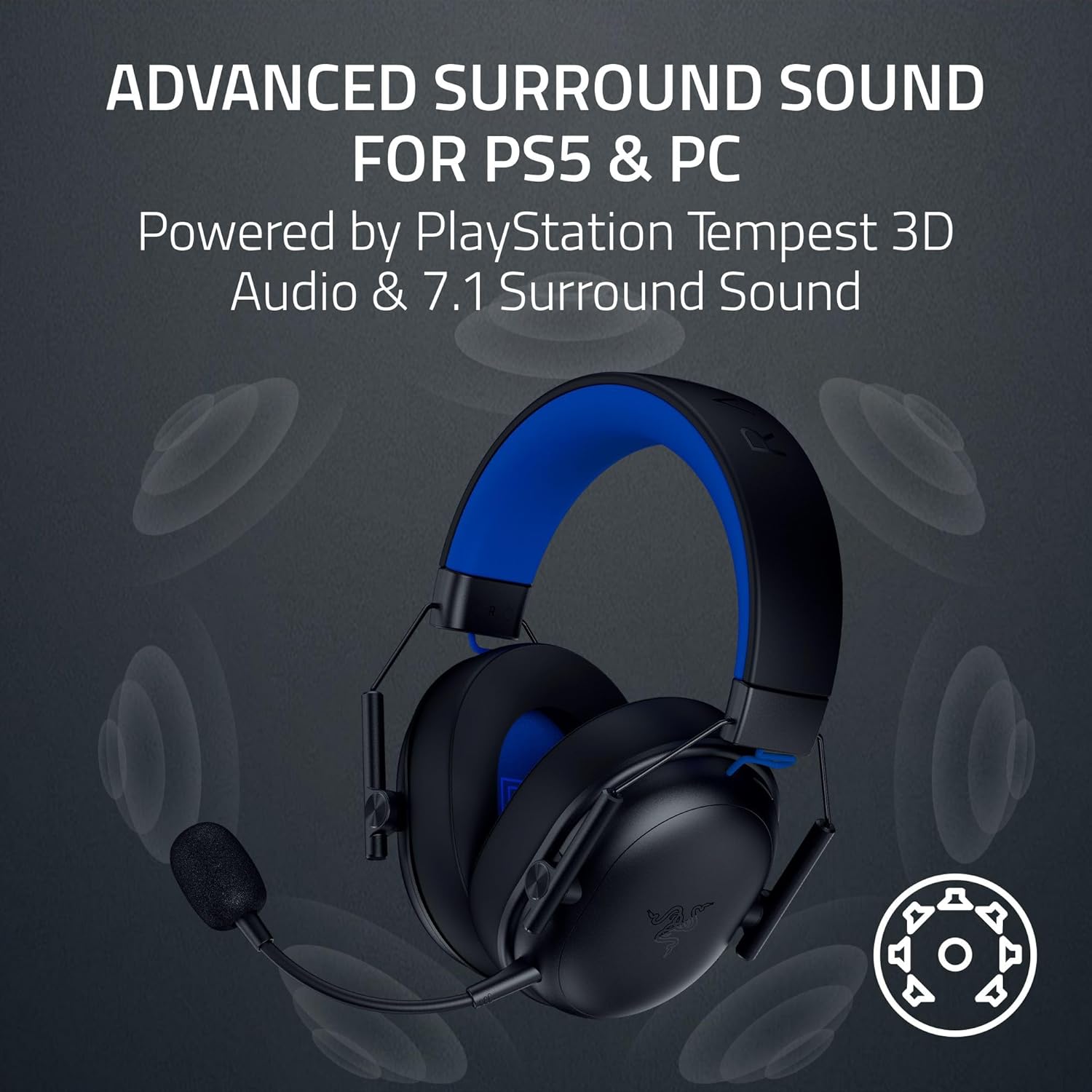
Razer BlackShark V3 X HyperSpeed Wireless Gaming Headset for PS5: 50mm Drivers – Cardioid Mic – 2.4 GHz, Bluetooth – Works with PC, Mac, Nintendo Switch, Smartphone – Long Battery Life – Black

Sound Healing 432 Hz
song transports the listener to a relaxed state of mindfulness and inner peace.

KOORUI
KOORUI 24.5 Inch Gaming Monitor 200Hz, 1ms, FHD(1920 * 1080p) IPS Display, HDR400, 90% DCI-P3 Color Gamut with Adaptive Sync, HDMI & DP Port, Black, G2511P

MMO Mug
MMO Mug – Legendary Coffee Mug Level 110 – Large Ceramic Black15oz – Gaming, Gamer Cup

Panvola
Panvola Debugging Definition Computer Programmer Student Teacher Geek Coder Tech Support Programming IT Insulated Coffee Mug with Handle and Lid Camping Travel Thermal Mugs 14 oz Black
Leave a Reply