
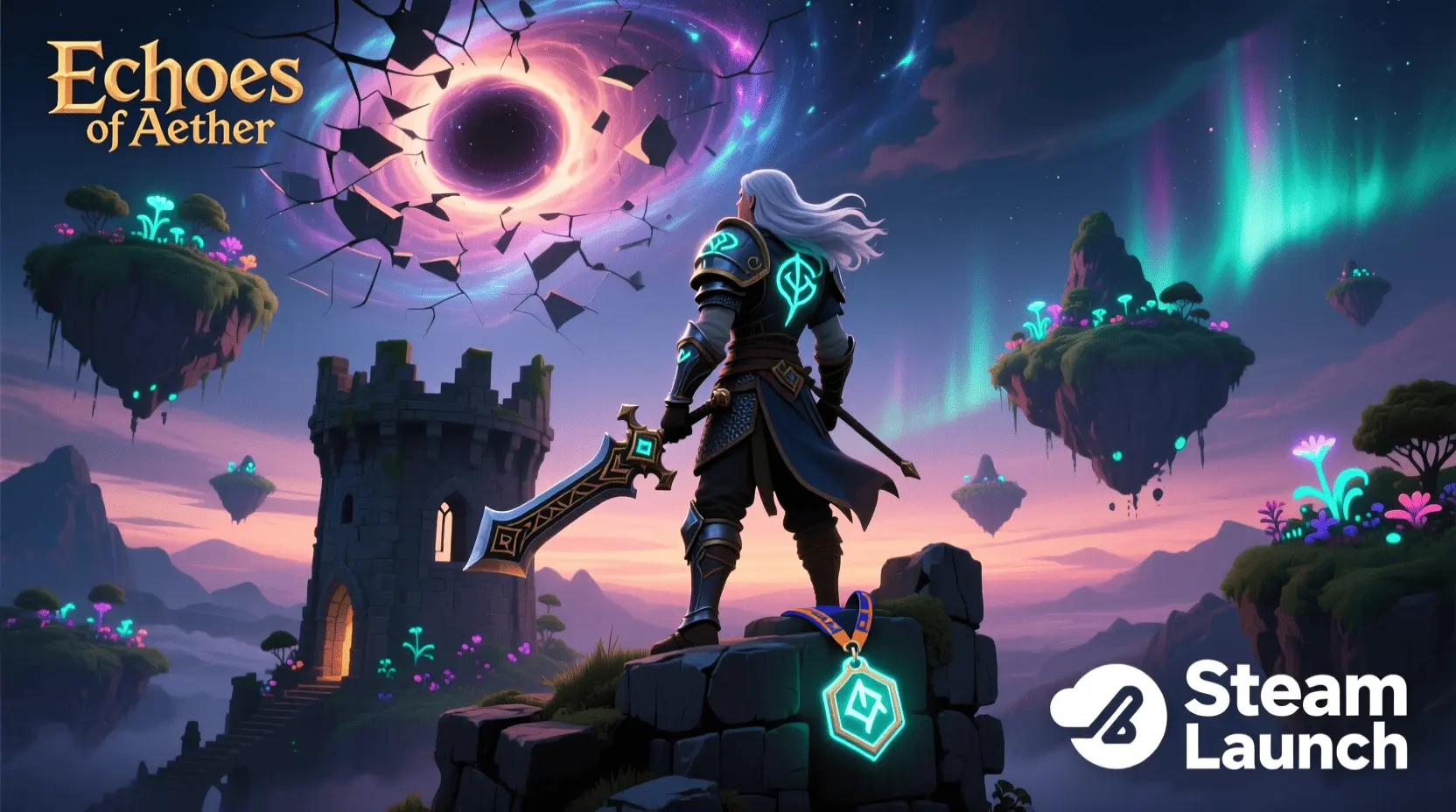
Ever dreamed of seeing your creation live, ready for millions of players to discover? The allure of indie game development is stronger than ever, and for many aspiring creators, the ultimate goal is to Publish Game on Steam. This platform isn’t just a storefront; it’s a global stage where passion projects can transform into successful ventures. But how do you get there? While the final step is publishing, the journey begins much earlier, right from your home setup. This guide will walk you through the essential steps of game development for beginners, from concept to getting your game ready for the world’s leading PC gaming platform. Learning and practicing game creation at home isn’t just valuable; it’s the inspiring first step towards realizing your digital dreams.
Materials & Supplies
Embarking on your game development journey requires a few key tools, many of which you might already possess. At its core, you’ll need a reliable computer – ideally one with decent processing power and graphics capabilities. While a high-end gaming rig isn’t strictly necessary for your first simple game, it will certainly smooth out your workflow, especially if you’re using a Mechanical Gaming Keyboard for those intense coding sessions. Next, choose a game engine. Popular choices include Unity and Unreal Engine, both offering powerful features and extensive communities. Unity is often recommended for beginners due to its accessible C# scripting and vast tutorials, making it excellent for Game Development with Unity. You’ll also need a code editor (like Visual Studio Code), graphics software (Blender for 3D, GIMP/Krita for 2D), and audio tools (Audacity or LMMS). Many free and open-source alternatives are available, making game development highly accessible regardless of budget.
Timing / Development Schedule
The timeline for creating a game varies wildly, from a few days for a simple prototype to years for a complex title. For beginners aiming to Publish Game on Steam, planning is crucial. Start with a realistic estimate: a very simple 2D game might take 1-3 months of consistent effort. This includes a “prep time” phase (1-2 weeks) for concepting, basic design, and asset gathering. The “coding phase” will be the longest, potentially 4-8 weeks, where you build core mechanics. Don’t forget “testing and debugging” (2-4 weeks), which is vital for a polished product. Finally, the “publishing phase” (1-2 weeks) involves preparing storefront assets, writing descriptions, and navigating platform-specific requirements like Steamworks. Break down your project into small, manageable sprints to maintain momentum and track progress effectively.
Step-by-Step Instructions
To start developing a simple game, follow these foundational steps:
- Concept & Design: Brainstorm a simple idea. What’s the core gameplay loop? Who is your player? Sketch out levels and characters.
- Engine Setup: Install your chosen game engine (e.g., Unity). Get familiar with its interface and basic functionalities.
- Core Mechanics: Start coding player movement, interactions, and basic game rules. Build a minimal viable product (MVP) first.
- Asset Integration: Create or source simple assets (sprites, 3D models, sound effects, music). Integrate them into your game.
- Level Design: Build one or two simple levels using your assets and mechanics.
- Debugging & Testing: Play your game constantly. Fix bugs, refine gameplay, and ensure everything works as intended. This is critical for any game you eventually Publish Game on Steam.
- Polish & Iterate: Add UI elements, visual effects, and sound design. Refine existing features based on playtesting feedback.
Small actionable advice: tackle one feature at a time, and always back up your work!
Advantages of Learning Game Development
Learning game development at home offers a multitude of benefits beyond just creating a product. It’s a fantastic exercise in creativity, allowing you to bring imaginative worlds to life. It hones your problem-solving abilities, as debugging code and designing engaging mechanics require logical thinking and persistence. You’ll develop strong project management skills and, if you collaborate, teamwork. For many, it’s also a gateway to exciting career opportunities in a booming industry, whether you aim to be a programmer, artist, designer, or eventually Publish Game on Steam as an indie developer. Building games improves both your technical prowess and artistic expression, making it a truly holistic learning experience.
Tips, Alternative Methods, or Development Advice
If you’re just starting, consider beginning with 2D games. They generally have a lower barrier to entry in terms of asset creation and complexity compared to 3D. Visual scripting tools like Godot’s built-in scripting or Unity’s Bolt can ease you into logic without deep coding knowledge. For those with limited hardware or time, focus on hyper-casual games or simple prototypes that can be completed quickly. Optimize your learning by diligently following tutorials, experimenting with concepts, and joining online coding communities. Platforms like Itch.io also offer a great testing ground before you consider a full-fledged launch to Publish Game on Steam.
Common Mistakes to Avoid
Beginners often stumble upon a few common pitfalls. The most frequent is overcomplicating the first project. Resist the urge to create the next AAA blockbuster; start small, finish it, and then expand. Neglecting testing is another major error – a buggy game frustrates players and can harm your reputation before you even consider to Publish Game on Steam. Ignoring player feedback, especially during early testing phases, means missing crucial opportunities for improvement. To avoid these, set realistic goals, commit to thorough playtesting, and actively seek constructive criticism. Remember, consistency and iterative improvement are key to a successful development cycle.
Maintenance / Update Tips
Releasing your game is not the end; it’s just the beginning of its public life. After you Publish Game on Steam, maintenance becomes vital. Utilize version control systems (like Git) to track changes and collaborate effectively. Regularly check player feedback for bug reports and suggestions for new content. Plan for bug fixes and consider adding new features or levels to keep your community engaged. Transparent communication with your player base is crucial for building loyalty. Always keep organized backups of your project files and assets to prevent data loss and ensure smooth future updates.
Conclusion
The journey from a home-based hobbyist to an indie developer who can proudly Publish Game on Steam is challenging but incredibly rewarding. Start small, embrace the learning process, and never stop practicing. Each line of code, every pixel drawn, and every bug squashed brings you closer to your goal. Share your projects with friends, gather feedback, and engage with the vibrant developer community. The world of game development is open, and your unique vision is waiting to be shared. Ready to dive deeper? Explore more tutorials on our blog or connect with fellow creators today!
FAQs
- What programming language should I start with?For beginners, C# with Unity or Python with Pygame are excellent choices due to their readability and extensive learning resources.
- Which game engine is best for beginners?Unity is often recommended for its user friendly interface, C# scripting, and vast community support, especially for Game Development with Unity.
- How long does it take to make a small game?A very simple 2D game can take anywhere from a few weeks to 3-4 months of consistent effort, depending on complexity and features.
- Do I need to know coding to start?While coding is fundamental, you can start with visual scripting tools or engines like Construct or GameMaker Studio 2 that minimize the need for traditional code, allowing you to grasp game logic first.
- Where can I publish my first game?You can publish your first game on platforms like Itch.io for free, or aim for larger digital storefronts like Steam (via Steam Direct) once your game is polished and ready for a broader audience.
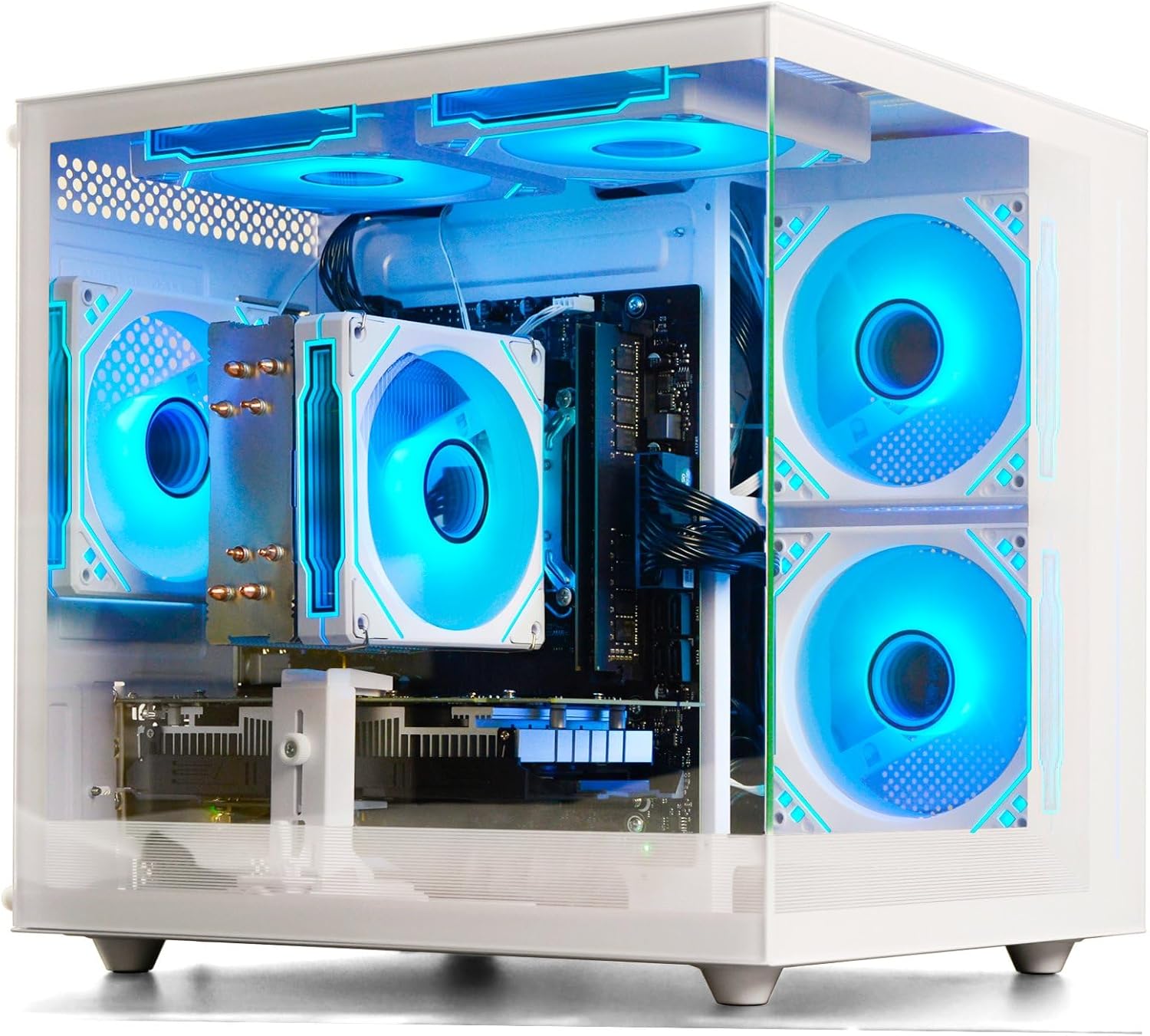
Prebuilt Gaming Desktop Computer
Prebuilt Gaming Desktop Computer | 16G Memory | 512G SSD | AMD Ryzen5 6Cores 3.6G Up to 4.1G | RX 560 4G Graphics Card | Wi-Fi 6 | Gamer PC White

6 Pcs Computer Programmer Gifts for Men
6 Pcs Computer Programmer Gifts for Men Debugging Definition Programmer Gifts 12oz Stainless Steel Cup Socks Keychain Pen Notebook Box for IT Developers Computer Geeks Nerd Hackers Coders
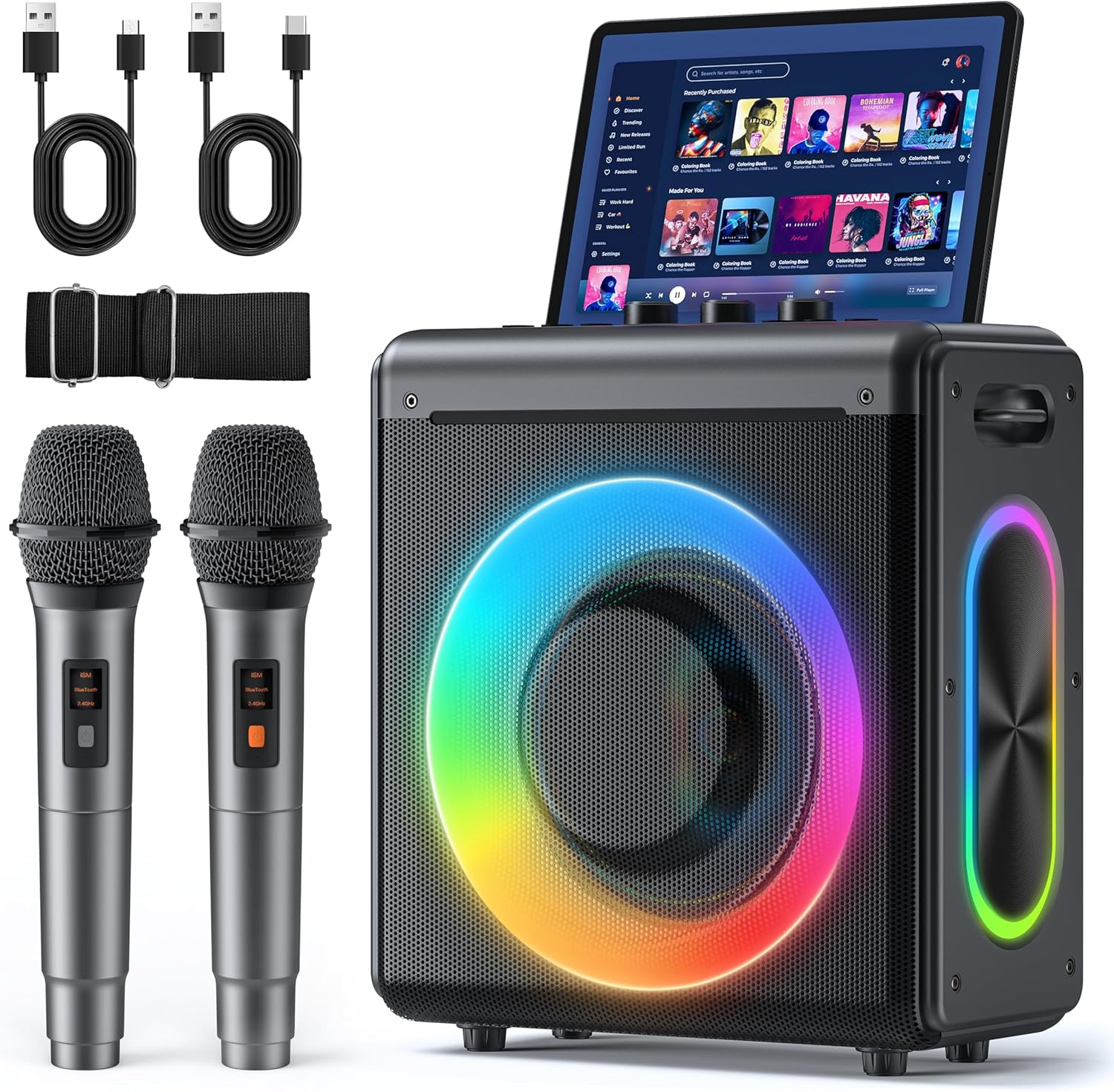
Karaoke Machine
Karaoke Machine with 2 Wireless Rechargeable Microphones: Portable Bluetooth Speaker for Adults & Kids - PA System with Lights Supports TWS/TF Card/USB/AUX for Home Party
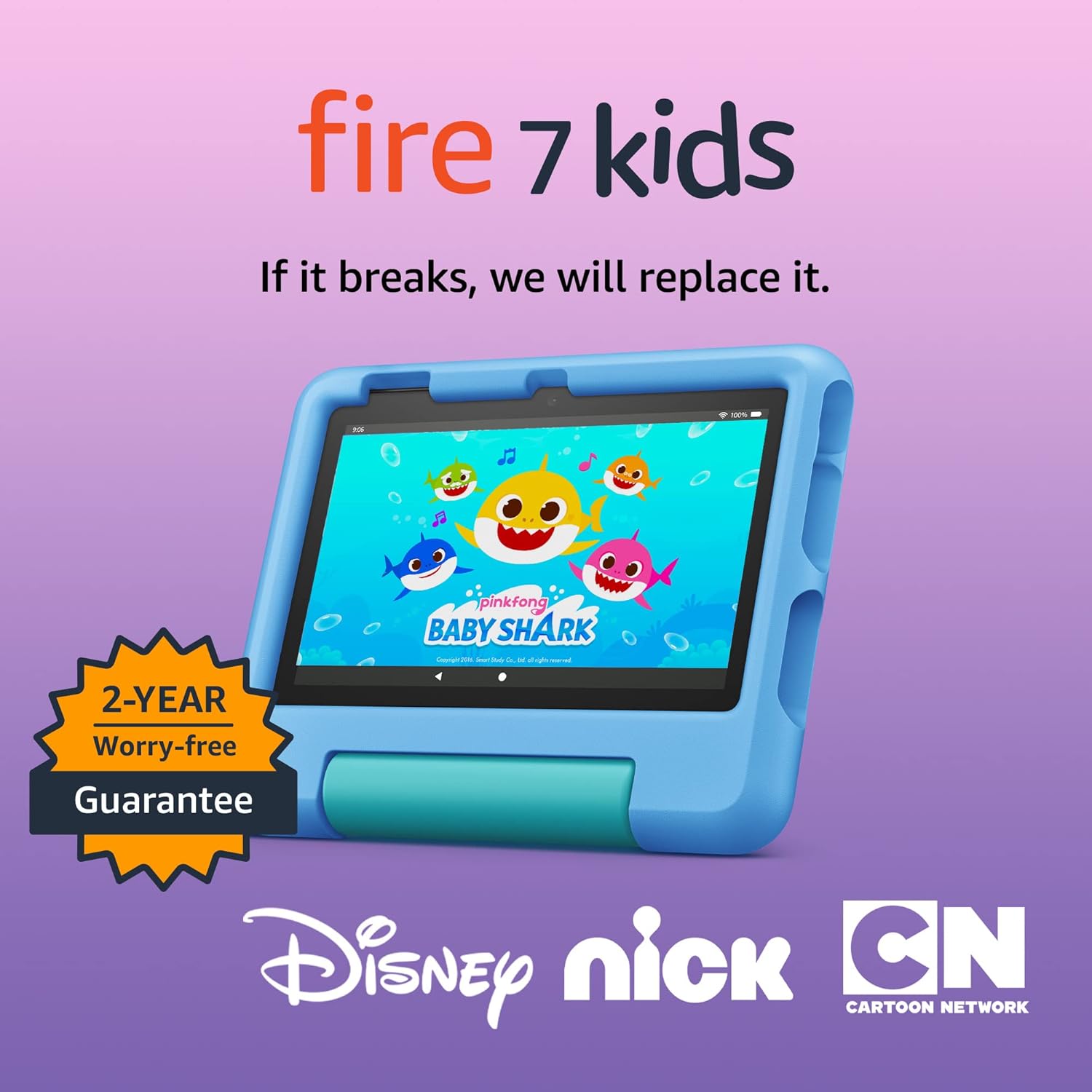
Amazon Fire 7 Kids tablet
Amazon Fire 7 Kids tablet, ages 3-7. Top-selling 7\" kids tablet on Amazon. Includes ad-free and exclusive content, easy parental controls, 10-hr battery, 16 GB, Blue