

Are you excited about diving into game development for beginners and wondering how to bring your characters to life with realistic movements? Animation is a crucial element that can transform a game from static imagery to dynamic storytelling. With tools like Mixamo Animation, you can easily rig and animate 3D models without needing expert animation skills. Embracing game creation at home not only unleashes your creativity but also builds valuable technical skills, making the learning journey both inspiring and rewarding.
Materials & Supplies
To start game development and incorporate animations smoothly, assembling the right materials and tools is essential:
- Computer: A mid range or better PC/Mac capable of running game engines and 3D software.
- Game Engine: Popular choices include Unity and Unreal Engine. Unity is beginner-friendly, especially with Game Development with Unity book or tutorials.
- 3D Modeling Software: Blender (free), Maya, or 3ds Max for creating or modifying character models.
- Animation Tools: Mixamo Animation serves as a free web based rigging and animation platform that simplifies character movements.
- Code Editor: Visual Studio Code, Atom, or integrated editors within game engines for scripting behavior.
- Graphics Software: Photoshop, GIMP, or Krita to create textures and UI elements.
- Audio Tools: Audacity (free) or commercial packages for sound effects and background music.
- Optional Hardware: A Mechanical Gaming Keyboard improves typing ergonomics and responsiveness during programming sessions, promoting comfort during long development hours.
Timing / Development Schedule
Building a simple game typically follows an iterative timeline:
- Concept & Planning (1-2 weeks): Define game mechanics, story, characters, and art style.
- Asset Creation & Animation (2-4 weeks): Model characters, apply Mixamo Animation, design environments and UI elements.
- Coding Phase (3-6 weeks): Program gameplay mechanics, UI, controls, and integrate animations.
- Testing & Debugging (2-3 weeks): Identify bugs, refine mechanics, and improve performance on various devices.
- Publishing (1 week): Prepare game build, write descriptions, and launch on platforms like itch.io or Steam.
Remember, these phases overlap considerably, and beginners should plan flexibly, emphasizing learning milestones over strict deadlines.
Step-by-Step Instructions
- Choose a Game Engine: Download and install Unity or Unreal Engine based on your preference. For beginners, Unity with Game Development with Unity resources is highly recommended.
- Create or Download a 3D Model: Use Blender or acquire free models online.
- Upload to Mixamo: Visit Mixamo’s website and upload your character model for automatic rigging.
- Apply Animations: Select from Mixamo’s vast animation library walk, run, jump and customize speed or pose. Download the animated model as an FBX file.
- Import the Model into Your Game Engine: Integrate the animated character and set up animation controllers or state machines as per your engine’s workflow.
- Write Game Logic: Develop scripts to control animations based on player input or gameplay events.
- Test Regularly: Playtest functionality often to identify bugs and improve interaction fidelity.
- Iterate: Refine art assets, tweak animations, and optimize code performance gradually.
Advantages of Learning Game Development
Delving into game creation offers countless benefits:
- Creativity & Expression: Game design combines storytelling, art, and programming perfect for artists and coders alike.
- Problem Solving: Coding challenges cultivate logical thinking and patience.
- Teamwork: Collaboration skills develop through project partnerships or community contributions.
- Career Pathways: Proficiency opens doors to roles in gaming studios, software companies, or independent ventures.
- Technical & Artistic Growth: Using platforms like Mixamo Animation enhances understanding of 3D modeling and realistic motion.
Experimenting at home nurtures confidence and builds a portfolio to showcase.
Tips, Alternative Methods, or Development Advice
- Start Small: Create 2D games or simple 3D projects before complex simulations.
- Visual Scripting: Tools like Unreal’s Blueprints or Godot’s visual scripts aid beginners uncomfortable with coding.
- Online Collaboration: Join forums or GitHub projects to gain feedback and contribute to open source games.
- Optimize Hardware Usage: If limited by computer specs, utilize cloud-based tools or lightweight engines like Godot.
- Use Tutorials: Platforms such as YouTube, Coursera, and official documentation fast-track learning.
Also, upgrading your setup with a Mechanical Gaming Keyboard can improve your efficiency and comfort during prolonged sessions.
Common Mistakes to Avoid
- Overcomplicating Projects: Avoid feature bloat; focus on a core mechanic.
- Skipping Testing: Regular testing identifies bugs early and enhances user experience.
- Ignoring Player Feedback: User input guides improvements and helps maintain motivation.
- Poor Project Management: Maintain backups and keep assets organized to prevent data loss.
- Underestimating Learning Curve: Progress takes time; patience is crucial.
Addressing these pitfalls helps maintain momentum and produce quality results.
Maintenance / Update Tips
Post-launch support is vital:
- Implement version control (Git) for safe updates.
- Monitor bug reports and release patches promptly.
- Engage player community for feature requests and feedback.
- Add new content like levels or characters gradually to sustain interest.
- Keep backups of all source files and documentation organized.
Consistent iteration ensures your game remains relevant and polished.
The best websites or tools that offer this for free
- Mixamo: Free rigging and animation library for 3D characters.
- Unity Personal: Free game engine version for beginners and indie developers.
- Blender: Open-source 3D modeling and animation software.
- Audacity: Free audio editing tool.
- Itch.io: Platform to publish and share your games with a supportive community.
A brief explanation for beginners, including the steps involved
Beginners can start by choosing a simple game idea, then follow these steps:
- Learn basic programming concepts in C# (for Unity).
- Create or download a character model.
- Use Mixamo Animation to rig and animate the model.
- Import assets into Unity and set up simple player controls.
- Test the game frequently and gather feedback.
- Publish your first build on free platforms like itch.io.
By following a structured path, beginners can build confidence and skills incrementally.
FAQs
What programming language should I start with?
C# is recommended for Unity; JavaScript or Python can be alternatives depending on the engine.
Which game engine is best for beginners?
Unity offers extensive tutorials and community support ideal for first-time developers.
How long does it take to make a small game?
A simple game can take 1-3 months depending on complexity and time invested daily.
Do I need to know coding to start?
Not necessarily; visual scripting tools enable non-coders to create games, though learning basic code is beneficial.
Where can I publish my first game?
Platforms like itch.io, Game Jolt, and Steam Early Access allow indie developers to share their games with a wide audience.
Embrace your journey into game development by experimenting with animation tools like Mixamo Animation and enhancing your workflow with hardware like a Mechanical Gaming Keyboard. Begin small, stay consistent, and unlock the exciting world of interactive creation!
Ultimate Mobile Controls – Plug & Play
Take your mobile game to the next level with this ready-to-use Mobile Controls Pack. customizable mobile controls without wasting days on UI and input setup. Perfect for 2D, 3D, FPS, RPG, Platformer, Shooter, and Casual mobile games.
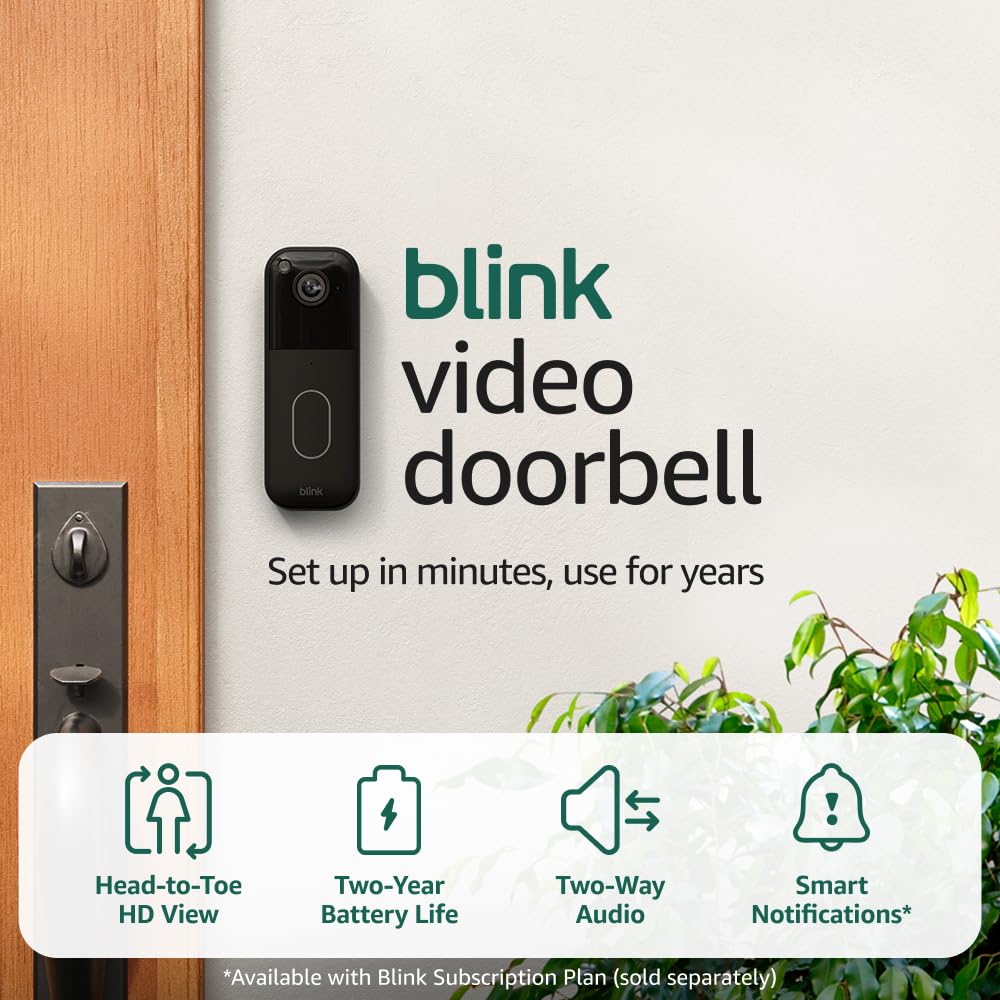
Blink Video Doorbell
Blink Video Doorbell (newest model) – Head-to-toe HD view, two-year battery life, and simple setup. Required Sync Module not included – Add-On (Black)
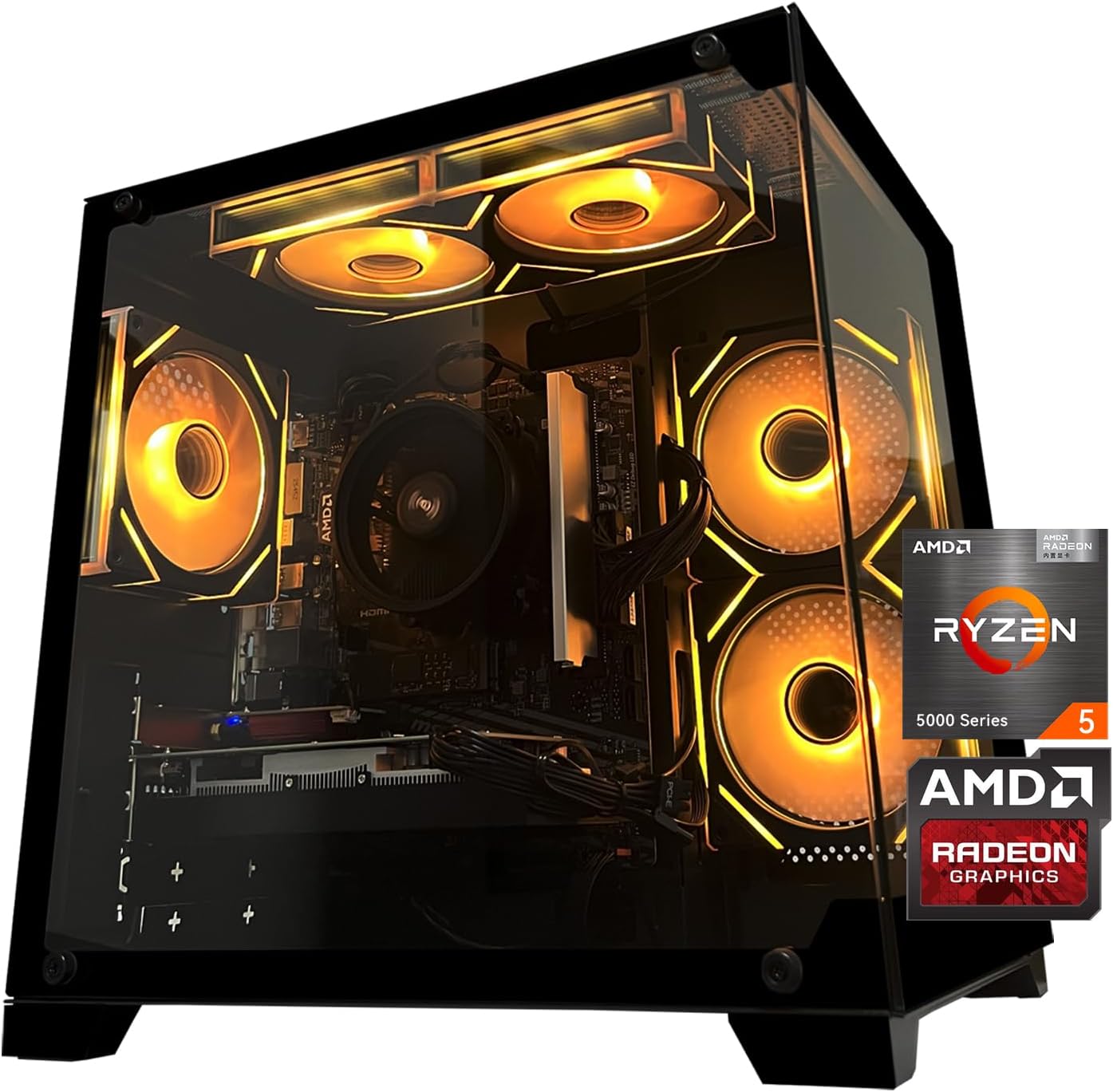
Gaming PC Desktop Computer, AMD
Gaming PC Desktop Computer, AMD Ryzen 5 5500, RX6500XT 4GB Graphics, 16GB DDR4 RAM, 512GB NVMe SSD, ARGB Fans, Game Design Office
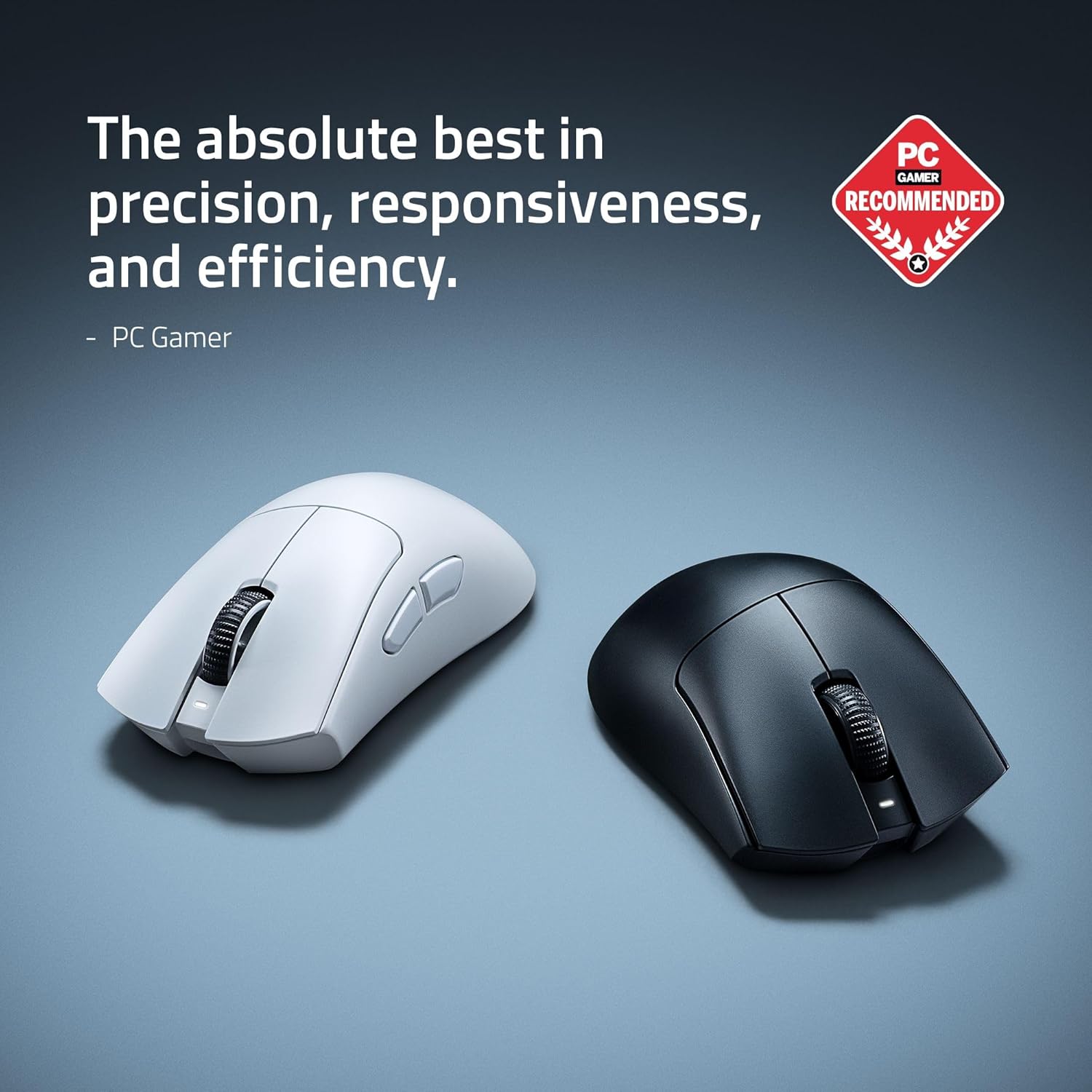
RAWM ES21 Wireless Gaming Mouse
Razer DeathAdder V4 Pro Wireless Gaming Mouse: 56g Lightweight - HyperSpeed Wireless Gen-2 - Optical Scroll Wheel - Optical Switches Gen-4 - Focus Pro 45K Sensor Gen-2 - Up to 150 Hr Battery