
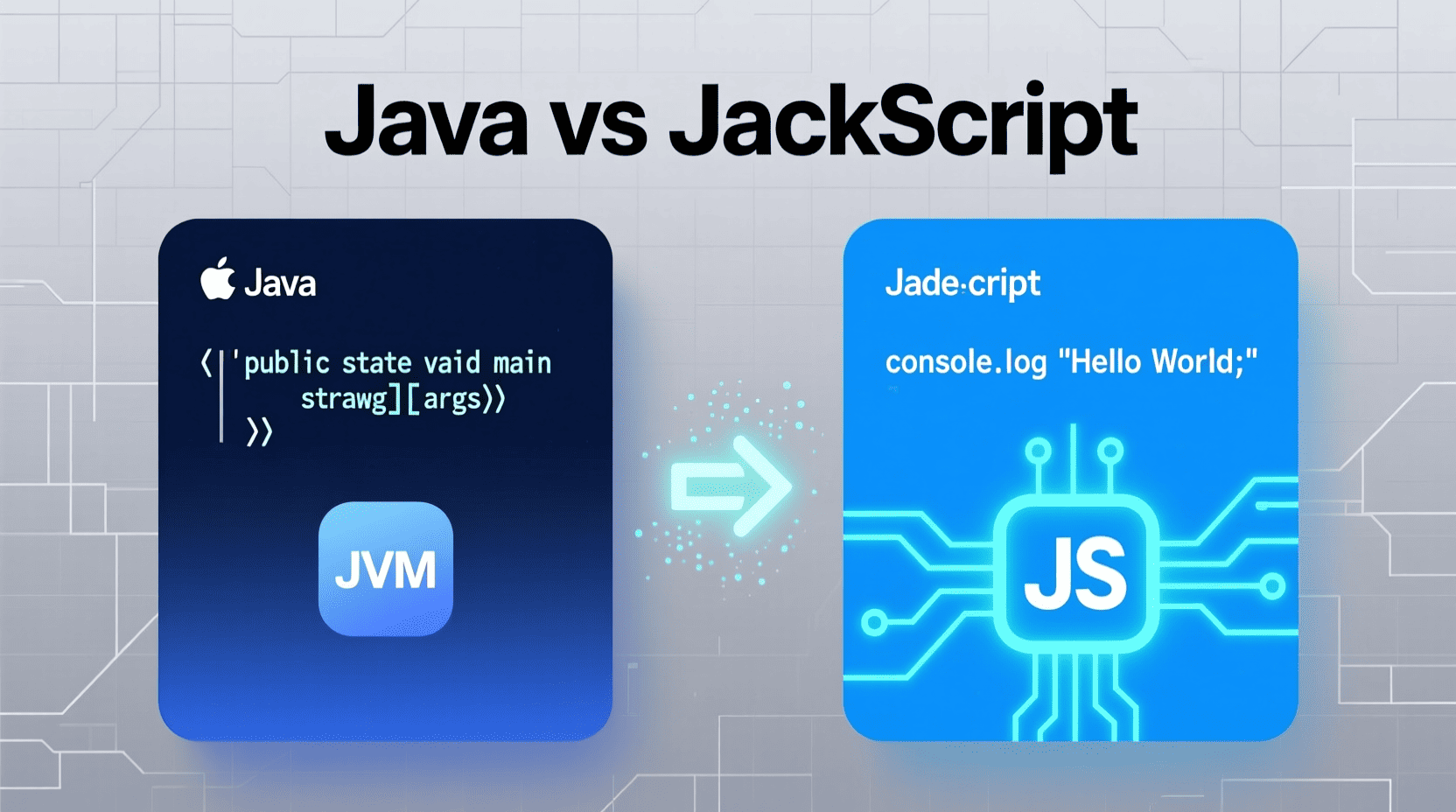
Introduction
Game development for beginners can be both thrilling and challenging. Knowing the right programming language to start with is essential because it shapes your learning curve and the types of games you can build. Java and JavaScript are among the most popular coding languages today, but which one fits your goals? By exploring their differences, you’ll gain clarity on how each language can be leveraged, especially if you dream of creating immersive games at home.
Materials & Supplies
- Java: Requires the Java Development Kit (JDK), Integrated Development Environment (IDE) like IntelliJ IDEA or Eclipse, and a Java Runtime Environment (JRE) for execution.
- JavaScript: Runs natively on web browsers; you only need a text editor (like VS Code) and a modern browser for testing.
- Basic knowledge of programming concepts such as variables, loops, and functions.
- Optional game development frameworks or libraries for Java, consider LibGDX for JavaScript, Phaser or Three.js.
Timing / Development Schedule
Starting with Java may require a longer setup time due to installation of the JDK and configuration of an IDE. It’s typically favored for more extensive, structured projects, so development timelines can stretch depending on the game’s complexity.
JavaScript, by contrast, offers a more immediate start. You can write and test your code instantly using browser consoles or lightweight editors. For beginners, short development cycles allow for rapid learning and iteration.
Step-by-Step Instructions
- Java Path:
- Install JDK and set up your IDE.
- Learn Java syntax and object-oriented programming concepts.
- Use libraries like LibGDX to build your game loop and graphics.
- Compile and run your Java game on the desktop or mobile platforms.
- JavaScript Path:
- Open a simple text editor and web browser.
- Write basic JavaScript code and test it in the browser console.
- Explore core DOM manipulation to create interactive elements.
- Use game engines like Phaser or Three.js for advanced graphics.
- Debug javascript error issues promptly using browser developer tools.
- Utilize methods such as javascript string contains and javascript indexof for handling string operations, essential in many game logic implementations.
Advantages of Learning Game Development
- Enhances problem solving skills and logical thinking.
- Offers a best in class introduction to software engineering principles.
- Enables creativity and technical expression on a personal or professional level.
- Building games with Java teaches you scalable object-oriented programming.
- JavaScript allows immediate visual feedback, making game mechanics easier to prototype and optimize.
- Both languages boast huge communities and numerous resources, fostering continuous learning.
Tips, Alternative Methods, or Development Advice
If you want to develop web games or interactive websites, start with JavaScript because of its seamless browser integration. For mobile or desktop gaming, Java offers more robustness and control. Combining Java with frameworks or engines can boost productivity.
Also, mastering how to troubleshoot a javascript error quickly can accelerate your development process. Don’t shy away from learning efficient string handling using javascript string contains and javascript indexof functions, as they’re key to crafting logic around user inputs, commands, and story progression.
Common Mistakes to Avoid
- Confusing Java with JavaScript due to their names.
- Ignoring the need for proper setup for Java environments before starting development.
- Overlooking browser compatibility issues in JavaScript games.
- Neglecting debugging tools for catching javascript error early.
- Not optimizing string operations, which can slow down game responsiveness.
Maintenance / Update Tips
Regularly update your Java SDK and JavaScript libraries to leverage performance improvements and new features. For JavaScript projects, test across multiple browsers to avoid unexpected bugs. Use version control systems like Git for both languages to track changes and collaborate efficiently.
The Best Websites or Tools That Offer This For Free
- Java Learning: Oracle’s official tutorials, Codecademy, and free courses on Udemy.
- JavaScript Learning: MDN Web Docs, FreeCodeCamp, and interactive challenges on Codewars.
- Game Engines: LibGDX (Java), Phaser.js (JavaScript), and Three.js (for 3D JavaScript games).
- Utilize online debuggers and consoles to quickly investigate javascript error problems or string handling.
A Brief Explanation for Beginners, Including the Steps Involved
Java is a statically typed, compiled language commonly used for building standalone applications, including Android games. JavaScript is a dynamically typed, interpreted scripting language predominantly used to create interactive and browser-based games.
Steps for beginners:
- Choose your language based on target platform (desktop/mobile vs web).
- Set up your development environment download necessary IDEs or text editors.
- Learn the basic syntax and concepts through tutorials and hands-on projects.
- Build simple games like “Tic-Tac-Toe” or “Snake” to practice.
- Use debugging tools to find and fix issues, including common javascript error messages.
- Experiment with game mechanics involving string manipulation using javascript string contains and javascript indexof.
Conclusion
Understanding the java vs javascript difference is key to starting your programming journey in game development for beginners. Java lends itself to large-scale, performant games across various platforms, while JavaScript excels in creating interactive web-based games with quick iteration cycles. Whichever path you choose, mastering debugging skills and string manipulation will be fundamental to your success.
FAQs
- Is JavaScript just a simpler version of Java?
- No. Despite the similar names, JavaScript is a scripting language mainly for web development, whereas Java is a general-purpose, compiled programming language.
- Can I build mobile games with JavaScript?
- Yes, especially with frameworks like React Native or Phaser; however, Java is the standard for Android games.
- What’s a common javascript error beginners face?
- One typical error is mistyping variables or using methods incorrectly, such as not properly checking if a string contains a substring using javascript string contains or javascript indexof.
- Which language is better for learning game development?
- Both have their merits. JavaScript provides a low-entry barrier for web games, while Java’s robustness suits comprehensive, platform-independent projects.

6 Pcs Computer Programmer Gifts for Men
6 Pcs Computer Programmer Gifts for Men Debugging Definition Programmer Gifts 12oz Stainless Steel Cup Socks Keychain Pen Notebook Box for IT Developers Computer Geeks Nerd Hackers Coders

MMO Mug
MMO Mug - Legendary Coffee Mug Level 110 - Large Ceramic Black15oz - Gaming, Gamer Cup

Panvola
Panvola Debugging Definition Computer Programmer Student Teacher Geek Coder Tech Support Programming IT Insulated Coffee Mug with Handle and Lid Camping Travel Thermal Mugs 14 oz Black

KOORUI
KOORUI 24.5 Inch Gaming Monitor 200Hz, 1ms, FHD(1920 * 1080p) IPS Display, HDR400, 90% DCI-P3 Color Gamut with Adaptive Sync, HDMI & DP Port, Black, G2511P