Choosing the right programming language is one of the first major decisions when building a PDF reader app for Android. I’ve worked with both Java and Kotlin extensively, and picking the wrong language mid-development can cost days or even weeks of rewriting. Let me share my experience, practical insights, and step-by-step reasoning.
Step 1: Understand the Options
Android development mainly offers two languages:
-
Java – the traditional choice, stable, widely supported.
-
Kotlin – modern, concise, fully supported by Google, interoperable with Java.
Think of it like choosing a tool. Java is a classic screwdriver: reliable and familiar. Kotlin is a new multi-tool: powerful, compact, and modern—but you may need to learn a few tricks.
Step 2: Java – Stability and Resources
Pros:
-
Extensive documentation and examples online.
-
Works on older devices and with most libraries.
-
Large community support.
Cons:
-
Verbose code – more lines to write the same functionality.
-
Slightly slower for some modern development practices.
On one of my first PDF apps, I used Java because the client wanted a quick prototype with plenty of online tutorials. It worked, but the code was bloated and adding new features took longer than I expected. Lesson: Java is safe but can be verbose.
Practical Tip: If you rely heavily on older PDF libraries or have a team familiar with Java, it’s a solid choice.
Step 3: Kotlin – Modern and Concise
Pros:
-
Less boilerplate code – write more functionality in fewer lines.
-
Null safety built-in, reducing crashes.
-
Fully compatible with Android Studio and Java libraries.
-
Officially recommended by Google for new Android apps.
Cons:
-
Slight learning curve if your team is new to Kotlin.
-
Some older libraries may have limited Kotlin examples.
For modern PDF apps with features like bookmarks, search, and annotations, Kotlin reduces the amount of repetitive code and makes your app easier to maintain long-term.
Step 4: Performance Considerations
Both Java and Kotlin run on the JVM, so performance is generally similar. Key factors affecting performance:
-
How you load and render PDFs (lazy loading, streaming).
-
Image optimization.
-
Efficient memory management.
I once switched a Java app to Kotlin mid-project. Performance improved slightly, but the real gain was developer efficiency fewer crashes due to null pointer exceptions and cleaner code.
Step 5: Library and Community Support
Most PDF viewer libraries (AndroidPdfViewer, PDFView, MuPDF) support both Java and Kotlin.
-
Java: Examples often in Java, easier for beginners.
-
Kotlin: Works seamlessly; sometimes requires minor syntax adjustments.
Practical Tip: Test a small PDF viewer implementation in your chosen language before committing fully. This helps catch integration issues early.
Step 6: Decision Making Checklist
Ask yourself:
-
Does my team already know Java or Kotlin?
-
Is this a legacy project or a brand-new app?
-
Do I prioritize fast development, modern syntax, and fewer crashes?
-
Do I need maximum library support and tutorials?
For brand-new PDF apps, I usually choose Kotlin. For legacy projects or quick prototypes where many Java examples exist, Java can be more practical.
Step 7: Best Practices Regardless of Language
-
Keep your code modular.
-
Use separate classes for PDF loading, navigation, and UI.
-
Handle large PDFs efficiently (lazy loading, memory optimization).
-
Test frequently on multiple devices.
Conclusion
Both Java and Kotlin are capable of powering a professional PDF Android app. The key is to choose before development starts to avoid costly rewrites.
-
Java: Stable, widely supported, ideal for legacy projects.
-
Kotlin: Modern, concise, safer, ideal for new apps and maintainability.
For the complete guide to building a full PDF Android app, read the main article here.
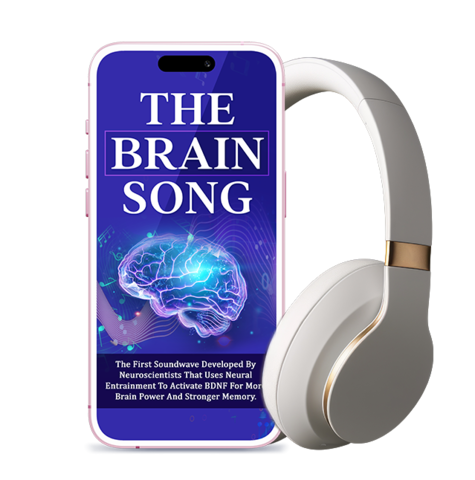
Brain Song 2025 Gamma
Cognitive Enhancement or Just Hype? Reviews The Brain Song (Killer NEW Memory Offer)
Make Your First 2D Game in Unity
Want to build your first game but don’t know where to start? This beginner-friendly guide shows you how to create SampleGame2D — a fun Flappy Bird–style project — step by step in Unity. Inside you’ll learn:
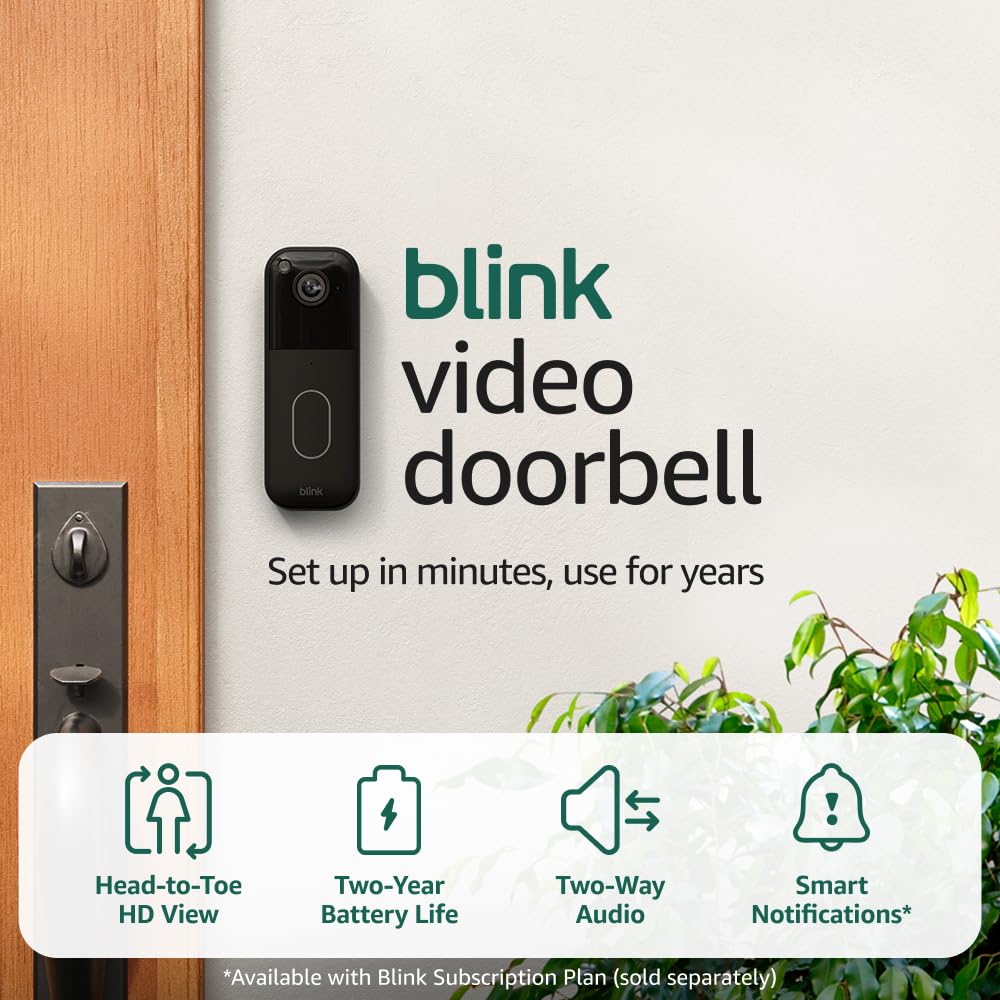
Blink Video Doorbell
Blink Video Doorbell (newest model) – Head-to-toe HD view, two-year battery life, and simple setup. Required Sync Module not included – Add-On (Black)

Sound Healing 432 Hz
song transports the listener to a relaxed state of mindfulness and inner peace.
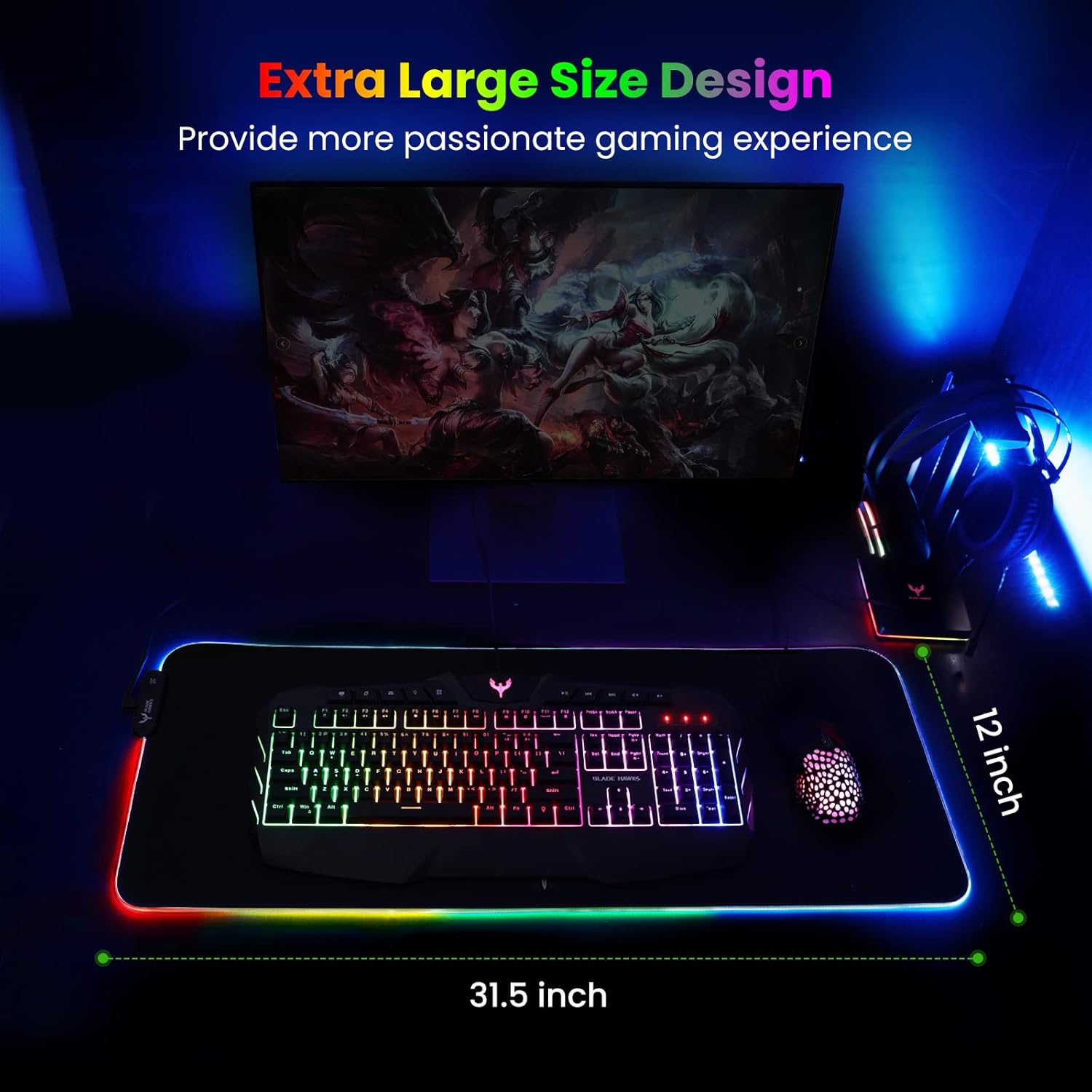
Mouse Pad
BladeHawks Extra Large RGB Gaming Mouse Pad-14 Light Modes, Extended Soft LED Mouse Pad, Anti-Slip Rubber Base, Computer Keyboard Mousepad Mat (31.5 x 12 Inch)
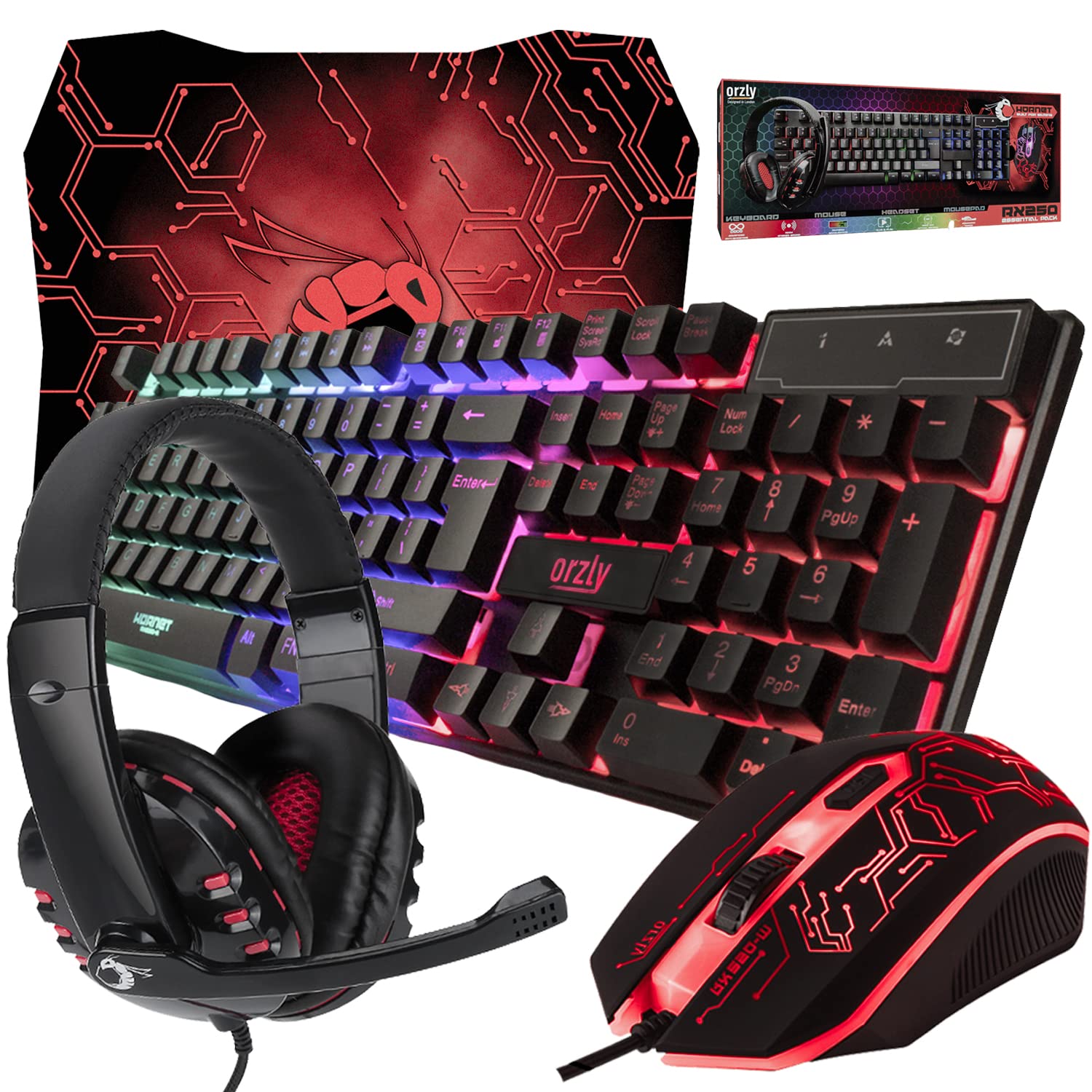
Gaming Keyboard and Mouse and Mouse pad and Gaming Headset, Wired LED RGB Backlight Bundle
Gaming Keyboard and Mouse and Mouse pad and Gaming Headset, Wired LED RGB Backlight Bundle for PC Gamers and Xbox and PS4 Users – 4 in 1 Edition Hornet RX-250