
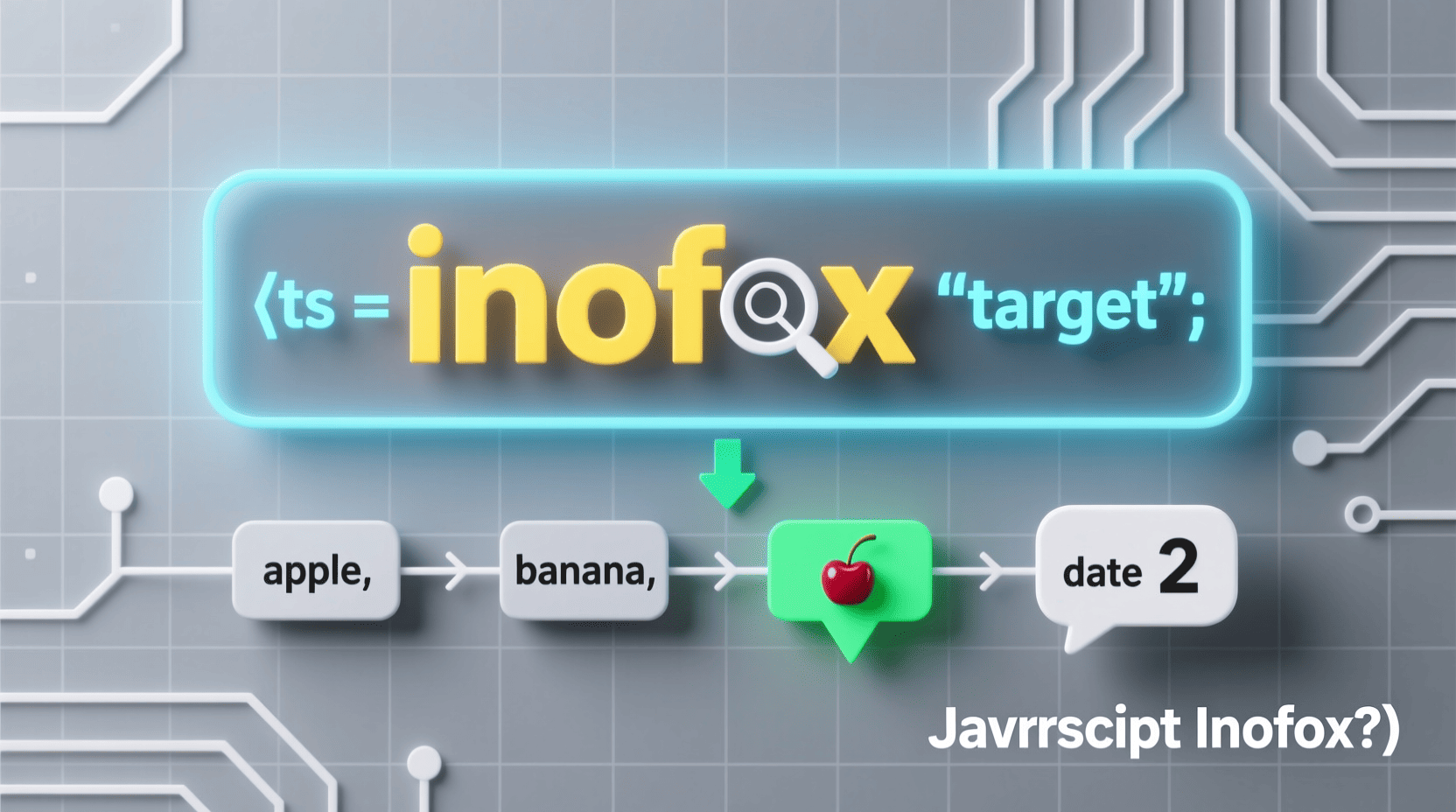
Have you ever wondered how to efficiently locate the position of a substring within a larger string or find an element’s index within an array in JavaScript? Whether you’re building interactive web apps or debugging code, mastering the javascript indexof method is essential for any developer’s toolkit. From simple string searches to handling nested arrays, understanding this method can significantly improve your code’s effectiveness and clarity. In this guide, we explore everything you need to know about javascript indexof, its usage, and practical tips to avoid common pitfalls.
Materials & Supplies
To practice and implement the javascript indexof function, you will need:
- A code editor (Visual Studio Code, Sublime Text, or any lightweight editor)
- A modern web browser with developer tools (Chrome, Firefox, Edge)
- Basic knowledge of JavaScript syntax
- Access to online resources like javascript indexof documentation and community forums
- Optionally, platforms like JSFiddle or CodePen to test snippets instantly
Timing / Development Schedule
Mastering javascript indexof is quick and can be incorporated into your daily practice:
- Day 1: Understand the basic syntax and behavior on strings
- Day 2: Experiment with arrays and edge cases like non-existing elements
- Day 3: Combine javascript string contains approaches with indexOf for versatile string handling
- Day 4-5: Debug common javascript error scenarios involving indexOf misuse
- Ongoing: Build small projects or features where searching within strings or arrays is required
Step-by-Step Instructions
- Basic Usage for Strings: Use `indexOf` on a string to find the position of a substring. It returns the starting index or `-1` if not found.
let phrase = "Hello, world!"; let position = phrase.indexOf("world"); // returns 7 - Array Usage: Similarly for arrays, `indexOf` returns the first index of an element:
let fruits = ["apple", "banana", "orange"]; let index = fruits.indexOf("banana"); // returns 1 - Handling Not Found: When the element doesn’t exist, `indexOf` returns `-1`. Always check this condition to avoid logic errors.
if (fruits.indexOf("grape") === -1) { console.log("Not found"); } - Starting from a Given Position: You can provide the second argument to start searching from a certain index:
let text = "Banana, banana, BANANA"; let pos = text.indexOf("banana", 8); // returns 8 (case-sensitive) - Case Sensitivity: Remember, `indexOf` is case-sensitive, so “banana” and “Banana” are treated differently.
Advantages of Learning Game Development
Understanding fundamental JavaScript methods like javascript indexof translates beyond just web development — it enables you to build interactive features and dynamic content critical in fields like game development. For game development for beginners, knowing how to locate data efficiently can optimize game logic, enhance performance, and facilitate complex interactions. Ultimately, these basics offer a foundation not only for programming but also for logical thinking and problem-solving skills.
Tips, Alternative Methods, or Development Advice
-
- Combine javascript string contains with `indexOf` for more semantic clarity—although `includes()` can replace some patterns, `indexOf` is useful when index positions matter.
- For searching within arrays, consider using `findIndex()` if you want more complex conditional checks over `indexOf`.
- When dealing with case-insensitive searches, convert strings to lowercase before applying `indexOf`:
text.toLowerCase().indexOf("banana")- Always debug carefully many javascript error reports arise from overlooked return values of `-1`.
Common Mistakes to Avoid
- Ignoring the `-1` return value which indicates no match found, leading to faulty logic.
- Assuming `indexOf` works case-insensitively by default.
- Using `indexOf` on nested arrays or objects where shallow equality checks won’t work.
- Confusing the behavior of `indexOf` in JavaScript versus similar methods in other languages like Java — for a clear comparison, check out java vs javascript.
Maintenance / Update Tips
Regularly review your code to replace legacy `indexOf` usage with ES6+ features where appropriate, like `includes()` for simple existence checks. Keep your JavaScript knowledge updated by watching official documentation and community trends. Also, when debugging, always trace back to your use of `indexOf` if you encounter unexpected javascript error messages.
The Best Websites or Tools That Offer This For Free
- W3Schools – Extensive tutorials and examples on javascript indexof and related string/array functions.
- MDN Web Docs – In-depth, authoritative documentation on JavaScript methods.
- javascript string contains – Advanced guides on string search methods.
- javascript error – Resources focused on debugging JavaScript errors.
- java vs javascript – Comparative articles to help distinguish common confusions.
- Online editors like JSFiddle and CodePen for instant testing.
A Brief Explanation for Beginners, Including the Steps Involved
In simple terms, javascript indexof finds where a substring or element first appears within a string or array. You call the method on the array or string and pass the item you want to find.
- Identify your string or array.
- Call `.indexOf()` method with your search value.
- Check the returned index:
- If >= 0, the item was found at that position.
- If -1, the item was not found.
- Use this information to branch your program logic as needed.
Conclusion
Mastering the javascript indexof method is a key stepping stone for any JavaScript developer. It enhances your ability to search through strings and arrays efficiently, avoid frequent pitfalls, and write cleaner, optimized code. By combining it with other string methods like javascript string contains and being mindful of common javascript error scenarios, you gain a powerful edge in your coding journey and even stand out when comparing java vs javascript capabilities. Start experimenting today and unlock the full potential of your JavaScript skills!
FAQs
- What does javascript indexof return if the element is not found?
- It returns
-1, indicating no match was found in the string or array. - Is javascript indexof case sensitive?
- Yes, the method is case-sensitive. To perform a case-insensitive search, convert strings to lowercase or uppercase before using
indexOf. - How is javascript indexof different from
includes()? indexOfreturns the position of the found element or -1, whileincludes()simply returns a boolean indicating presence or absence.- Can I use javascript indexof on objects or complex arrays?
indexOfuses strict equality and may not work as expected on objects. For complex searches, considerfindIndex()with callbacks.- Where can I learn more about common javascript error debugging?
- Check out resources like javascript error guides for detailed troubleshooting advice.
Apple AirTag 4 Pack
Brand Apple Are Batteries Included Yes Number of Batteries 4 CR2032 batteries required. (included) Product Dimensions 1.26\"L x 1.26\"W x 0.31\"Th Compatible Devices airtag

RAWM ES21 Wireless Gaming Mouse
Razer DeathAdder V4 Pro Wireless Gaming Mouse: 56g Lightweight - HyperSpeed Wireless Gen-2 - Optical Scroll Wheel - Optical Switches Gen-4 - Focus Pro 45K Sensor Gen-2 - Up to 150 Hr Battery

Results
Razer BlackShark V3 X HyperSpeed Wireless Gaming Headset for PS5: 50mm Drivers - Cardioid Mic - 2.4 GHz, Bluetooth - Works with PC, Mac, Nintendo Switch, Smartphone - Long Battery Life - Black

Panvola
Panvola Debugging Definition Computer Programmer Student Teacher Geek Coder Tech Support Programming IT Insulated Coffee Mug with Handle and Lid Camping Travel Thermal Mugs 14 oz Black