
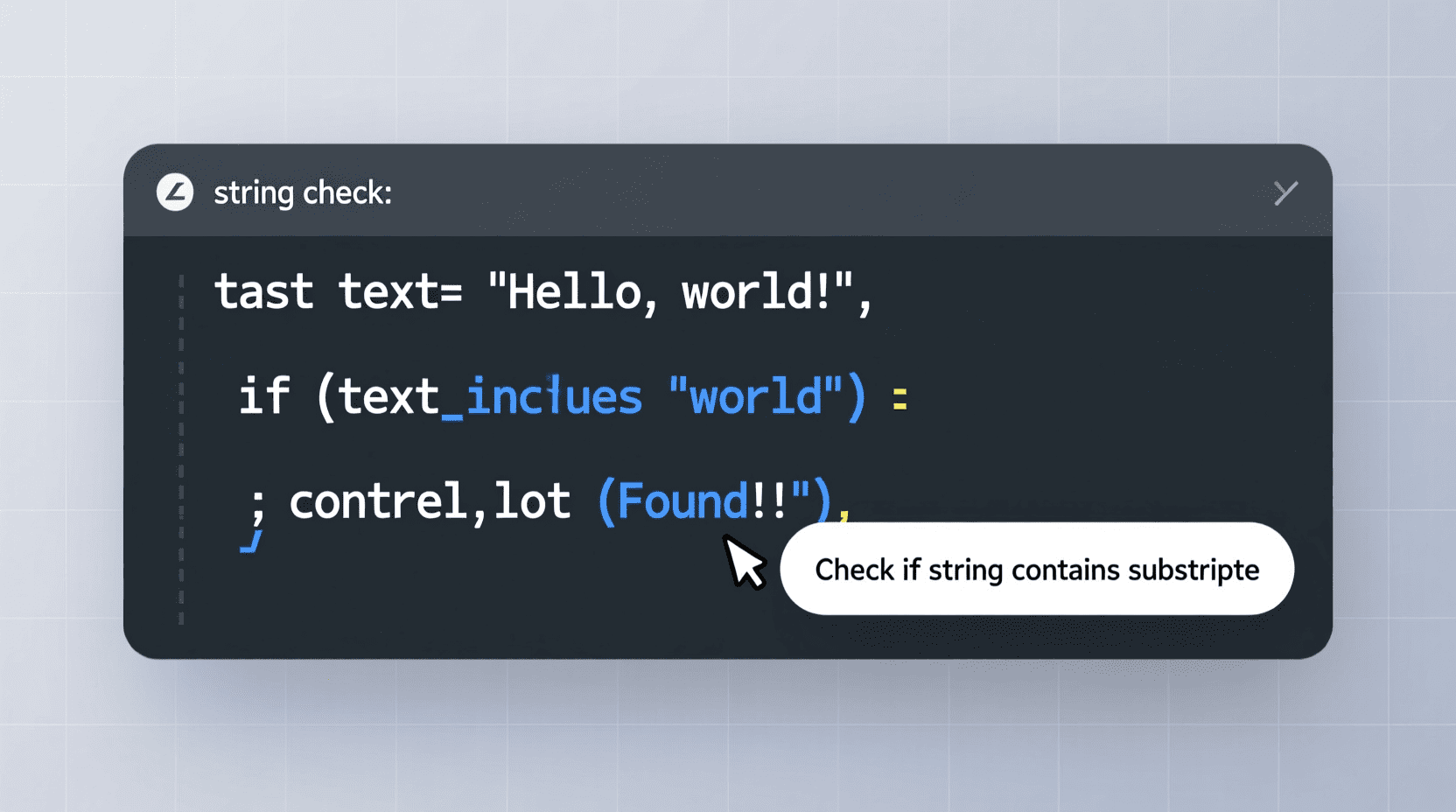
Are you diving into the world of JavaScript and wondering how to determine if a particular string contains a specific value? Whether you are enhancing your skills in game development for beginners or building complex web applications, understanding how to check string contents efficiently is essential. Strings form the backbone of most programming languages. Knowing how to manipulate them accurately can prevent common pitfalls, such as a frustrating javascript error, and elevate your programming skills. In this post, we will explore the concept of javascript string contains in detail and break down various methods and best practices for checking substring presence seamlessly.
Materials & Supplies
Before we get hands on with code, let’s ensure you have the necessary tools:
- A modern web browser (Google Chrome, Firefox, Edge)
- A text editor or IDE such as Visual Studio Code, Sublime Text, or Atom
- A basic understanding of JavaScript fundamentals
- Access to an online sandbox environment like JSFiddle or CodePen for quick testing
- A reference guide or resource for classic JavaScript troubleshooting
Timing / Development Schedule
Establishing a timeline helps keep your learning structured:
- Day 1-2: Understand basic string operations and JavaScript syntax
- Day 3-4: Learn the most common methods to check strings, including javascript indexof and modern alternatives
- Day 5: Practice by creating small scripts or mini-projects
- Day 6: Review debugging techniques to avoid javascript error scenarios
- Day 7: Explore advanced string handling and performance considerations
Step-by-Step Instructions
Let’s walk through practical ways to check if one string contains another in JavaScript:
- Using String.includes()
The modern, and most readable, way to check containment is with the includes() method.
const phrase = "Learning JavaScript is fun!";
const word = "JavaScript";

if (phrase.includes(word)) {
  console.log("String contains the word!");
} else {
  console.log("Word not found.");
}
This returns true if the substring exists, and false otherwise.
- Using String.indexOf()
Before includes(), programmers used indexOf() to determine substring presence.
const phrase = "Learning JavaScript is fun!";
const word = "JavaScript";

if (phrase.indexOf(word) !== -1) {
  console.log("String contains the word!");
} else {
  console.log("Word not found.");
}
Since indexOf() returns the index of the first match or -1 if none found, checking for !== -1 verifies containment.
- Using RegExp.test()
For more complex cases, regular expressions provide powerful pattern matching.
const phrase = "Learning JavaScript is fun!";
const regex = /JavaScript/;

if (regex.test(phrase)) {
  console.log("String contains the word!");
} else {
  console.log("Word not found.");
}
Advantages of Learning Game Development
Mastering string manipulation, such as knowing when a substring exists, is crucial in fields like game development for beginners. Games often rely on parsing user inputs, commands, and dynamic text rendering. Skills you refine here translate directly into writing cleaner game logic, improving user experience, and debugging efficiently. Moreover, recognizing the difference between java vs javascript clarifies platform choices for diverse projects JavaScript serves web-based games, while Java fits more standalone applications.
Tips, Alternative Methods, or Development Advice
- Prefer String.includes() for its readability and straightforward boolean result.
- When supporting older browsers, fallback to javascript indexof which is widely supported.
- Avoid complex regex unless pattern flexibility is required since simpler methods perform faster.
- Use consistent casing, or convert strings using
.toLowerCase()before comparisons to handle case-insensitive matches. - Always handle exceptions gracefully to avoid unexpected javascript error messages during runtime.
Common Mistakes to Avoid
- Comparing the result of indexOf() with
== 0neglects matches not at the start of the string. - Forgetting to check for case sensitivity can lead to false negatives.
- Using
==instead of===in comparisons can introduce type coercion bugs. - Overcomplicating containment checks with unnecessary regex for simple substring queries.
- Ignoring browser compatibility for older JavaScript environments.
Maintenance / Update Tips
Keep your string handling code clean by:
- Refactoring repeated substring checks into reusable functions
- Regularly updating code for compatibility with ECMAScript standards
- Testing string methods after dependencies or environment upgrades
- Monitoring for performance bottlenecks in string-heavy operations
The Best Websites or Tools That Offer This for Free
- Mozilla Developer Network (MDN) – Comprehensive documentation on JavaScript string methods
- W3Schools – Interactive tutorials and examples
- JSFiddle / CodePen – Free environments for testing JavaScript snippets instantly
- Stack Overflow – Community-driven Q&A for coding challenges
- Polycode Tech for specialized content like java vs javascript and troubleshooting javascript error
A Brief Explanation for Beginners, Including the Steps Involved
At its core, checking if a string contains another involves searching for the presence of one textual segment inside another. JavaScript provides built-in methods — includes(), indexOf(), and regex testing — that either return a boolean or an index indicating the substring’s location. Beginners should start with includes() due to its clarity and focus on a boolean result, making it suitable for conditional checks. Practice by feeding different strings and substrings, observing returned values, and coupling it with debugging knowledge to swiftly identify bugs.
Conclusion
Grasping how to check if a string contains a value is an indispensable skill for any JavaScript programmer—whether you’re focusing on game development for beginners or building robust web interfaces. Leveraging simple methods like includes() or javascript indexof ensures your string logic remains efficient and clear. Coupled with regular practice and awareness of common pitfalls, you can avoid frustrating javascript error issues and elevate your code quality. For further insights on related topics such as java vs javascript, explore our recommended resources and keep coding confidently!
FAQs
Q1: What is the difference between String.includes() and String.indexOf()?
A1: includes() returns a boolean indicating if the substring exists, whereas indexOf() returns the position (index) of the first match or -1 if not found.
Q2: How do I handle case-insensitive substring checks?
A2: Convert both strings to the same case, e.g., str.toLowerCase().includes(subStr.toLowerCase()).
Q3: Why might my substring check cause a javascript error?
A3: Typically due to calling string methods on undefined/null variables or improper syntax. Proper validation solves this.
Q4: Can I use regex to check if a string contains a substring?
A4: Yes, using RegExp.test() allows pattern matching beyond simple substring checks.
Q5: Where can I learn more about the differences between java vs javascript?
A5: Visit our comprehensive guide at Polycode Tech for detailed comparisons and use cases.
Master the art of javascript string contains and build cleaner, more reliable JavaScript code today!

STGAubron Gaming PC Desktop
STGAubron Gaming PC Desktop Computer, Intel Core i5 up to 3.6G, Radeon RX 590 8G, 16GB RAM, 1TB SSD, 600M WiFi, BT 5.0, RGB Fan x3, Windows 11 Home

Beats-Studio Pro Cancelling Headphones
Beats Studio Pro - Wireless Bluetooth Noise Cancelling Headphones with USB-C Charging Cable (20 cm) - Jet Black

KOORUI
KOORUI 24.5 Inch Gaming Monitor 200Hz, 1ms, FHD(1920 * 1080p) IPS Display, HDR400, 90% DCI-P3 Color Gamut with Adaptive Sync, HDMI & DP Port, Black, G2511P

RAWM ES21 Wireless Gaming Mouse
Razer DeathAdder V4 Pro Wireless Gaming Mouse: 56g Lightweight - HyperSpeed Wireless Gen-2 - Optical Scroll Wheel - Optical Switches Gen-4 - Focus Pro 45K Sensor Gen-2 - Up to 150 Hr Battery