
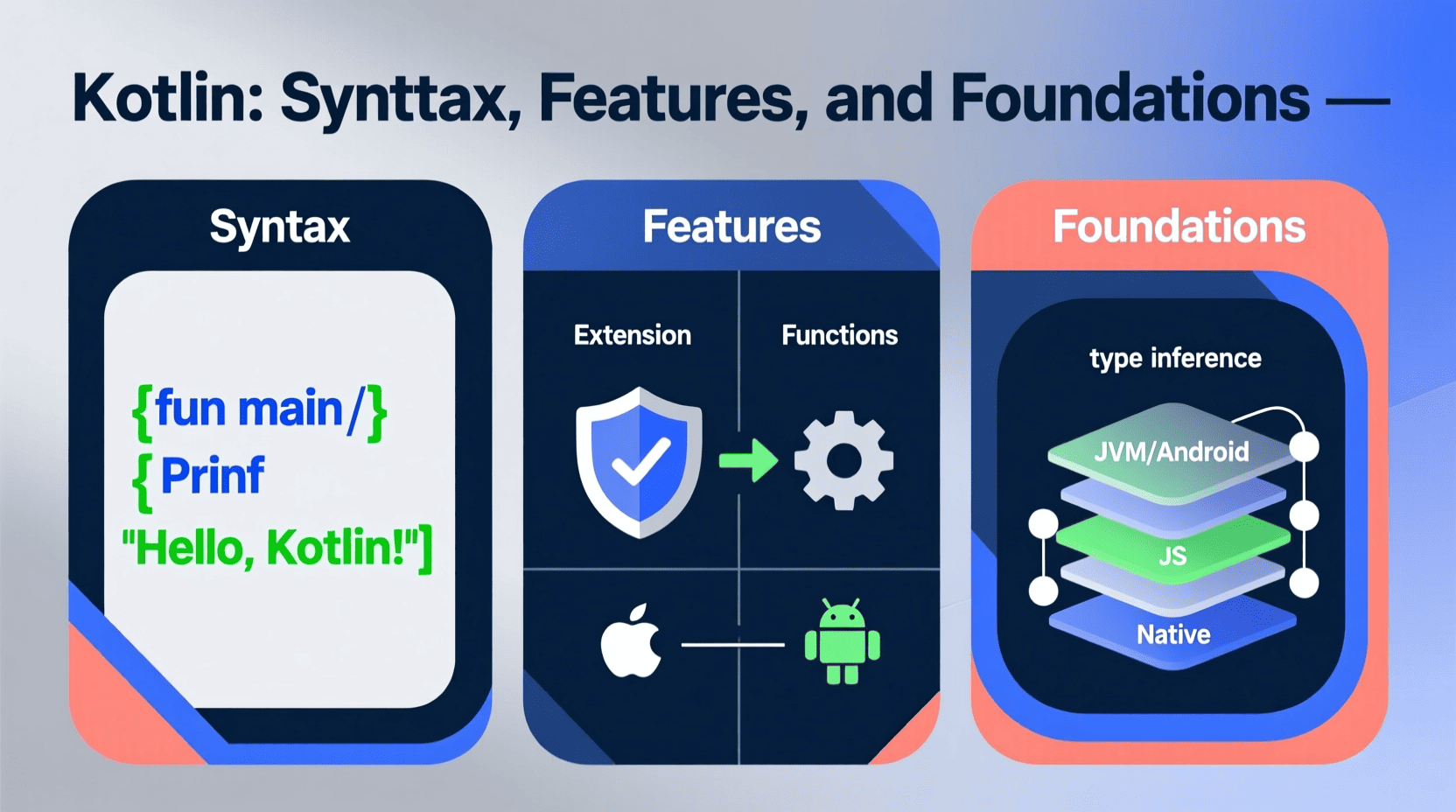
Kotlin, created by JetBrains, has rapidly risen to become the preferred language for Android development. It features a modern, expressive, and concise syntax that greatly reduces boilerplate code while still maintaining full interoperability with Java. However, Kotlin isn’t limited to mobile development it’s a flexible language that can also be used for backend systems, web applications, and even data science.
1. Getting Started with Kotlin
Kotlin is a statically typed language, which means variable types are known at compile time. This leads to better performance and fewer runtime errors. If you have experience with Java or other C-style languages, Kotlin will feel very familiar.
Hello World Example
fun main() {
    println("Hello, Kotlin!")
}
This simple program defines a main() function — the entry point of any Kotlin application. The println() function outputs text to the console.
Variables in Kotlin
Kotlin offers two ways to declare variables: val and var.
- val — read-only (immutable)
- var — changeable (mutable)
val name = "Kotlin"  // Immutable
var age = 10         // Mutable
Kotlin automatically infers variable types, but you can specify them explicitly:
val language: String = "Kotlin"
var number: Int = 42
2. Functions in Kotlin
Functions are simple and clean in Kotlin. You use the fun keyword:
fun add(a: Int, b: Int): Int {
    return a + b
}
You can also create more compact, single-expression functions:
fun subtract(a: Int, b: Int) = a - b
Kotlin supports default parameters and named arguments:
fun greet(name: String = "World") {
    println("Hello, $name!")
}

greet()           // Hello, World!
greet("Kotlin")   // Hello, Kotlin!
3. Conditionals
Kotlin uses familiar conditional structures like if and when.
if as an Expression
In Kotlin, if can return a value:
val max = if (a > b) a else b
when Expression
when is Kotlin’s enhanced version of switch, offering much more power:
fun getDay(day: Int): String {
    return when (day) {
        1 -> "Monday"
        2 -> "Tuesday"
        3 -> "Wednesday"
        else -> "Unknown"
    }
}
4. Loops
Kotlin supports for, while, and do-while loops.
For Loop Example
val items = listOf("apple", "banana", "orange")

for (item in items) {
    println(item)
}
While Loop Example
var i = 0
while (i < 5) {
    println(i)
    i++
}
5. Classes and Objects
Kotlin is object-oriented. Classes are created using the class keyword.
Simple Class
class Person(val name: String, var age: Int)
Instantiating a class:
val person = Person("John", 25)
println(person.name)
Data Classes
Kotlin’s data classes automatically generate helpful methods like toString(), equals(), and hashCode():
data class User(val name: String, val age: Int)
Inheritance
Classes are final by default. To make a class inheritable, use open:
open class Animal(val name: String) {
    fun sound() {
        println("$name makes a sound")
    }
}

class Dog(name: String) : Animal(name)
6. Null Safety
One of Kotlin’s biggest advantages is its built-in null safety. By default, variables cannot hold null values. If you want to allow nulls, you must mark the type with ?.
var nullableString: String? = null
Use the safe-call operator ?. to avoid NullPointerExceptions:
val length = nullableString?.length
If you are absolutely sure the variable is not null, you can use !!, but it will throw an exception if you’re wrong:
val length = nullableString!!.length
7. Collections
Kotlin includes rich and easy-to-use collection types such as lists, sets, and maps.
Lists
val numbers = listOf(1, 2, 3)                 // Immutable
val mutableNumbers = mutableListOf(1, 2, 3)  // Mutable
Maps
val map = mapOf("name" to "Kotlin", "age" to 10)
val mutableMap = mutableMapOf("name" to "Kotlin", "age" to 10)
8. Higher-Order Functions and Lambdas
Kotlin fully supports functional programming, including higher-order functions (functions that take other functions as parameters) and lambda expressions.
Higher-Order Function Example
fun calculate(a: Int, b: Int, operation: (Int, Int) -> Int): Int {
    return operation(a, b)
}
Using a Lambda
val sum = calculate(5, 10) { x, y -> x + y }
println(sum)  // 15
9. Coroutines
Kotlin’s coroutines provide a simple way to write asynchronous code that looks and behaves like synchronous code.
import kotlinx.coroutines.*

fun main() = runBlocking {
    launch {
        delay(1000L)
        println("World!")
    }
    println("Hello,")
}
Conclusion
Kotlin is a powerful and modern language that streamlines development through features like null safety, higher order functions, and coroutines. Whether you’re building Android apps or exploring backend or web development, Kotlin offers a clean, expressive, and efficient coding experience.
interface sounds OGG
interface sounds, UI sound effects, UX sound effects, game UI sounds, mobile UI audio, notification sound effects, button click SFX, menu sounds, toggle switch sounds, error alert sounds

beyerdynamic DT 770 PRO 80 Ohm Over-Ear Studio Headphones in Gray
beyerdynamic DT 770 PRO 80 Ohm Over-Ear Studio Headphones in Gray. Enclosed Design, Wired for Professional Recording and Monitoring

NUBWO U3 Gaming Headset
NUBWO U3 Gaming Headset with Microphone, Safe Volume Limited, Kids Headphones for Switch, Super Lightweight, Rich Sound, 3.5mm Jack for NS, PS4, PS5, Xbox, Tablet, iPad Computer, Red

Canon PG-275
Canon PG-275 / CL-276 Genuine Ink Value Pack (2 Cartridges), Compatible with TS3520/3522/4722/3720/3722, TR4720