Kotlin, created by JetBrains, has rapidly risen to become the preferred language for Android development. It features a modern, expressive, and concise syntax that greatly reduces boilerplate code while still maintaining full interoperability with Java. However, Kotlin isn’t limited to mobile development it’s a flexible language that can also be used for backend systems, web applications, and even data science.
1. Getting Started with Kotlin
Kotlin is a statically typed language, which means variable types are known at compile time. This leads to better performance and fewer runtime errors. If you have experience with Java or other C-style languages, Kotlin will feel very familiar.
Hello World Example
fun main() {
    println("Hello, Kotlin!")
}
This simple program defines a main() function — the entry point of any Kotlin application. The println() function outputs text to the console.
Variables in Kotlin
Kotlin offers two ways to declare variables: val and var.
- val — read-only (immutable)
- var — changeable (mutable)
val name = "Kotlin"  // Immutable
var age = 10         // Mutable
Kotlin automatically infers variable types, but you can specify them explicitly:
val language: String = "Kotlin"
var number: Int = 42
2. Functions in Kotlin
Functions are simple and clean in Kotlin. You use the fun keyword:
fun add(a: Int, b: Int): Int {
    return a + b
}
You can also create more compact, single-expression functions:
fun subtract(a: Int, b: Int) = a - b
Kotlin supports default parameters and named arguments:
fun greet(name: String = "World") {
    println("Hello, $name!")
}

greet()           // Hello, World!
greet("Kotlin")   // Hello, Kotlin!
3. Conditionals
Kotlin uses familiar conditional structures like if and when.
if as an Expression
In Kotlin, if can return a value:
val max = if (a > b) a else b
when Expression
when is Kotlin’s enhanced version of switch, offering much more power:
fun getDay(day: Int): String {
    return when (day) {
        1 -> "Monday"
        2 -> "Tuesday"
        3 -> "Wednesday"
        else -> "Unknown"
    }
}
4. Loops
Kotlin supports for, while, and do-while loops.
For Loop Example
val items = listOf("apple", "banana", "orange")

for (item in items) {
    println(item)
}
While Loop Example
var i = 0
while (i < 5) {
    println(i)
    i++
}
5. Classes and Objects
Kotlin is object-oriented. Classes are created using the class keyword.
Simple Class
class Person(val name: String, var age: Int)
Instantiating a class:
val person = Person("John", 25)
println(person.name)
Data Classes
Kotlin’s data classes automatically generate helpful methods like toString(), equals(), and hashCode():
data class User(val name: String, val age: Int)
Inheritance
Classes are final by default. To make a class inheritable, use open:
open class Animal(val name: String) {
    fun sound() {
        println("$name makes a sound")
    }
}

class Dog(name: String) : Animal(name)
6. Null Safety
One of Kotlin’s biggest advantages is its built-in null safety. By default, variables cannot hold null values. If you want to allow nulls, you must mark the type with ?.
var nullableString: String? = null
Use the safe-call operator ?. to avoid NullPointerExceptions:
val length = nullableString?.length
If you are absolutely sure the variable is not null, you can use !!, but it will throw an exception if you’re wrong:
val length = nullableString!!.length
7. Collections
Kotlin includes rich and easy-to-use collection types such as lists, sets, and maps.
Lists
val numbers = listOf(1, 2, 3)                 // Immutable
val mutableNumbers = mutableListOf(1, 2, 3)  // Mutable
Maps
val map = mapOf("name" to "Kotlin", "age" to 10)
val mutableMap = mutableMapOf("name" to "Kotlin", "age" to 10)
8. Higher-Order Functions and Lambdas
Kotlin fully supports functional programming, including higher-order functions (functions that take other functions as parameters) and lambda expressions.
Higher-Order Function Example
fun calculate(a: Int, b: Int, operation: (Int, Int) -> Int): Int {
    return operation(a, b)
}
Using a Lambda
val sum = calculate(5, 10) { x, y -> x + y }
println(sum)  // 15
9. Coroutines
Kotlin’s coroutines provide a simple way to write asynchronous code that looks and behaves like synchronous code.
import kotlinx.coroutines.*

fun main() = runBlocking {
    launch {
        delay(1000L)
        println("World!")
    }
    println("Hello,")
}
Conclusion
Kotlin is a powerful and modern language that streamlines development through features like null safety, higher order functions, and coroutines. Whether you’re building Android apps or exploring backend or web development, Kotlin offers a clean, expressive, and efficient coding experience.

Vooii for iPhone SE
Vooii for iPhone SE Case 2022/3rd/2020,iPhone 8/7 Case, Upgraded Liquid Silicone with [Flat Edges] [Camera Protection] [Soft Anti-Scratch Microfiber Lining] Phone Case for iPhone SE – Black

Gaming PC Desktop Computer, AMD
Gaming PC Desktop Computer, AMD Ryzen 5 5500, RX6500XT 4GB Graphics, 16GB DDR4 RAM, 512GB NVMe SSD, ARGB Fans, Game Design Office
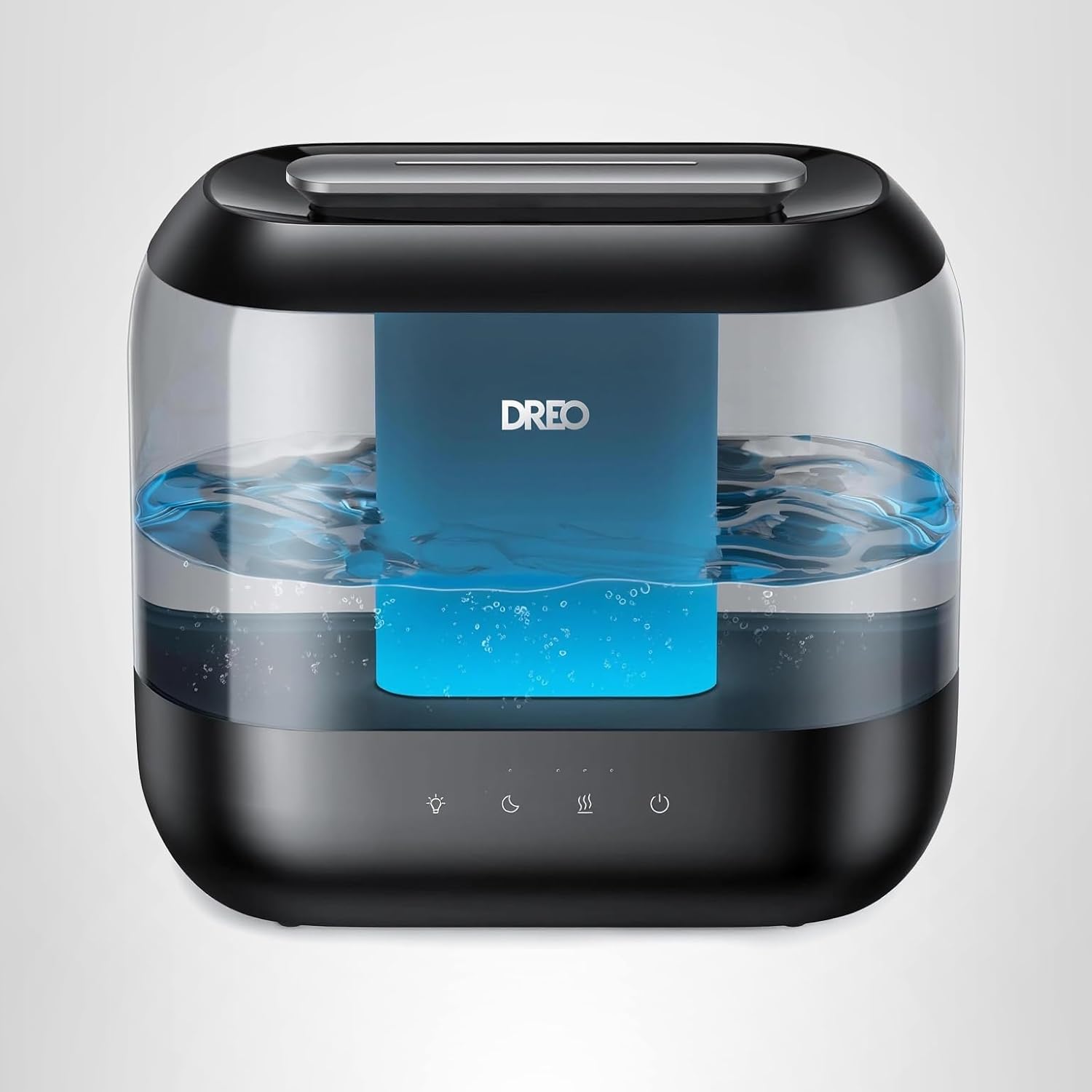
Dreo Humidifiers for Bedroom
Dreo Humidifiers for Bedroom, 4L Top Fill for Large Room, 36H Runtime, 28 dB Quiet Supersized Cool Mist Air Humidifier for Baby Nursery, Plants, Indoor, Night Light, Easy to Clean & Fill, Black

Panvola
Panvola Debugging Definition Computer Programmer Student Teacher Geek Coder Tech Support Programming IT Insulated Coffee Mug with Handle and Lid Camping Travel Thermal Mugs 14 oz Black

Prebuilt Gaming Desktop Computer
Prebuilt Gaming Desktop Computer | 16G Memory | 512G SSD | AMD Ryzen5 6Cores 3.6G Up to 4.1G | RX 560 4G Graphics Card | Wi-Fi 6 | Gamer PC White
Make Your First 2D Game in Unity
Want to build your first game but don’t know where to start? This beginner-friendly guide shows you how to create SampleGame2D — a fun Flappy Bird–style project — step by step in Unity. Inside you’ll learn: