The evolution of video games has been marked by a constant tug-of-war between realism and fun. As technology advances, developers face the challenge of integrating realistic physics into their games without sacrificing the engaging experience players crave. This article delves into the intricacies of balancing these two elements, offering insights, examples, and practical guidance for game designers.
The Importance of Physics in Game Design
Physics in games refers to the simulation of real-world physical laws, such as motion, gravity, and collision. Understanding these mechanics is crucial for creating immersive experiences. Game physics helps in:
- Enhancing realism
- Creating believable interactions
- Providing players with intuitive controls
- Building a consistent game world
Realism vs. Fun: Finding the Balance
While realism can enhance immersion, it can also lead to frustration if not implemented carefully. Here’s a closer look at how to strike a balance between realism and fun in game design.
1. Identify Your Target Audience
Understanding your audience is key. Casual gamers may prefer simplified mechanics, while hardcore players might appreciate more realistic physics. Conducting surveys or testing prototypes can provide valuable feedback.
2. Define Core Gameplay Mechanics
Your game’s core mechanics should align with your desired balance. For instance, if you’re developing a racing game, consider how realistic car handling affects player enjoyment. Here’s a quick checklist to guide your mechanics development:
- What is the primary goal of the game?
- How do physics contribute to achieving that goal?
- Will players find the physics enjoyable, frustrating, or rewarding?
3. Implementing Realistic Physics
When incorporating physics, consider the following:
| Aspect | Realism | Fun |
|---|---|---|
| Gravity | Realistic gravitational pull | Can be adjusted for floaty jumps |
| Collision | Realistic object collision | Can allow for exaggerated reactions |
| Motion | Realistic physics-based motion | Can introduce power-ups for enhanced speed |
4. Prototyping and Iteration
Creating a prototype allows you to experiment with different physics settings. Use playtesting sessions to gather data on player experiences. Iterate based on feedback to improve the balance between realism and fun.
Examples of Successful Balance
Several games have effectively balanced realism and fun:
- Rocket League: This soccer game with rocket-powered cars blends realistic physics with arcade-style fun, allowing for spectacular aerial maneuvers without overwhelming players.
- Portal: The use of gravity and physics-based puzzles creates a unique experience. The game maintains realism in its mechanics while offering fun, creative solutions to challenges.
- Grand Theft Auto V: While the game includes realistic driving and shooting physics, it also allows for exaggerated actions, like flying cars or tank explosions, enhancing the overall fun.
Step-by-Step Guide to Balancing Physics in Your Game
Follow this guide to achieve the right balance in your game design:
- Research: Study existing games that balance realism and fun. Identify what works and what doesn’t.
- Create a Prototype: Build a simple version of your game focusing on core mechanics and physics.
- Gather Feedback: Conduct playtesting sessions with a variety of players; gather both qualitative and quantitative data.
- Analyze Feedback: Look for patterns in player responses. What aspects did they enjoy? What frustrated them?
- Iterate: Make changes based on player feedback, adjusting physics settings as necessary to enhance gameplay.
- Test Again: Repeat the process, continuously refining until you achieve the desired balance.
Common Pitfalls to Avoid
When designing games, be cautious of these common pitfalls:
- Overcomplicating Mechanics: Realistic physics can become cumbersome if too complex, leading to player frustration.
- Ignoring Player Experience: Always prioritize how players feel while playing. Fun should never be sacrificed for the sake of realism.
- Neglecting Playtesting: Regular testing is vital to ensure that the balance is maintained throughout development.
Conclusion
Balancing realism and fun in game design is a challenging yet rewarding endeavor. By understanding your audience, defining core mechanics, and implementing thoughtful physics, you can create engaging gameplay experiences. For more in depth knowledge about the mechanics behind game development, check out our article on Game Physics: Understanding the Mechanics Behind Game Development.

Blink Video Doorbell
Blink Video Doorbell (newest model) – Head-to-toe HD view, two-year battery life, and simple setup. Required Sync Module not included – Add-On (Black)

MMO Mug
MMO Mug – Legendary Coffee Mug Level 110 – Large Ceramic Black15oz – Gaming, Gamer Cup

NUBWO U3 Gaming Headset
NUBWO U3 Gaming Headset with Microphone, Safe Volume Limited, Kids Headphones for Switch, Super Lightweight, Rich Sound, 3.5mm Jack for NS, PS4, PS5, Xbox, Tablet, iPad Computer, Red
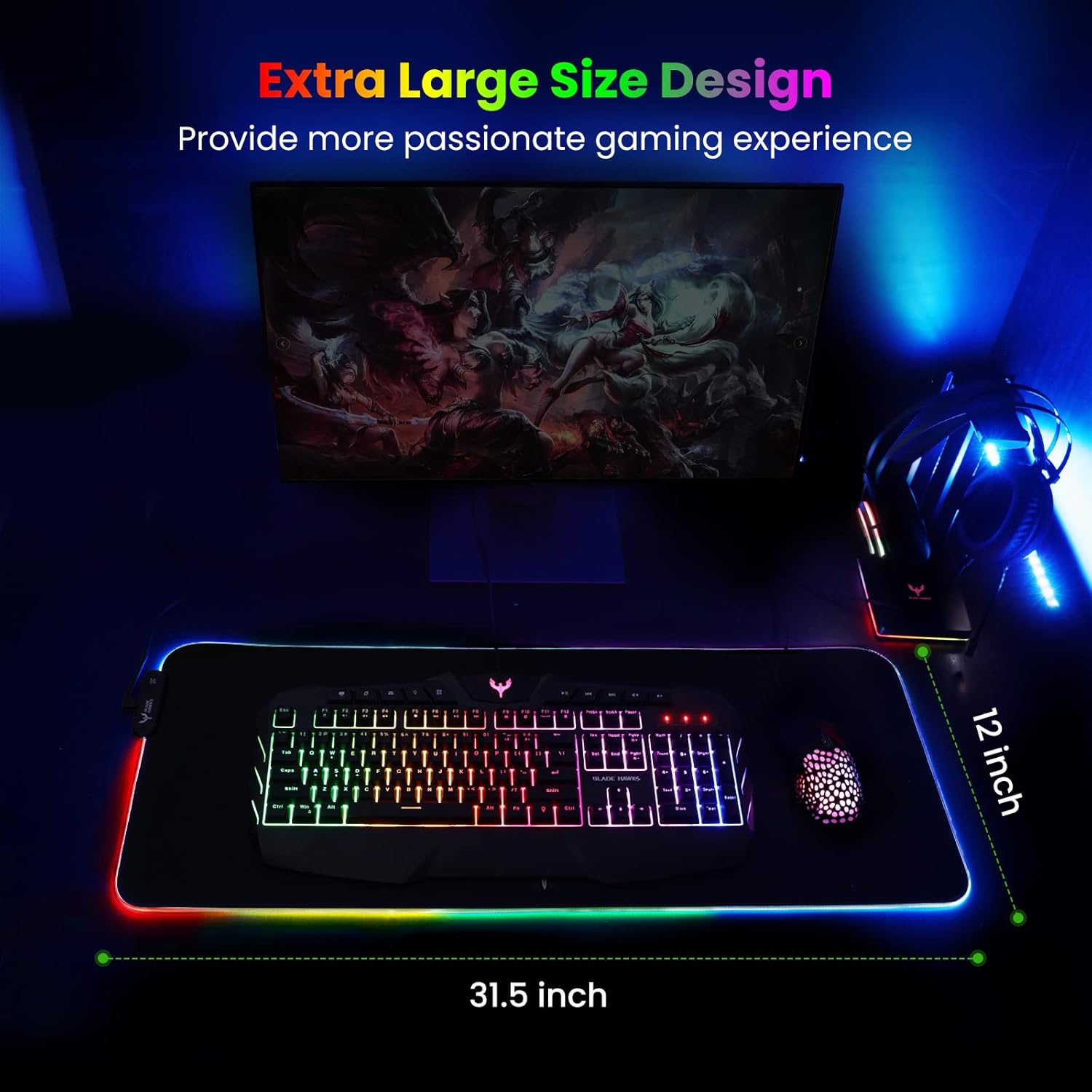
Mouse Pad
BladeHawks Extra Large RGB Gaming Mouse Pad-14 Light Modes, Extended Soft LED Mouse Pad, Anti-Slip Rubber Base, Computer Keyboard Mousepad Mat (31.5 x 12 Inch)
Make Your First 2D Game in Unity
Want to build your first game but don’t know where to start? This beginner-friendly guide shows you how to create SampleGame2D — a fun Flappy Bird–style project — step by step in Unity. Inside you’ll learn:

Logitech G
Logitech G PRO X SUPERLIGHT 2 Wireless Gaming Mouse