The Basics of Game Physics: An Introduction
What is Game Physics?
Game physics refers to the simulation of physical systems in a virtual environment. It allows game developers to create realistic movements and interactions between objects in the game world. The main objectives of game physics include:
- Realistic object movement
- Accurate collision detection
- Simulating physical forces (gravity, friction, etc.)
Key Concepts of Game Physics
1. Movement
Movement in games can be broken down into two main categories: linear movement and rotational movement.
- Linear Movement: This refers to the straight-line motion of objects. For example, a character running from one point to another exhibits linear movement.
- Rotational Movement: This involves an object spinning around an axis. A classic example is a wheel rolling down a hill.
2. Forces and Acceleration
Forces are vectors that cause objects to move or change direction. In game physics, the most common forces are:
- Gravity: The force that pulls objects towards the ground. In a game, gravity can be simulated to ensure that characters and objects fall realistically.
- Friction: The resistance that occurs when two surfaces interact. Friction affects how quickly a character can stop or change direction.
To calculate the acceleration of an object, you can use Newton’s second law of motion: F = m * a, where F is the force applied, m is the mass of the object, and a is the acceleration.
3. Collision Detection
Collision detection is a critical aspect of game physics. It determines whether two objects intersect or collide within the game world. There are several methods for collision detection, including:
- Bounding Boxes: A simple method that uses rectangular boxes around objects to check for overlaps.
- Pixel-Perfect Collision: A more complex method that checks the actual pixels of objects to determine collisions.
Implementing efficient collision detection algorithms is essential for maintaining performance in games, especially in fast-paced scenarios.
Step-by-Step Guide: Implementing Basic Game Physics
Step 1: Define Your Game Environment
Before you start coding, you need to define the environment where your game will take place. This includes:
- Setting the dimensions of the game world
- Deciding on the gravity settings
- Defining the properties of objects (mass, friction, etc.)
Step 2: Create Object Classes
Create classes for the objects in your game. Each class should have properties for position, velocity, and acceleration. For example:
class GameObject {
    constructor(x, y) {
        this.x = x;
        this.y = y;
        this.velocityX = 0;
        this.velocityY = 0;
        this.accelerationX = 0;
        this.accelerationY = 0;
    }
}
Step 3: Implement Movement Logic
Next, implement the logic for updating the position of objects based on their velocity and acceleration. This can be done using a simple update function:
update() {
    this.velocityX += this.accelerationX;
    this.velocityY += this.accelerationY;
    this.x += this.velocityX;
    this.y += this.velocityY;
}
Step 4: Handle Collision
Implement collision detection using bounding boxes and respond accordingly. For instance, if two objects collide, you may want to stop their movement or change their direction:
if (checkCollision(obj1, obj2)) {
    // Handle collision
}
Checklist for Implementing Game Physics
- Define the game environment and its properties.
- Create object classes with essential properties.
- Implement movement and acceleration logic.
- Set up collision detection methods.
- Test and refine the physics engine for performance and accuracy.
Visualizing Game Physics
Visual aids can help you understand the principles of game physics better. Below is a simple table that outlines different forces and their effects on game objects:
| Force | Description | Effect on Object |
|---|---|---|
| Gravity | Pulls objects downward. | Causes falling motion. |
| Friction | Resists sliding motion. | Slows down or stops movement. |
Related Content
If you want to dive deeper into the world of game physics, check out our article Game Physics: Understanding the Mechanics Behind Game Development.
Conclusion
Understanding the basics of game physics is essential for anyone interested in game development or those who want to appreciate the complexity behind their favorite games. From simulating realistic movements to implementing effective collision detection, these fundamental concepts play a pivotal role in creating an engaging gaming experience. By mastering these principles, you can enhance your skills as a developer and create games that resonate with players.
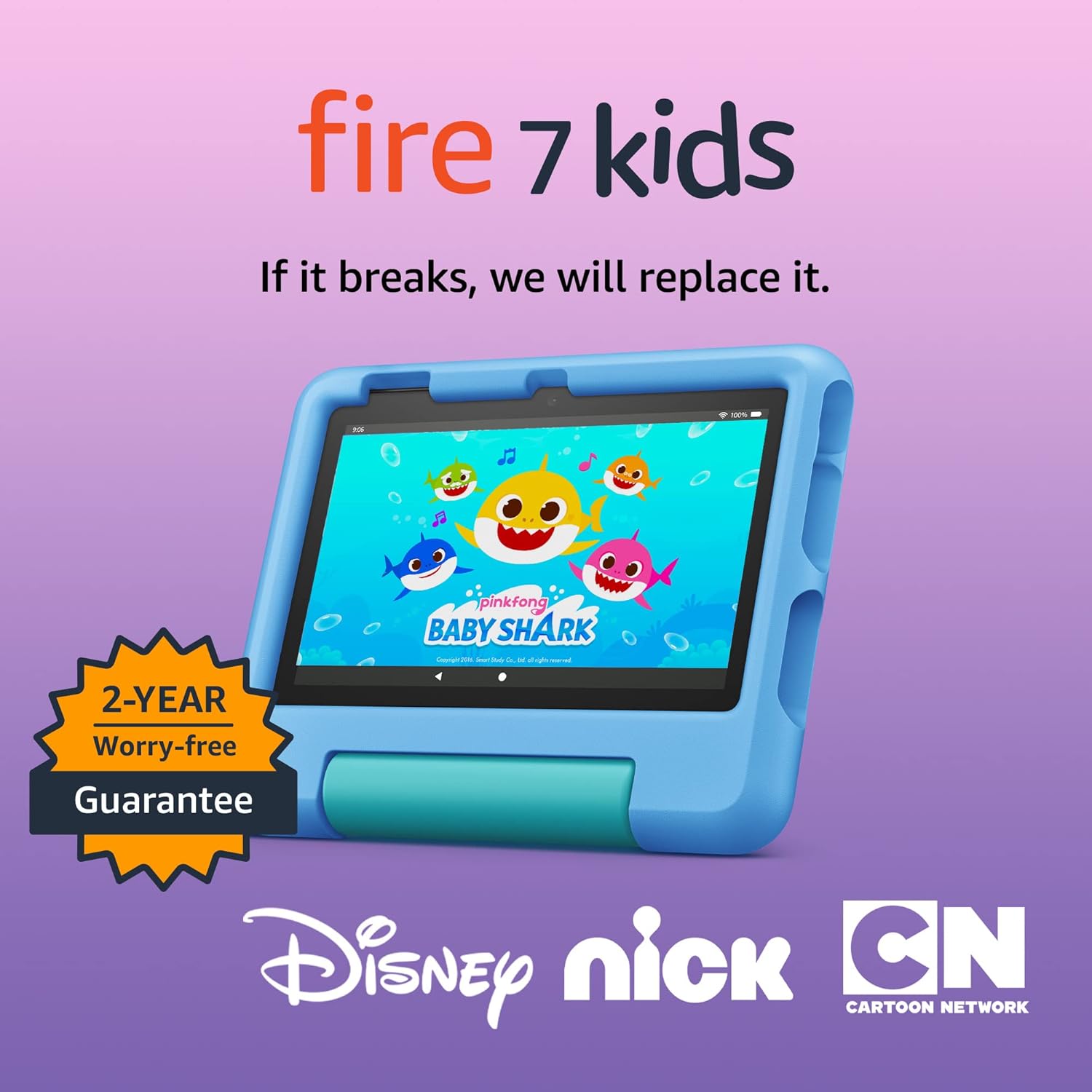
Amazon Fire 7 Kids tablet
Amazon Fire 7 Kids tablet, ages 3-7. Top-selling 7\" kids tablet on Amazon. Includes ad-free and exclusive content, easy parental controls, 10-hr battery, 16 GB, Blue

Razer
Razer Basilisk V3 Pro 35K Wireless Gaming Mouse: HyperScroll Tilt Wheel – 35K DPI Optical Sensor Gen 2-13 Customizable Controls – Chroma RGB – Optical Switches Gen 3 – Up to 140 Hr Battery – Black

iFIT Pro
iFIT Pro – Monthly Membership – 1 month free trial included [Subscription]

Vooii for iPhone SE
Vooii for iPhone SE Case 2022/3rd/2020,iPhone 8/7 Case, Upgraded Liquid Silicone with [Flat Edges] [Camera Protection] [Soft Anti-Scratch Microfiber Lining] Phone Case for iPhone SE – Black
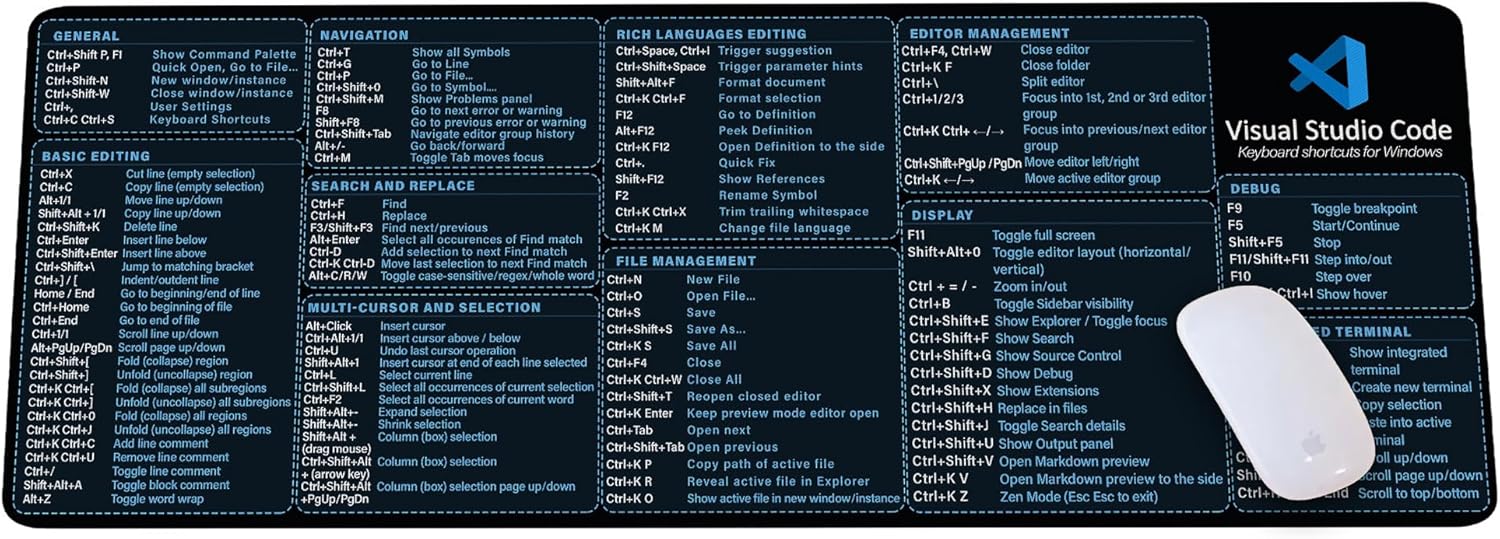
Visual Studio Code Shortcuts Mouse Pad
Visual Studio Code Shortcuts Mouse Pad – Desk Mat for Programmers, Coders & Beginners, Great Office Gift for Developers & Tech Enthusiasts, Computer Accessory for Study, Work, and Learning KMH
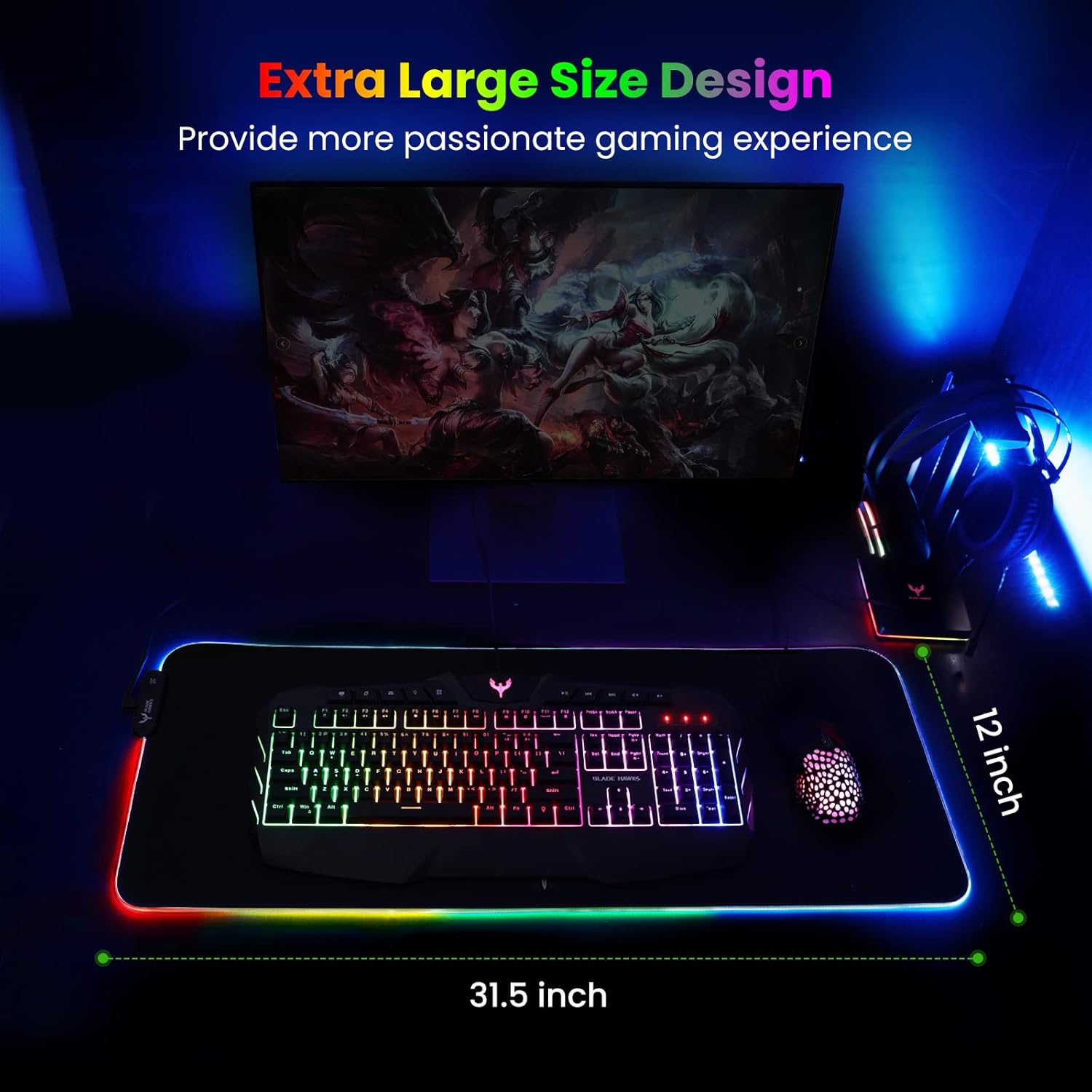
Mouse Pad
BladeHawks Extra Large RGB Gaming Mouse Pad-14 Light Modes, Extended Soft LED Mouse Pad, Anti-Slip Rubber Base, Computer Keyboard Mousepad Mat (31.5 x 12 Inch)