Virtual Reality (VR) has transformed the gaming landscape, offering immersive experiences that blur the line between the digital and physical worlds. One critical component that enhances this realism is physics. This article explores the role of physics in VR games, examining how it contributes to gameplay mechanics, player interaction, and overall user experience.
Understanding Game Physics
Physics in gaming refers to the simulation of real-world physical laws within a virtual environment. This includes gravity, friction, momentum, and collision detection. In VR, these principles are even more crucial because they help create a believable environment where players can interact intuitively.
Key Physics Principles in VR
| Physics Principle | Description |
|---|---|
| Gravity | Determines how objects fall and interact with one another based on mass. |
| Collision Detection | Detects the interaction between two or more objects in the game world. |
| Rigid Body Dynamics | Simulates the motion of solid objects that do not deform. |
| Soft Body Dynamics | Simulates deformable objects, like cloth or jelly, reacting to forces. |
| Fluid Dynamics | Simulates the behavior of liquids and gases in the game environment. |
The Importance of Physics in VR Gaming
In VR games, physics creates a more engaging and immersive experience. The following aspects highlight its significance:
- Enhances player immersion through realistic interactions.
- Improves gameplay mechanics by providing intuitive controls.
- Increases the level of challenge through unpredictable responses.
- Facilitates creative gameplay, allowing players to experiment with physical laws.
Examples of Physics in Popular VR Games
Let’s look at a few popular VR titles and how they implement physics:
1. Half-Life: Alyx
In Half-Life: Alyx, the game employs advanced physics engines to create a realistic interaction model. Players can manipulate objects, solve puzzles, and even use physics-based weapons. The gravity gloves, for example, allow players to pull objects towards them, demonstrating effective use of collision detection and rigid body dynamics.
2. Beat Saber
This rhythm game utilizes physics principles to create an engaging gameplay experience. The blocks that players slice react based on their trajectory and the player’s swing, ensuring that every hit feels satisfying and realistic.
3. Boneworks
Boneworks takes physics simulation to the next level with its focus on realistic interactions. Players can use objects in the environment as weapons or tools to solve puzzles, relying heavily on the game’s physics engine to ensure everything behaves as expected.
Implementing Physics in Your VR Game Development
For developers looking to incorporate physics into their VR games, here’s a step-by-step guide to get started:
Step 1: Choose a Physics Engine
Select a physics engine that suits your game’s needs. Popular choices include:
- Unity’s built-in physics engine
- Unreal Engine’s Chaos Physics
- Bullet Physics
Step 2: Define Physical Properties
Assign physical properties to objects in your game, such as mass, friction, and bounciness. This allows for more realistic interactions.
Step 3: Implement Collision Detection
Set up collision detection for your objects. This step is crucial for ensuring that interactions between objects are accurate. Use bounding boxes or meshes to detect collisions effectively.
Step 4: Test and Iterate
Testing is essential. Playtest your game to see how physics affects player interactions. Gather feedback and make necessary adjustments for better realism.
Step 5: Optimize Performance
Physics calculations can be resource-intensive. Optimize your physics settings to ensure smooth gameplay, especially in VR where frame rates are critical.
Checklist for Implementing Game Physics
- Select a suitable physics engine.
- Define physical properties for game objects.
- Implement robust collision detection.
- Conduct extensive playtesting.
- Optimize physics calculations for performance.
Conclusion
Physics plays a vital role in enhancing the realism and interactivity of virtual reality games. By understanding and implementing physics principles, developers can create immersive experiences that resonate with players. Whether you’re a seasoned developer or just starting, mastering physics in VR can elevate your games to new heights.
For more insights on the mechanics of game development, check out our related content: Game Physics: Understanding the Mechanics Behind Game Development.
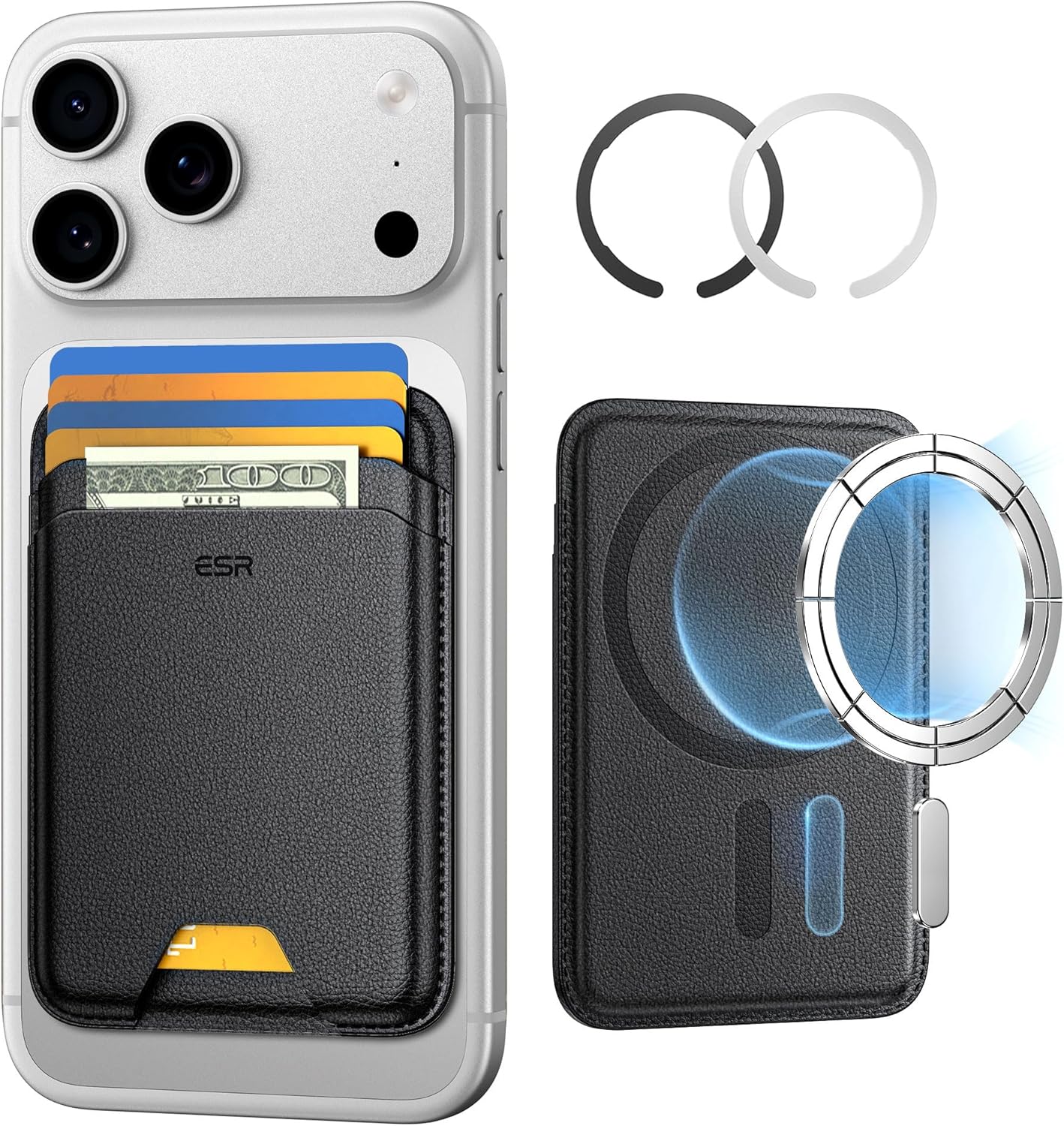
ESR for MagSafe Wallet
ESR for MagSafe Wallet, 5-Card Holder With RFID Blocking, MagSafe Sticker Included, Slim Magnetic Wallet for iPhone 17/16/15/14/13/12 Series and Selected Samsung Devices, Not for 13/12 Mini, Black

Canon PG-275
Canon PG-275 / CL-276 Genuine Ink Value Pack (2 Cartridges), Compatible with TS3520/3522/4722/3720/3722, TR4720
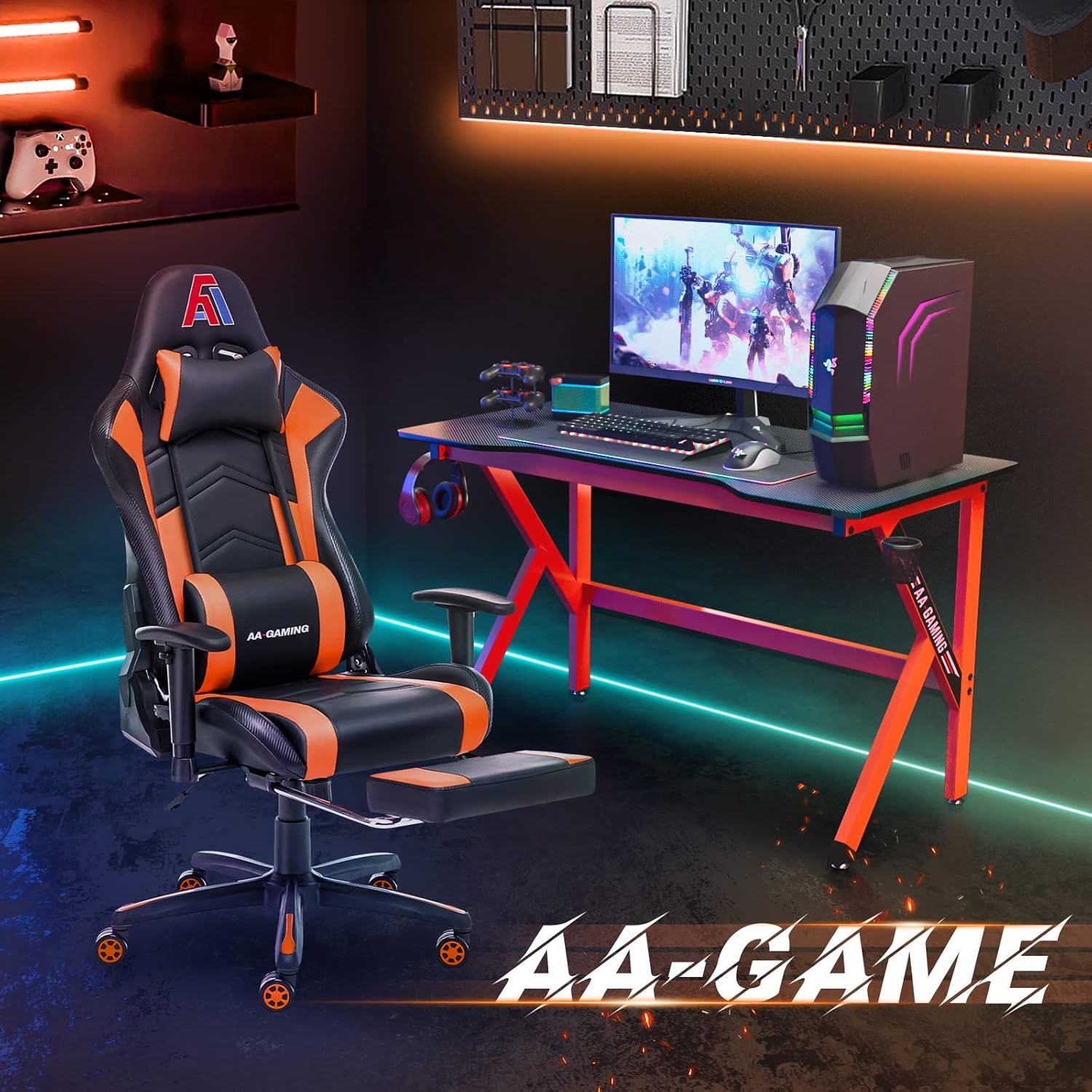
AA Products High Back Ergonomic Gaming Chair
AA Products Gaming Chair Ergonomic High Back Computer Racing Chair Adjustable Office Chair with Footrest, Lumbar Support Swivel Chair – BlackOrange
Results
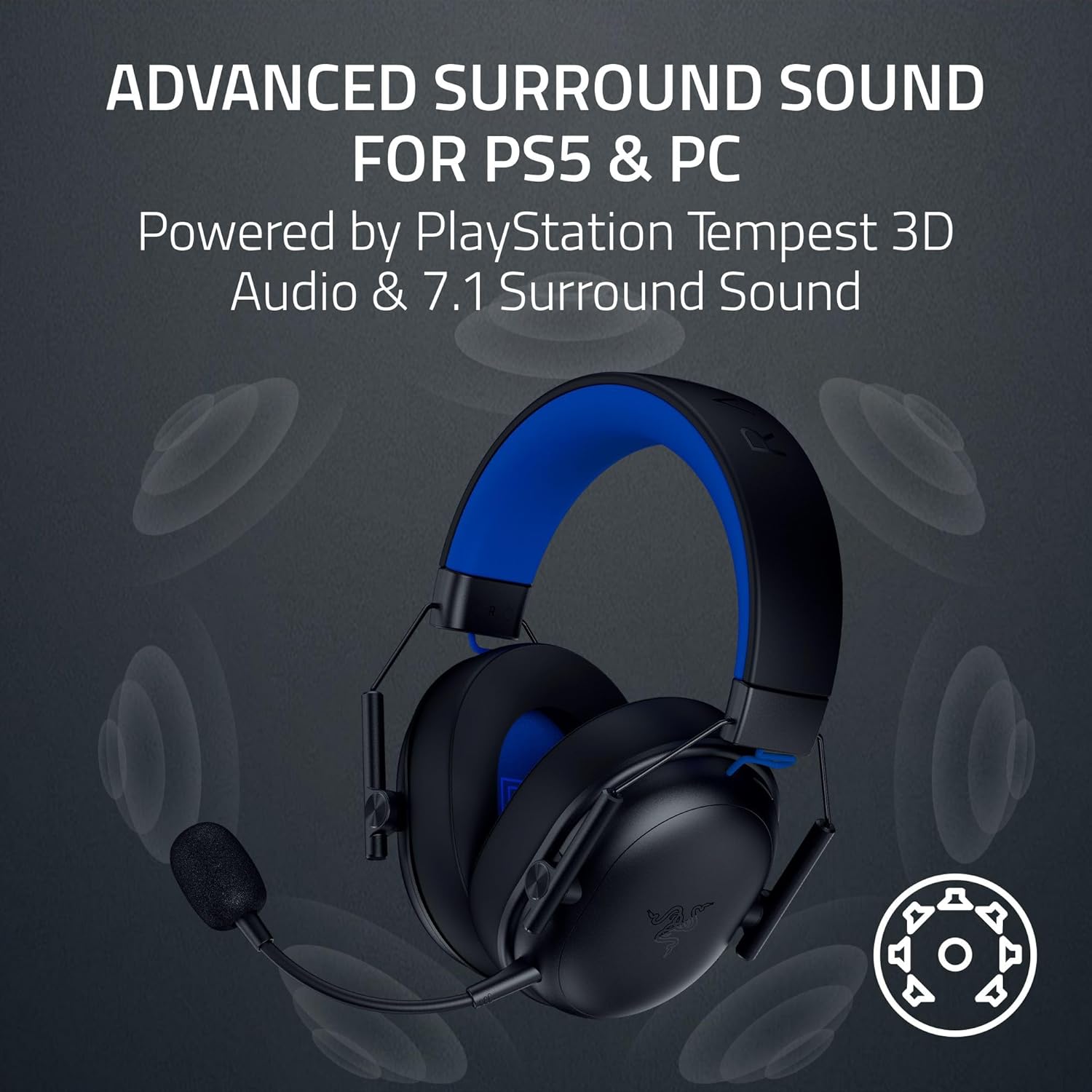
Razer BlackShark V3 X HyperSpeed Wireless Gaming Headset for PS5: 50mm Drivers – Cardioid Mic – 2.4 GHz, Bluetooth – Works with PC, Mac, Nintendo Switch, Smartphone – Long Battery Life – Black
interface sounds OGG
interface sounds, UI sound effects, UX sound effects, game UI sounds, mobile UI audio, notification sound effects, button click SFX, menu sounds, toggle switch sounds, error alert sounds