
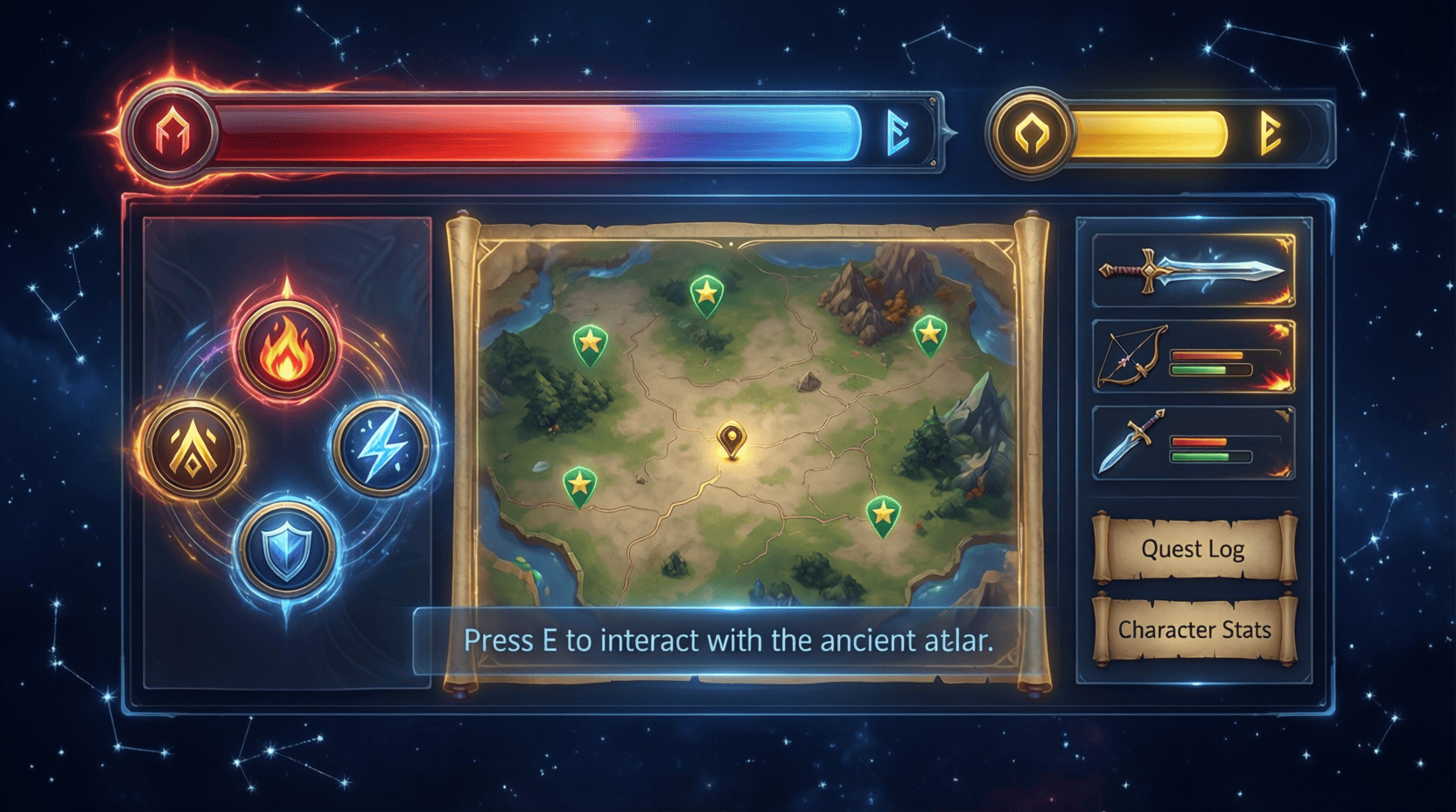
The Role of User Experience in Game UI Design
In the competitive world of gaming, where every second counts and every decision can lead to victory or defeat, the user interface (UI) plays a crucial role in shaping the player’s experience. Understanding the intricacies of user experience (UX) design in game UI is essential for developers and designers alike. This article delves into the importance of UX in game UI design, providing insights, examples, and actionable steps to create immersive gaming experiences.
Understanding User Experience in Gaming
User experience encompasses all aspects of the end-user’s interaction with the game, particularly how effectively the UI facilitates gameplay. A good UX ensures that players can navigate the game easily, understand the mechanics, and feel engaged with the content.
Key Elements of User Experience in Game UI
- Usability: The ease of use of the interface, including intuitive controls and clear navigation.
- Accessibility: Ensuring that all players, including those with disabilities, can enjoy the game.
- Feedback: Providing players with immediate and clear feedback regarding their actions, such as sound effects, animations, or notifications.
- Consistency: Maintaining a uniform style and layout throughout the game to avoid confusion.
- Aesthetics: Designing visually appealing graphics that enhance the gaming experience without overwhelming the player.
The Impact of UI on Gameplay
The UI is the bridge between the player and the game world. A well-designed UI can enhance immersion, while a poorly designed one can lead to frustration and disengagement. Consider the following examples:
Example 1: The Importance of Clear Navigation
In a role-playing game (RPG) like The Witcher 3: Wild Hunt, players navigate vast open worlds. The UI provides a map and quest log that are intuitive and easy to understand. Players can quickly access important information, allowing for seamless exploration.
Example 2: Feedback Mechanisms
In first-person shooters (FPS) such as Call of Duty, feedback mechanisms are crucial. The UI provides real-time information on health, ammunition, and objectives. This immediate feedback helps players make quick decisions under pressure.
Best Practices for Game UI Design
To create an effective game UI, developers should follow these best practices:
1. Conduct User Research
Understanding your target audience is vital. Conduct surveys, interviews, and playtests to gather feedback on the UI. Use this data to inform design decisions.
2. Create Prototypes
Develop low-fidelity prototypes to test layout and functionality. Use tools like Adobe XD or Sketch to visualize the UI before full development.
3. Prioritize Clarity
Ensure that all elements of the UI are clear and easy to understand. Avoid clutter and focus on essential information. Use whitespace effectively to guide the player’s eye.
4. Test and Iterate
Gather feedback regularly and be willing to make changes. Iterative testing allows for continuous improvement of the UI based on real user experiences.
Step-by-Step Guide to Designing Game UI
- Define the Game’s Goals: Understand what the game is trying to achieve and how the UI can support that.
- Identify Target Audience: Determine who will play the game and what their needs might be.
- Sketch Initial Concepts: Create rough sketches of the UI elements and layout.
- Build Prototypes: Use design software to create interactive prototypes.
- Conduct Usability Testing: Test the prototypes with real users and gather feedback.
- Iterate and Refine: Make necessary adjustments based on feedback, focusing on usability and aesthetics.
- Finalize Design: Once testing is complete, finalize the UI design and prepare for implementation.
Checklist for Effective Game UI Design
UI Design Checklist
- ✅ Is the UI intuitive and easy to navigate?
- ✅ Are key actions easily accessible?
- ✅ Is feedback provided for player actions?
- ✅ Is the design consistent throughout the game?
- ✅ Are visuals appealing without being distracting?
- ✅ Have accessibility options been considered?
Visual Examples of Effective UI Design
Here are some visuals showcasing effective UI design elements:
| Game | UI Element | Why It Works |
|---|---|---|
| Overwatch | Character Selection Screen | Clear, colorful icons represent each character, making it easy to select. |
| Dark Souls | Health and Stamina Bars | Minimalistic design keeps focus on gameplay while providing essential information. |
| Fortnite | Inventory Management | Quick access to items with clear visuals and easy navigation. |
Conclusion
User experience is a foundational element of game UI design that can significantly influence player engagement and satisfaction. By prioritizing usability, accessibility, and feedback within the UI, developers can create immersive gaming experiences that resonate with players. For more in-depth insights, check out our Ultimate Guide to UI Design for Games.

MMO Mug
MMO Mug - Legendary Coffee Mug Level 110 - Large Ceramic Black15oz - Gaming, Gamer Cup

AULA F99 Wireless Mechanical Gaming Keyboard
AULA F99 Wireless Mechanical Keyboard,Tri-Mode BT5.0/2.4GHz/USB-C Hot Swappable Custom Keyboard,Pre-lubed Linear Switches,RGB Backlit Computer Gaming Keyboards for PC/Tablet/PS/Xbox
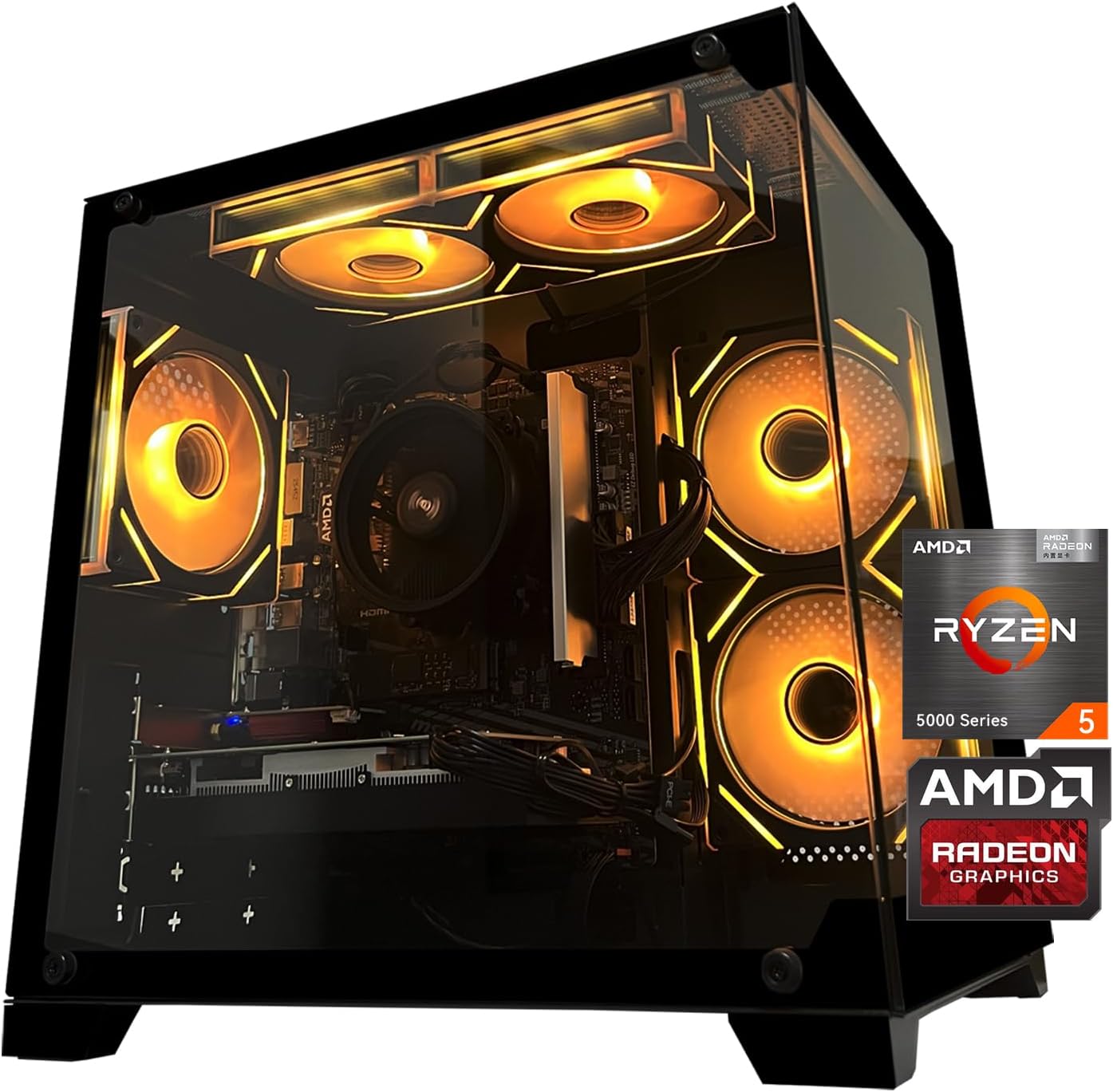
Gaming PC Desktop Computer, AMD
Gaming PC Desktop Computer, AMD Ryzen 5 5500, RX6500XT 4GB Graphics, 16GB DDR4 RAM, 512GB NVMe SSD, ARGB Fans, Game Design Office
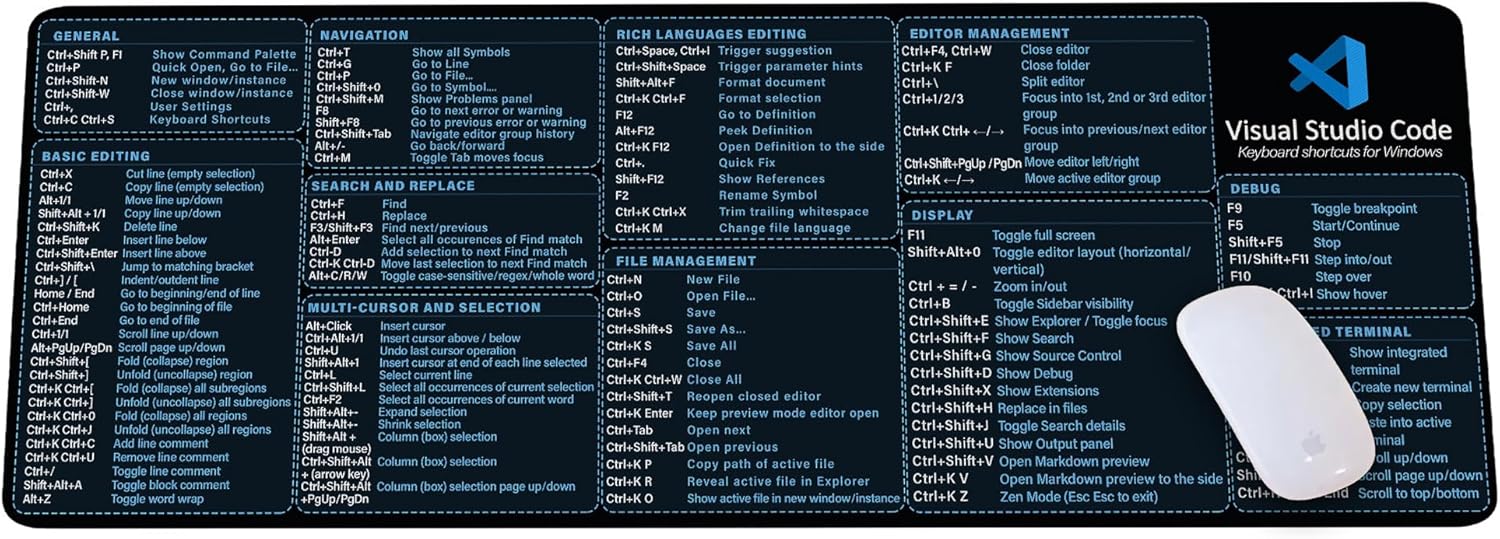
Visual Studio Code Shortcuts Mouse Pad
Visual Studio Code Shortcuts Mouse Pad – Desk Mat for Programmers, Coders & Beginners, Great Office Gift for Developers & Tech Enthusiasts, Computer Accessory for Study, Work, and Learning KMH