
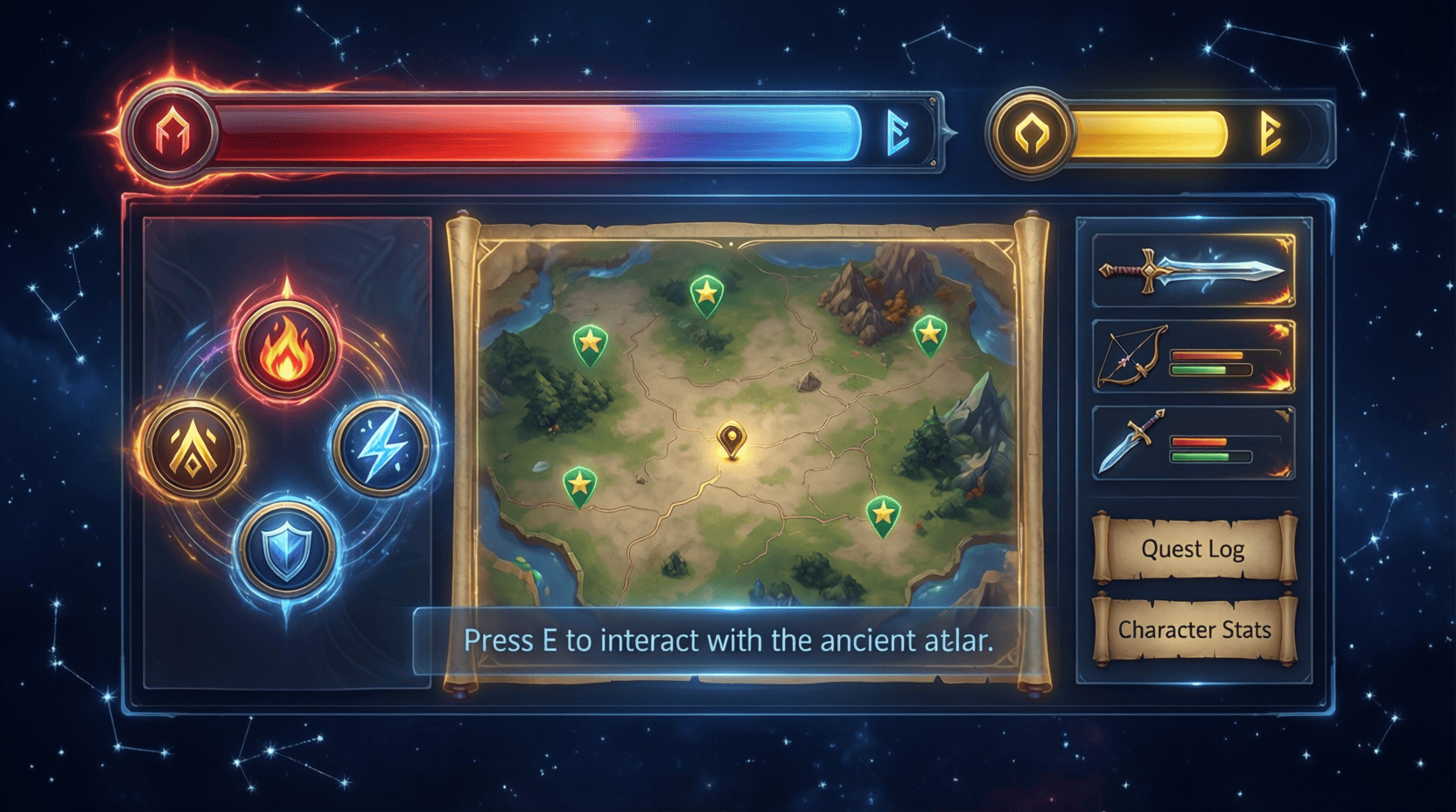
Top UI Design Tools for Game Developers
In the rapidly evolving landscape of game development, the importance of a well-crafted user interface (UI) cannot be overstated. A game’s UI is the bridge between the player and the immersive world you’ve created. In this article, we’ll explore the top UI design tools that every game developer should consider, providing insights, examples, and practical tips to elevate your game’s user experience.
Understanding the Importance of UI in Games
Before diving into the tools, let’s take a moment to understand why UI design is crucial in game development. A well-designed UI enhances usability, improves player engagement, and ultimately contributes to the overall success of a game. Poor UI can frustrate players, leading to negative reviews and reduced gameplay time.
Key Components of Effective Game UI
- Intuitiveness: Players should navigate your interface effortlessly.
- Aesthetics: The visual elements should align with your game’s theme.
- Feedback: Players need immediate feedback for their actions, such as button presses or selections.
- Accessibility: Your UI should be usable by a diverse audience.
Top UI Design Tools for Game Developers
Now that we understand the importance of UI, let’s explore some of the top tools that can help you design an intuitive and engaging user interface.
1. Adobe XD
Adobe XD is a vector-based design tool perfect for creating wireframes and prototypes. It allows designers to create interactive prototypes and easily share them with team members for feedback.
Key Features:
- Vector-based design tools for scalable graphics.
- Integration with other Adobe Creative Cloud applications.
- Real-time collaboration features.
Step-by-Step Guide to Using Adobe XD:
- Start a new project and choose your canvas size.
- Utilize the shape tools to create UI elements.
- Use the Repeat Grid feature to duplicate elements easily.
- Add interactions and transitions for prototyping.
- Share your prototype for feedback using a shareable link.
2. Sketch
Primarily used by macOS users, Sketch is another powerful UI design tool that emphasizes vector graphics and ease of use. It’s particularly popular among designers due to its intuitive interface.
Key Features:
- Symbols for reusable design elements.
- Artboards for managing multiple screens.
- Plugins for extended functionality.
Checklist for Getting Started with Sketch:
- Download and install Sketch.
- Familiarize yourself with the interface.
- Create your first artboard.
- Design UI components using symbols.
- Export assets for integration into your game.
3. Figma
Figma is a cloud-based design tool that allows for real-time collaboration, making it perfect for teams. With its extensive design and prototyping capabilities, it’s a favorite among game developers.
Key Features:
- Real-time collaboration for teams.
- Built-in prototyping and animation features.
- Cross-platform accessibility.
Visual Example:

Using Figma: A Quick Guide
- Create a Figma account and start a new project.
- Set up your canvas with frames.
- Design UI elements using vector tools.
- Add interactions and transitions for your prototype.
- Share your design with team members for feedback.
4. Unity UI Toolkit
Unity’s UI Toolkit is a powerful framework for building user interfaces in Unity games. It streamlines the process of creating complex UIs with ease.
Key Features:
- Flexible layout options.
- Style sheets to customize the appearance of UI elements.
- Compatible with both 2D and 3D games.
Step-by-Step Guide to Using Unity UI Toolkit:
- Open your Unity project and navigate to the UI Toolkit section.
- Create a new UI Document.
- Add UI elements from the library.
- Style your UI using USS (Unity Style Sheets).
- Test the UI in Play mode to ensure functionality.
5. InVision
InVision is a prototyping tool that focuses on creating interactive mockups. It’s great for presenting ideas and gathering feedback from stakeholders.
Key Features:
- Clickable prototypes to simulate user interactions.
- Collaboration tools for team feedback.
- Integration with other design tools.
InVision Quick Start:
- Create an InVision account and start a new project.
- Upload your design files from other tools.
- Create hotspots for interactive elements.
- Share your prototype for feedback.
Tips for Choosing the Right UI Design Tool
With so many options available, how do you choose the right UI design tool for your game development project? Here are some tips:
- Assess your team’s skill level: Choose a tool that matches your team’s expertise.
- Consider your workflow: Select a tool that integrates well with your existing development pipeline.
- Look for collaboration features: If you’re working in a team, real-time collaboration can save time and improve results.
- Evaluate pricing: Some tools are free, while others may require a subscription. Choose one that fits your budget.
Conclusion
Creating an intuitive and visually appealing user interface is essential for any game developer. The tools discussed in this article—Adobe XD, Sketch, Figma, Unity UI Toolkit, and InVision—are some of the best available to help you design effective UIs. As you refine your game’s UI, consider diving deeper into related content such as The Ultimate Guide to UI Design for Games for more insights and best practices.
Razer
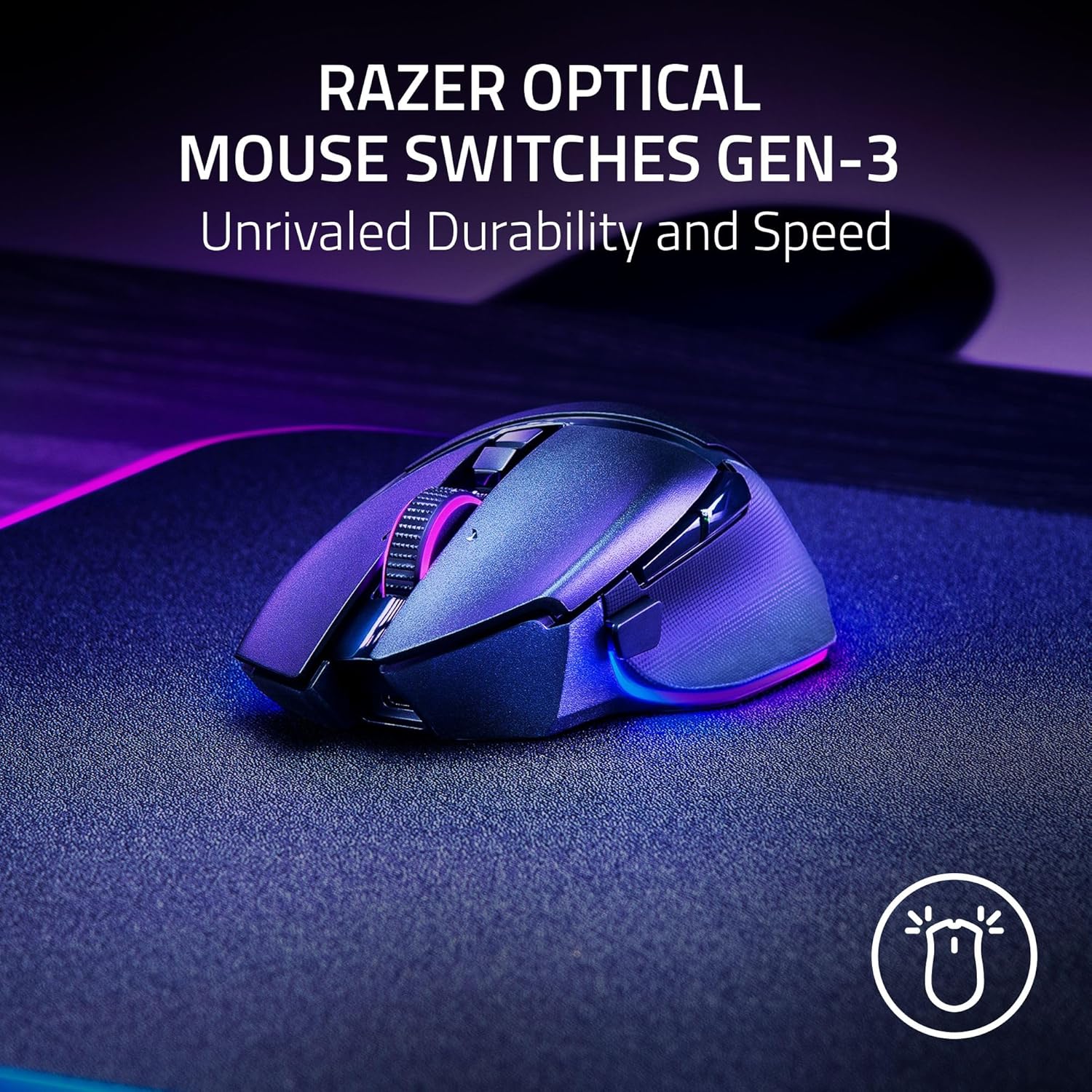
Razer Basilisk V3 Pro 35K Wireless Gaming Mouse: HyperScroll Tilt Wheel - 35K DPI Optical Sensor Gen 2-13 Customizable Controls - Chroma RGB - Optical Switches Gen 3 - Up to 140 Hr Battery - Black

iFIT Pro
iFIT Pro - Monthly Membership - 1 month free trial included [Subscription]
Razer
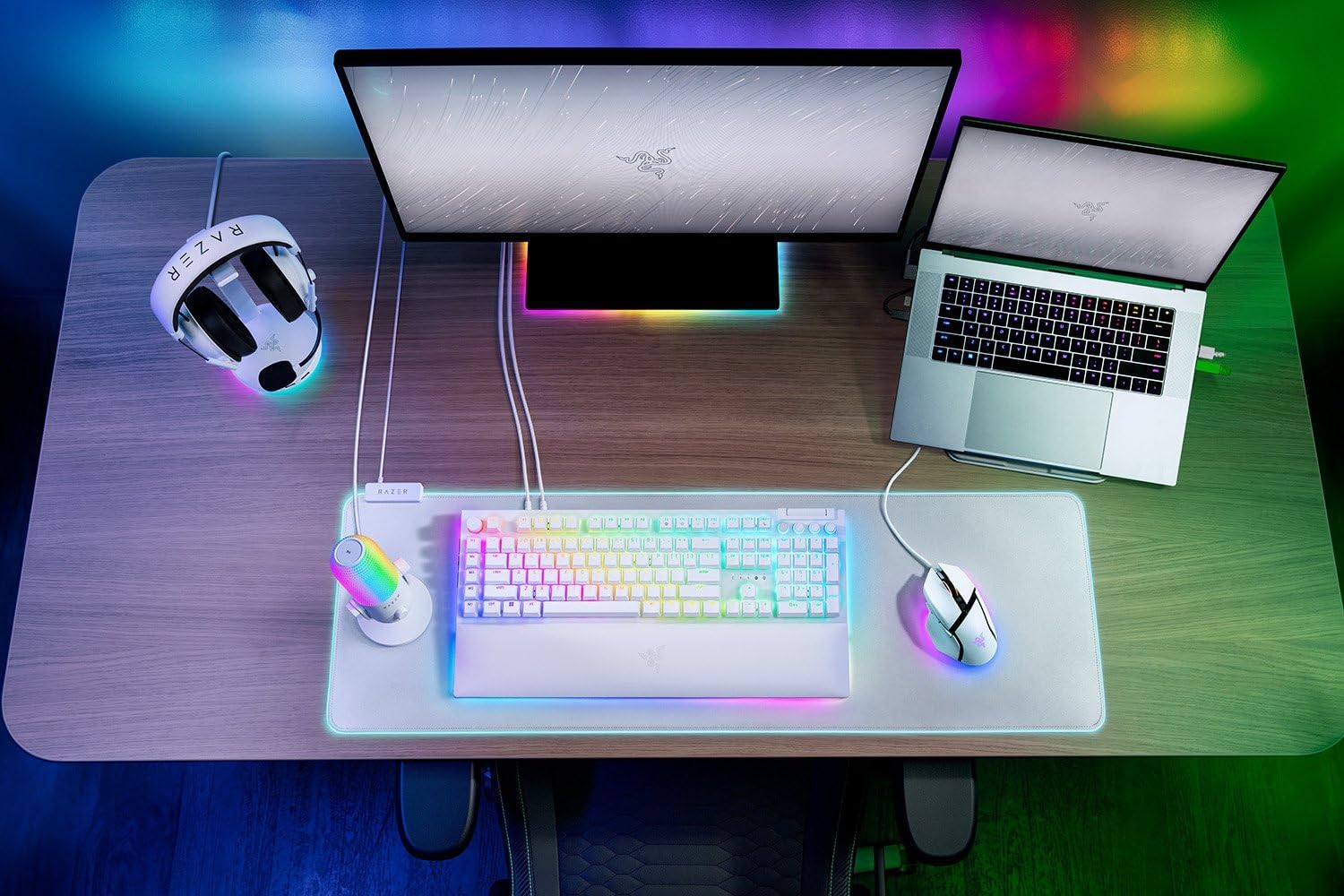
RAZER BlackWidow V4 Pro Wired RGB Keyboard White Refurbished
RAWM ES21 Wireless Gaming Mouse
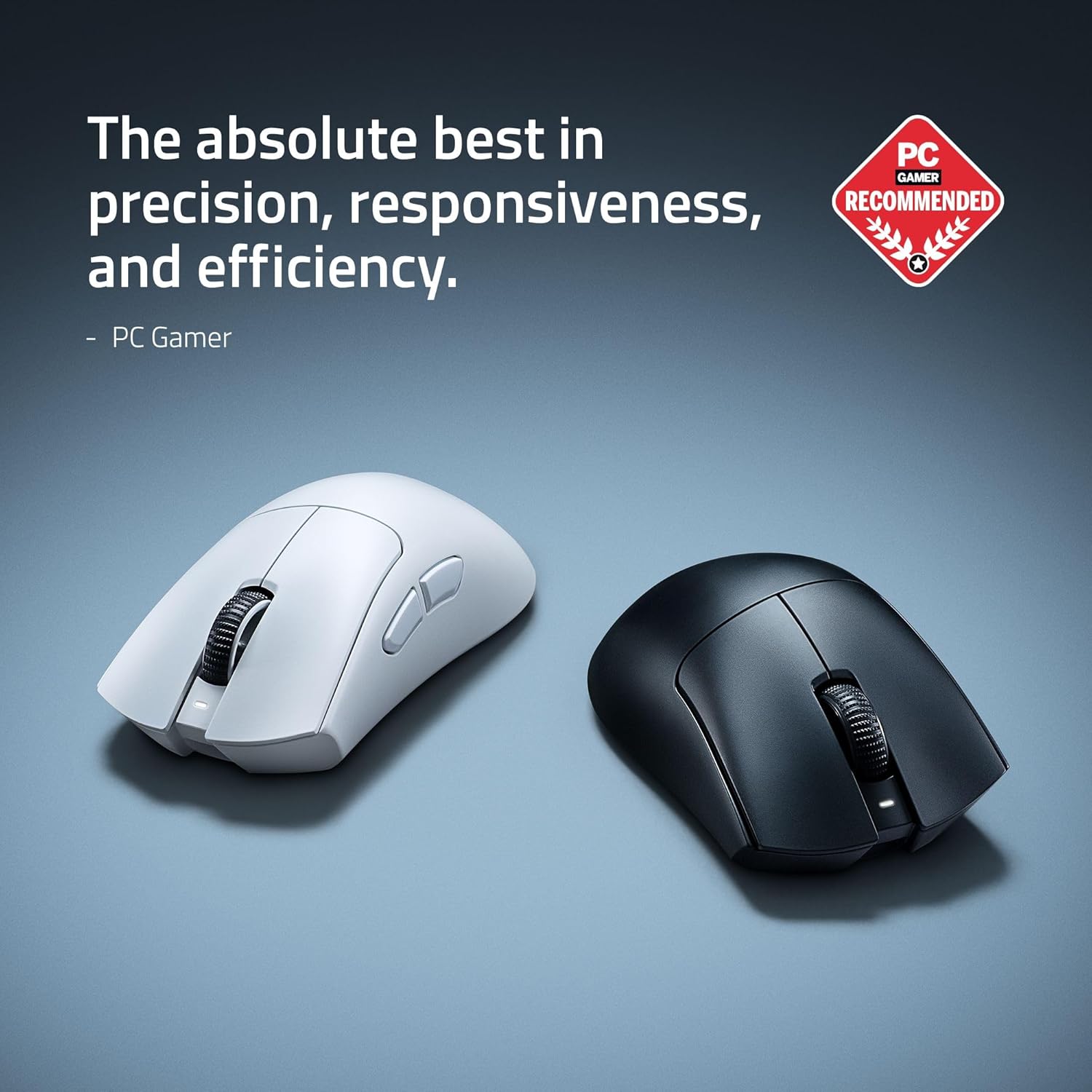
Razer DeathAdder V4 Pro Wireless Gaming Mouse: 56g Lightweight - HyperSpeed Wireless Gen-2 - Optical Scroll Wheel - Optical Switches Gen-4 - Focus Pro 45K Sensor Gen-2 - Up to 150 Hr Battery