
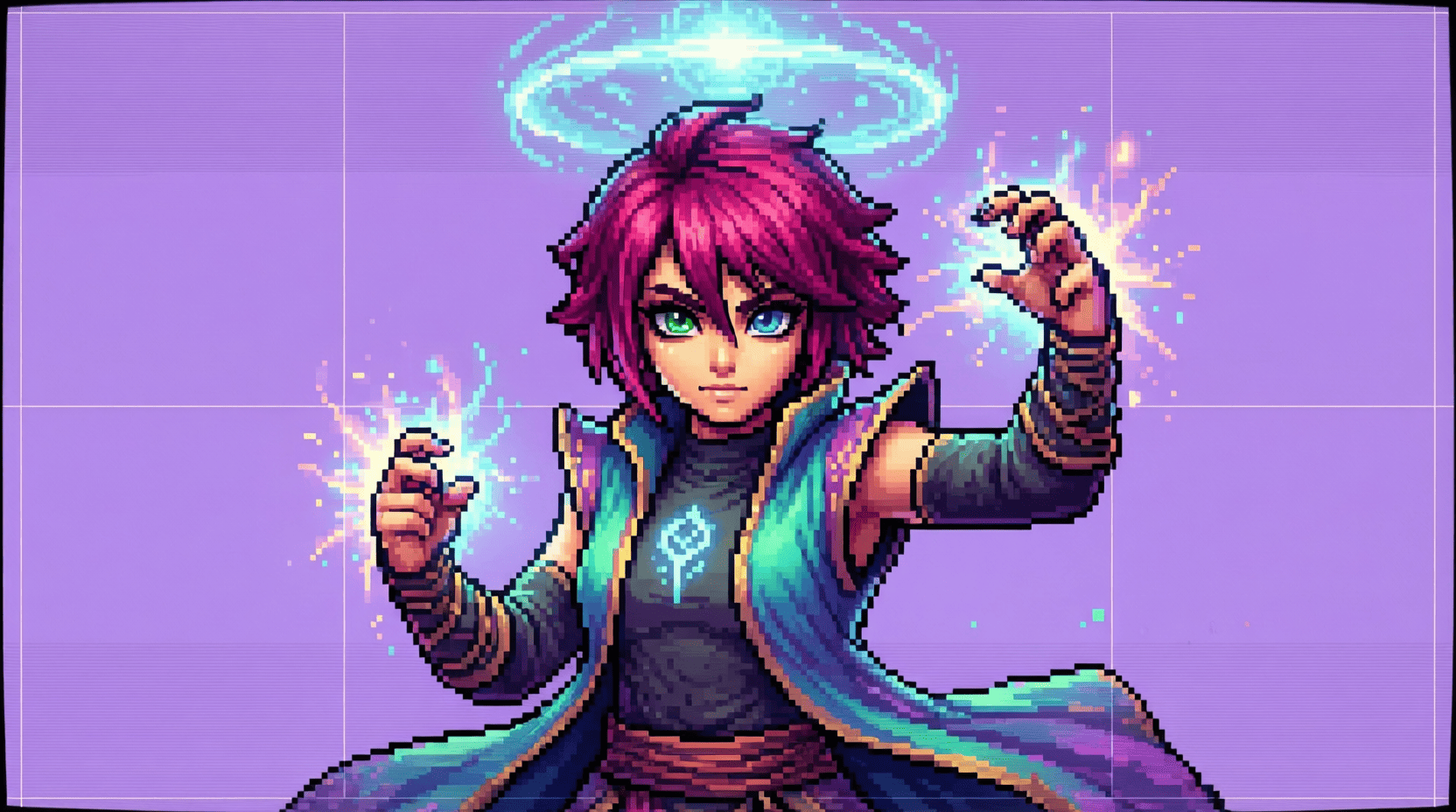
Understanding Sprite Sheets: Tips and Tricks
In the world of game development, sprite sheets play a crucial role in optimizing graphics and enhancing performance. A sprite sheet consolidates multiple images into a single file, making it easier to manage animations and reduce loading times. In this article, we will delve into the essentials of sprite sheets, provide tips and tricks for effective usage, and explore useful resources for obtaining free 2D sprites.
What is a Sprite Sheet?
A sprite sheet is a collection of images (sprites) combined into a single image file. Each sprite represents a different state or frame of an object, character, or effect in a game. By using sprite sheets, developers can minimize the number of individual image files needed, which can significantly improve performance, especially in 2D game development.
Benefits of Using Sprite Sheets
- Performance Optimization: Reduces the number of draw calls and improves rendering efficiency.
- Reduced File Size: Consolidates multiple images into a single file, leading to lower memory usage.
- Easy Animation Control: Simplifies the process of managing animations by storing all frames in one location.
- Minimized Load Times: Decreases loading times as fewer files need to be loaded into memory.
Creating Your Own Sprite Sheets
Creating a sprite sheet may seem daunting at first, but with the right tools and a step-by-step approach, you can easily generate your own. Here’s a guide to help you through the process:
Step 1: Gather Your Sprites
Begin by creating or obtaining the individual sprites you want to include in your sprite sheet. These could be character animations, environmental tiles, or UI elements. Ensure that all images are of the same dimensions for consistency.
Step 2: Choose a Sprite Sheet Generator
There are several tools available for creating sprite sheets. Some popular options include:
| Tool | Description |
|---|---|
| TexturePacker | Professional tool for creating sprite sheets with advanced features. |
| ShoeBox | Free tool that offers various game asset management functionalities. |
| Sprite Sheet Packer | Open-source software for generating sprite sheets. |
Step 3: Arrange Your Sprites
Using the chosen sprite sheet generator, import your individual sprites and arrange them in a grid layout. This arrangement will vary based on your preferences and the intended use of the sprites. Ensure that there is sufficient padding between sprites to avoid any bleed during rendering.
Step 4: Export the Sprite Sheet
Once your sprites are arranged, export the sprite sheet in a suitable format, such as PNG or JPG. Additionally, make sure to generate a corresponding data file (in formats like JSON or XML) that includes the position and size of each sprite.
Optimizing Sprite Sheets for Game Development
To get the most out of your sprite sheets, consider the following optimization techniques:
1. Use Power of Two Textures
For optimal performance across various platforms, use textures whose dimensions are powers of two (e.g., 256×256, 512×512). This practice can help avoid issues with texture mapping and improve compatibility.
2. Minimize Texture Size
Keep your sprite sheet size as small as possible without sacrificing quality. This can be achieved by compressing images and removing unnecessary elements.
3. Organize Sprites Logically
Group similar sprites together to streamline your workflow. For example, place all character animations in one section and environmental assets in another. This organization will make it easier to locate specific sprites during development.
Common Mistakes to Avoid
- Not maintaining consistent sprite dimensions, which can lead to rendering issues.
- Neglecting to provide enough padding between sprites, causing sprites to bleed into one another.
- Overcomplicating sprite sheets by including too many sprites, making management difficult.
Related Content: Free 2D Sprites for Game Development
If you’re looking for high-quality 2D sprites to use in your projects, check out our guide on Free 2D Sprites for Game Development. It’s an excellent resource for developers seeking to enhance their games without breaking the bank.
Conclusion
Understanding sprite sheets is an essential skill for any game developer. By consolidating graphics into a single file, you can improve performance, minimize loading times, and streamline your workflow. With the tips and tricks provided in this article, you’ll be well-equipped to create and optimize your own sprite sheets. Remember to leverage free resources for additional sprites, and continue refining your skills to enhance your game development projects.
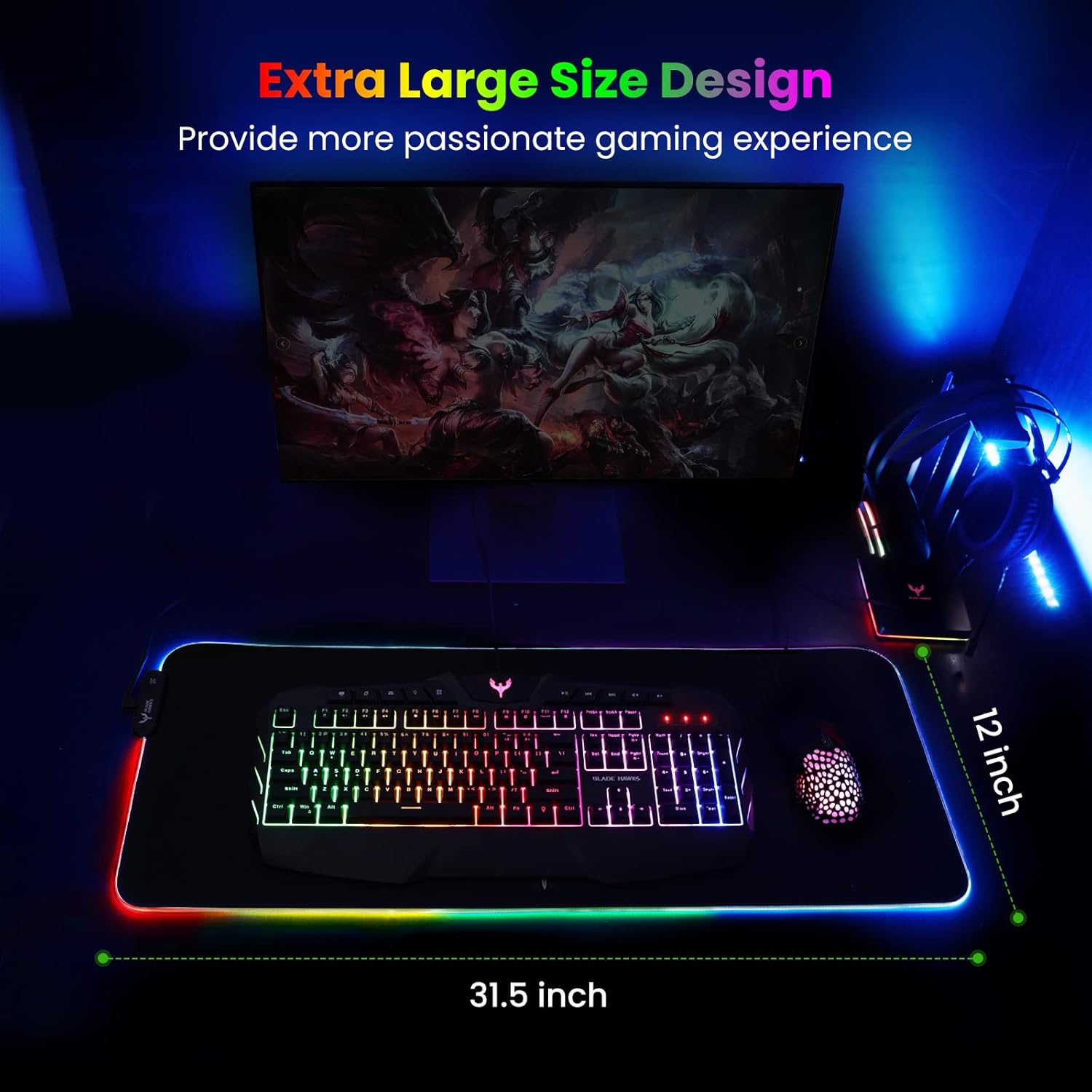
Mouse Pad
BladeHawks Extra Large RGB Gaming Mouse Pad-14 Light Modes, Extended Soft LED Mouse Pad, Anti-Slip Rubber Base, Computer Keyboard Mousepad Mat (31.5 x 12 Inch)

UGREEN USB-C Bluetooth Adapter for PS5
UGREEN USB-C Bluetooth Adapter for PS5, Bluetooth 5.3 Audio Adapter with APTX Low Latency & aptX-Adaptive, Wireless Audio Transmitter to Connect Wireless Headphones & Earbuds
Results
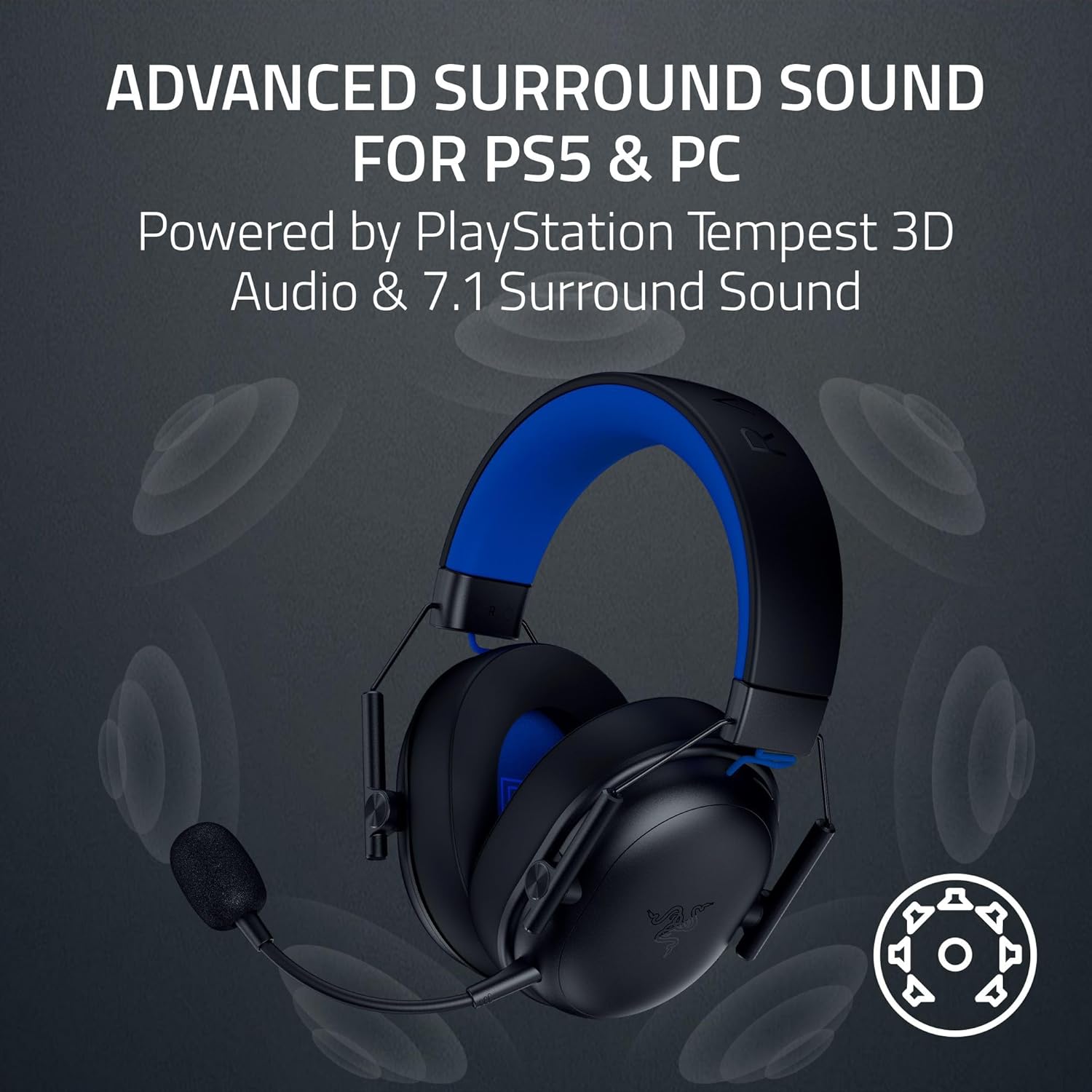
Razer BlackShark V3 X HyperSpeed Wireless Gaming Headset for PS5: 50mm Drivers - Cardioid Mic - 2.4 GHz, Bluetooth - Works with PC, Mac, Nintendo Switch, Smartphone - Long Battery Life - Black