
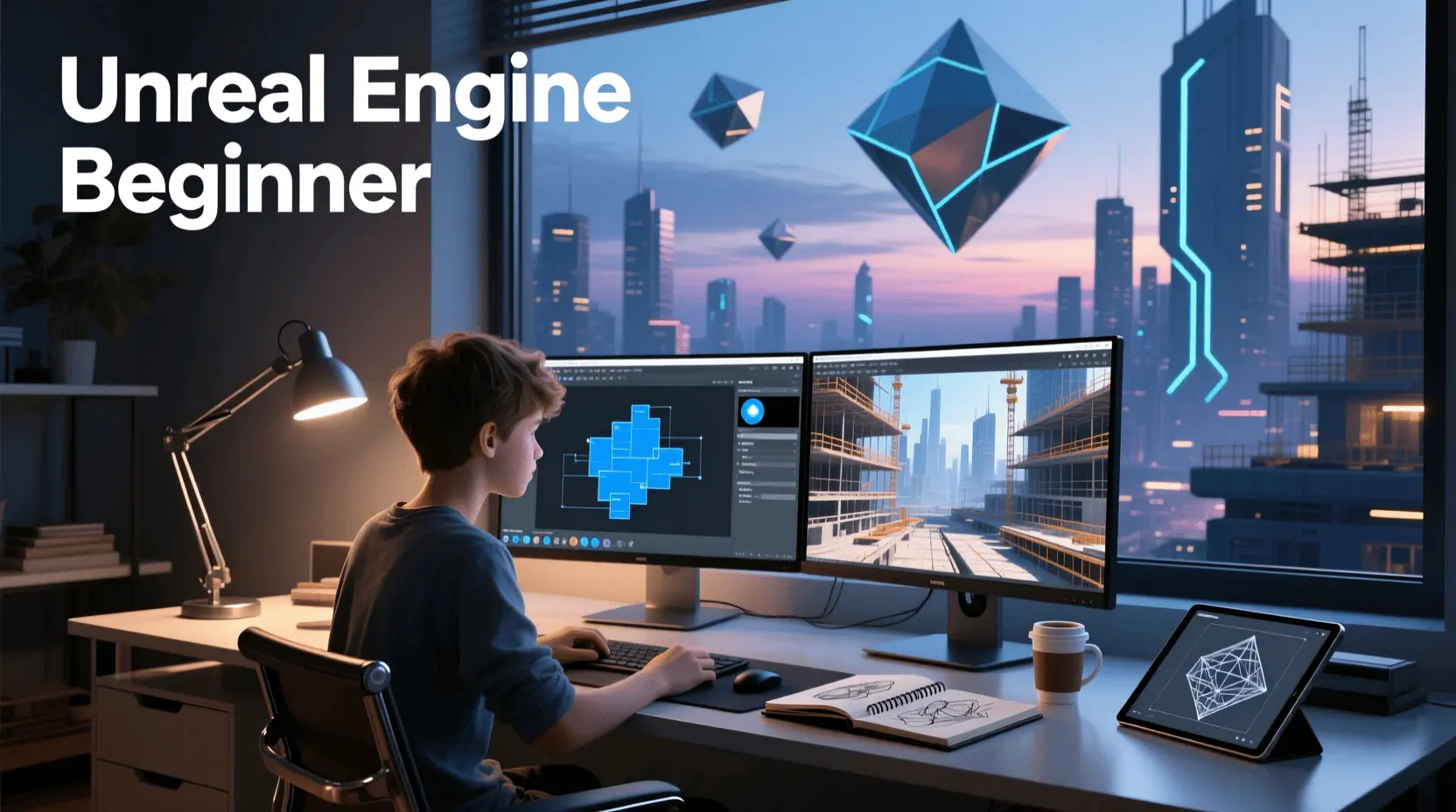
Ever dreamt of building your own interactive worlds, crafting compelling narratives, or designing the next big hit game? The field of game development is more accessible than ever, and learning or practicing game creation at home offers an incredibly valuable and inspiring journey. Whether you’re a complete novice or have dabbled in other creative fields, embarking on the path of game development for beginners can unlock a universe of creative potential. This comprehensive Unreal Engine Tutorial will guide you through the essential steps and insights to kickstart your game development adventure.
Materials & Supplies
To begin your game development journey with Unreal Engine, you’ll need a few crucial tools and resources:
- Computer: A modern PC or Mac with a dedicated graphics card (NVIDIA GeForce RTX 2060 or AMD Radeon RX 5700 XT equivalent or better is recommended), 16GB+ RAM, and ample storage (SSD is highly recommended for faster load times).
- Unreal Engine: Downloadable for free from the Epic Games Launcher. This powerful game engine will be your primary development environment.
- Code Editor: While Unreal Engine’s Blueprint visual scripting system minimizes the need for extensive coding, a basic code editor like Visual Studio Code can be helpful for C++ integration or other scripting needs.
- Graphics Software (Optional but Recommended): Tools like Blender (free) for 3D modeling and animation, GIMP or Krita (free) for 2D textures and sprites, or Photoshop/Substance Painter (paid) for professional-grade assets.
- Audio Tools (Optional): Audacity (free) for basic sound editing, or dedicated Digital Audio Workstations (DAWs) like FL Studio or Reaper (paid) for composing game music and sound effects.
- Input Devices (Optional but Helpful): Consider investing in a high-quality Mechanical Gaming Keyboard and a precise mouse for a more comfortable and efficient development experience.
Each tool plays a vital role: Unreal Engine handles the core game logic, rendering, and physics; graphics software helps you create visual assets; and audio tools bring your game to life with sound.
Timing / Development Schedule
Creating a game, even a simple one, involves several phases. Understanding a realistic timeline is crucial for beginners:
- Concept & Design (1-3 days): Brainstorm your core idea, define game mechanics, and outline a simple Game Design Document (GDD). Keep it concise for your first project.
- Environment Setup & Prototyping (3-7 days): Install Unreal Engine, set up a new project, and block out your levels. Focus on getting core mechanics working without worrying about aesthetics.
- Asset Creation & Integration (1-2 weeks): Develop or acquire basic 3D models, textures, and sounds. Integrate them into Unreal Engine.
- Core Logic & Scripting (1-3 weeks): Implement game rules, player controls, enemy AI (if any), and interaction systems using Unreal Engine’s Blueprints or C++.
- Testing & Debugging (1 week): Playtest constantly, identify bugs, and fix them. Get feedback from friends or family.
- Polishing & Optimization (3-5 days): Refine visuals, optimize performance, add UI/UX elements, and prepare for potential release.
For a true beginner, expect a simple game like a “Flappy Bird” clone or a basic puzzle game to take anywhere from a few weeks to two months, depending on your dedication and learning curve.
Step-by-Step Instructions
Ready to dive into your first Unreal Engine Tutorial? Here’s how to start developing a simple game:
- Define Your Core Idea: Start with a small, achievable concept. Think of a single mechanic game – like collecting items, simple platforming, or a basic puzzle.
- Install Unreal Engine: Download the Epic Games Launcher and install the latest stable version of Unreal Engine.
- Create a New Project: Open Unreal Engine, select “Games” as a template, and choose a suitable starting point (e.g., “Third Person” or “Blank”). Opt for a Blueprint project for easier learning.
- Block Out Your Level: Use basic geometric shapes (cubes, spheres) to lay out your game world. Focus on gameplay flow before aesthetics.
- Implement Player Controls: If using a template, player controls might be pre-configured. Experiment with modifying movement speed or jump height.
- Add Basic Interactions (Blueprints): Using Unreal’s visual scripting system, Blueprints, create a simple interaction. For example, a player picking up an item or triggering a door to open. Drag and drop nodes to connect logic.
- Integrate Placeholder Assets: Use simple 3D models and textures. The Unreal Marketplace offers many free assets for beginners.
- Test and Iterate: Constantly play your game! Does it feel right? Are there any bugs? Make small adjustments and test again.
- Refine and Expand: Once your core loop is fun, you can gradually add more complexity, better assets, and polish.
Advantages of Learning Game Development
Learning game development isn’t just about making games; it’s a powerful way to cultivate a range of valuable skills:
- Creativity & Innovation: You become a digital artist, designer, and storyteller, bringing your unique visions to life.
- Problem-Solving & Logical Thinking: Debugging code and designing mechanics sharpens your analytical and problem-solving abilities.
- Technical Proficiency: You gain hands-on experience with game engines, programming languages, 3D modeling, and various software tools.
- Project Management: From concept to completion, you learn to plan, organize, and execute a complex project.
- Career Opportunities: The skills acquired are highly sought after in the gaming industry, simulations, interactive media, and even architectural visualization.
- Patience & Perseverance: Game development teaches you to overcome challenges and persist through difficult technical hurdles.
Tips, Alternative Methods, or Development Advice
To make your learning journey smoother, consider these tips:
- Start Small: Your first project should be incredibly simple. Don’t aim for the next AAA title. A single-level game with one core mechanic is perfect.
- Focus on Blueprints First: Unreal Engine’s Blueprint visual scripting is incredibly powerful and allows you to create complex game logic without writing a single line of C++.
- Explore 2D Before 3D: While Unreal excels in 3D, starting with 2D games can simplify asset creation and foundational mechanics.
- Utilize Online Tutorials: YouTube, Udemy, and Unreal Engine’s official documentation are goldmines for learning. Follow specific Unreal Engine Tutorial series.
- Join Communities: Engage with other developers on forums, Discord servers, or Reddit. Sharing your progress and asking questions is invaluable.
- Consider Alternatives: While Unreal is fantastic, you might also look at Game Development with Unity (C# based) or Godot Engine (open-source, lightweight).
- Optimize for Limited Hardware: If your computer isn’t top-tier, focus on minimalist art styles, smaller levels, and optimizing assets to maintain performance.
Common Mistakes to Avoid
New game developers often fall into predictable traps. Avoid these to stay motivated and productive:
- Scope Creep: Trying to make an overly ambitious first game. This is the biggest project killer for beginners.
- Neglecting Planning: Jumping straight into coding without a clear idea of what you’re building. A simple GDD can save hours.
- Ignoring Testing: Not playing your game frequently. Bugs lurk everywhere, and early testing helps catch them.
- Perfectionism: Getting stuck on minor details. It’s better to finish a “good enough” game than never finish a “perfect” one.
- Tutorial Paralysis: Consuming endless tutorials without actively applying the knowledge. Build while you learn!
- Working in Isolation: Don’t be afraid to ask for help or share your progress. Feedback is crucial.
Maintenance / Update Tips
Releasing your game isn’t the end; it’s often just the beginning.
- Version Control: Learn to use Git (with GitHub or GitLab) or Perforce. This is essential for tracking changes, collaborating, and reverting to previous versions if something breaks.
- Bug Reporting & Fixing: Set up a system for players to report bugs. Prioritize critical bugs and release patches.
- Iterative Updates: Consider adding small content updates (new levels, characters, features) over time to keep players engaged.
- Player Feedback Loop: Actively listen to your community. Not all feedback can be implemented, but understanding player desires is vital for long-term success.
- Documentation & Organization: Keep your project files, Blueprints, and assets well-organized and clearly named. Document complex Blueprints or C++ code.
- Regular Backups: Always back up your project files to multiple locations (cloud storage, external drive) to prevent data loss.
Conclusion
Embarking on your game development journey at home, especially with a powerful tool like Unreal Engine, is an incredibly rewarding experience. Remember to start small, leverage the wealth of available resources, and most importantly, keep practicing. Every line of code, every sculpted asset, and every debugging session brings you closer to realizing your creative vision. Don’t be afraid to share your creations with the world and connect with fellow developers. Your next great adventure in interactive entertainment starts now!
FAQs
What programming language should I start with?
For Unreal Engine, it’s best to start with its visual scripting system, Blueprints. You can learn C++ later if you want to dive deeper into engine modifications or highly optimized game logic.
Which game engine is best for beginners?
Unreal Engine (with Blueprints) is excellent for visual learners. Unity (C#) is also very popular, and Godot Engine (GDScript/C#) is a great open-source option known for its simplicity. The “best” depends on your learning style and project goals.
How long does it take to make a small game?
A truly small, polished game (e.g., a simple puzzle or platformer) can take anywhere from a few weeks to a couple of months for a beginner working part-time.
Do I need to know coding to start?
Not strictly, thanks to visual scripting tools like Unreal Engine’s Blueprints or Godot’s Visual Script. However, understanding basic programming logic will greatly enhance your capabilities.
Where can I publish my first game?
Platforms like Itch.io are fantastic for indie developers to publish their first games for free or at a chosen price. Steam Greenlight (now Steam Direct) is an option for PC, and Google Play Store/Apple App Store for mobile.
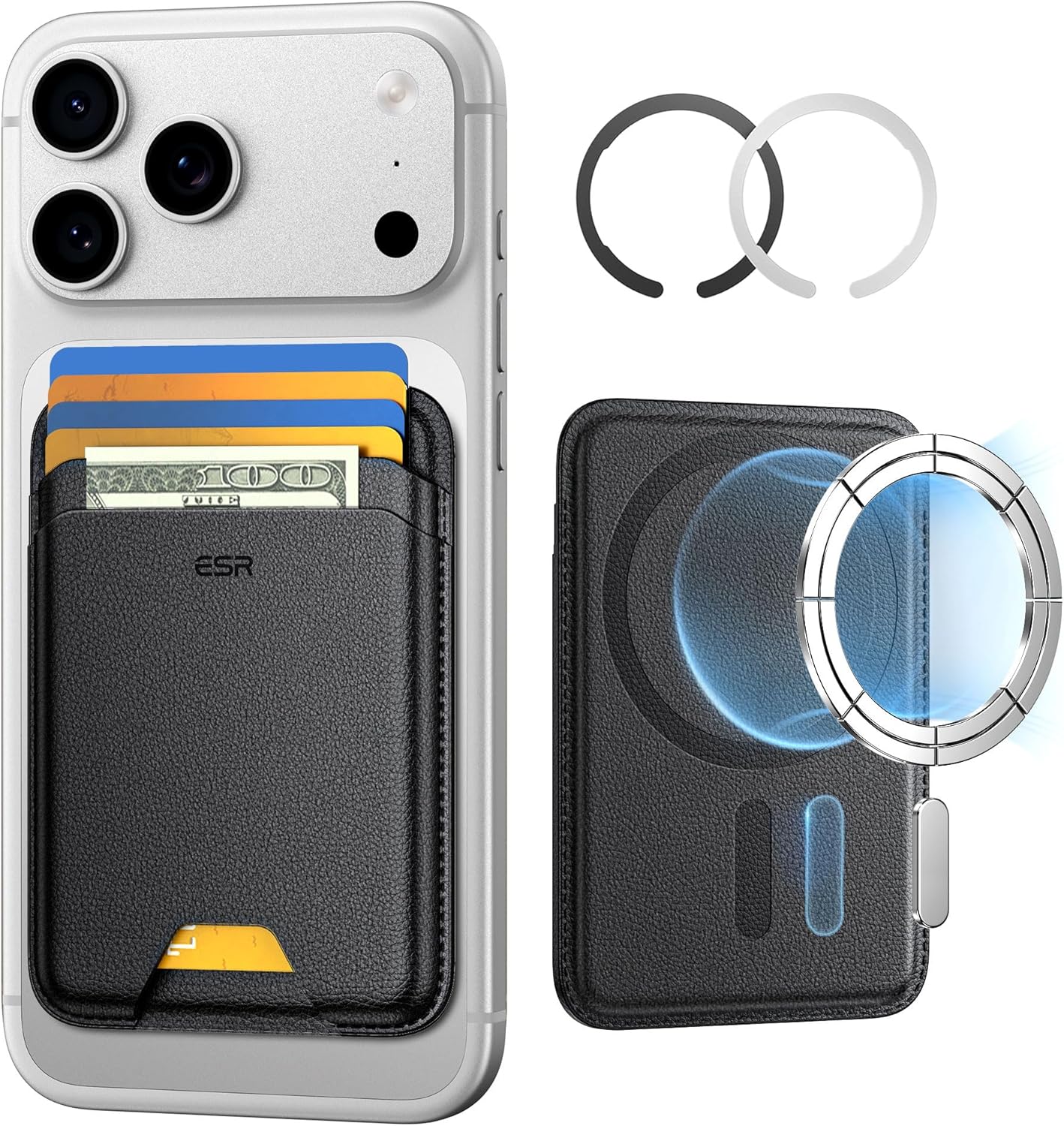
ESR for MagSafe Wallet
ESR for MagSafe Wallet, 5-Card Holder With RFID Blocking, MagSafe Sticker Included, Slim Magnetic Wallet for iPhone 17/16/15/14/13/12 Series and Selected Samsung Devices, Not for 13/12 Mini, Black
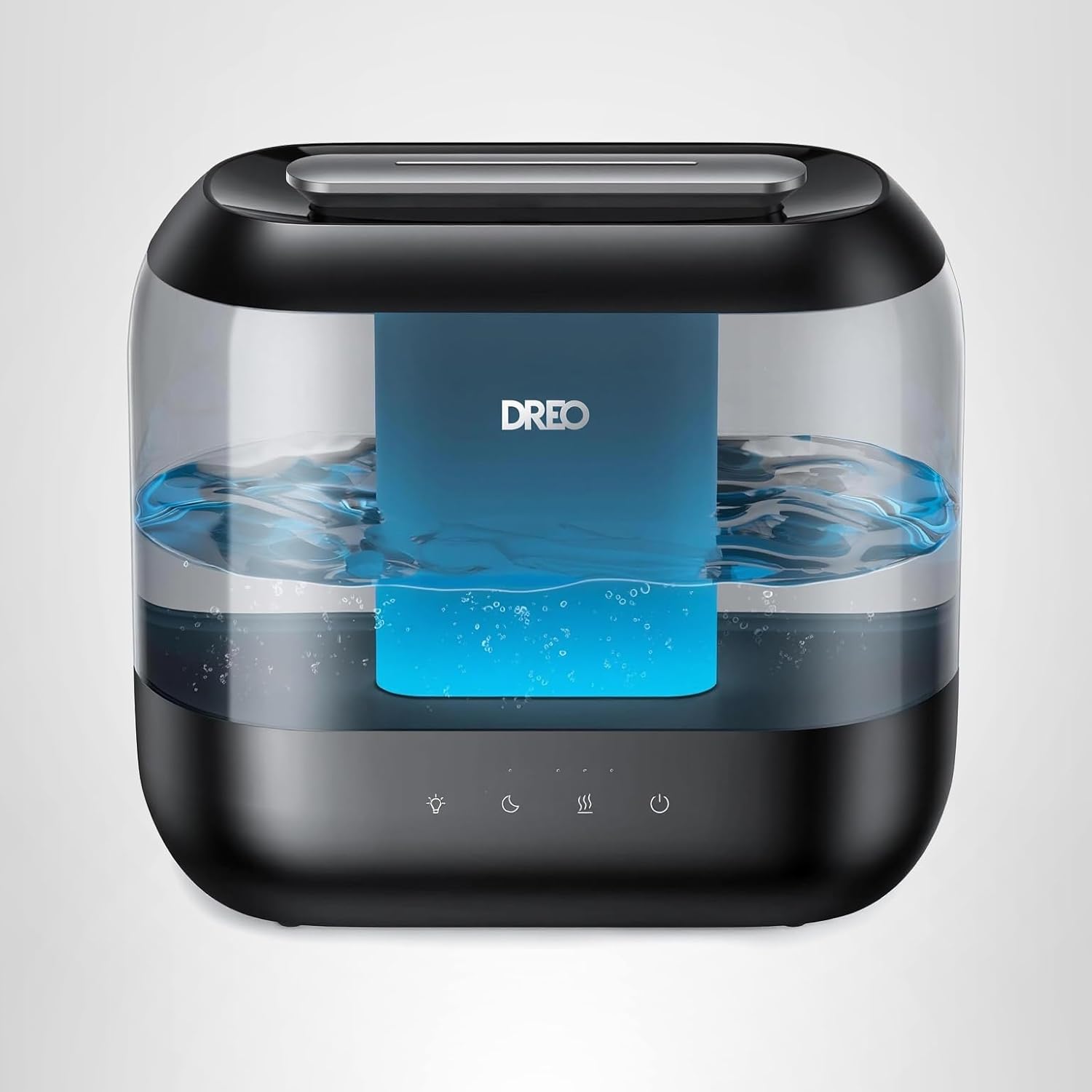
Dreo Humidifiers for Bedroom
Dreo Humidifiers for Bedroom, 4L Top Fill for Large Room, 36H Runtime, 28 dB Quiet Supersized Cool Mist Air Humidifier for Baby Nursery, Plants, Indoor, Night Light, Easy to Clean & Fill, Black

MMO Mug
MMO Mug - Legendary Coffee Mug Level 110 - Large Ceramic Black15oz - Gaming, Gamer Cup

Logitech G
Logitech G PRO X SUPERLIGHT 2 Wireless Gaming Mouse