
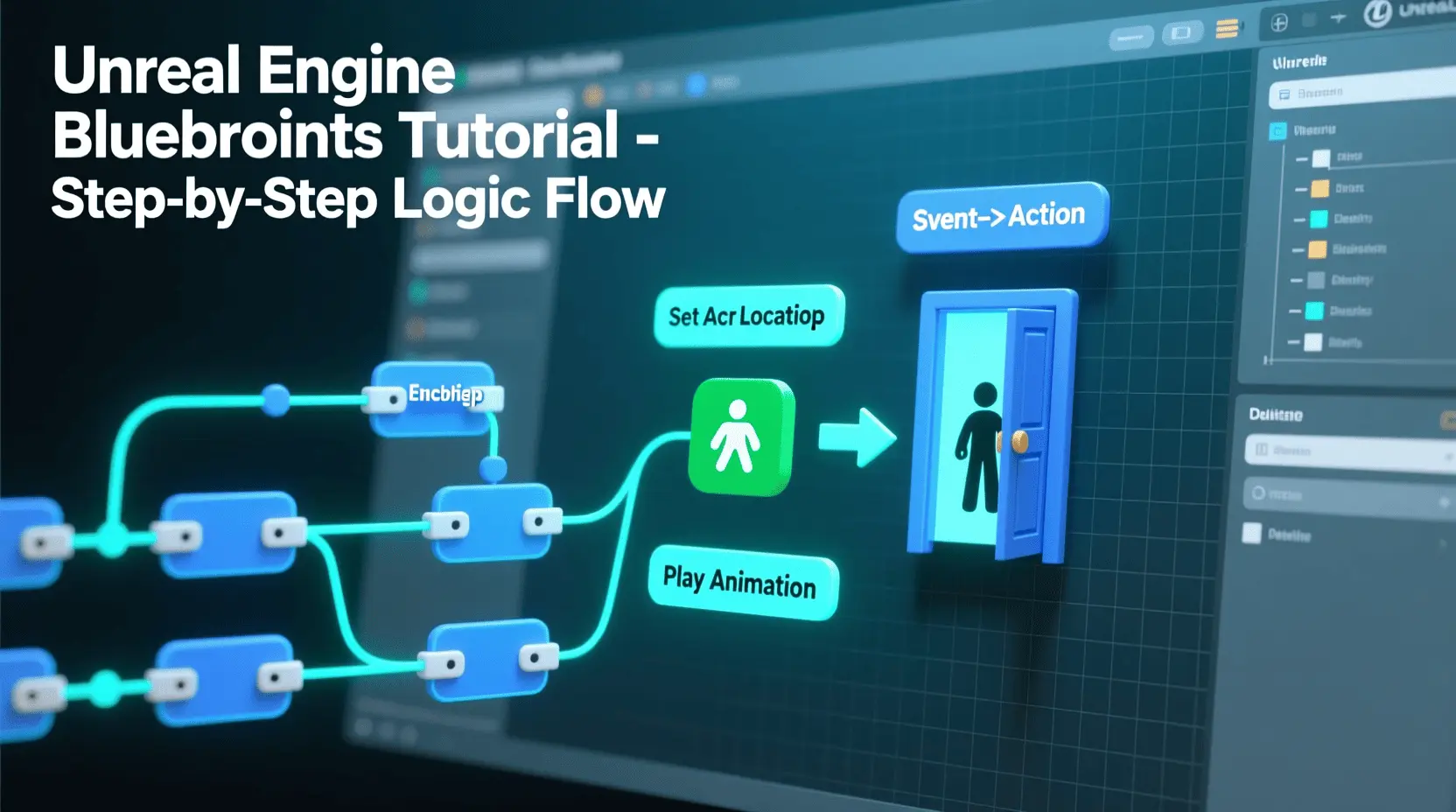
Ever dreamt of bringing your game ideas to life, crafting interactive worlds, and seeing players engage with your creations? For many aspiring developers, the journey into game development can seem daunting, but it doesn’t have to be. Thanks to powerful visual scripting tools like Unreal Engine Blueprints, creating games is more accessible than ever, even for those without extensive coding knowledge. This comprehensive Unreal Blueprints Tutorial will guide you through the essentials, proving that Unreal Blueprints Tutorial is a fantastic starting point for game development for beginners right from the comfort of your home. Learning game creation at home offers unparalleled flexibility and fosters a truly inspiring environment for creativity and innovation.
Materials & Supplies
To embark on your game development journey with Unreal Engine Blueprints, you’ll need a few essential tools. First, a capable computer is paramount ideally a desktop PC with a modern CPU (Intel i5/Ryzen 5 or better), at least 16GB RAM, and a dedicated graphics card (NVIDIA GTX 1060/AMD RX 580 or equivalent). Unreal Engine is graphically intensive, so a robust system will enhance your experience. You’ll also need the Unreal Engine software itself, which is free to download from Epic Games. While not strictly necessary for Blueprints, a code editor like Visual Studio Code can be helpful for project configuration or if you decide to dabble in C++ later. For creating game assets, free alternatives like GIMP or Krita for 2D graphics, Blender for 3D modeling, and Audacity for audio editing are excellent starting points. Consider investing in a high-quality Mechanical Gaming Keyboard for better ergonomics and responsiveness during long development sessions.
Timing / Development Schedule
Understanding the general timeline for game creation is crucial for setting realistic expectations. For a very simple game (e.g., a basic platformer or a ‘flappy bird’ clone), you might allocate 1-2 weeks for concept and design, brainstorming mechanics and sketching out levels. The core coding phase using Unreal Blueprints could take 2-4 weeks, focusing on player movement, basic interactions, and UI. Asset creation (placeholder art and sound) might run concurrently. Thorough testing and debugging should be an ongoing process but expect a dedicated 1-2 weeks for refinement. Finally, preparing for a “soft launch” or sharing with friends takes another few days. A small, polished game can realistically take 1-3 months, while more complex projects can span years. Start small, finish it, and then iterate.
Step-by-Step Instructions
Let’s outline the initial steps for developing a simple game using Unreal Blueprints:
- Install Unreal Engine: Download the Epic Games Launcher and install the latest stable version of Unreal Engine.
- Create a New Project: Open Unreal Engine, choose a “Games” template (e.g., Third Person or Top Down), and select “Blueprint” as the project type. Give it a meaningful name.
- Understand the Interface: Familiarize yourself with the Content Browser, Viewport, Details Panel, and World Outliner. These are your primary workspaces.
- Create Your First Blueprint: Right-click in the Content Browser, select Blueprint Class, and choose “Actor.” Name it appropriately (e.g., “BP_InteractableDoor”).
- Visual Scripting: Double-click your Blueprint to open the Blueprint Editor. In the Event Graph, drag off the “Event BeginPlay” node to add functionality. For instance, you could add a “Print String” node to display a message when the game starts, verifying your Blueprint is working.
- Basic Interaction: Experiment with input events (e.g., “Keyboard E”) and use nodes like “Branch” (if/else logic) or “Set Visibility” to make objects appear/disappear.
- Asset Integration: Import simple 3D models or textures into the Content Browser and drag them into your Blueprint’s Components tab or directly into the level.
- Test Regularly: Use the “Play” button in the editor often to check your changes and debug any issues.
Advantages of Learning Game Development
Learning game development, especially with an intuitive tool like Unreal Blueprints, offers a wealth of advantages. It’s a powerful exercise in creativity, allowing you to manifest imaginative worlds and unique gameplay mechanics. You’ll hone critical problem-solving skills as you troubleshoot bugs and design elegant solutions for complex systems. Logical thinking is constantly stimulated, strengthening your ability to break down large problems into manageable components. Beyond technical prowess, it fosters teamwork if you collaborate and can open doors to exciting career opportunities in the burgeoning gaming industry. Building games at home significantly improves both your technical aptitude and artistic expression.
Tips, Alternative Methods, or Development Advice
For beginners, starting with 2D games can be less overwhelming before transitioning to 3D. Engines like Godot or even visual scripting tools like Scratch offer simplified entry points if Unreal feels too complex initially. You could also explore Game Development with Unity, which also offers a visual scripting solution. If hardware is limited, focus on simpler projects or optimize settings within Unreal Engine. Time management is key; dedicate consistent, short bursts of time rather than infrequent, long sessions. Maximize your learning by actively engaging with online tutorials, documentation, and coding communities. Websites like YouTube, Udemy, and official Unreal Engine forums are invaluable resources for growth.
Common Mistakes to Avoid
Beginners often stumble into a few common pitfalls. The most frequent is overcomplicating the first project aim for something small and achievable. Neglecting regular testing is another major error; “playtesting” should be an integral part of your workflow to catch bugs early. Ignoring player feedback, even from friends, can lead to blind spots in your game’s design. To stay motivated, break down tasks into tiny, manageable steps. Don’t be afraid to scrap an idea if it’s not working, and remember that iteration is key to improvement. Persistent debugging and learning from mistakes will significantly improve your workflow.
Maintenance / Update Tips
Releasing a game, no matter how small, isn’t the end; it’s the beginning of its life cycle. Employ version control (like Git or Perforce) from day one to track changes and easily revert to previous states. Regularly collect player feedback through surveys or community forums to identify bugs and desired features. Prioritize bug fixes promptly to maintain player satisfaction. Plan for future content updates, even small ones, to keep your game fresh and engaging. Always back up your project files frequently to external drives or cloud services. Staying organized with well-named Blueprints and folders will save you countless headaches down the line.
Conclusion
Learning game development at home, especially with powerful tools like Unreal Engine Blueprints, is an incredibly rewarding journey. Remember to start small, focusing on completing a simple project before tackling ambitious ones. Consistency in practice is more valuable than sporadic bursts of effort. Don’t be shy about sharing your projects, no matter how humble feedback is a gift. The vibrant developer community is ready to support you. Ready to dive deeper? Explore more tutorials on Polycode.tech or connect with fellow developers in online forums to continue expanding your skills and bringing your digital dreams to life!
FAQs
What programming language should I start with?
For beginners, visual scripting languages like Unreal Engine Blueprints are an excellent starting point as they don’t require traditional coding syntax.
Which game engine is best for beginners?
Unreal Engine with Blueprints or Unity with its visual scripting options (Bolt/Script Machine) are highly recommended due to their extensive documentation and large communities.
How long does it take to make a small game?
A very simple game (e.g., a basic prototype) can take anywhere from a few weeks to 2-3 months for a beginner, depending on dedication and complexity.
Do I need to know coding to start?
No, not necessarily. Tools like Unreal Engine Blueprints allow you to create complex game logic using a visual, node-based system without writing a single line of code.
Where can I publish my first game?
For a small game, consider platforms like Itch.io for independent developers, or simply share it with friends and family. Larger platforms like Steam require more robust projects.

Arknights: Endfield
3D tactical RPG set in the Arknights universe. Lead a team of operators on a mysterious planet, explore new areas, build and optimize your base, and fight in dynamic battles while completing story-driven missions in a sci-fi world.
interface sounds OGG
interface sounds, UI sound effects, UX sound effects, game UI sounds, mobile UI audio, notification sound effects, button click SFX, menu sounds, toggle switch sounds, error alert sounds
Ultimate Mobile Controls – Plug & Play
Take your mobile game to the next level with this ready-to-use Mobile Controls Pack. customizable mobile controls without wasting days on UI and input setup. Perfect for 2D, 3D, FPS, RPG, Platformer, Shooter, and Casual mobile games.
Make Your First 2D Game in Unity
Want to build your first game but don’t know where to start? This beginner-friendly guide shows you how to create SampleGame2D — a fun Flappy Bird–style project — step by step in Unity. Inside you’ll learn: