

Visual Studio is one of the most popular and powerful Integrated Development Environments (IDEs) in the world. Developed by Microsoft, it offers a comprehensive suite of tools for developers to build applications ranging from simple console apps to complex enterprise level software. Whether you are a beginner or an experienced programmer, Visual Studio provides a versatile and efficient environment to develop, debug, and deploy applications across multiple platforms.
What is Visual Studio?
Visual Studio is an IDE that supports multiple programming languages, including C#, C++, Visual Basic, Python, JavaScript, and more. It allows developers to write code, test applications, and deploy solutions seamlessly. Unlike lightweight code editors, Visual Studio integrates advanced features like debugging, profiling, code analysis, and version control in one environment.
The platform comes in several editions: Community, Professional, and Enterprise. The Community edition is free for individual developers, open source projects, and small teams, making it accessible to beginners. Professional and Enterprise editions offer additional features suitable for larger teams and enterprise development.
Key Features of Visual Studio
1. Multi Language Support
Visual Studio is not limited to one programming language. It supports C#, C++, F#, Python, JavaScript, TypeScript, and more. This flexibility makes it ideal for developers working in diverse tech stacks. With IntelliSense, Visual Studio provides code suggestions, autocompletion, and real-time error checking, which increases coding efficiency.
2. Integrated Debugging
Debugging is one of the most critical tasks in software development, and Visual Studio offers one of the most advanced debugging experiences. You can set breakpoints, inspect variables, step through code, and analyze the call stack. For web developers, it also supports debugging JavaScript, CSS, and HTML directly within the IDE.
3. Git and Version Control Integration
Modern software development relies heavily on version control systems, and Visual Studio seamlessly integrates with Git and GitHub. You can clone repositories, commit changes, and resolve merge conflicts directly from the IDE. This feature simplifies collaborative development and ensures better code management.
4. Powerful Extensions and Customization
Visual Studio Marketplace offers thousands of extensions to enhance the IDE’s functionality. Developers can install tools for AI powered code suggestions, database management, containerization, testing, and more. This makes Visual Studio highly customizable to fit individual development workflows.
5. Cross-Platform Development
With Visual Studio, you can develop applications for Windows, macOS, Linux, iOS, and Android. Using Xamarin and .NET MAUI, developers can write cross-platform mobile applications with a single codebase. For web development, Visual Studio supports ASP.NET, JavaScript frameworks like React and Angular, and cloud deployments.
6. Code Analysis and Refactoring
Visual Studio includes powerful code analysis tools that help developers maintain clean and efficient code. It identifies potential issues, suggests improvements, and helps in refactoring code automatically. This improves software quality and reduces the likelihood of bugs in production.
7. Cloud Integration
Visual Studio integrates smoothly with Microsoft Azure, enabling developers to build, test, and deploy cloud applications. Features like Azure DevOps, App Services, and serverless computing are accessible directly from the IDE, streamlining cloud development workflows.
Why Visual Studio is Ideal for Beginners
Visual Studio is beginner friendly due to its intuitive interface and extensive learning resources. Microsoft offers official documentation, tutorials, and a community forum where beginners can seek guidance. The Community edition is free and fully featured, which encourages learners to experiment without financial constraints. Features like IntelliSense, code snippets, and debugging tools help new developers understand coding best practices efficiently.
Visual Studio vs Visual Studio Code
It is important not to confuse Visual Studio with Visual Studio Code (VS Code). While Visual Studio is a full-featured IDE, VS Code is a lightweight code editor. VS Code is suitable for quick edits, scripting, and smaller projects, whereas Visual Studio is designed for larger, complex applications requiring extensive debugging, testing, and integration capabilities. Both tools complement each other, and developers often use them together depending on project needs.
Tips for Optimizing Visual Studio
To get the most out of Visual Studio, consider the following tips:
- Use Extensions Wisely: While extensions can enhance functionality, installing too many may slow down the IDE. Focus on essential tools for your workflow.
- Customize Shortcuts: Visual Studio allows you to create custom keyboard shortcuts for frequently used commands, improving productivity.
- Enable Live Share: For remote collaboration, Live Share enables multiple developers to edit code simultaneously, making team projects easier.
- Regularly Update: Microsoft frequently updates Visual Studio with new features and bug fixes. Keeping your IDE up to date ensures optimal performance.
- Use Code Snippets: Predefined code snippets save time and maintain consistency across your projects.
Common Use Cases of Visual Studio
1. Desktop Application Development
Visual Studio excels at developing Windows desktop applications using WPF, WinForms, or UWP. Developers can design graphical interfaces visually and link them with backend logic seamlessly.
2. Web Development
ASP.NET developers rely on Visual Studio to build scalable web applications. With integrated debugging, database management, and cloud deployment tools, Visual Studio simplifies full-stack web development.
3. Mobile App Development
With Xamarin and .NET MAUI, Visual Studio enables cross platform mobile app development. Developers can write code once and deploy it across iOS and Android, saving time and resources.
4. Game Development
Visual Studio is a preferred IDE for Unity game development. Its robust debugging, code analysis, and integration with game engines streamline the creation of high-quality games.
5. Cloud Based Solutions
Developers building cloud applications on Microsoft Azure benefit from Visual Studio’s built-in tools for deployment, monitoring, and scaling applications.
Conclusion
Visual Studio is more than just an IDE; it is a complete ecosystem for developers. Its versatility, extensive features, and strong community support make it ideal for building applications of any scale and complexity. Whether you are a beginner exploring coding or a professional developing enterprise software, Visual Studio provides the tools, flexibility, and resources to succeed.
interface sounds OGG
interface sounds, UI sound effects, UX sound effects, game UI sounds, mobile UI audio, notification sound effects, button click SFX, menu sounds, toggle switch sounds, error alert sounds

beyerdynamic DT 770 PRO 80 Ohm Over-Ear Studio Headphones in Gray
beyerdynamic DT 770 PRO 80 Ohm Over-Ear Studio Headphones in Gray. Enclosed Design, Wired for Professional Recording and Monitoring

Apple AirTag 4 Pack
Brand Apple Are Batteries Included Yes Number of Batteries 4 CR2032 batteries required. (included) Product Dimensions 1.26\"L x 1.26\"W x 0.31\"Th Compatible Devices airtag
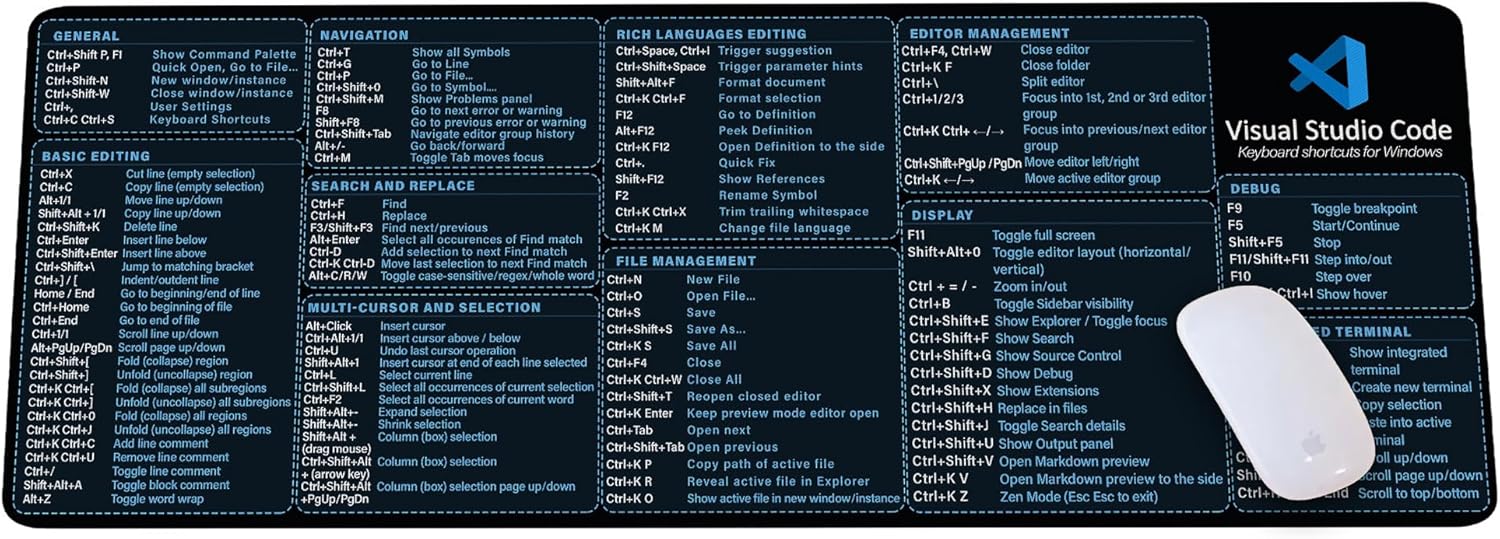
Visual Studio Code Shortcuts Mouse Pad
Visual Studio Code Shortcuts Mouse Pad – Desk Mat for Programmers, Coders & Beginners, Great Office Gift for Developers & Tech Enthusiasts, Computer Accessory for Study, Work, and Learning KMH
I like the helpful info you provide in your articles. I’ll bookmark your weblog and check again here regularly. I’m quite sure I will learn lots of new stuff right here! Good luck for the next!
Good write-up, I am normal visitor of one’s web site, maintain up the nice operate, and It is going to be a regular visitor for a lengthy time.
Attractive section of content. I simply stumbled upon your web site and in accession capital to claim that I acquire in fact loved account your weblog posts. Anyway I will be subscribing to your feeds and even I fulfillment you access constantly fast.
Thank you, I’ve recently been searching for information about this subject for ages and yours is the greatest I’ve discovered so far. But, what about the conclusion? Are you sure about the source?
I have read a few good stuff here. Definitely worth bookmarking for revisiting. I wonder how much effort you put to create such a fantastic informative website.
Excellent read, I just passed this onto a friend who was doing some research on that. And he just bought me lunch since I found it for him smile Therefore let me rephrase that: Thank you for lunch!
Thanks for sharing excellent informations. Your web-site is very cool. I’m impressed by the details that you’ve on this website. It reveals how nicely you perceive this subject. Bookmarked this web page, will come back for more articles. You, my friend, ROCK! I found just the info I already searched all over the place and simply couldn’t come across. What an ideal web site.
You can certainly see your expertise in the work you write. The world hopes for more passionate writers like you who are not afraid to say how they believe. Always follow your heart.
Dead composed subject matter, Really enjoyed looking through.
I really appreciate this post. I’ve been looking all over for this! Thank goodness I found it on Bing. You’ve made my day! Thx again
I’m curious to find out what blog system you have been using? I’m having some small security problems with my latest blog and I’d like to find something more safeguarded. Do you have any suggestions?
Wow that was strange. I just wrote an extremely long comment but after I clicked submit my comment didn’t show up. Grrrr… well I’m not writing all that over again. Anyway, just wanted to say fantastic blog!
wonderful points altogether, you just gained a new reader. What would you recommend in regards to your post that you made a few days ago? Any positive?
Sugaring effektive und moderne Haarentfernung in Berlin Die Epilation mit Zuckerpaste wird von unseren speziell dafür ausgebildeten Kosmetikerinnen / Depiladoras an allen Körperregionen durchgeführt. Wir bieten diese effektive und moderne Behandlung sehr erfolgreich und schonend mit einem Maximum in der Hygiene der Anwendung an. Sugaring wird immer beliebter.