
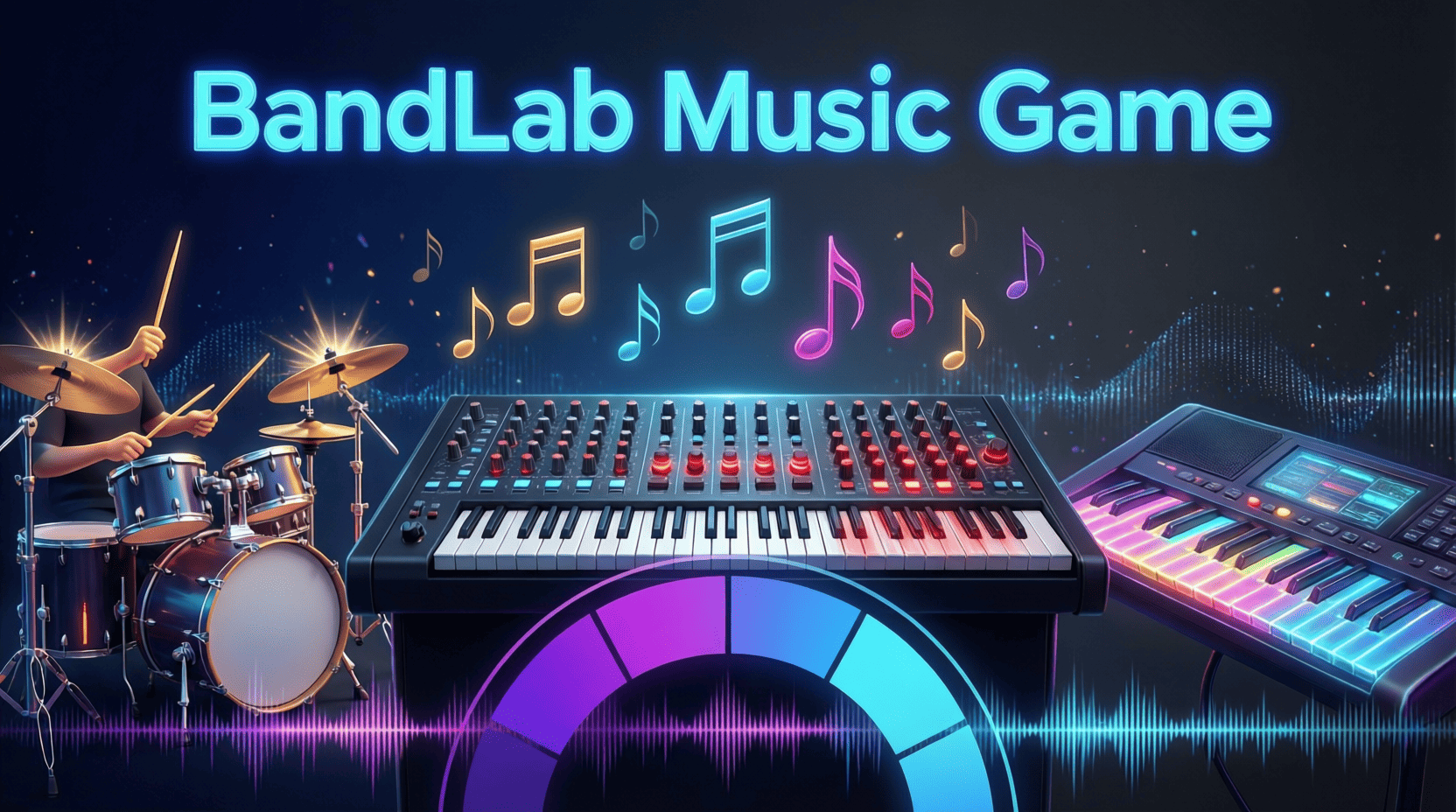
What is BandLab Music Game?
In the ever-evolving landscape of gaming and music creation, BandLab Music Game stands out as a unique platform that combines the thrill of competitive gaming with the artistry of music production. As someone who has navigated both worlds, I can attest to the innovative experience BandLab offers. This article will explore what BandLab Music Game is, how it works, and provide you with the tools and strategies to make the most of your experience.
Understanding the Basics of BandLab Music Game
At its core, BandLab Music Game is an interactive platform where users can create, share, and collaborate on music projects while engaging in competitive challenges. It allows musicians and gamers alike to express their creativity in a fun and dynamic way.
Key Features of BandLab Music Game
- Music Creation Tools: The platform offers a range of tools for music production, including a digital audio workstation (DAW), virtual instruments, and effects.
- Collaboration: Users can collaborate in real-time on music projects, making it easy to work with friends or fellow musicians from around the world.
- Competitive Challenges: Players can participate in various music challenges that test their skills and creativity.
- Social Sharing: The platform includes features for sharing music with the community, receiving feedback, and gaining followers.
Getting Started with BandLab Music Game
If you’re new to BandLab Music Game, follow these steps to get started:
Step-by-Step Guide to Setting Up Your Account
- Visit the BandLab Website: Go to BandLab.com and click on the “Sign Up” button.
- Create an Account: You can sign up using your email address or social media accounts. Fill in the necessary details.
- Set Up Your Profile: Customize your profile by adding a profile picture, bio, and links to your social media accounts.
- Explore the Dashboard: Familiarize yourself with the dashboard, which includes options for creating music, joining challenges, and accessing your projects.
Exploring the Music Creation Tools
Once you’ve set up your account, it’s time to dive into the music creation tools. Here’s a brief overview:
- Mix Editor: BandLab’s DAW allows you to record, edit, and mix your tracks. You can add different instruments, vocals, and effects.
- Loops & Samples: The platform offers a library of loops and samples that can be used in your compositions.
- Virtual Instruments: Users have access to a variety of virtual instruments to enhance their music projects.
Collaboration in BandLab Music Game
One of the standout features of BandLab Music Game is its emphasis on collaboration. Here’s how you can make the most of it:
How to Collaborate with Other Musicians
- Invite Friends: You can invite friends to collaborate on your projects by sending them an invitation through the platform.
- Join Collaborations: Explore the community to find ongoing projects that you can join. This is a great way to meet new musicians and expand your skills.
- Real-Time Editing: Work together in real-time, allowing for instant feedback and adjustments to your music.
Participating in Competitive Challenges
BandLab Music Game hosts various challenges that encourage users to push their creative limits. Here’s how to get involved:
Finding and Entering Challenges
- Navigate to the Challenges Section: On your dashboard, find the challenges tab to see current contests.
- Review Challenge Details: Each challenge will have specific guidelines regarding themes, deadlines, and judging criteria.
- Submit Your Entry: Once you’ve created your track, follow the submission instructions to enter the challenge.
Checklist for Challenge Success
- Understand the challenge rules and criteria.
- Create a unique and engaging track that fits the theme.
- Promote your entry within the BandLab community.
- Seek feedback from others before submitting.
Engaging with the BandLab Community
Building connections within the BandLab community is essential for growth and inspiration. Here are some tips:
Tips for Networking and Gaining Followers
- Share Your Work: Regularly share your tracks and projects to keep your followers engaged.
- Comment and Collaborate: Engage with other users by commenting on their work and offering collaboration opportunities.
- Participate in Discussions: Join forums and discussions within the platform to share ideas and learn from others.
Feedback and Improvement
Receiving constructive feedback is vital for improving your music production skills. Here’s how to solicit and utilize feedback effectively:
- Ask Specific Questions: When sharing your work, ask for feedback on specific elements like melody, lyrics, or production quality.
- Be Open to Critique: Accept feedback graciously, and use it to make adjustments to your projects.
Advanced Tips for Mastering BandLab Music Game
Once you’ve grasped the basics, consider these advanced tips for taking your BandLab experience to the next level:
Utilizing Advanced Features
- Experiment with Effects: Explore the range of effects available in the DAW to enhance your sound.
- Use Automation: Learn how to automate changes in volume, panning, and effects to create dynamic tracks.
Staying Updated with Trends
The music industry is constantly evolving, so staying updated with the latest trends is crucial. Follow popular artists and engage with the community to keep your finger on the pulse of new styles and techniques.
Conclusion
BandLab Music Game is not just a platform for creating music; it’s a vibrant community of artists and gamers who share a passion for creativity. By leveraging the tools and features available, collaborating with others, and participating in challenges, you can develop your skills and connect with like-minded individuals. For a more in-depth exploration, check out our BandLab Music Game: A Comprehensive Guide. Whether you’re a beginner or an experienced musician, BandLab offers a space for everyone to thrive.
Make Your First 2D Game in Unity
Want to build your first game but don’t know where to start? This beginner-friendly guide shows you how to create SampleGame2D — a fun Flappy Bird–style project — step by step in Unity. Inside you’ll learn:
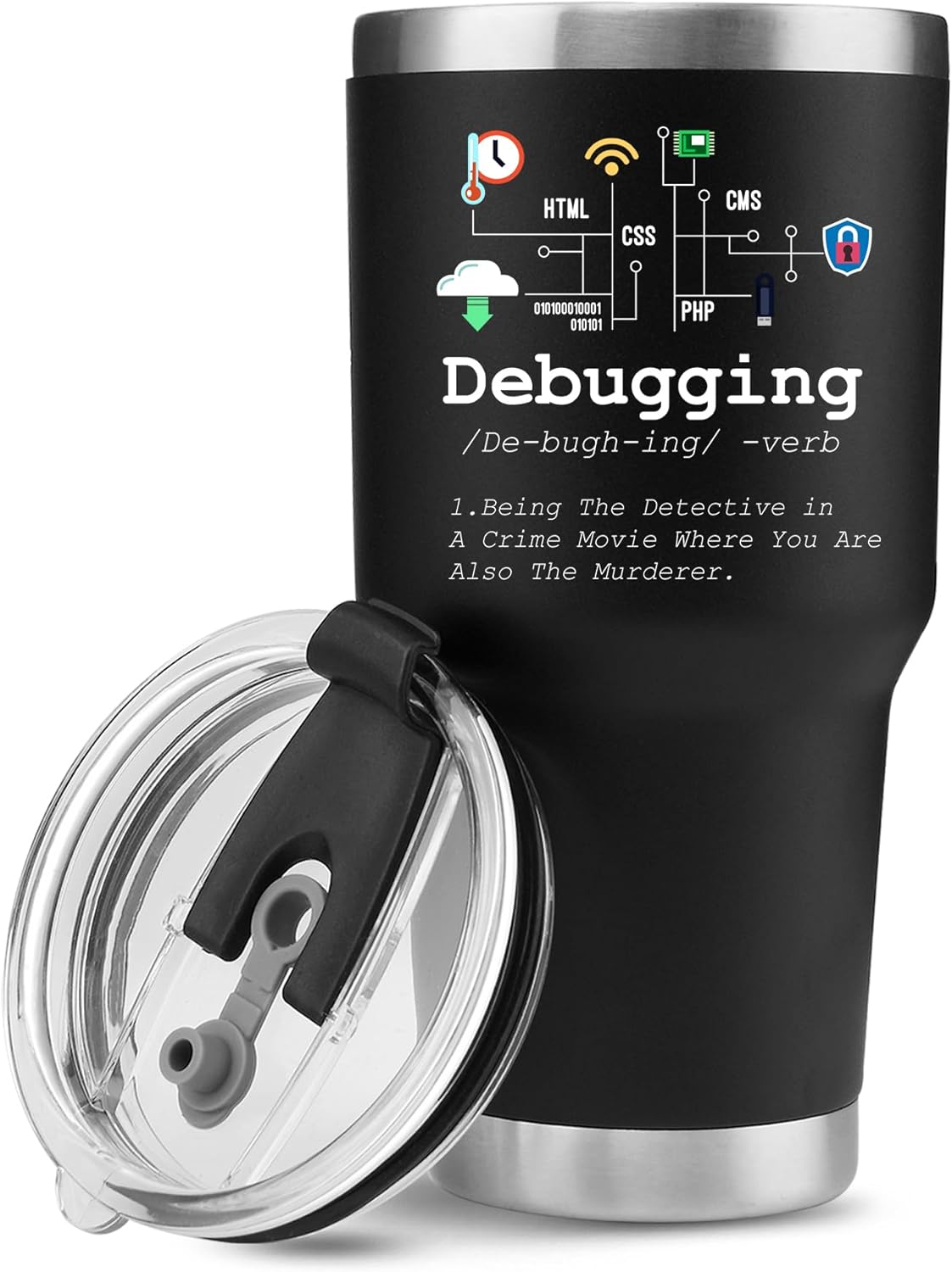
Panvola
Panvola Debugging Definition Computer Programmer Gifts Student Teacher Coder Boyfriend Girlfriend IT Vacuum Insulated Tumbler Tech Support Travel Mug Stainless Steel With Straw Removable Lid (30 oz)
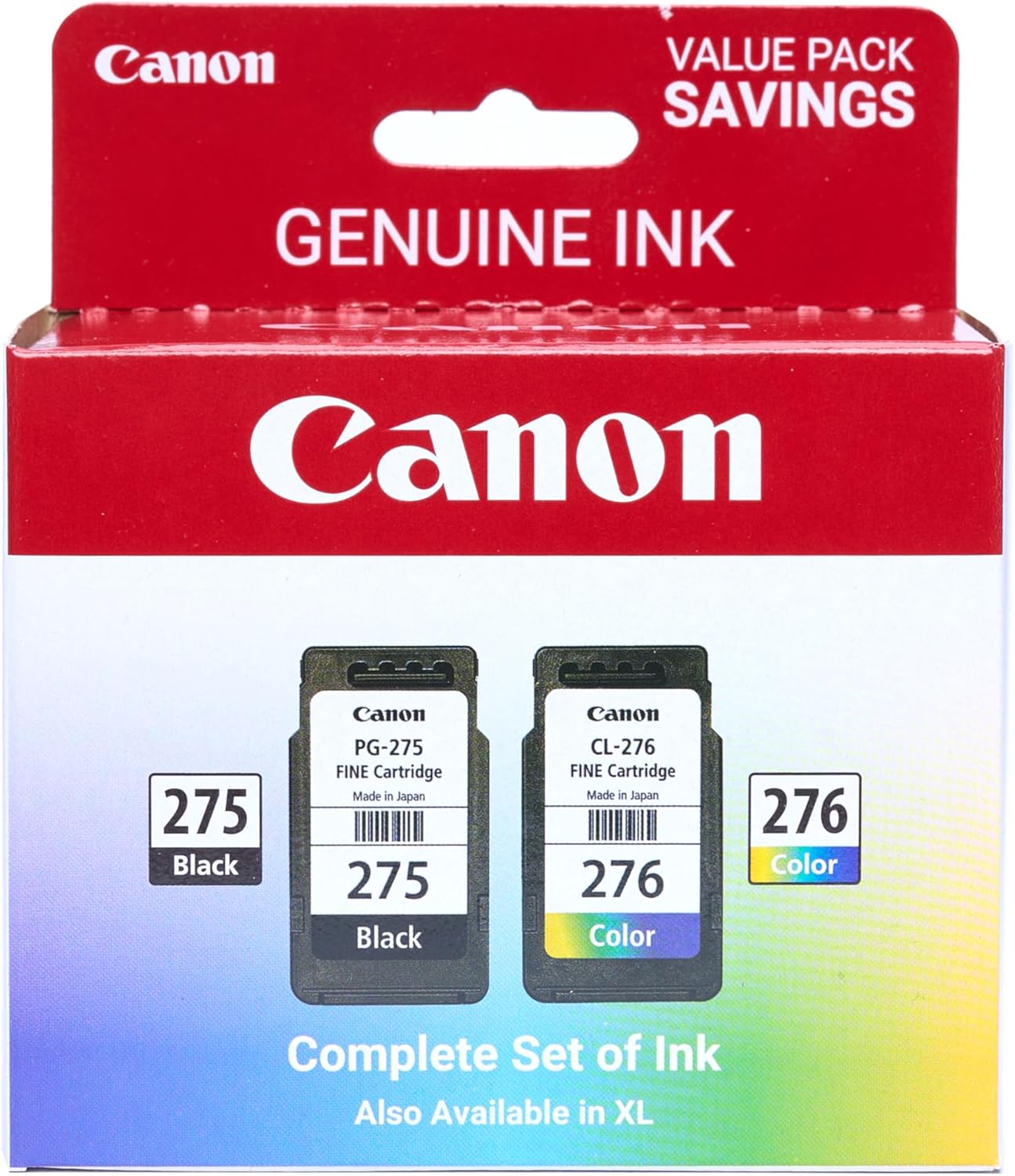
Canon PG-275
Canon PG-275 / CL-276 Genuine Ink Value Pack (2 Cartridges), Compatible with TS3520/3522/4722/3720/3722, TR4720
Ultimate Mobile Controls – Plug & Play
Take your mobile game to the next level with this ready-to-use Mobile Controls Pack. customizable mobile controls without wasting days on UI and input setup. Perfect for 2D, 3D, FPS, RPG, Platformer, Shooter, and Casual mobile games.